
Local-first video tools for inspection and capture.
ScopeDock helps you preview microscopes, endoscopes, RTSP sources, and ONVIF-discovered cameras in a fast desktop workflow designed for practical work instead of surveillance dashboards.
- Local-first workflow
- USB / RTSP / ONVIF
- Privacy-friendly by default
Designed like a modern product site, not a surveillance wall.
A brighter, more editorial direction for ScopeDock and future NgSense tools.
Start here if you want the short version
NgSense is a product website for local-first camera tools used in inspection and capture workflows. In the current first phase, that means ScopeDock for USB UVC devices, RTSP inputs, ONVIF discovery, and lightweight multi-source review on macOS.
The homepage is meant to answer one practical question fast: where should you go next? If you need product fit, open the ScopeDock page. If you need platform and protocol clarity, open Download and Compatibility. If you need help or want to ask a question, use Support or Contact.
Product spotlight
NgSense is a growing product platform. ScopeDock is the first release, and the content model already leaves room for more tools and more languages.
Available now
ScopeDock
A local-first camera workspace for microscopes, endoscopes, RTSP feeds, and lightweight multi-source inspection workflows.
Next layer
Download and compatibility
See current platform support, protocol coverage, system requirements, and known limitations before you commit.
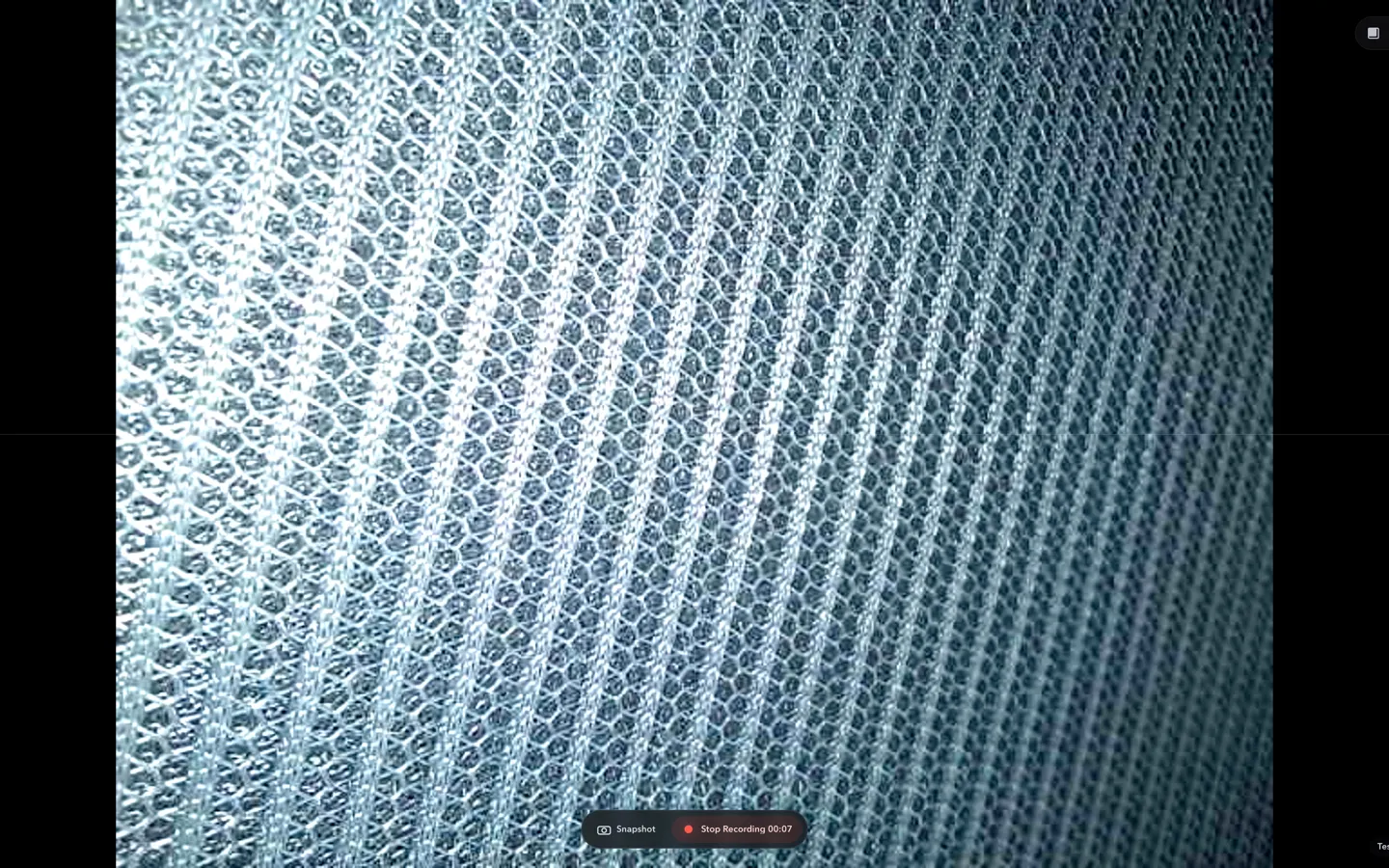
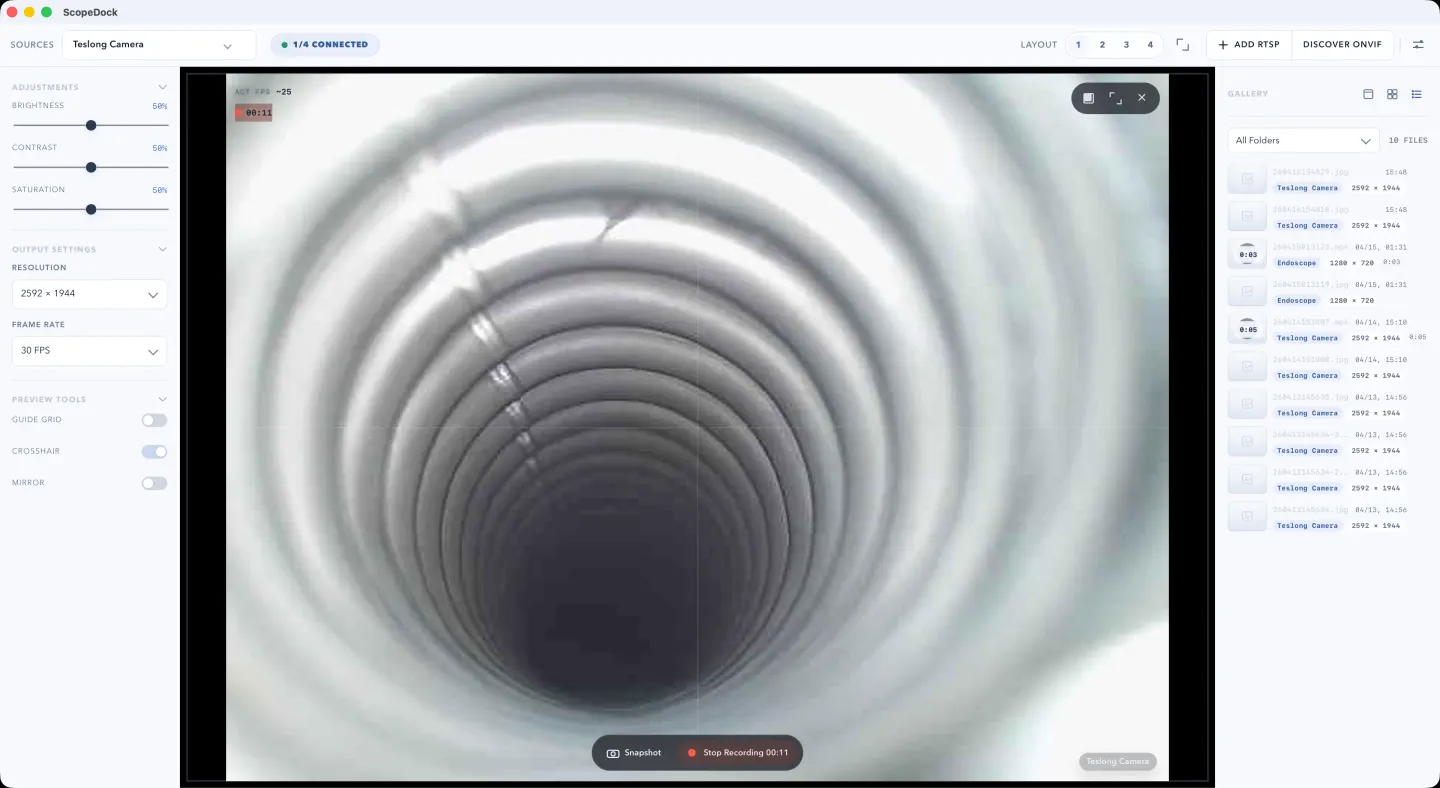
See the product shape before the real screenshot batch arrives
These app-style mock screenshots make the homepage feel like a real software site now, and each one already maps to a future real ScopeDock capture.
Virtual main workbench preview
This mock gives the homepage a concrete product proof block now, then maps directly to the real main workbench capture later.
Virtual microscope workflow preview
This preview stands in for the future microscope-oriented product shot and keeps the homepage tied to real bench-style use cases.
Virtual source setup preview
This setup-oriented mock communicates practical onboarding before the real bench and setup captures arrive.
Four facts before someone chooses a path
These are the facts the homepage should state directly so search visitors and AI summaries do not have to infer them.
Primary job
Explain local-first camera tools without making people guess.
The homepage should route visitors into product, download, support, and blog paths in the first scroll.
Current product
ScopeDock is the first public product lane.
It centers on USB UVC, RTSP, ONVIF, and lightweight multi-source inspection work.
Best fit
Microscope, endoscope, repair, and light inspection workflows.
Short technical sessions benefit most from the calmer local-first approach.
Not designed as
A surveillance wall or livestream studio.
That boundary should stay visible across product, download, support, and blog content.
What users should understand in the first minute
The homepage exists to establish the NgSense point of view, then send people to the right next step instead of burying everything in one long hero.
Fast preview
Work with cameras immediately
Start from USB UVC devices, RTSP sources, or ONVIF discovery without turning your workflow into a heavy security stack.
Local-first
Keep inspection work close to the device
Default product flows are local-first, practical, and privacy-aware. Cloud dependence is not assumed.
Lightweight
Built for focused capture sessions
ScopeDock is shaped for microscope, endoscope, repair, and lightweight industrial observation work instead of streaming or live production.
Download, support, and feedback are first-class paths
This is not a brochure site. Every core journey should have a clear continuation into compatibility checks, self-serve help, or structured feedback.
Check compatibility
Review current macOS support, protocol coverage, and known limits before downloading.
Visit support
Find FAQ answers, troubleshooting direction, and the quickest route to the right help entry point.
Read the blog
Use guides, workflows, and product updates to evaluate whether ScopeDock fits your setup.
Send feedback
Use the Contact page to share bug reports, compatibility questions, business inquiries, or product requests.
NgSense should feel closer to a clean product magazine than a generic software dashboard.
Common starting points
ScopeDock is designed for lightweight professional and technical workflows where quick camera access matters more than a complex control center.
Microscope users
Check solder joints, material details, or education and lab samples without wrestling with generic webcam tools.
Endoscope users
Bring a local-first viewer to maintenance, cavity inspection, and narrow-space diagnostics with less setup friction.
Repair inspection teams
Use capture, snapshot, and recording workflows that stay oriented around analysis rather than surveillance.
Light industrial observation
Review local camera inputs, document what you see, and move quickly through short inspection sessions.
Content that supports evaluation and onboarding
The blog is part of the product system, not a side channel. It helps global users arrive from search, learn fast, and return to product decisions.
How to choose USB microscope software on macOS
A simple checklist for evaluating USB microscope software on macOS when you care about local workflows, camera setup speed, and capture clarity.
How RTSP camera workflows fit into ScopeDock
RTSP support matters for inspection teams that rely on local IP cameras. This guide explains how that workflow fits into ScopeDock's product direction.
Why local-first video tools fit inspection workflows
Inspection teams often need speed, privacy clarity, and practical capture more than cloud-heavy operational layers. Local-first tooling changes that balance.
Start with the right next step
Download ScopeDock if you are ready to test it, or use the support and contact paths if you still need compatibility or workflow answers.