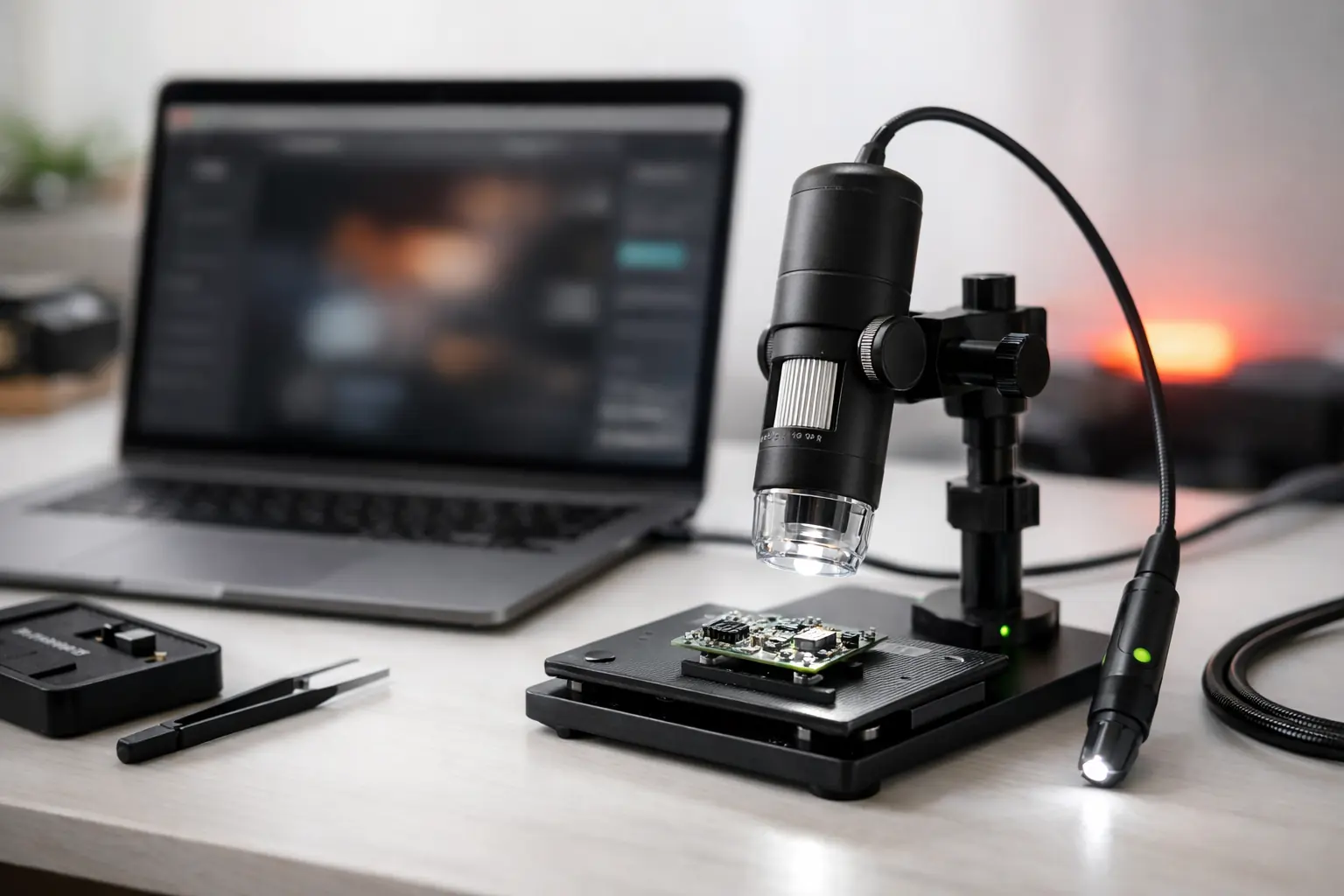
ScopeDock 1.1.0 improves RTSP network camera and recording workflows for local-first inspection and capture work on macOS.
What changed
- RTSP preview now supports continuous video streaming.
- RTSP preview resolution and frame rate options are available after connection.
- Some cases where RTSP recordings could fail to save have been fixed.
- RTSP snapshots and recordings now have improved file organization and thumbnails.
- Multi-camera, workspace, and saved source workflows have been improved.
- RTSP connection, authentication, and timeout errors now have clearer messages.
What this means for RTSP users
This release is most relevant if your workflow depends on local IP camera sources. ScopeDock remains a lightweight inspection workspace, not a surveillance wall, so the update is focused on practical preview, capture, recording, and troubleshooting clarity.
Network camera compatibility can still vary by device implementation. If an RTSP or ONVIF path behaves differently from the expected flow, start with local network reachability, credentials, supported stream profiles, and device-specific RTSP behavior.
Privacy boundary
ScopeDock remains local-first. It does not automatically upload videos, images, full RTSP URLs, LAN IP addresses, or media paths. Product feedback and anonymous usage measurement remain separate systems.
Download options
ScopeDock 1.1.0 is available by direct download and on the Mac App Store.
Use the download and compatibility page if you want to compare platform support, requirements, and known limits before installing.