ScopeDock 1.1.1

ScopeDock 1.1.1 adds Apple Silicon and Intel direct downloads

ScopeDock 1.1.1 provides separate direct-download builds for Apple Silicon and Intel Macs while keeping the 1.1 series RTSP preview, snapshot, and recording improvements.

  • product updates
  • June 9, 2026
  • ScopeDock
  • macOS
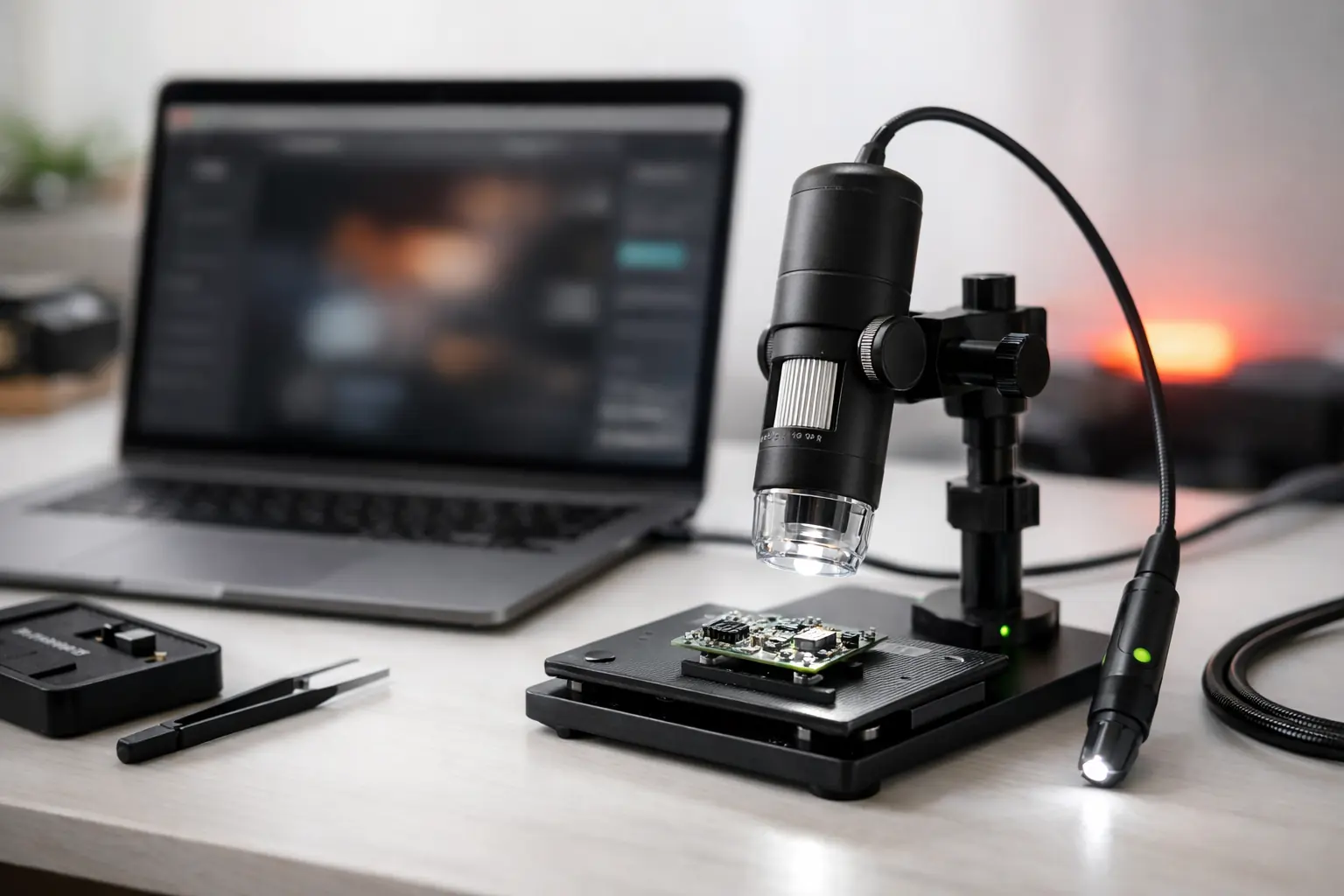
ScopeDock inspection station with camera hardware and MacBook workspace.
Article context

Each article includes a visual anchor so the page feels connected to the real product and workflow.

Quick answer

This article now states its role more directly

These summary blocks help readers and AI systems identify the main answer, the article type, and the next recommended action.

Article answer

ScopeDock 1.1.1 provides separate direct-download builds for Apple Silicon and Intel Macs while keeping the 1.1 series RTSP preview, snapshot, and recording improvements.

The article page now repeats the core takeaway in a scannable block instead of leaving it buried in body text.

Content type

A product-change note with direct user impact.

Update posts should state what changed, who it affects, and where to go next.

Best next step

Move to download, support, or a related guide once the main question is answered.

Blog pages are designed to continue the journey instead of ending it.

ScopeDock 1.1.1 provides two separate direct-download builds for macOS:

Choose the Apple Silicon version for M-series Macs. Choose the Intel version for older Intel-based Macs.

This release does not update the Mac App Store build. The App Store path remains available for users who prefer Apple’s store distribution flow, but the 1.1.1 change is focused on the website direct-download channel.

ScopeDock 1.1.1 continues to include the 1.1 series improvements for RTSP preview, snapshots, and recording stability. That means the direct-download builds retain the RTSP continuous preview path, capture workflow improvements, and practical local-first inspection behavior introduced in the 1.1 series.

The privacy boundary is unchanged. ScopeDock does not automatically upload videos, images, full RTSP URLs, LAN IP addresses, or media paths.

If you are unsure which build to choose, open the Download and Compatibility page. It lists the current platform status, direct-download choices, App Store note, system requirements, known limits, and checksum references.

Next steps

Where to go after this article

The blog should help readers move into product evaluation, compatibility checks, support, or feedback without losing context.

Check compatibility

Confirm whether the update changes anything relevant to your platform or source type.

Send feedback

Use the contact path if the update affects your workflow or raises a product request.

Related reading

More from the same content lane

Next step

Ready to test the product behind the guide?

Product pages, support paths, and feedback should stay close to blog content so people can move forward without losing context.