
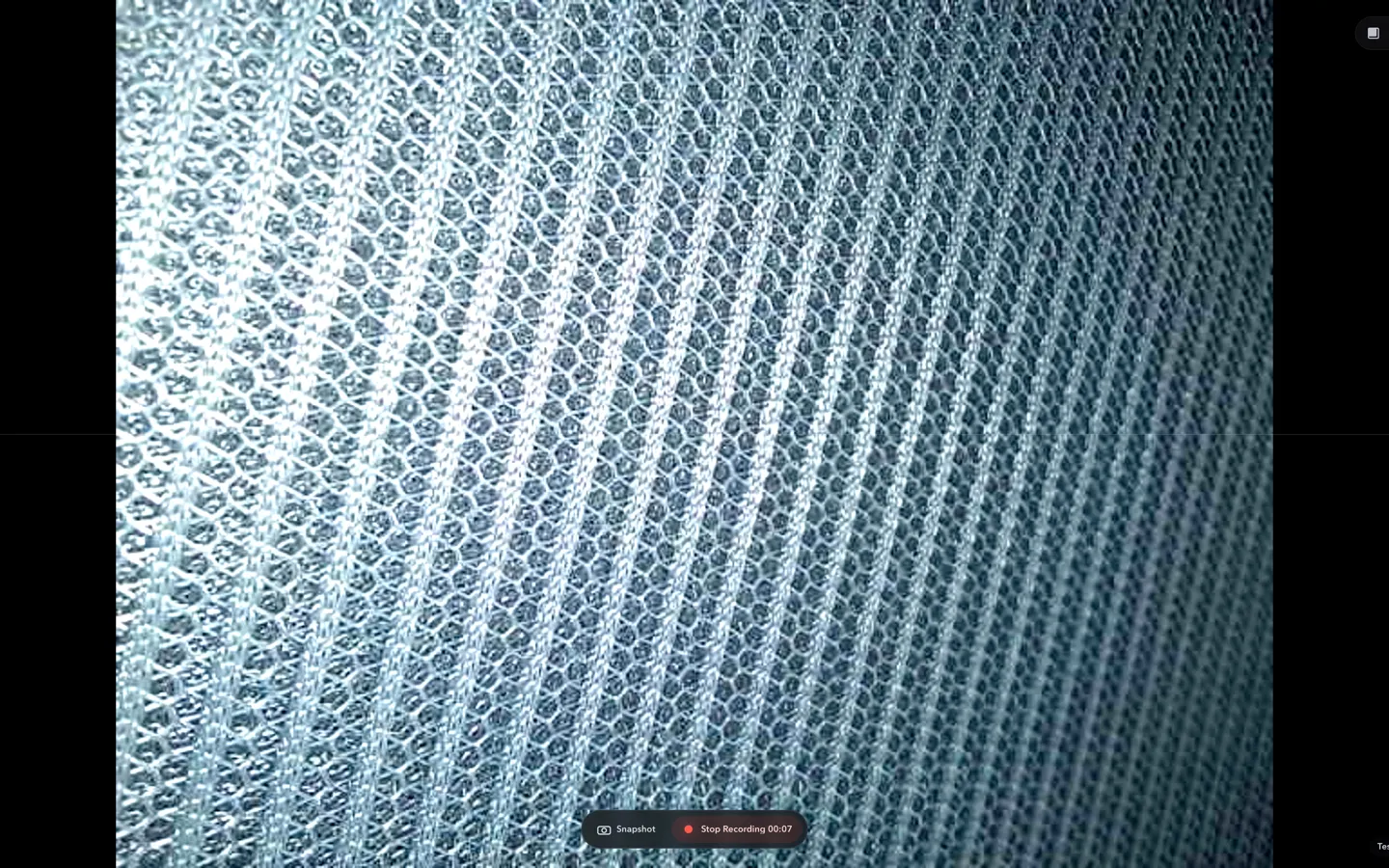
01 Camera inspection for Mac
ScopeDock
Look closer with a USB or RTSP camera. Compare details and save the evidence locally.
Inspect a detail, finish a document, navigate your screens, or display a webpage. Choose the app that fits the job.
Start with ScopeDock for camera inspection, or choose an independent app for writing, multi-display work, or a dedicated Android display.
Look closer with a USB or RTSP camera. Compare details and save the evidence locally.
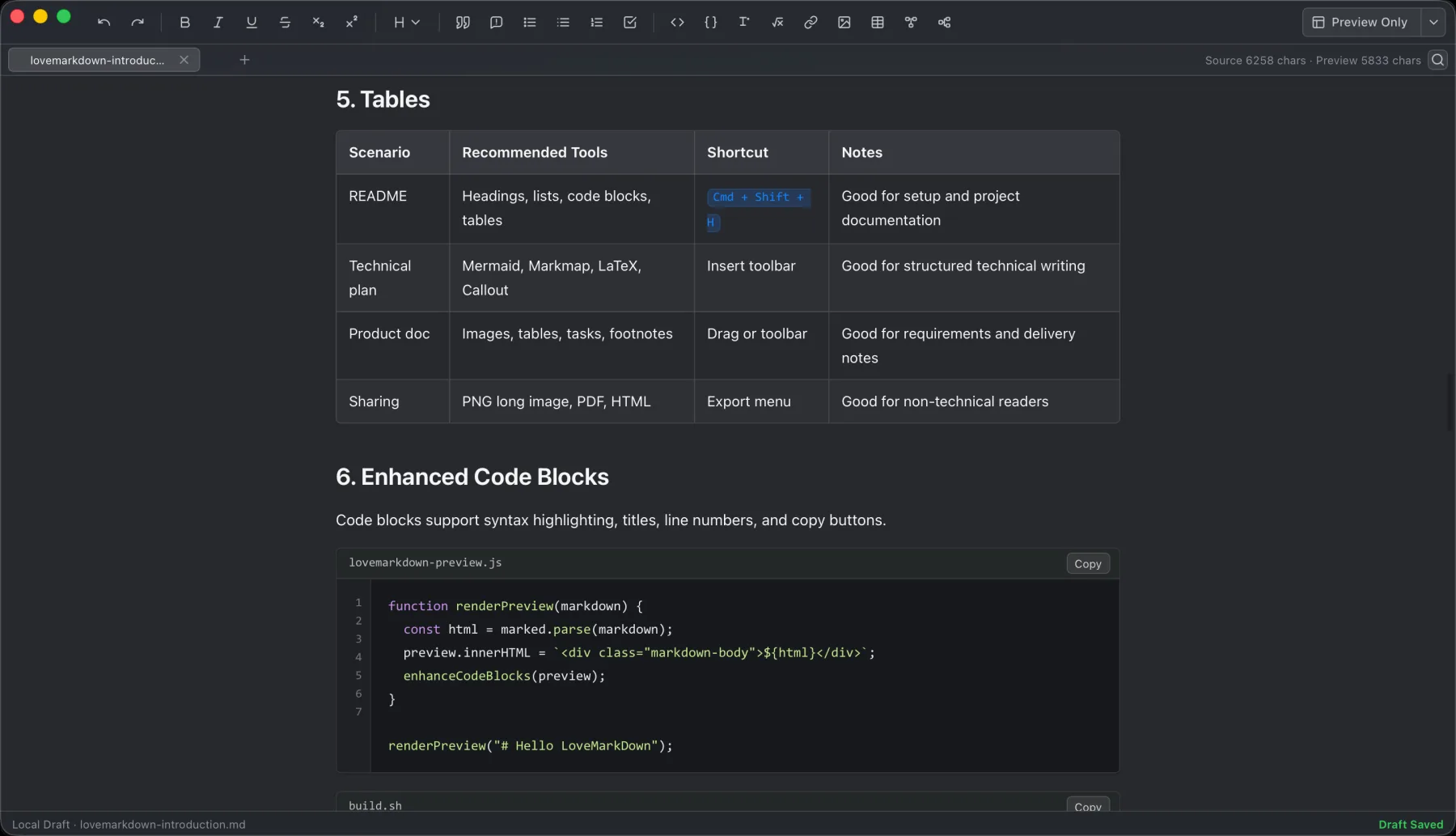
Open local Markdown files, browse nearby documents from the path bar, write in Source, Split, or Visual mode, and export portable copies.
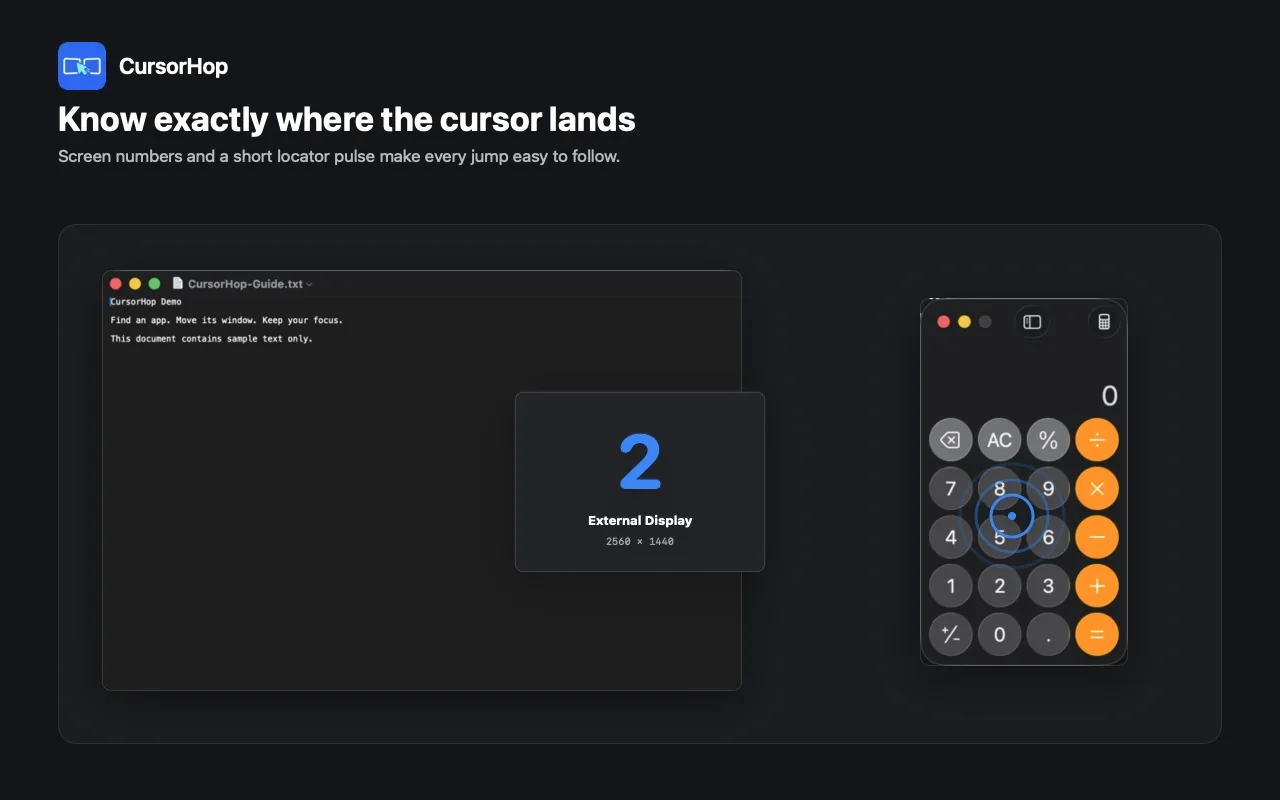
Jump across connected displays, find running apps by their initial, reveal the pointer, and keep the active work context in focus.
Put existing webpages on an Android display with a timed playlist, prepared page transitions, and on-device settings.
Installation and help stay specific to the app you choose.
Apple Silicon, Intel, and Mac App Store downloads, plus camera compatibility.
One universal Direct installer, or the Mac App Store.
Choose a channel by its permissions and window-control model.
Get the Google Play app and follow the first-screen setup.