
01
Inspect a small detail
Connect a USB microscope and bring the material into view. Adjust the device and preview until the detail is clear.
A live view you can examine without a cloud upload.
Explore this workflow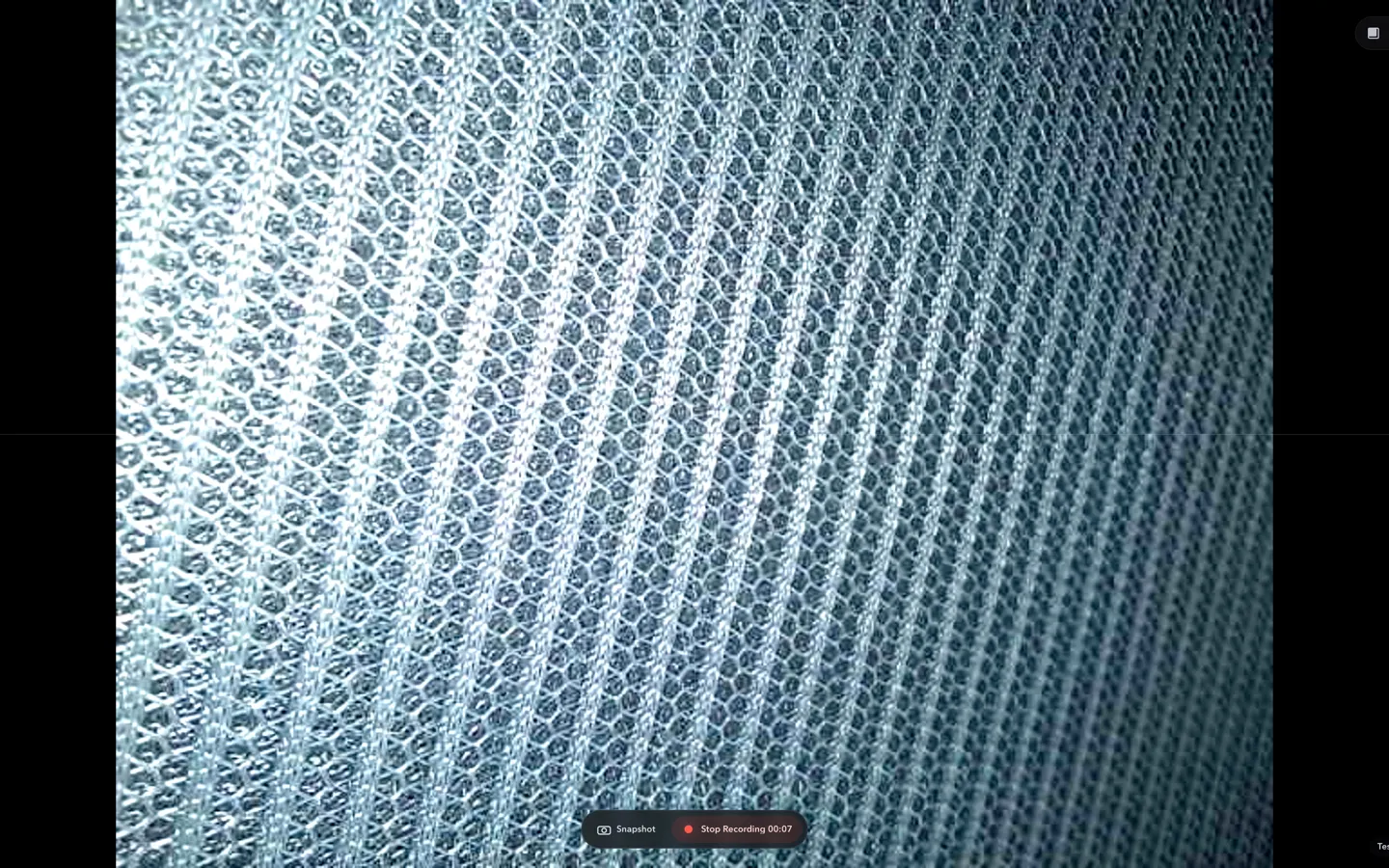
Connect a USB or RTSP camera, inspect the details, and keep a photo or recording of what you find. A focused workspace for the bench, not a control room.
Real product views show what you can do during an inspection.
Connect a USB microscope and bring the material into view. Adjust the device and preview until the detail is clear.
A live view you can examine without a cloud upload.
Explore this workflowCapture the result during the session, then continue with the saved media on your Mac.
Local evidence for your notes, a repair record, or a later comparison.
Explore this workflow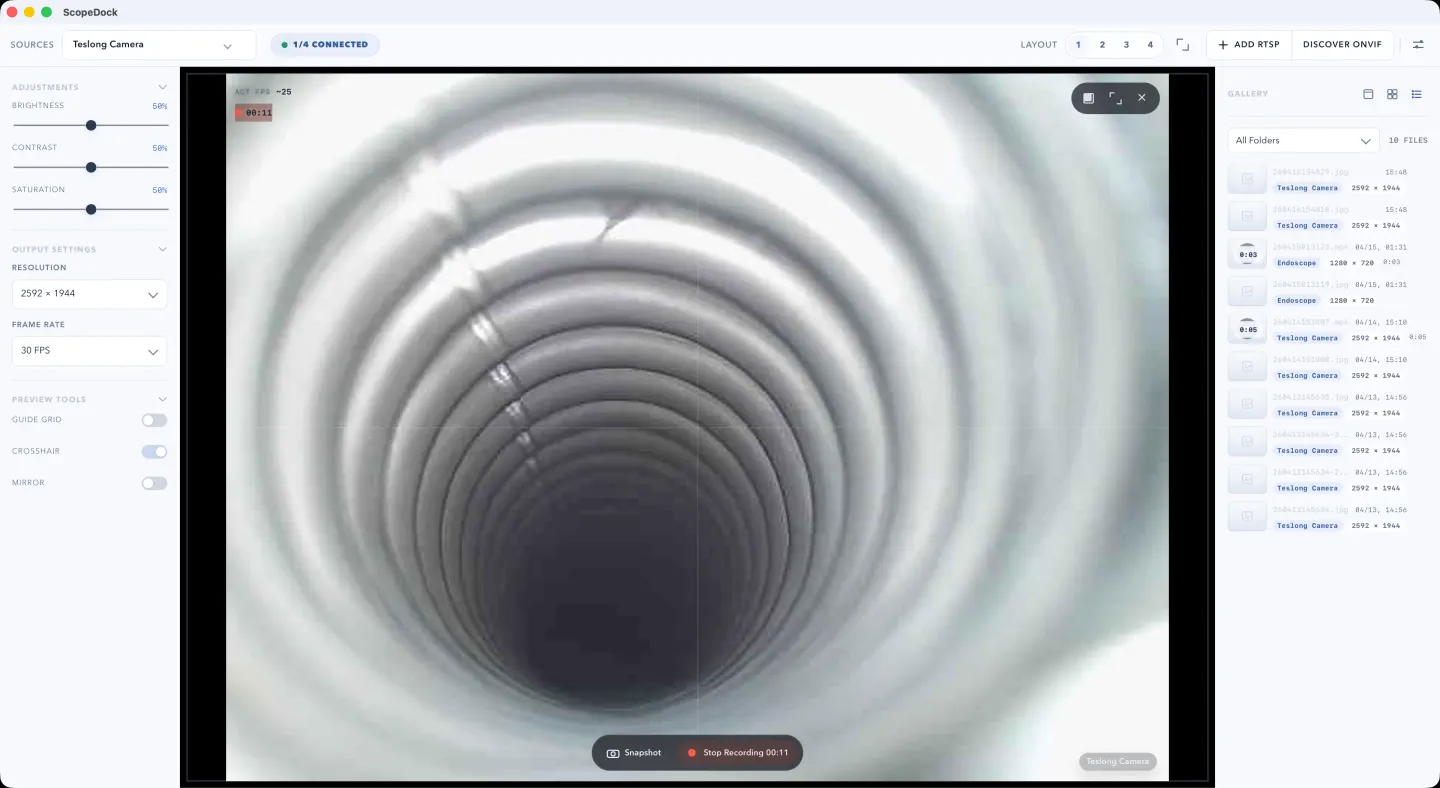
Compare USB UVC, manual RTSP, and ONVIF discovery without entering a camera address, credential, or device identifier.
Check the camera path your Mac actually exposes, then keep a support-ready evidence card.
Preview and capture stay close together.
Standard USB UVC devices, manual RTSP streams, and ONVIF-assisted discovery.
Capture a detail or document a short inspection without switching to another application.
Compare views side by side while keeping the session manageable.
The connection standard matters more than the camera's label. Model-specific compatibility is not guaranteed.
Your Mac must expose the device as a standard camera. A vendor-only driver or proprietary app may prevent access.
The camera must provide a supported stream reachable from your Mac. ONVIF helps discovery; it does not imply PTZ or full camera management.
ScopeDock is for deliberate preview and capture sessions.
It does not replace a continuous surveillance, alerting, or camera management system.
It does not provide a livestream production workflow.
ScopeDock does not automatically upload videos, images, full RTSP URLs, LAN IP addresses, or media paths.
Photos and recordings are saved on your Mac.
Support messages are sent only when you choose to submit feedback. Remove private addresses and credentials first.
Connection, capture, and privacy questions.
No default cloud upload flow is part of the product positioning. ScopeDock is presented as a local-first tool. It does not automatically upload videos, images, full RTSP URLs, LAN IP addresses, or media paths, and the website keeps feedback separate from anonymous usage measurement.
The current site explains support around USB UVC devices, improved RTSP manual input, and ONVIF discovery workflows. Exact compatibility can still vary by device implementation, especially for network cameras.
Yes. ScopeDock 1.1.1 continues to include the 1.1 series RTSP preview and recording improvements, including continuous video stream preview, preview resolution and frame rate choices after connection, improved RTSP recording save behavior, better thumbnails, and clearer connection, authentication, and timeout error messages. Network camera compatibility can still vary by device implementation.
The website currently describes ScopeDock as supporting up to four sources in a lightweight multi-source layout. That limit is part of keeping the product focused on practical inspection work rather than dense surveillance-style grids.
Not yet. ScopeDock is currently available on macOS, and Windows availability will be published when it is ready.
Choose a Mac installer, or ask a setup question if your source needs a closer check.