
Check your Mac and camera
Compare Apple Silicon and Intel downloads, macOS requirements, and USB, RTSP, or ONVIF source support.
Users evaluating ScopeDock often want a plain answer about local files. The key question is not only where files go, but whether the workflow stays local-first and understandable.
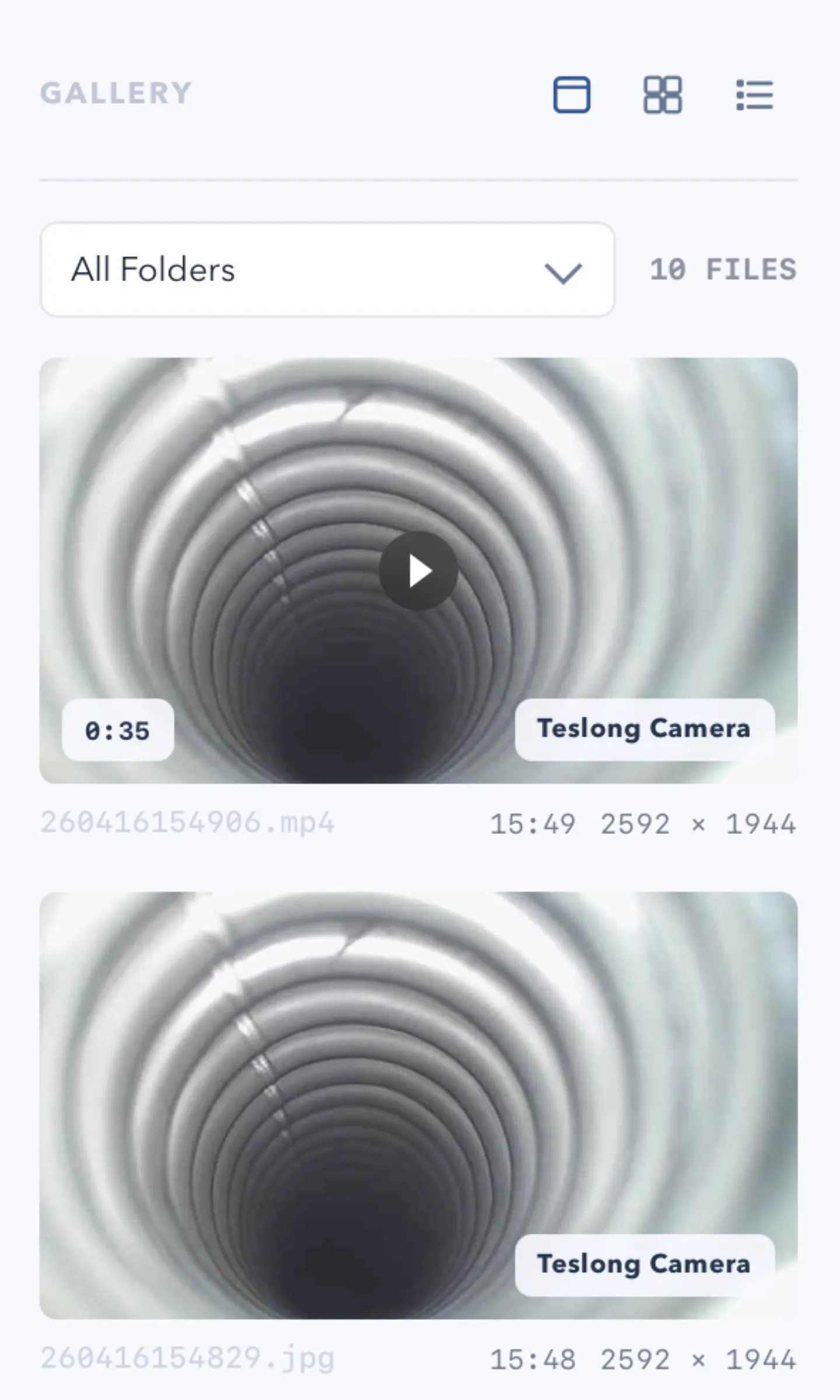
ScopeDock keeps camera preview, snapshots, and short recordings in a focused Mac workspace.
Users evaluating ScopeDock often want a plain answer about local files. The key question is not only where files go, but whether the workflow stays local-first and understandable during snapshots, recordings, and later review.
Questions about saved media are not edge cases. They are part of deciding whether a tool fits real inspection work. People want to know if captures stay on the machine, whether files are easy to find, and how that relates to the product’s local-first positioning.
When a product is described as local-first, users expect snapshots and recordings to remain close to the device and the local machine. The website needs to reinforce that expectation instead of leaving file handling vague.
File questions often arrive before download, during setup, or right after a first capture session. That is why they belong not only in the product page, but also near compatibility, FAQ, and support flows.
If your workflow depends heavily on where media is stored, read the compatibility and support pages alongside the product page. Those pages should make file assumptions clearer before your first real evaluation session.
Choose the product, support, compatibility, or privacy path that matches what you need next.
Compare Apple Silicon and Intel downloads, macOS requirements, and USB, RTSP, or ONVIF source support.
Follow permission, USB camera, RTSP URL, authentication, and timeout checks before sending feedback.
Review the product workflow, real screenshots, local capture behavior, and current product boundaries.
More NgSense release notes, setup guides, and local-first workflow articles.
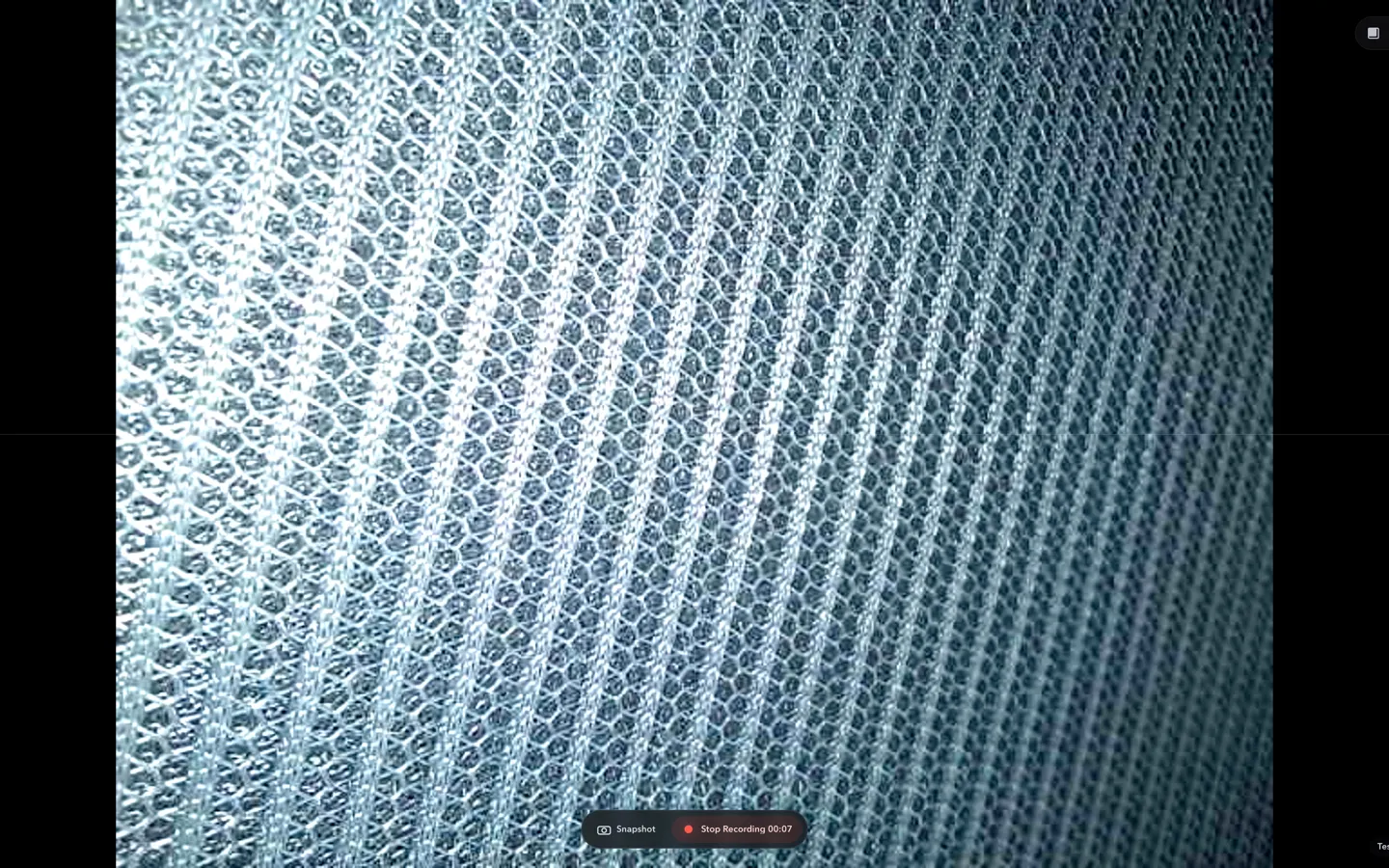
Check whether a USB endoscope exposes standard UVC video to macOS, depends on a vendor-only driver, or is limited to a phone app before choosing Mac camera software.
Read article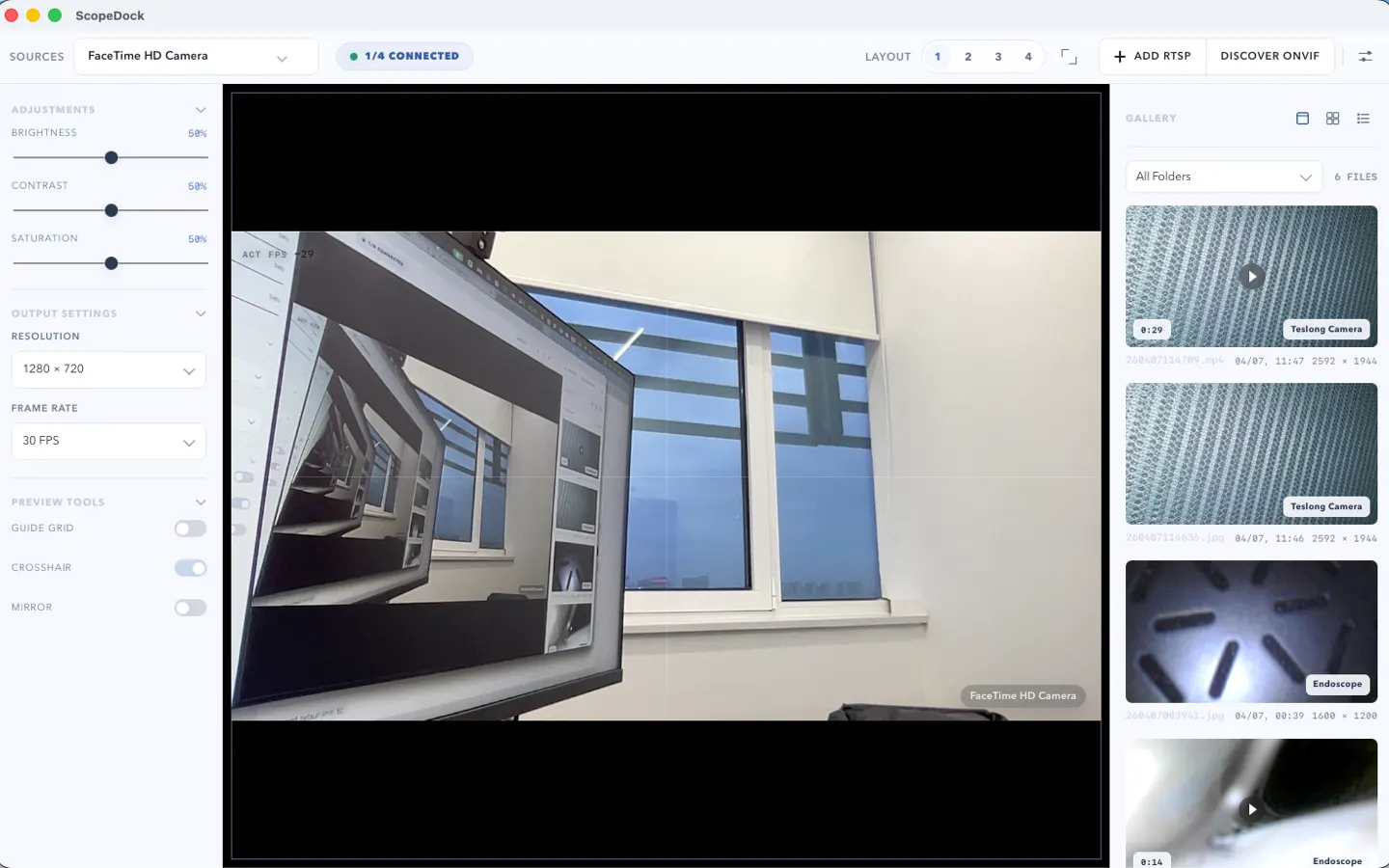
ScopeDock 1.1.1 provides separate direct-download builds for Apple Silicon and Intel Macs while keeping the 1.1 series RTSP preview, snapshot, and recording improvements.
Read article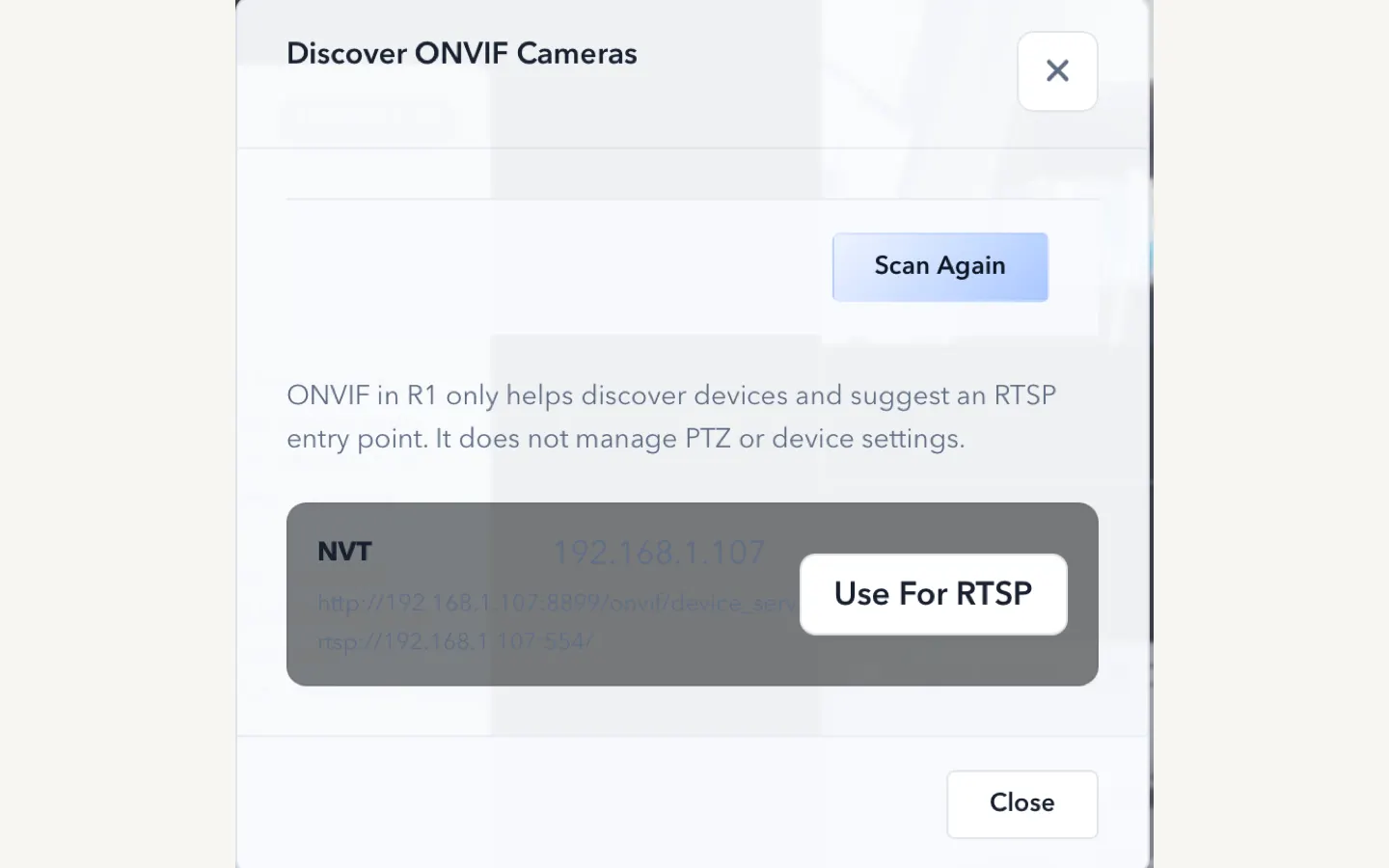
ScopeDock 1.1.0 improves RTSP continuous preview, preview resolution and frame rate choices, recording save reliability, thumbnails, and connection error messages.
Read articleChoose the correct direct download for your Mac, use the Mac App Store, or check compatibility first.