
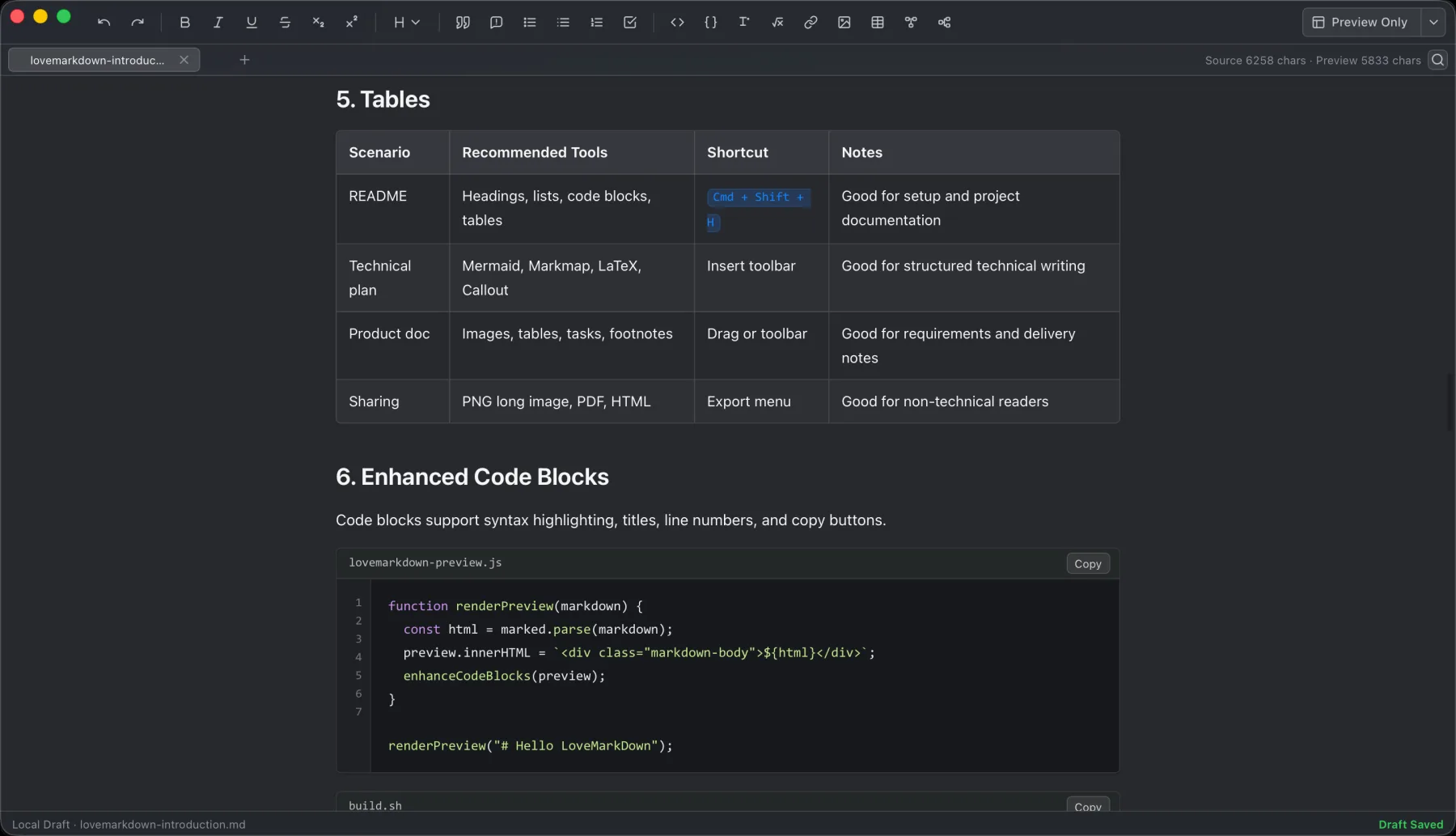
Local Markdown editing with live preview
Write Markdown and keep the rendered document visible while staying in a focused Mac workspace.
Open a local Markdown file, navigate long documents from an H1-H6 outline, preview nearby images, diagrams, and math, then export clear PDF, PNG, Word, HTML, or Markdown copies. No workspace, vault, cloud account, or project setup is required.
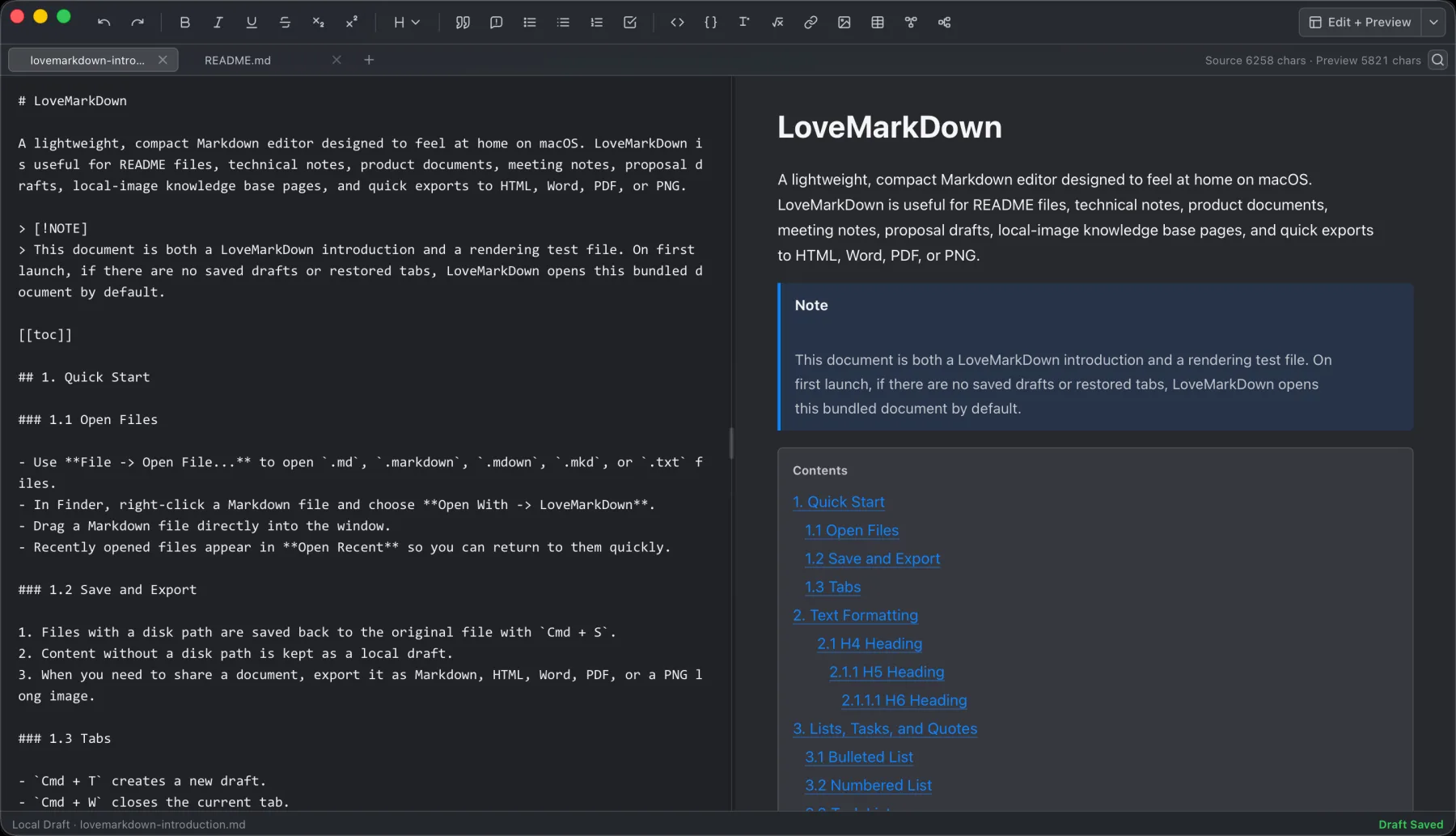
LoveMarkDown 1.2.1 is a local-first Markdown editor for macOS, available now as a signed and Apple-notarized Direct download for Apple Silicon and Intel Macs. Version 1.2.1 is awaiting Apple review; the current public Mac App Store release remains 1.2.0.
The core workflow is intentionally simple: open a Markdown file, work in Source, Split, or editable Visual Markdown, lock the Visual pane for read-only Preview, navigate from the H1-H6 outline, and export when you need a portable copy. Version 1.2.1 also keeps each tab’s displayed filename and Save target aligned, preserving conflicting restored documents as drafts that require Save As. LoveMarkDown does not require a repository, workspace, vault, or cloud account, and it does not claim cloud sync, AI writing, collaborative editing, account features, or mobile support.
Choose the correct installer on the LoveMarkDown download page, read the LoveMarkDown 1.2 Visual Markdown guide, or use the LoveMarkDown feature guide for a broader practical tour.
These screenshots show the actual Mac app UI across writing, local images, technical Markdown, navigation, and appearance modes.
Write Markdown and keep the rendered document visible while staying in a focused Mac workspace.
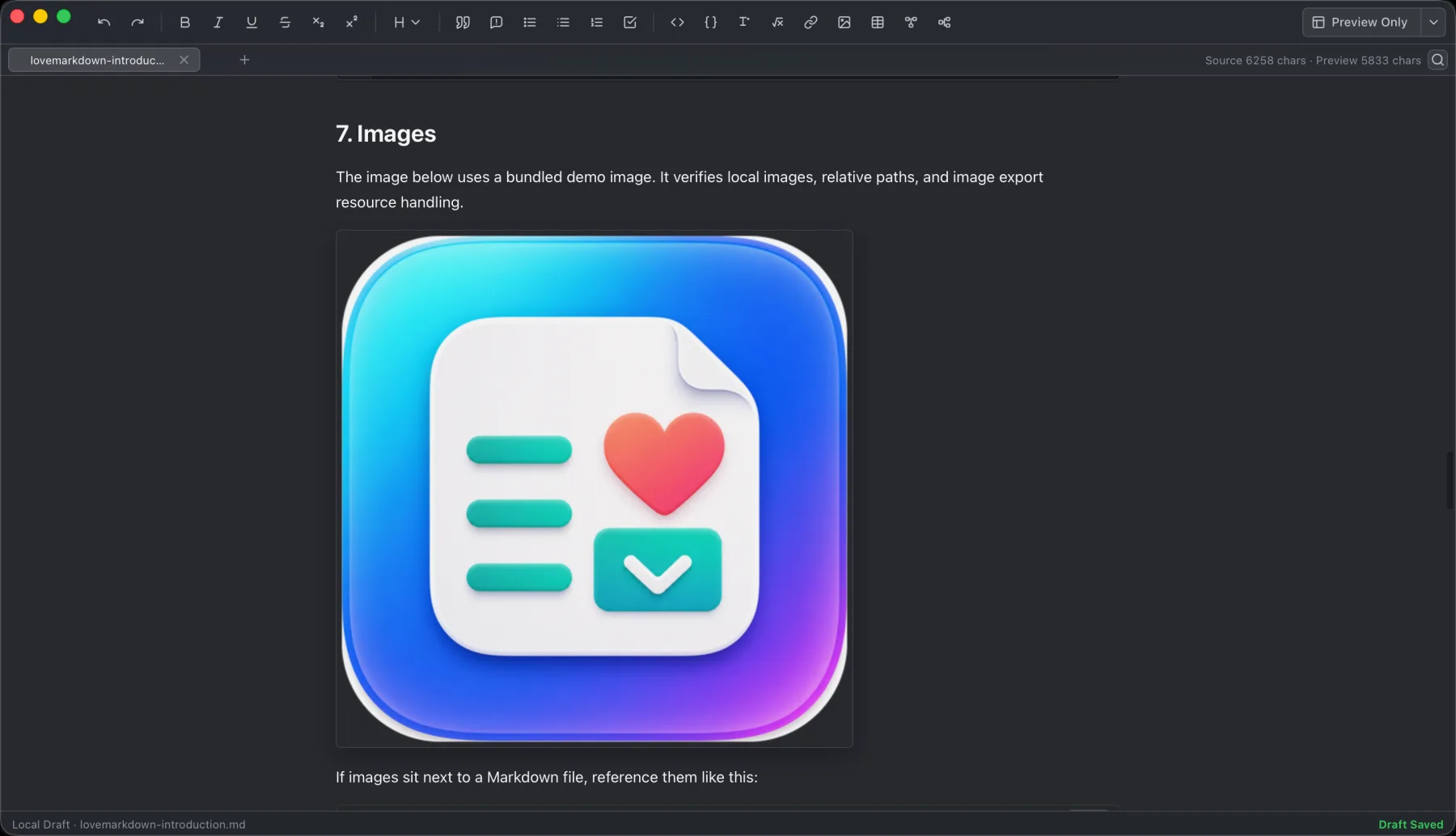
Preview nearby image assets referenced by the Markdown file without turning the document into a cloud workflow.
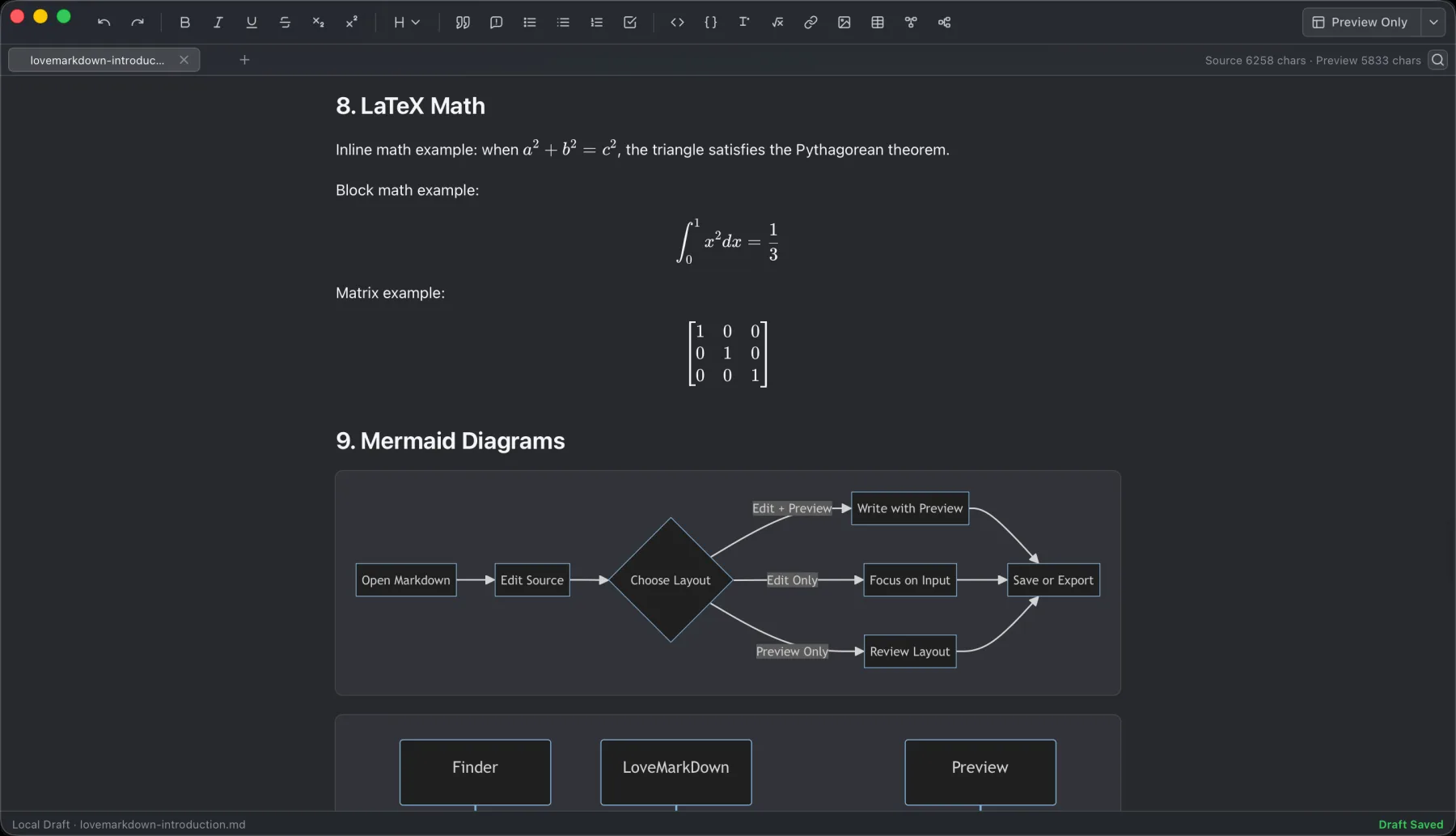
Use technical Markdown features for diagrams, formulas, and structured documentation.
Work in a darker writing environment with document navigation visible.
LoveMarkDown 1.2.1 is available as a signed Direct download. The public Mac App Store version remains 1.2.0 while Apple reviews 1.2.1.
Availability
Version 1.2.1 has been submitted to the Mac App Store and is awaiting Apple review.
Requirements
Separate signed and Apple-notarized Direct installers are available for Apple Silicon and Intel Macs.
Core workflow
Version 1.2 adds Source, Split, editable Visual Markdown, a read-only Preview lock, and safer document restore and Save behavior.
Product boundary
Web-to-Markdown uses the network only when you enter a URL for conversion.
LoveMarkDown is built for the moments when you already have a Markdown file and want to read, edit, preview, or export it without first creating a project container.
Open .md, .markdown, and .txt files from the File menu or drag and drop. There is no repository import, workspace creation, or vault setup before editing.
Keep editing and preview close together, then use the H1-H6 document outline to jump directly to a heading in Edit, Preview, or split view.
Export Markdown content to Markdown, HTML, Word, searchable PDF, or sharper PNG when you need to share or archive a rendered document.
Version 1.2.1 combines the editable Visual Markdown workflow introduced in 1.2.0 with safer tab identity, restore, and Save target handling.
Open, edit, save, and revisit local Markdown files without binding them to an app-specific repository, workspace, vault, or cloud account.
Preview common Markdown blocks, tables, task lists, code blocks, Mermaid diagrams, math, links, and document structure.
Resolve nearby image assets more reliably, including safe Pandoc image attributes and files whose extension does not match the actual image format.
Keep PDF text searchable through the primary native path and generate sharper PDF and PNG output without the previous image double-compression.
Choose the appearance that fits the current writing session and macOS environment.
Use macOS menu commands and shortcuts for file, save, export, appearance, and feedback actions.
Find matches in the current document with a live result count, previous and next navigation, synchronized highlights in Edit and Preview, and Cmd+F, Cmd+R, and Cmd+Shift+R shortcuts.
Keep Markdown source line numbers aligned with blank lines, wrapped lines, scrolling, and window width changes.
Save a new untitled document through the native destination picker. Draft autosave remains a recovery path, not a replacement for choosing where to save.
Scan a long document and jump directly to a heading from Edit, Preview, or split view. Open the outline from the workspace or with Command-Shift-O.
Copy a saved file path, rename it, reveal it in Finder, reload it from disk, or close it from the document tab without leaving the editor.
Drag the custom title bar, double-click it to zoom or restore the window, and check the packaged icon and version in the native About panel.
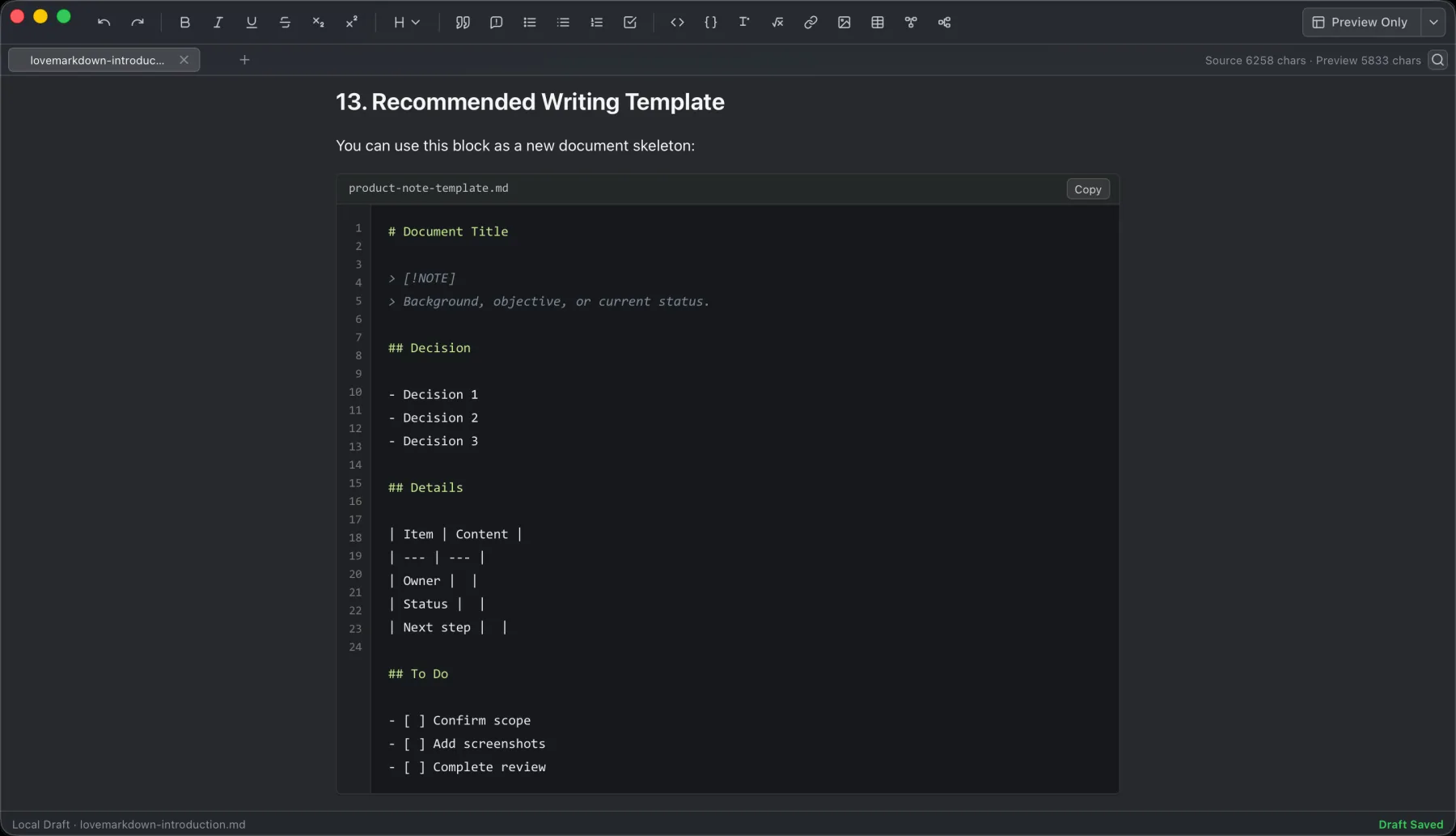
Open a local document, write with preview, save, then export only when needed.
The core loop is intentionally short: open the file, write, preview, save, and export.
Start from Finder, the File menu, or a dragged Markdown document without creating an app-specific workspace first.
Edit Markdown while checking rendered structure, code, tables, diagrams, math, and images, then jump through long documents from the H1-H6 outline.
Save to the opened file, choose a native destination for a new untitled document, or export a portable copy in the format needed for review or sharing.
LoveMarkDown is designed for focused local writing rather than cloud publishing or team collaboration systems.
Draft README files, product docs, release notes, and internal documentation with local assets close at hand.
Keep Markdown notes, code-adjacent docs, diagrams, and math-friendly snippets in a compact desktop editor.
Write notes, formulas, diagrams, and exported study material without turning the workflow into a cloud workspace.
Create portable Markdown or rendered copies for specs, handoffs, changelogs, and lightweight documentation loops.
Check the current Mac, file, Markdown, and network boundaries before installing.
Direct installers are available for Apple Silicon and Intel Macs running macOS 12.0 or later. Windows, mobile, and browser versions are not available.
The app is intended to work with user-selected Markdown documents and nearby relative image assets.
Preview support includes common Markdown content plus Mermaid diagrams and math in the shipped editor workflow.
Web-to-Markdown requests the network only when the user enters a URL for conversion.
LoveMarkDown starts with a document instead of asking you to adopt a document system. That keeps one-off notes, README files, and handoffs quick to open and easy to leave portable.
Open the document you need without importing a folder or creating a repository, workspace, or vault first.
The core workflow uses user-selected local files and does not require sign-in, automatic upload, or an NgSense account.
LoveMarkDown concentrates on writing, preview, local assets, and export rather than hosted publishing or team collaboration.
Ordinary writing stays centered on user-selected local files, while network behavior remains limited and explicit.
LoveMarkDown does not automatically upload Markdown content, file names, or full local file paths.
Anonymous Matomo analytics use predefined product events and coarse attributes, not document text or source URLs.
Help -> Send Feedback sends only what the user chooses to submit, with optional contact information.
These answers keep Direct download, App Store, support, and privacy expectations aligned with the current macOS releases.
Choose the Apple Silicon Direct download for an M-series Mac or the Intel Direct download for an older Intel-based Mac. Direct version 1.2.1 is available now. The public Mac App Store version remains 1.2.0 while Apple reviews 1.2.1.
No. LoveMarkDown does not automatically upload Markdown document content, file names, or full local file paths.
LoveMarkDown is positioned for local .md, .markdown, and .txt files opened from the File menu or by drag and drop.
Press Cmd+F to open Find, Cmd+R to replace the current match, or Cmd+Shift+R to replace all matches. The result count, previous and next navigation, and matched highlights stay synchronized between Edit and Preview.
For a new untitled document, Save or Cmd+S opens the native destination picker. For an opened local file, Save writes back to that file. Draft autosave is for recovery and does not replace choosing a destination.
Relative image preview works when the Markdown document references nearby local image files, such as images stored next to the document or inside a relative folder. Version 1.1.4 also handles files whose extension does not match their actual image format and applies safe Pandoc width, height, class, and ID attributes without showing the attribute text in Preview or exports.
LoveMarkDown supports export to Markdown, HTML, Word, PDF, and PNG. Direct version 1.1.4 keeps PDF text searchable through the primary native path and produces sharper PDF and PNG output.
Web-to-Markdown uses the network only when the user enters a URL and asks LoveMarkDown to convert that page. Ordinary local editing does not require this network request.
Direct-download builds can check for a signed NgSense update and install it only after you choose to proceed. Mac App Store installations do not use the Direct update feed and continue to update through Apple.
Feedback is sent only when the user submits it. Contact information is optional, and LoveMarkDown does not automatically attach Markdown content, file names, full paths, or screenshots.
Download signed LoveMarkDown 1.2.1 for Apple Silicon or Intel, use the public Mac App Store release, or review support details first.