RTSP
RTSP viewer and connection guides
RTSP, USB UVC, ONVIF, permissions, local capture, compatibility, and shipped ScopeDock updates.
Start with ScopeDock camera setup, compatibility, inspection, and capture guidance. LoveMarkDown and CursorHop updates remain available in their own sections below.

Start with RTSP, USB UVC, microscope, endoscope, permission, compatibility, snapshot, and recording guidance for ScopeDock.
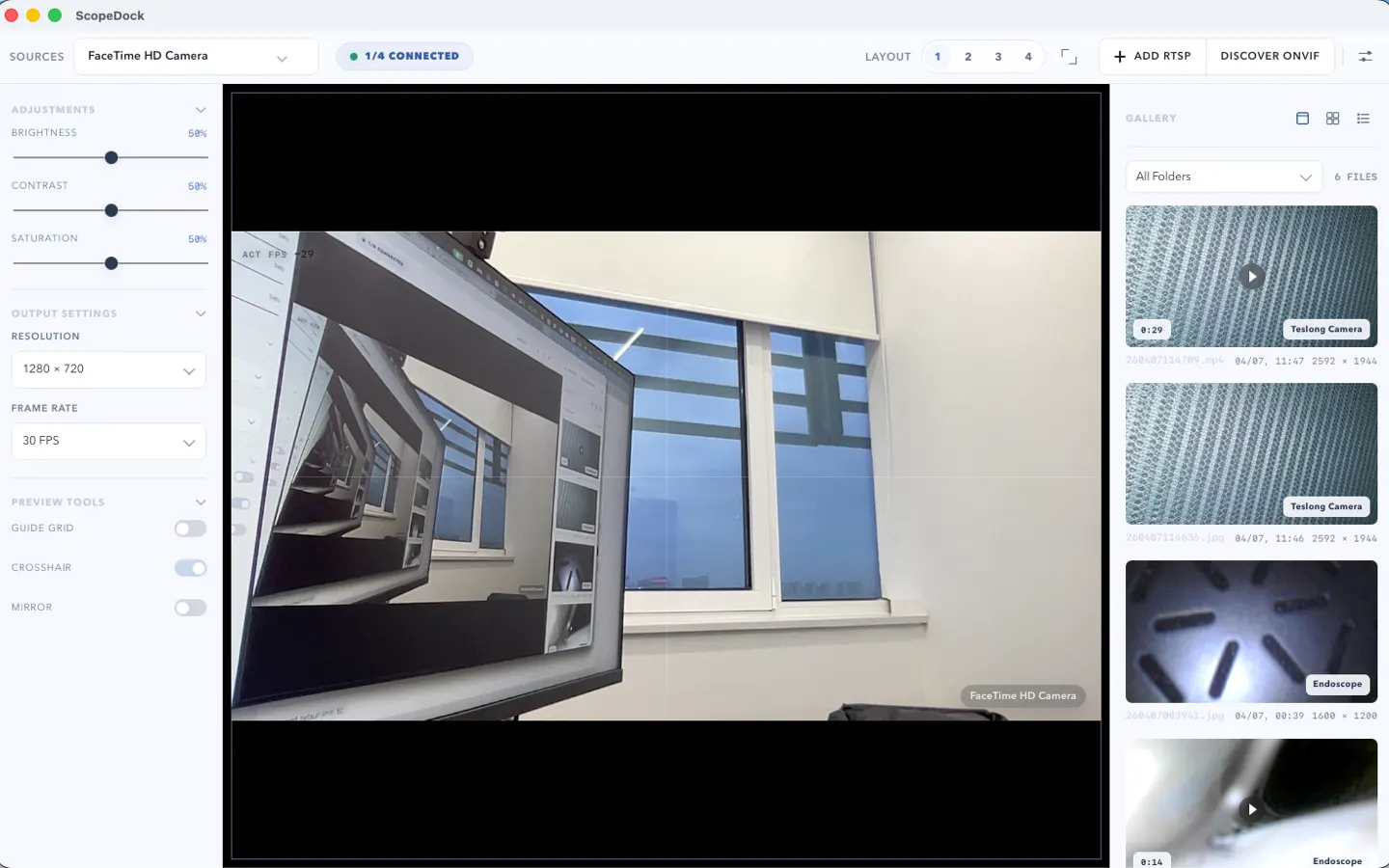
These pages carry the strongest camera search, setup, and download intent before the full ScopeDock guide library.
ScopeDock 1.1.1 provides separate direct-download builds for Apple Silicon and Intel Macs while keeping the 1.1 series RTSP preview, snapshot, and recording improvements.
Read article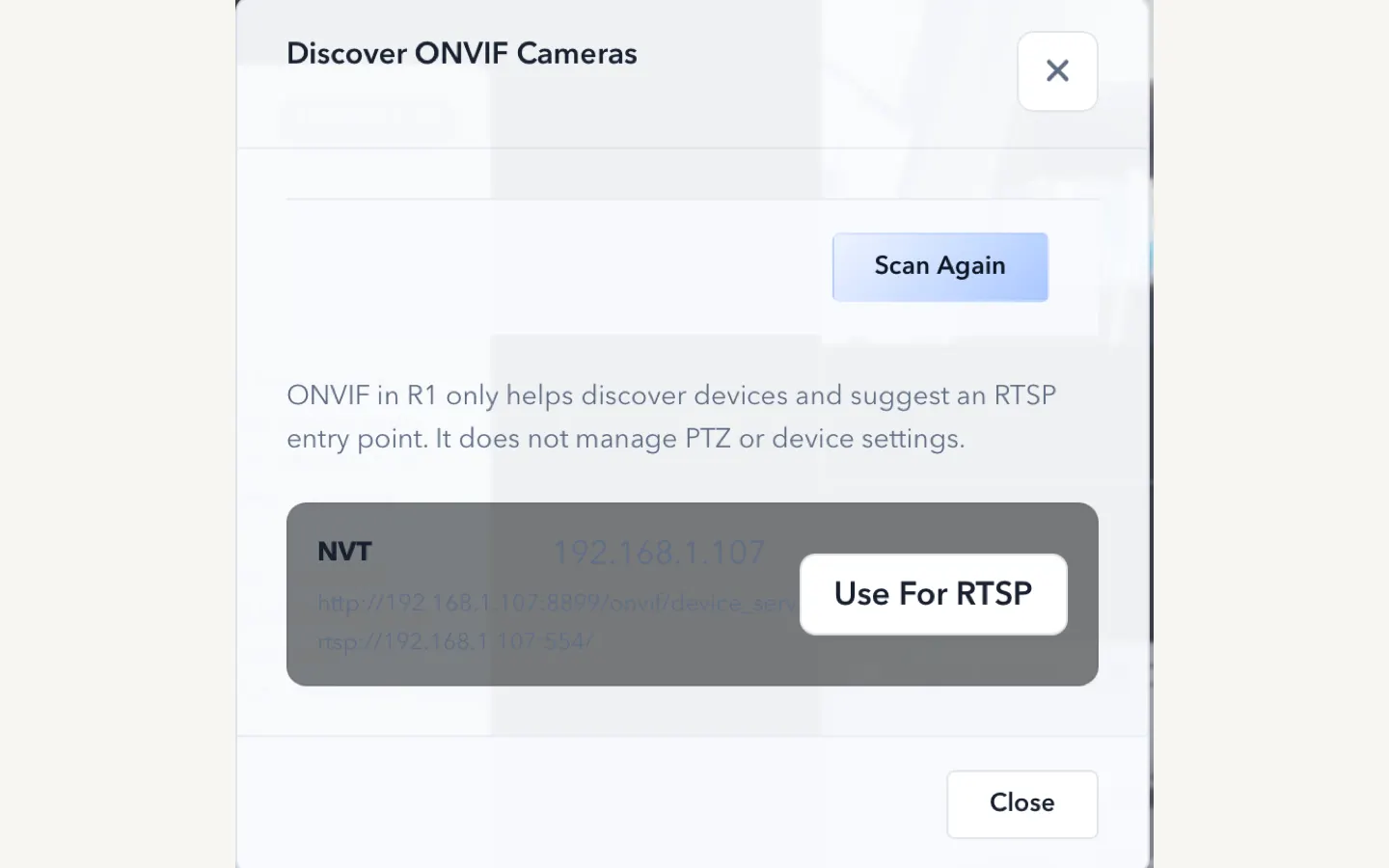
Looking for an RTSP viewer for macOS or a Mac RTSP viewer? ScopeDock fits lightweight local preview, snapshots, and short inspection recordings when you do not need an NVR, surveillance wall, or livestreaming studio.
Read article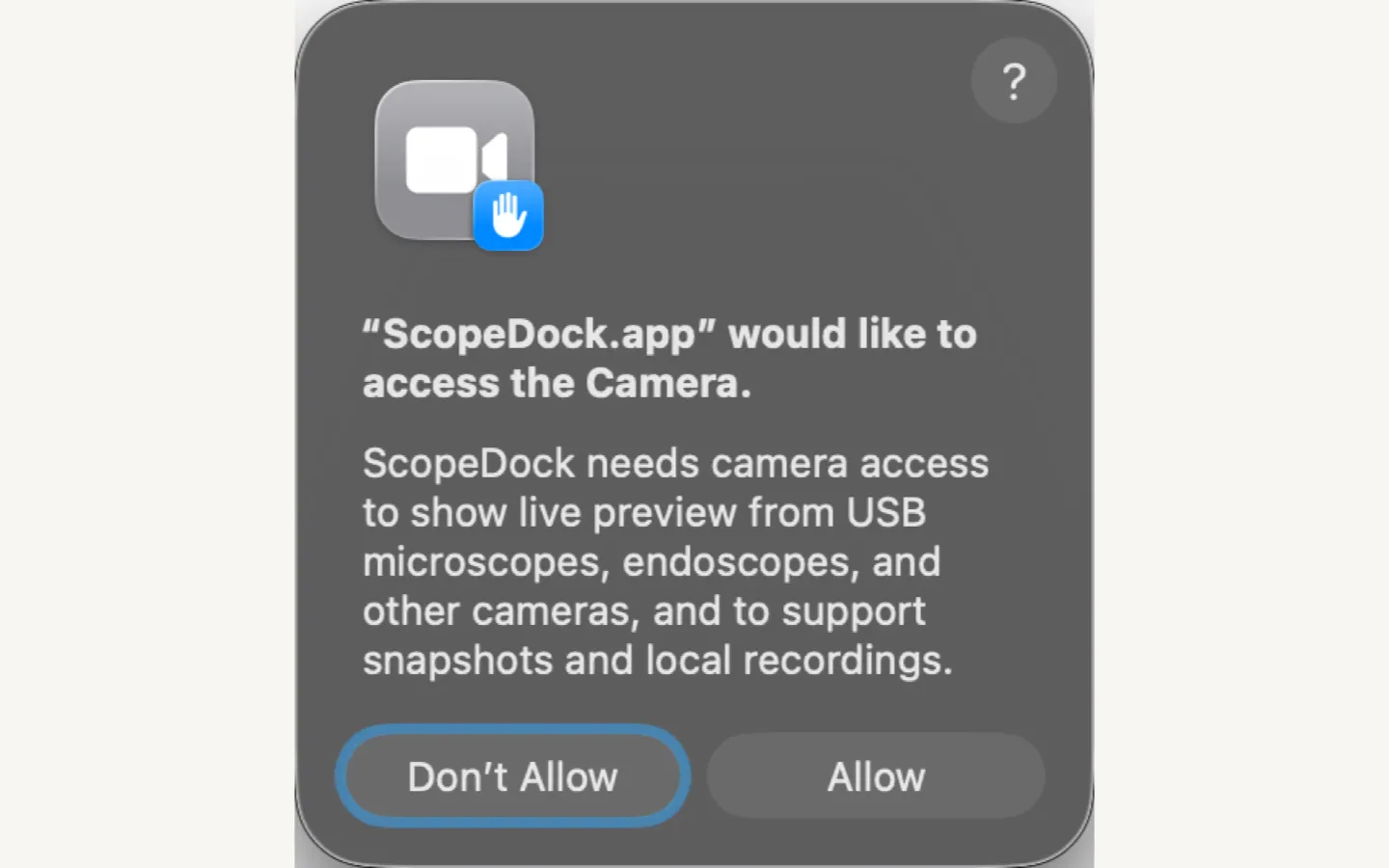
Need macOS camera support for a USB microscope, endoscope, or UVC camera? Start with camera permission, source type, device protocol, and whether macOS exposes the device as a standard camera before assuming ScopeDock or the device is unsupported.
Read article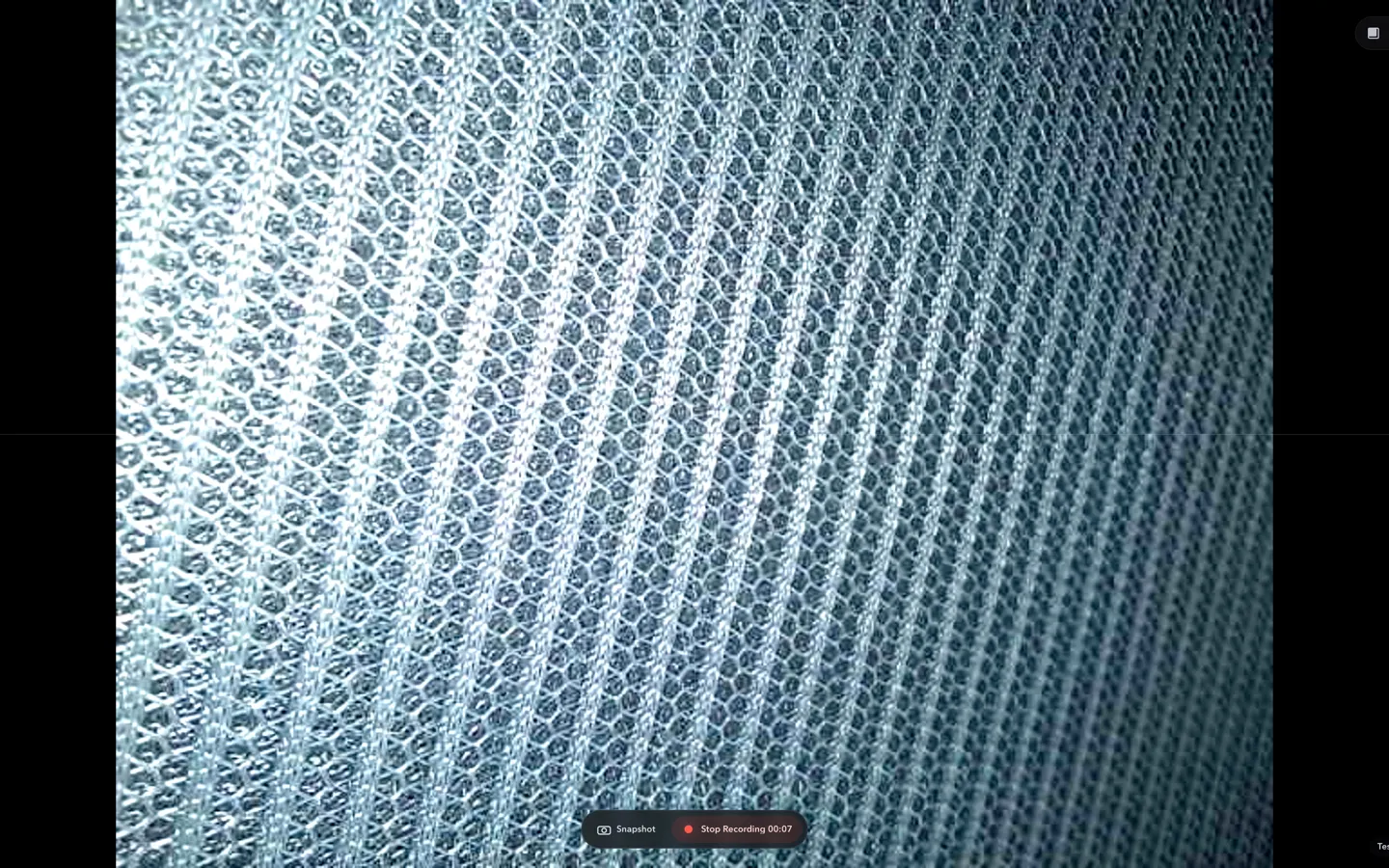
Good USB microscope software for macOS, Mac USB microscope workflows, and endoscope camera software for Mac should start with UVC compatibility, fast preview, local snapshots, short recordings, and clear file handling.
Read articleCamera guides lead to the relevant compatibility, download, or support path. Other NgSense apps keep separate update sections.
RTSP
RTSP, USB UVC, ONVIF, permissions, local capture, compatibility, and shipped ScopeDock updates.
USB
Check UVC behavior, macOS camera permissions, first preview, inspection fit, and the non-diagnostic product boundary.
Install
Choose Apple Silicon, Intel, or the Mac App Store after checking the source type and current product limits.
Other Apps
Read independent release and workflow updates without mixing them into ScopeDock camera support.
Release notes and direct answers for RTSP, USB UVC, ONVIF, permissions, snapshots, and short local recordings.
ScopeDock 1.1.1 provides separate direct-download builds for Apple Silicon and Intel Macs while keeping the 1.1 series RTSP preview, snapshot, and recording improvements.
Read article ScopeDock 1.1.0 improves RTSP continuous preview, preview resolution and frame rate choices, recording save reliability, thumbnails, and connection error messages.
Read article Looking for an RTSP viewer for macOS or a Mac RTSP viewer? ScopeDock fits lightweight local preview, snapshots, and short inspection recordings when you do not need an NVR, surveillance wall, or livestreaming studio.
Read article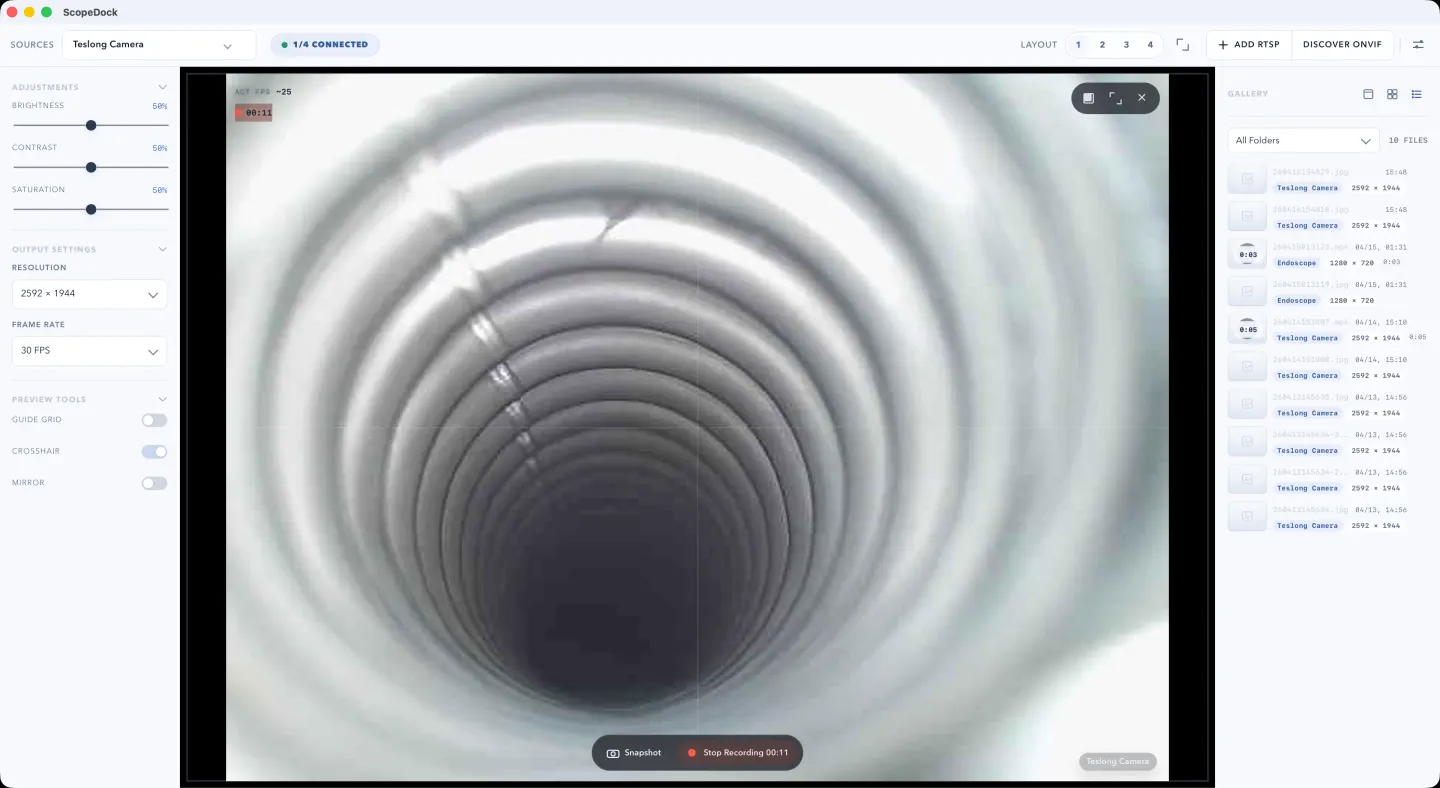
If you only need local preview, snapshots, and lightweight recording for a USB camera on Mac, you may not need OBS. This guide explains when a simpler workflow fits better.
Read article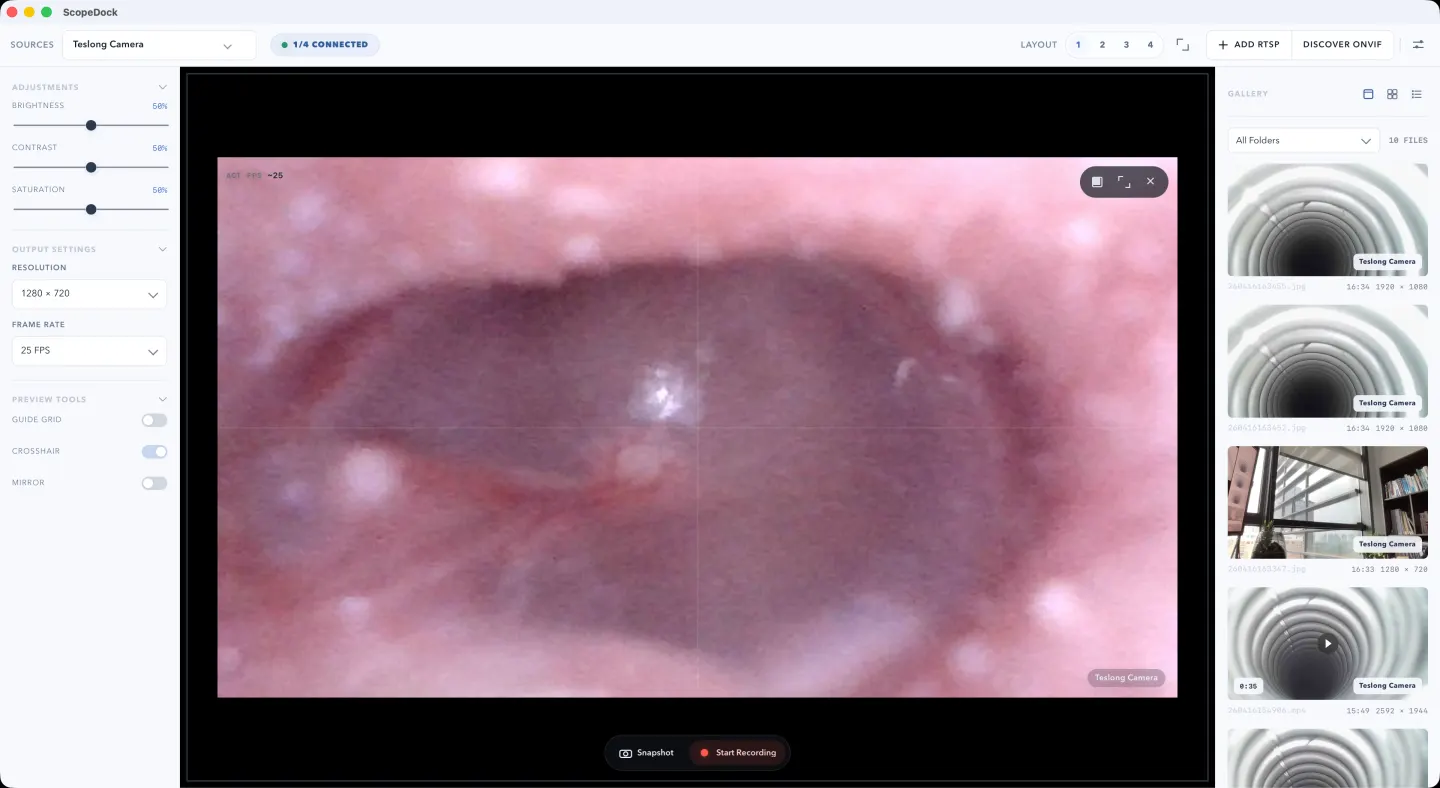
You can use an otoscope camera on Mac if it exposes a standard USB UVC or RTSP video source. This guide explains compatibility checks, setup steps, local capture, and the medical boundary.
Read article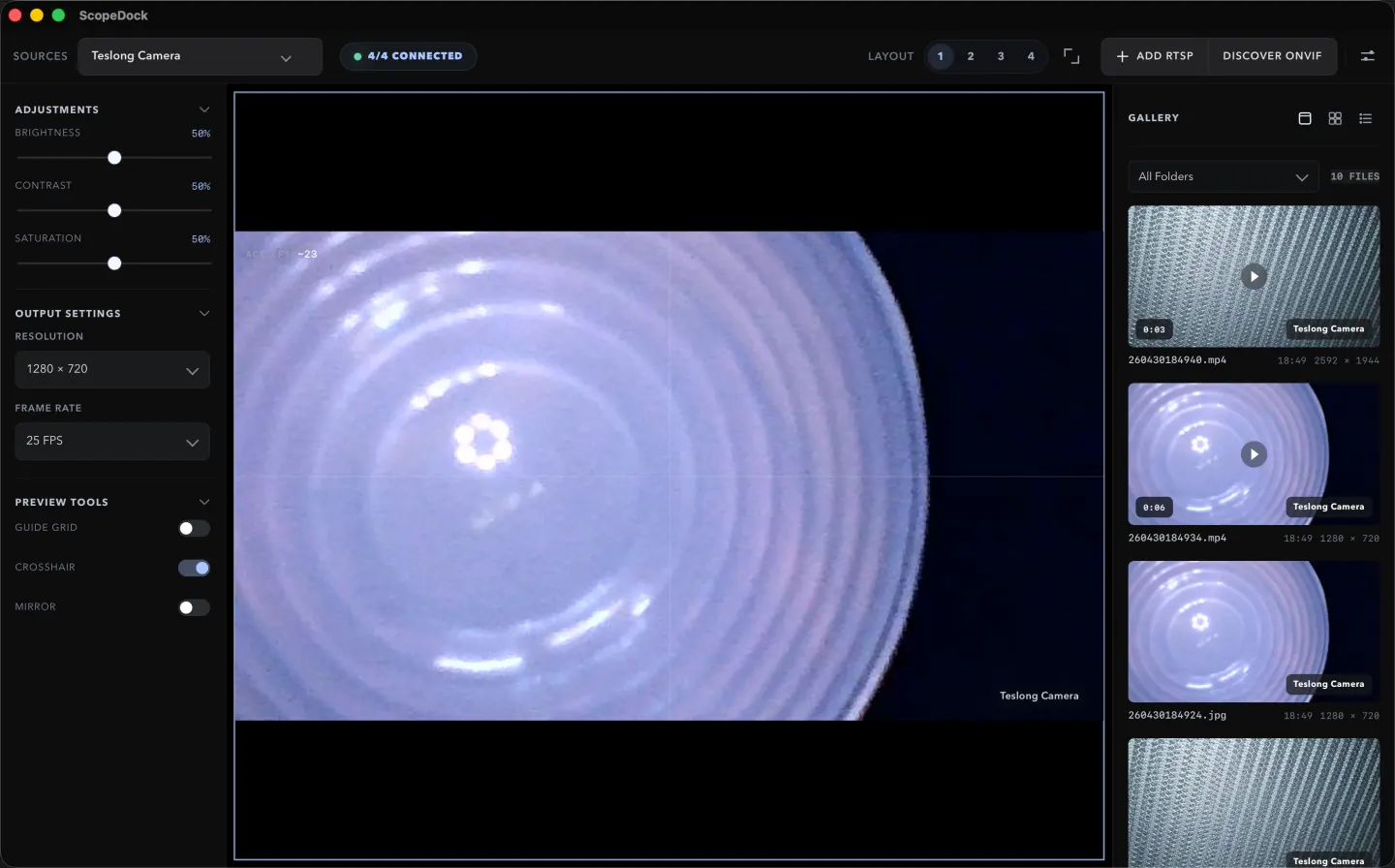
Endoscope workflows often benefit from local-first tools when the job is short, technical, and device-adjacent. Fast setup, clear capture, and plain file handling usually matter more than cloud-heavy operational layers.
Read article
ONVIF discovery and manual RTSP solve different setup problems. ONVIF can make camera onboarding lighter, while RTSP is the direct path when you already know the stream endpoint.
Read article Need macOS camera support for a USB microscope, endoscope, or UVC camera? Start with camera permission, source type, device protocol, and whether macOS exposes the device as a standard camera before assuming ScopeDock or the device is unsupported.
Read article Good USB microscope software for macOS, Mac USB microscope workflows, and endoscope camera software for Mac should start with UVC compatibility, fast preview, local snapshots, short recordings, and clear file handling.
Read article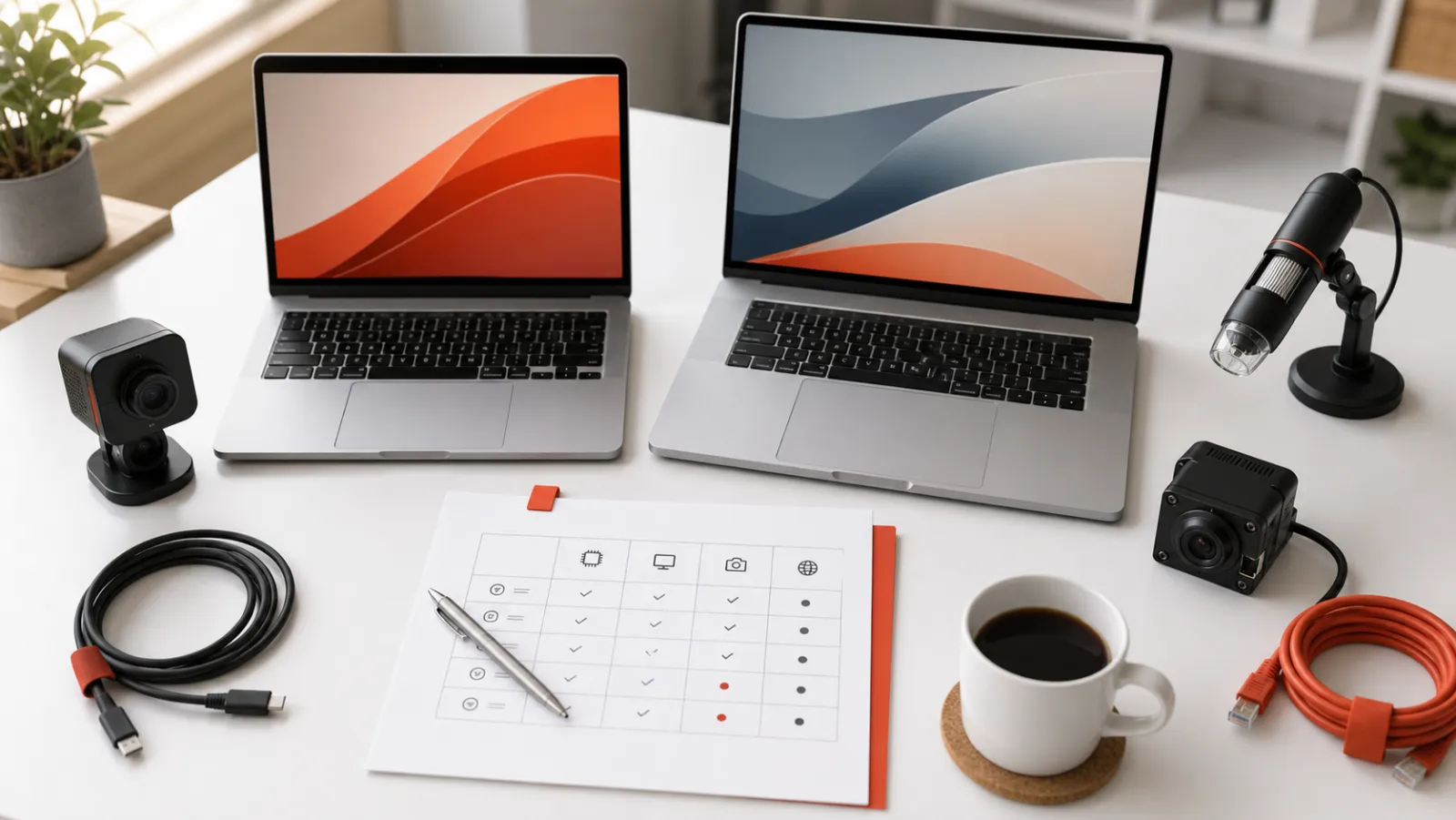
Before downloading ScopeDock on macOS, check platform scope, source type, permissions, storage expectations, and whether your workflow matches a lightweight local-first inspection tool.
Read article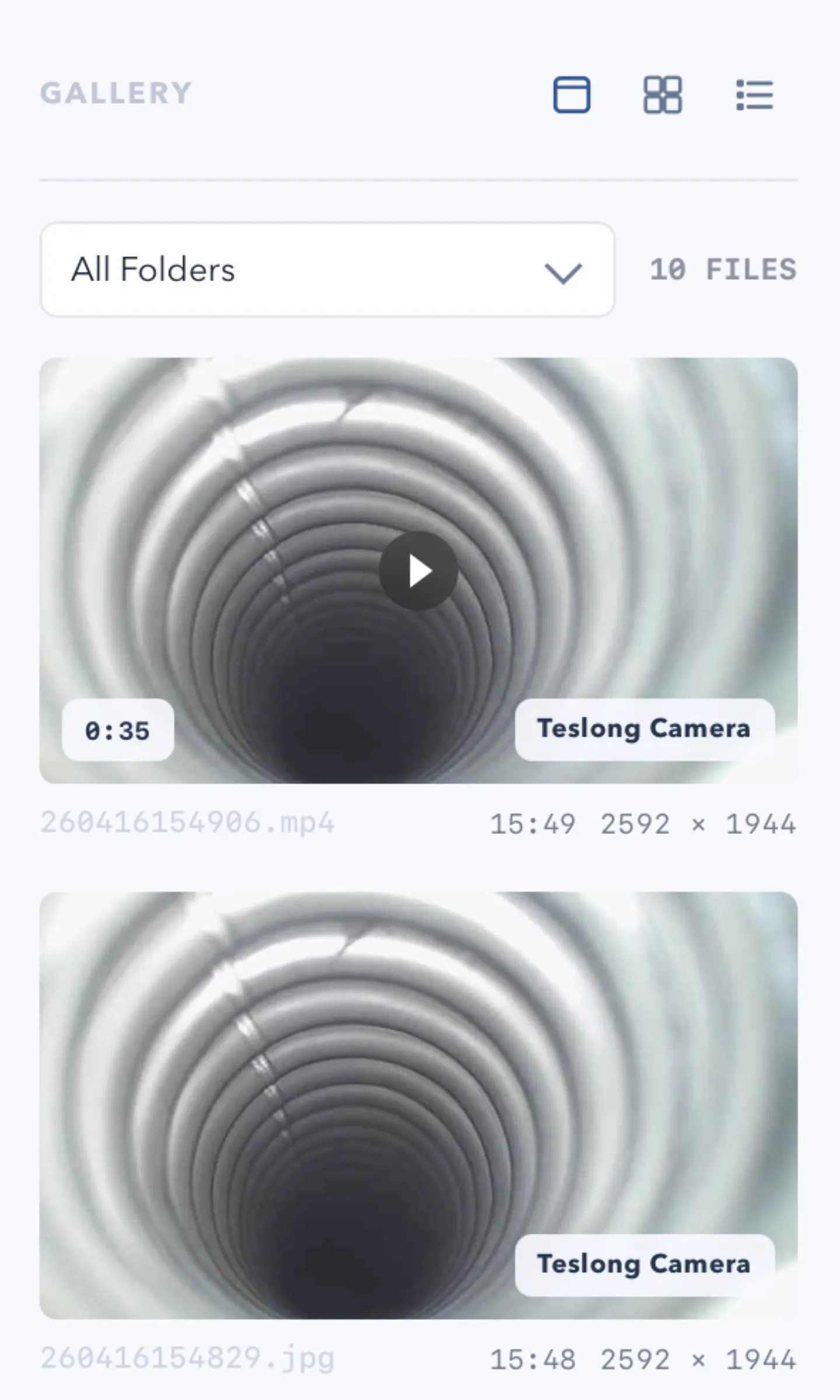
Users evaluating ScopeDock often want a plain answer about local files. The key question is not only where files go, but whether the workflow stays local-first and understandable.
Read article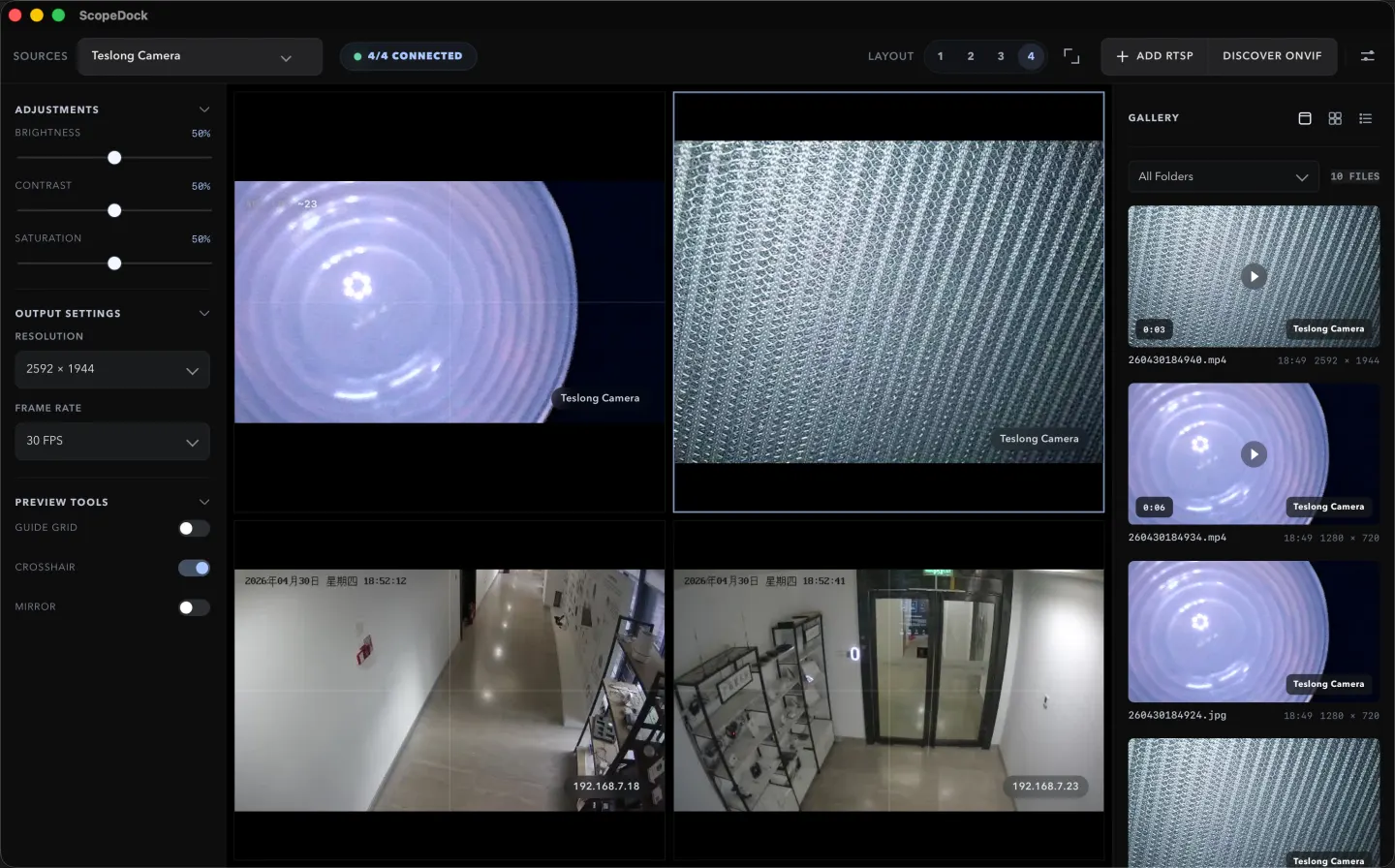
A multi-source camera layout helps when comparison matters, but many inspection tasks still work better in a calmer single-source view. The best fit depends on the object, the task, and the speed of the review loop.
Read article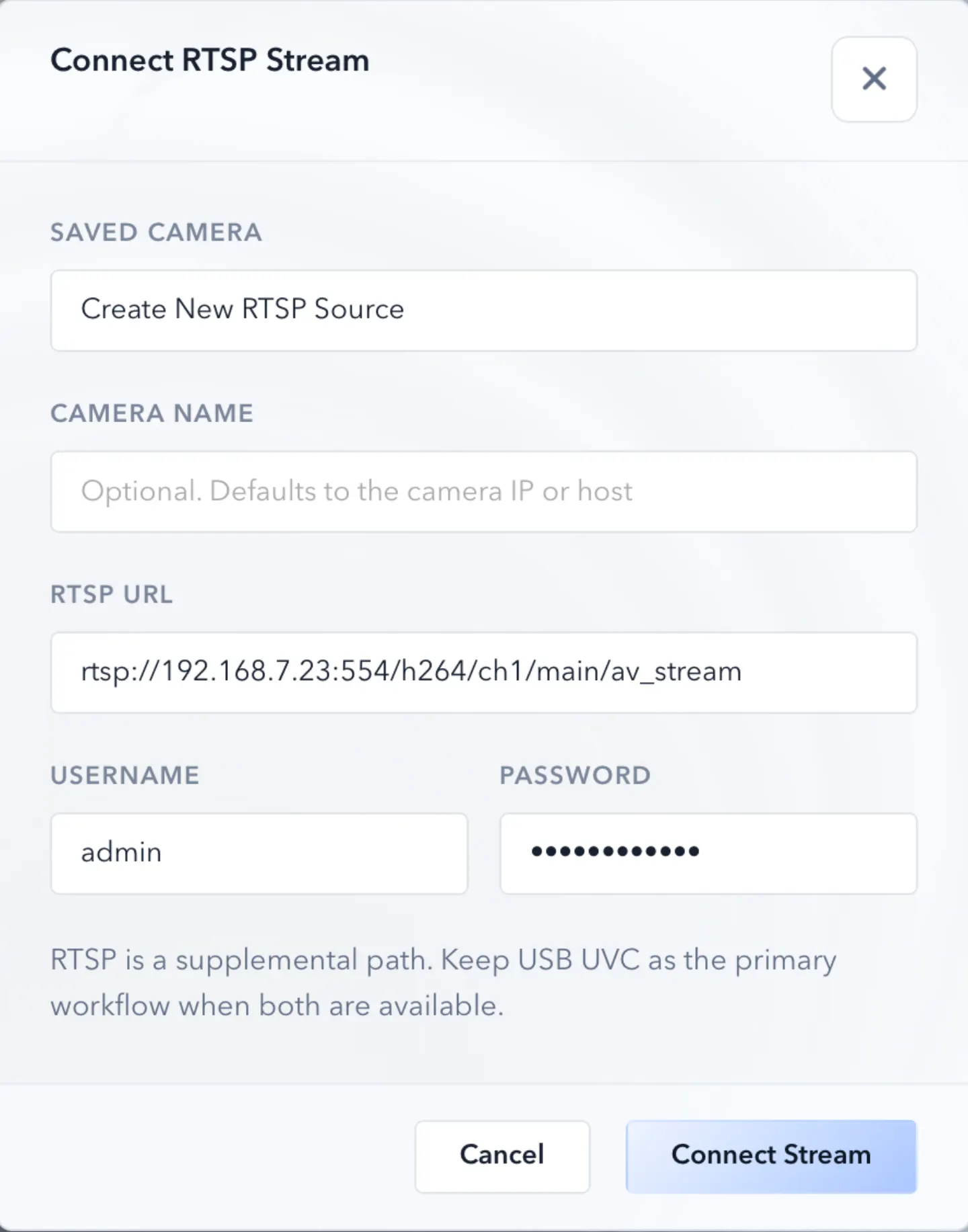
RTSP support matters for inspection teams that rely on local IP cameras. This guide explains how that workflow fits into ScopeDock's product direction.
Read articleProduct releases and practical workflows for local files, live preview, relative images, technical content, and export.
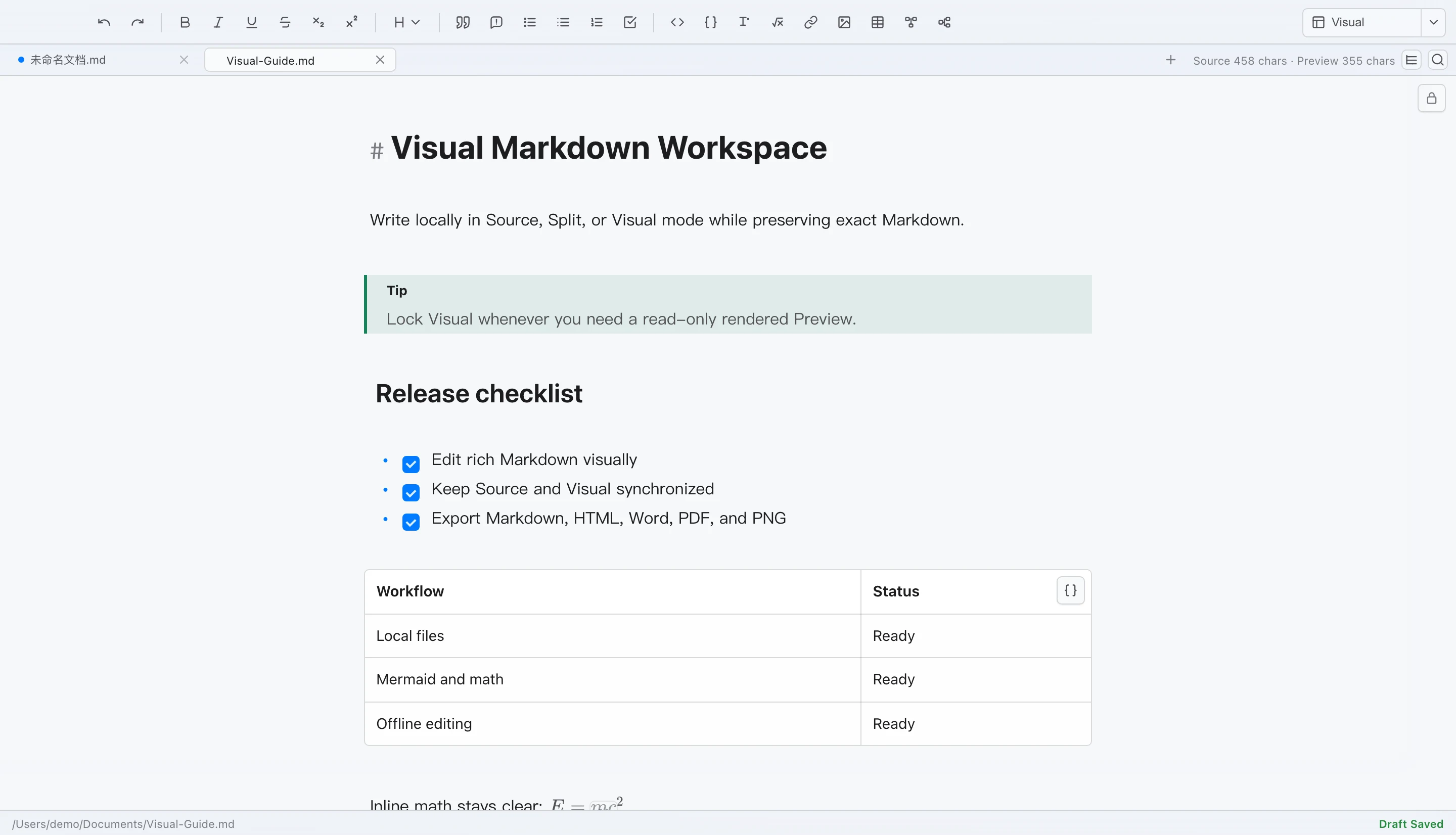
LoveMarkDown 1.2 adds editable Visual Markdown, Source and Split modes, rich technical content, synchronized workflows, and safer local file saving on Mac.
Read article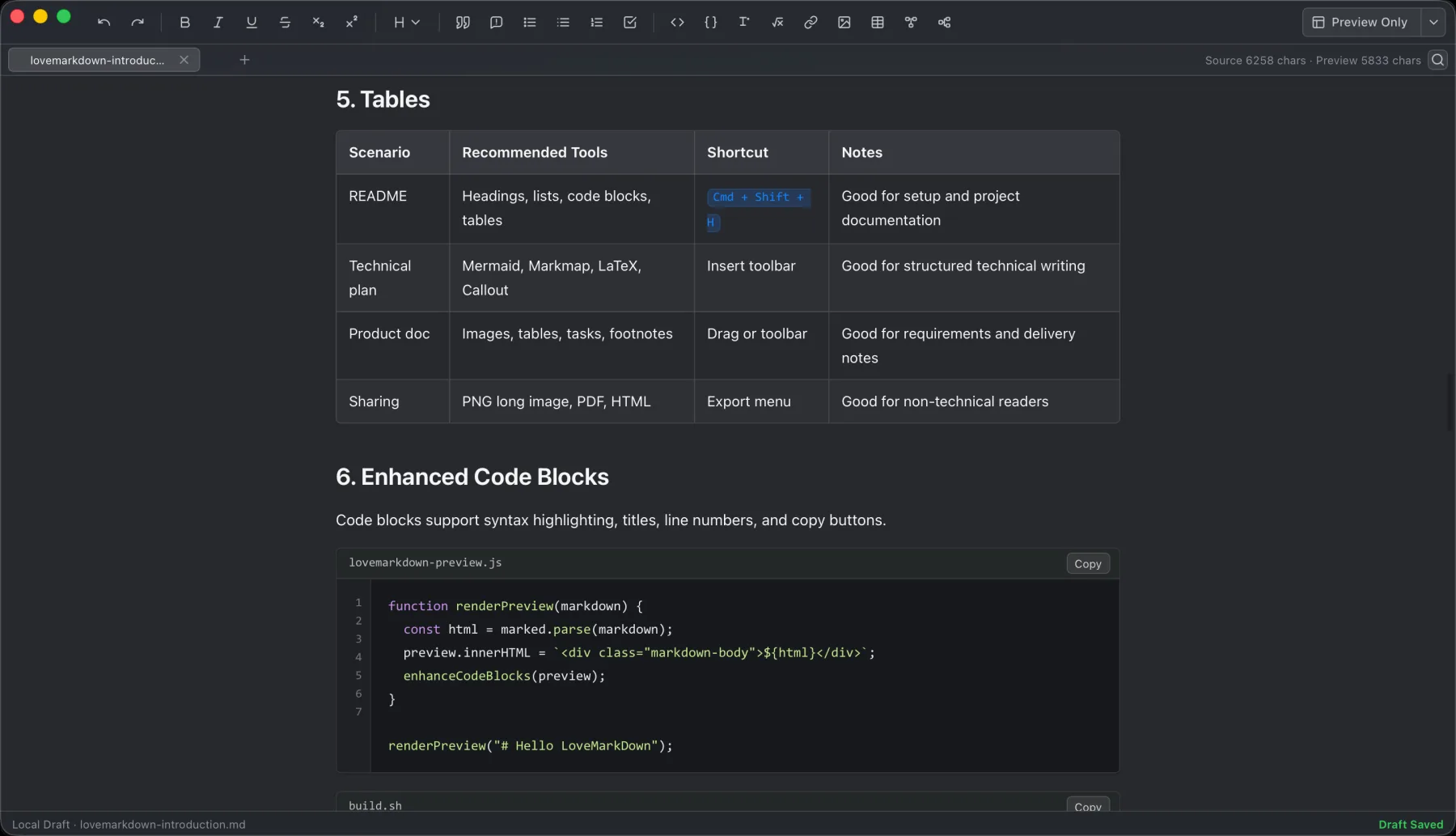
Open a local Markdown file, check the preview, then export the right copy: Word for editing, PDF for fixed reading, HTML for the web, Markdown for portability, or PNG for a quick visual.
Read article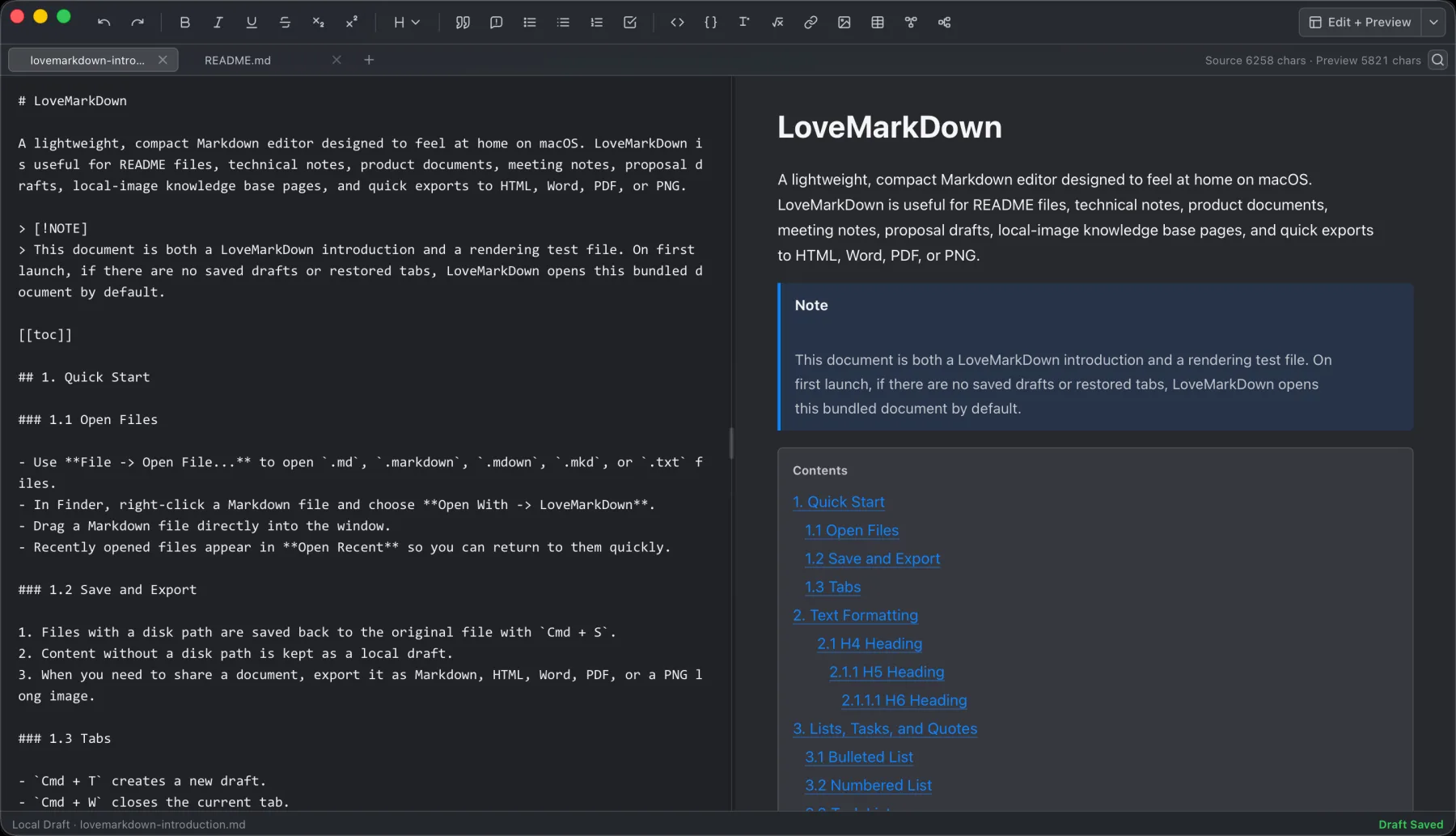
LoveMarkDown 1.1.4 adds H1-H6 document navigation, tab and Finder actions, more reliable local images, and clearer PDF and PNG exports.
Read article Choose a Markdown editor for Mac by the work you need to finish: direct local files, visual editing, a linked knowledge base, focused writing, academic publishing, or a developer workspace.
Read article LoveMarkDown 1.1.2 adds inline Find & Replace with Edit and Preview highlighting, compact Markdown source line numbers, and native Save destination selection for untitled documents.
Read article
A lightweight Markdown editor should let you open the file you already have and start writing. LoveMarkDown does that on Mac without requiring a repository, workspace, vault, project import, or cloud account.
Read article LoveMarkDown is a lightweight Markdown editor for Mac that opens local files directly, adds live preview for technical Markdown, and exports to Markdown, HTML, Word, PDF, or PNG without requiring a repository, workspace, vault, or cloud account.
Read article LoveMarkDown 1.0.0 is a free local Markdown editor for Apple Silicon Macs with live preview, relative images, Mermaid, math, and export to Markdown, HTML, Word, PDF, and PNG.
Read articleLaunch updates and multi-display guidance for cursor jumps, App Finder, screen overlays, and window navigation.
Plain-language notes on local-first workflows, privacy boundaries, and how the NgSense product family develops.

Structured feedback and anonymous analytics answer different questions. Keeping them separate makes the product easier to trust and makes support workflows easier to reason about.
Read article Inspection teams often need speed, privacy clarity, and practical capture more than cloud-heavy operational layers. Local-first tooling changes that balance.
Read article This update explains how the NgSense website now supports ScopeDock with clearer product, download, support, blog, and contact paths.
Read articleDownload the correct Mac build, check camera compatibility, or open ScopeDock Support when a guide does not resolve the issue.