Use Cases

When a multi-source camera layout helps inspection workflows

A multi-source camera layout helps when comparison matters, but many inspection tasks still work better in a calmer single-source view. The best fit depends on the object, the task, and the speed of the review loop.

  • use cases
  • April 5, 2026
  • multi-source
  • inspection workflow
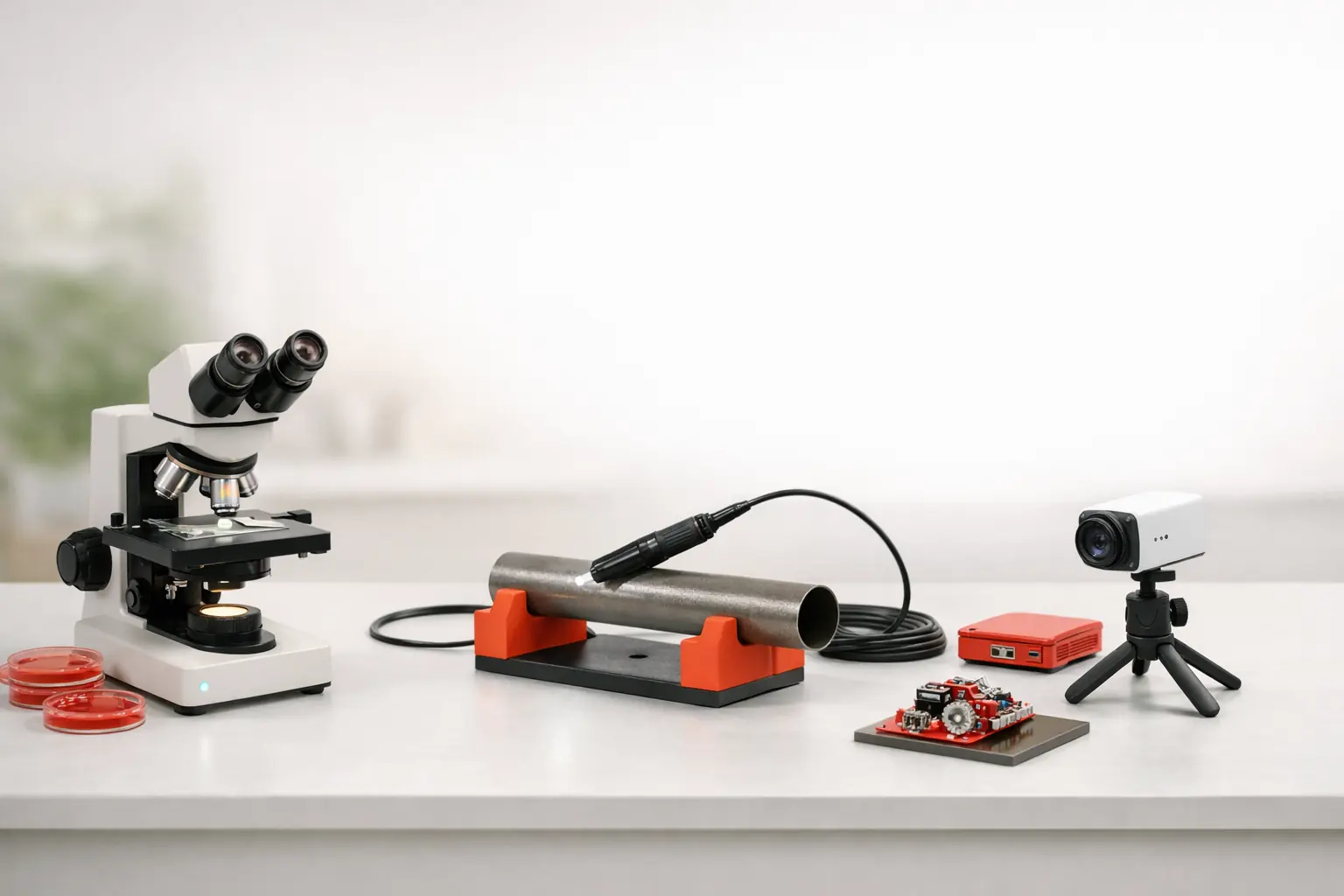
Use-case article visual for repair and inspection bench workflows.
Article context

Every article now carries a stronger visual anchor so the page feels like part of the product system instead of a text-only appendix.

Quick answer

This article now states its role more directly

These summary blocks help readers and AI systems identify the main answer, the article type, and the next recommended action.

Article answer

A multi-source camera layout helps when comparison matters, but many inspection tasks still work better in a calmer single-source view. The best fit depends on the object, the task, and the speed of the review loop.

The article page now repeats the core takeaway in a scannable block instead of leaving it buried in body text.

Content type

A scenario page showing where ScopeDock fits best.

Use-case articles should help people map the product to real bench or inspection work.

Best next step

Move to download, support, or a related guide once the main question is answered.

Blog pages are designed to continue the journey instead of ending it.

A multi-source camera layout helps when comparison matters, but many inspection tasks still work better in a calmer single-source view. The best fit depends on the object, the task, and the speed of the review loop. In other words, more windows are useful only when they reduce decision time instead of adding visual noise.

When multiple sources are genuinely useful

Multi-source layouts help most when you need side-by-side comparison, reference views, or a quick relationship between two to four camera inputs. Typical examples include comparing angles, keeping a context camera beside a detail camera, or reviewing one live source against another during a short technical session.

When one source is still better

Many microscope and endoscope tasks are really single-focus tasks. If the work depends on inspecting one small area carefully, a clean single-source view may beat a dense wall of simultaneous windows.

Why ScopeDock keeps the source count lightweight

ScopeDock is described as supporting up to four sources because the goal is a manageable inspection workspace, not an always-on monitoring wall. That limit is part of the product story, not a missing ambition.

Not suitable when the real need is a camera wall

If the task depends on watching many feeds continuously, responding to alerts, or running a large operational dashboard, the better answer may be a different product category rather than a higher source count inside ScopeDock.

The practical next step

Use the product and download pages together if your workflow depends on multiple sources. The question is not only whether the feature exists, but whether the product category still matches the way your team works.

Next steps

Where to go after this article

The blog should help readers move into product evaluation, compatibility checks, support, or feedback without losing context.

Read support basics

Use the support page if the article clarified a boundary but left a concrete setup question unanswered.

Check the product fit

Return to ScopeDock once the workflow or privacy question is clear enough to make a product decision.

Download when ready

Move into compatibility and install only after the article's main condition matches your workflow.

Related reading

More from the same content lane

Next step

Ready to test the product behind the guide?

Product pages, support paths, and feedback should stay close to blog content so people can move forward without losing context.