
Current state
ScopeDock already fits several practical inspection workflows.
Product, download, support, and blog pages cover the most useful details today.
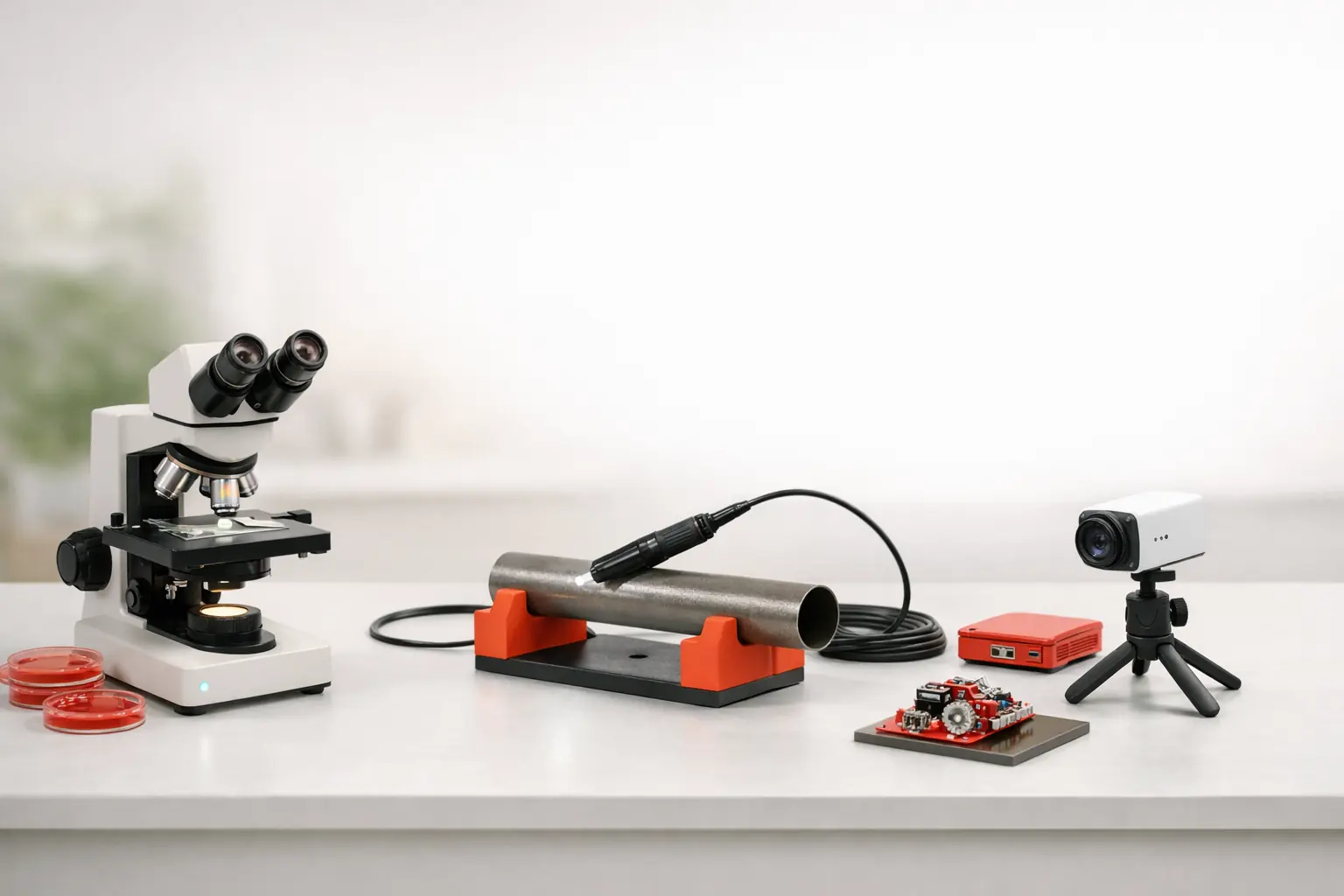
This page helps you connect your workflow to the right product, compatibility, support, and blog path without guessing.
If you need a concrete answer today, the best routes are still the product page, compatibility guidance, support, and blog content.
These quick answers help visitors decide where to click next.
Current state
Product, download, support, and blog pages cover the most useful details today.
Use today
This keeps the solutions page honest while still making it useful.
Future shape
These use cases shape the way the site and product are described.
Page role
From here, you can move into product, support, compatibility, or blog guidance.
Start with the workflow that looks closest to yours, then move into product, compatibility, support, or blog content for details.
Use this page to map your setup to the right product, support, and compatibility path.
ScopeDock, download, support, and blog content already carry the practical answers most visitors need.
As the site grows, each scenario can expand with deeper setup guidance and product fit details.
These lanes show where ScopeDock fits today and where more scenario-specific guidance can grow later.
Planned solution entry for endoscope setup, local review, and technical diagnostics workflows.
More detailed guidance coming laterPlanned solution entry for light industrial observation and lightweight technical inspection workflows.
More detailed guidance coming laterPlanned solution entry for microscope setup, preview, and capture workflows built around local-first inspection work.
More detailed guidance coming laterPlanned solution entry for repair benches, evidence capture, and short technical review workflows.
More detailed guidance coming laterIf you need answers now, these are the routes that already carry useful product and support information.
Use the product page when you need the fastest answer to what ScopeDock is, what it supports, and where it fits.
Check platform support, source coverage, and current limits before you test anything.
Use support if you need troubleshooting, quick-start guidance, or setup direction.
Read guides and use-case posts when you want more workflow context than a single product page can provide.
These posts add workflow context for people who want more than a quick product summary.
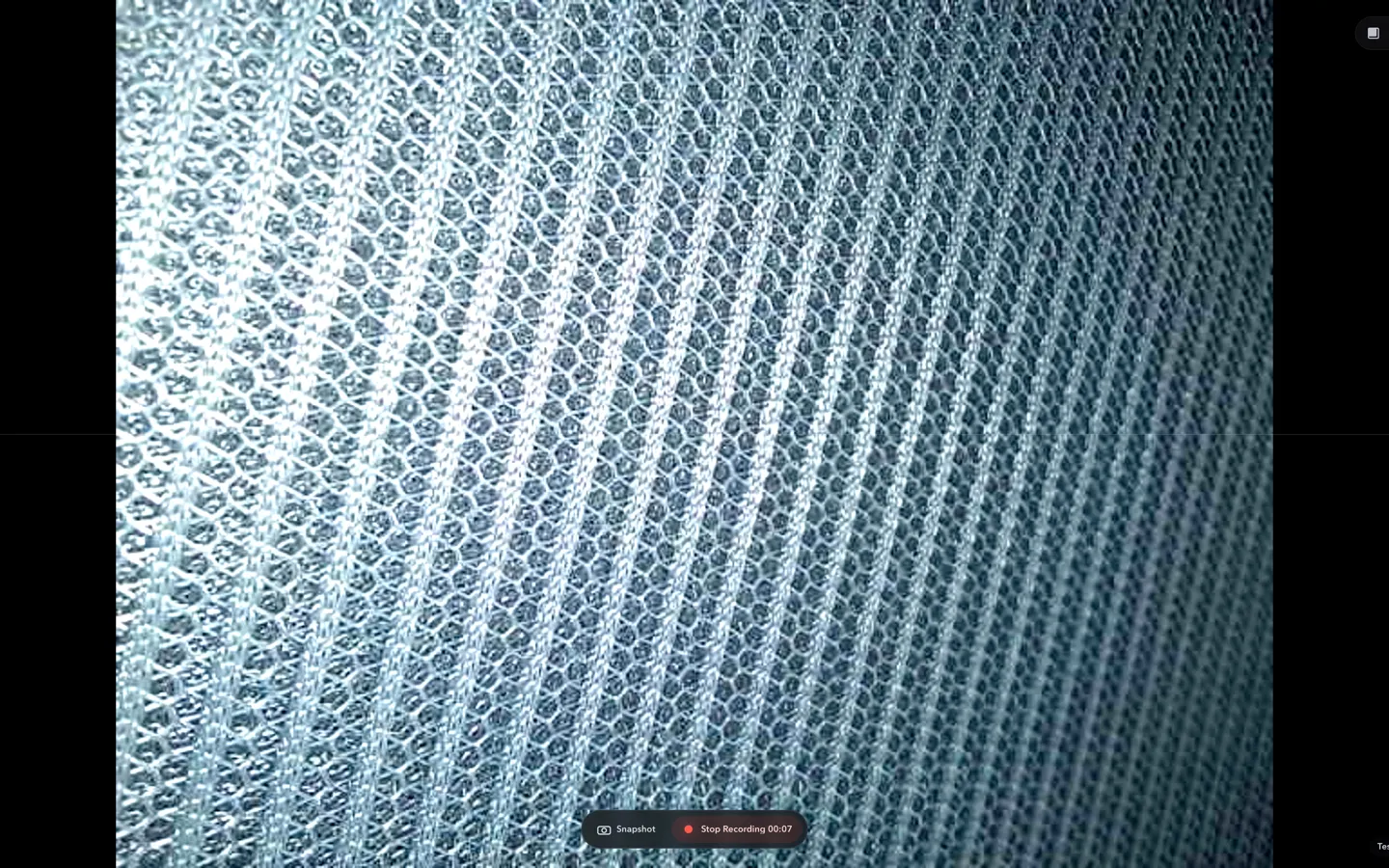
Good USB microscope software for macOS, Mac USB microscope workflows, and endoscope camera software for Mac should start with UVC compatibility, fast preview, local snapshots, short recordings, and clear file handling.
Read article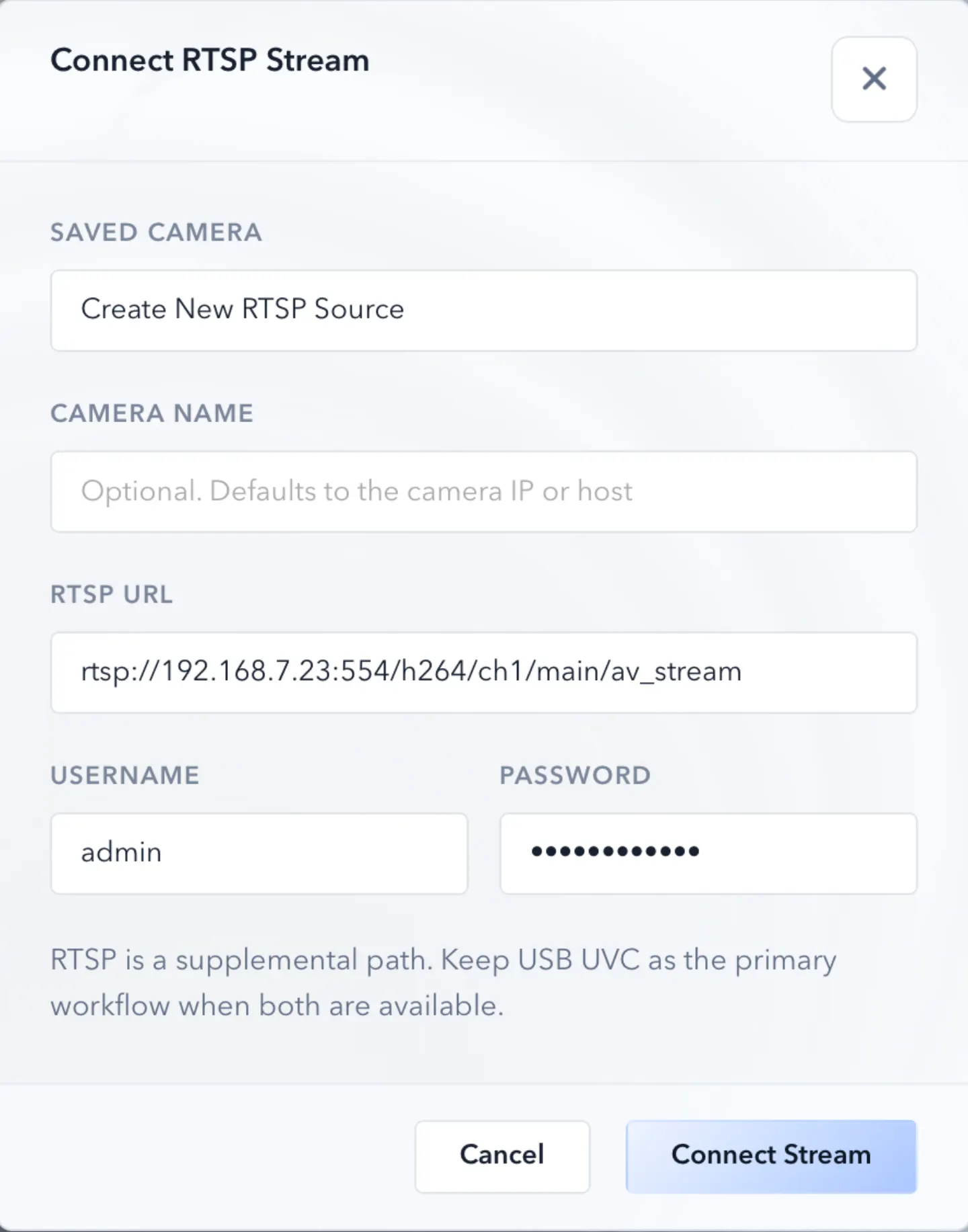
RTSP support matters for inspection teams that rely on local IP cameras. This guide explains how that workflow fits into ScopeDock's product direction.
Read article
Inspection teams often need speed, privacy clarity, and practical capture more than cloud-heavy operational layers. Local-first tooling changes that balance.
Read articleOpen ScopeDock, support, or compatibility now, then use the blog if you want more workflow detail.