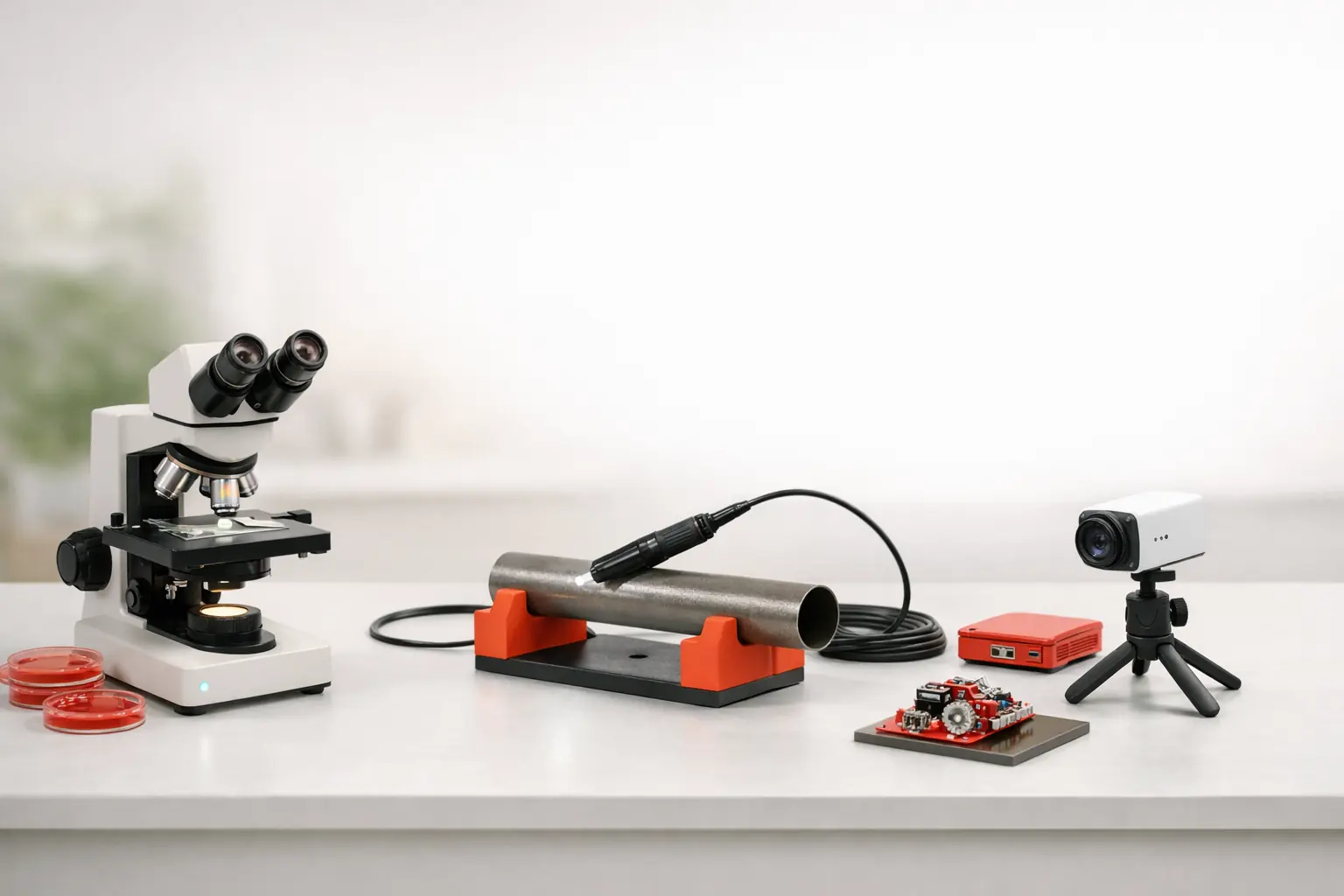
Endoscope workflows often benefit from local-first tools when the job is short, technical, and device-adjacent. Fast setup, clear capture, and plain file handling usually matter more than cloud-heavy operational layers. That makes endoscope work a strong fit for a calmer inspection-oriented product category.
Why endoscope work is different from generic camera use
Endoscope sessions are often narrow, practical, and time-sensitive. Someone needs to inspect an internal area, verify a condition, capture evidence, and move on. That is different from a workflow built around continuous viewing, remote coordination, or a large live-operations dashboard.
What the software needs to do well
For many endoscope workflows, the most valuable software traits are:
- fast preview
- low-friction source access
- straightforward capture
- predictable local file handling
- a UI that stays focused on inspection instead of entertainment or surveillance
Why local-first can be a better default
Local-first tooling fits well when the device and the operator are in the same place and the decision loop is short. It reduces unnecessary dependency chains and makes the product easier to understand during setup.
Not suitable when the workflow is remote-first
If the main requirement is centralized remote monitoring, distributed access, or a cloud-heavy operations layer, a local-first inspection tool may not be the best category fit even if it can preview the camera.
The practical next step
If your workflow is endoscope-heavy, evaluate ScopeDock through the product page, compatibility page, and support articles together. The right decision depends on the source path, the capture expectations, and whether the task is really local inspection work.