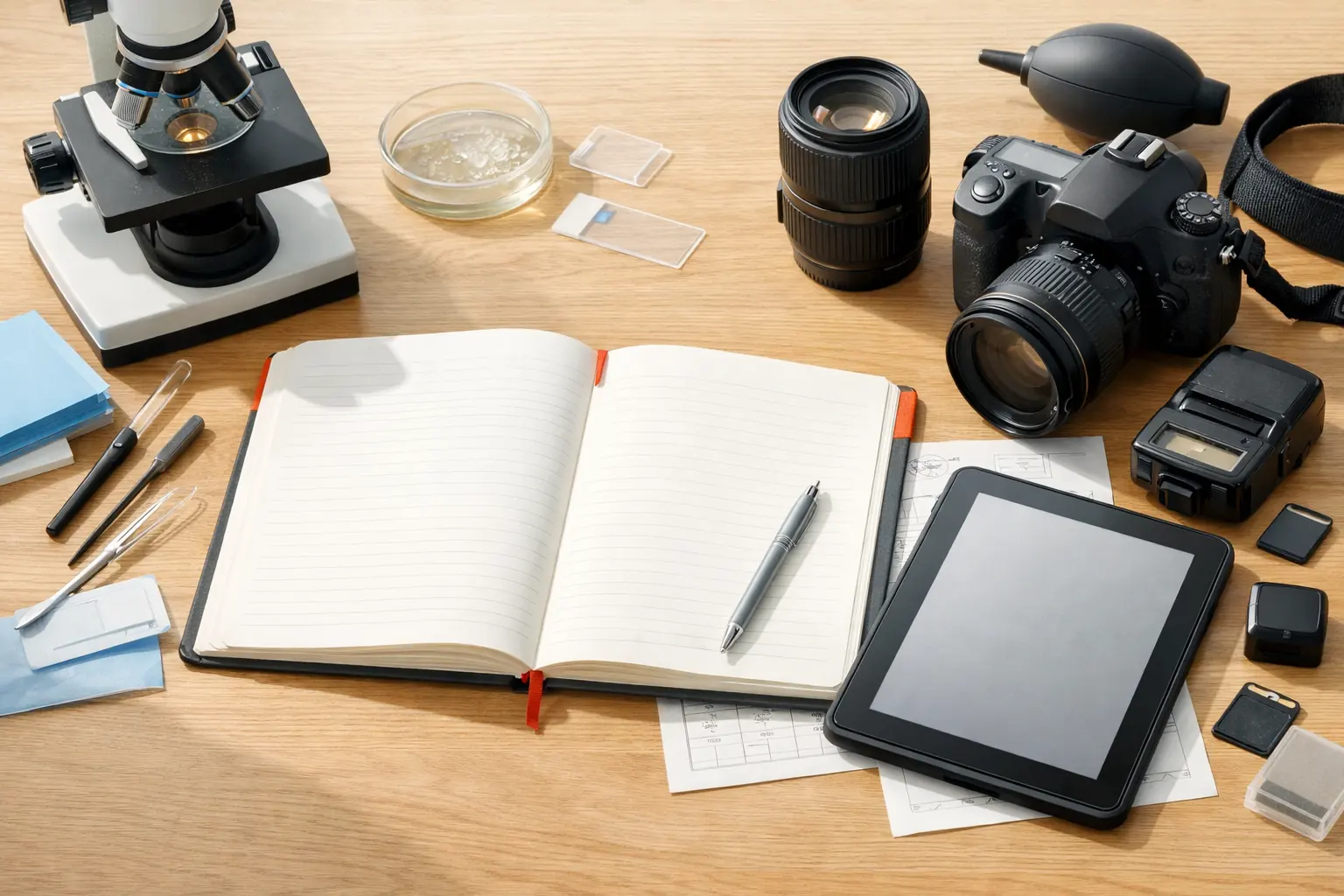
If your real goal is to preview a USB camera on Mac, capture a few stills, and record short local clips, you probably do not need OBS. OBS is powerful, but it is built for scene composition, live production, and stream-oriented workflows. When your work is closer to microscope review, endoscope checks, bench inspection, or simple camera documentation, a lighter local-first tool is usually the faster path.
When OBS is more than you need
OBS solves a larger problem than many small-camera users actually have. It is a strong tool when you need:
- multiple layered scenes
- broadcast layouts
- streaming destinations
- live overlays and transitions
- production-grade routing and switching
That is not the same as “I need to see a USB camera and save a recording.”
For many inspection-style workflows, the main questions are simpler:
- Can the camera preview quickly?
- Can I take a snapshot without leaving the main screen?
- Can I start and stop a recording with minimal setup?
- Can I find the saved files easily afterward?
If those are the real questions, a dedicated camera workspace is often a better fit than a streaming tool.
What a lighter workflow should do well
For USB microscopes, endoscopes, otoscopes, and similar small cameras, the software should reduce friction instead of adding more routing choices than the task needs.
The practical checklist is short:
- Recognize common USB UVC devices
- Let you preview the camera immediately
- Keep snapshot and recording controls within reach
- Save files locally in a predictable way
- Stay calm and readable during repeated short sessions
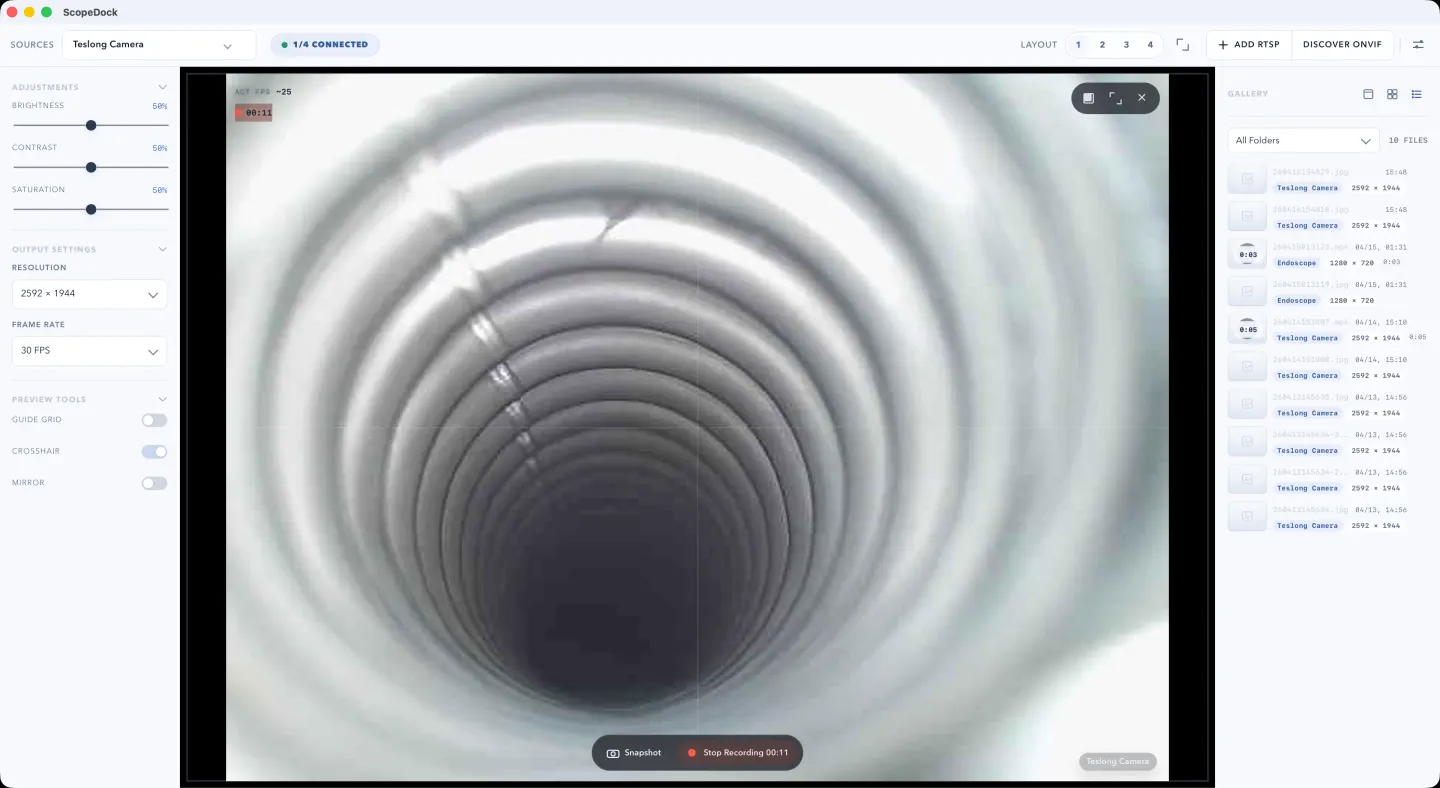
That is the workflow ScopeDock is designed around. It focuses on local preview, capture, recording, and lightweight multi-source inspection instead of production switching or livestream setup.
When ScopeDock fits better than OBS
ScopeDock usually fits better when:
- you are using a USB microscope for close inspection
- you are checking an endoscope or otoscope feed on Mac
- you want local recordings without scene-building overhead
- you need snapshots and recordings from the same workspace
- you care more about inspection speed than about stream production features
The important distinction is not “simple” versus “professional.” It is “inspection and capture” versus “live production.”
Many technical users do not need a bigger tool. They need a narrower tool that wastes less time.
A simple recording path on Mac
The shortest path usually looks like this:
- Connect the USB camera
- Open the preview
- Confirm the framing and any visual aids you need
- Start recording
- Stop recording when the observation is complete
- Review the file locally
If your workflow is short, repetitive, and evidence-oriented, that path matters more than advanced broadcast features. The fewer steps between “camera connected” and “recording saved,” the better the software usually feels in day-to-day work.
Where the recording goes matters too
One reason users end up frustrated is that recording is treated as a technical checkbox instead of a file workflow.
For many real users, the recording question is immediately followed by:
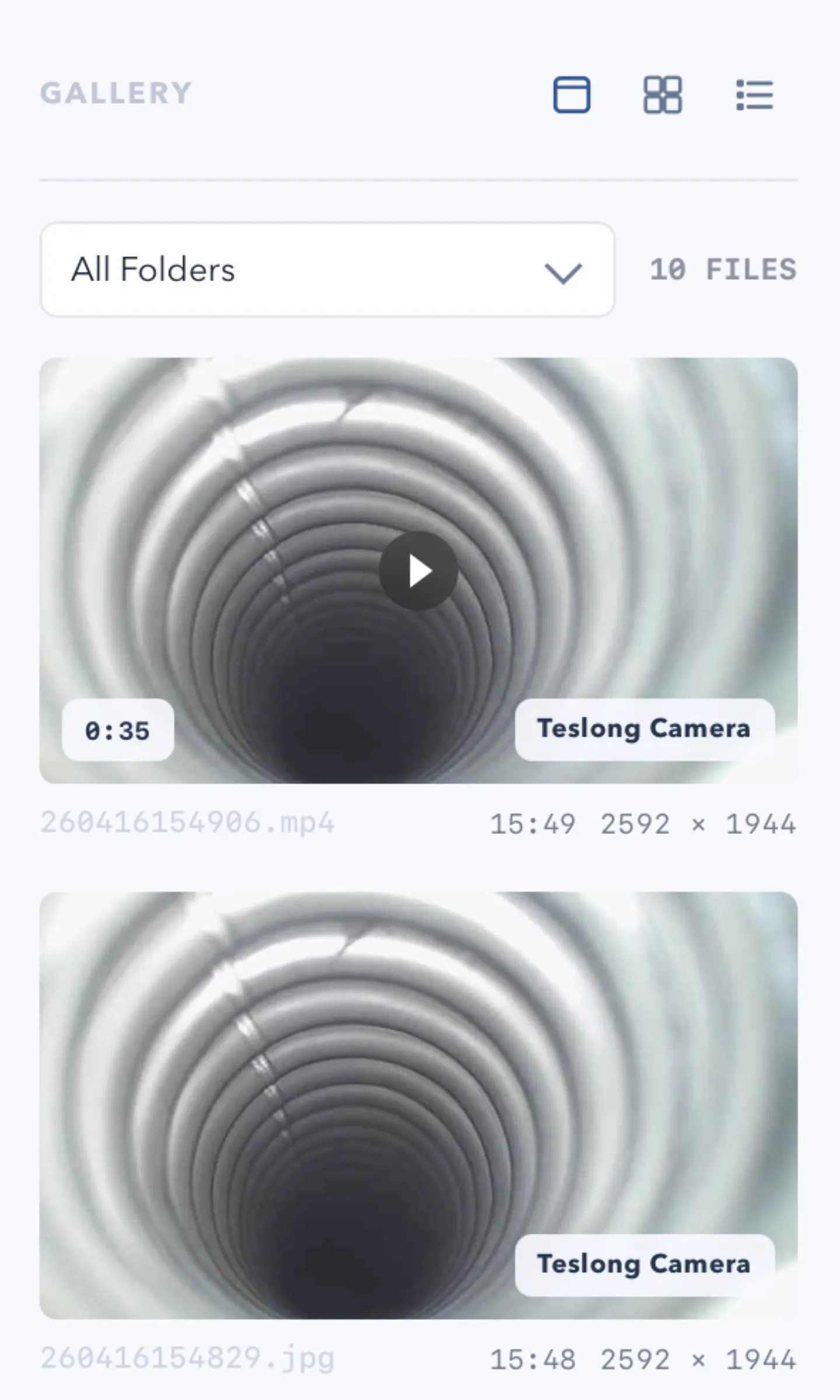
- Where did the file save?
- Can I find it again quickly?
- Does the app keep the workflow local?
That is especially true for microscope, repair, and inspection work, where the recording is often evidence, documentation, or a quick handoff rather than long-form media production.
If local file behavior matters to you, treat it as part of the evaluation, not as a minor detail.
If you want to compare that workflow against ScopeDock directly, go to the ScopeDock product page. If you want to check platform scope and setup expectations first, use the download and compatibility page.
When OBS is still the better choice
OBS is still the better fit when you need:
- livestreaming
- scene composition
- overlays, transitions, or branded output
- advanced multi-source production control
- capture workflows built around broadcasting
In other words, the choice is not “Is OBS good?” The better question is “Is OBS solving the same problem I actually have?”
If your task is inspection and local recording, the answer is often no.
The practical decision
Use OBS when your camera workflow is really part of media production. Use a lighter camera workspace when your workflow is really about inspection, review, and local capture.
For many USB camera users on Mac, that second category is the real one.
The practical next step is simple:
- go to the product page if you are deciding whether the workflow fits
- go to the download page if you want compatibility and setup guidance
- go to support if the device path is still unclear
FAQ
Can I record a USB microscope on Mac without OBS?
Yes, if the microscope behaves like a standard USB UVC camera and your goal is local preview and recording rather than streaming.
Do I need OBS for a USB camera on Mac?
Not always. OBS is useful for streaming and scene production, but it can be more than you need for inspection-style recording.
What kind of workflow is ScopeDock best for?
ScopeDock is best for local-first preview, snapshots, and recordings for microscopes, endoscopes, otoscopes, repair benches, and similar small-camera workflows.
No. It is positioned as a lightweight local-first camera tool, not as a broadcast suite or a large monitoring platform.
Where should I go next?
If you want to check fit first, go to the product page. If you want platform and setup guidance, go to the download and compatibility page. If your device behavior is still unclear, use the support page before you install.