
Check your Mac and camera
Compare Apple Silicon and Intel downloads, macOS requirements, and USB, RTSP, or ONVIF source support.
ScopeDock 1.1.0 improves RTSP continuous preview, preview resolution and frame rate choices, recording save reliability, thumbnails, and connection error messages.
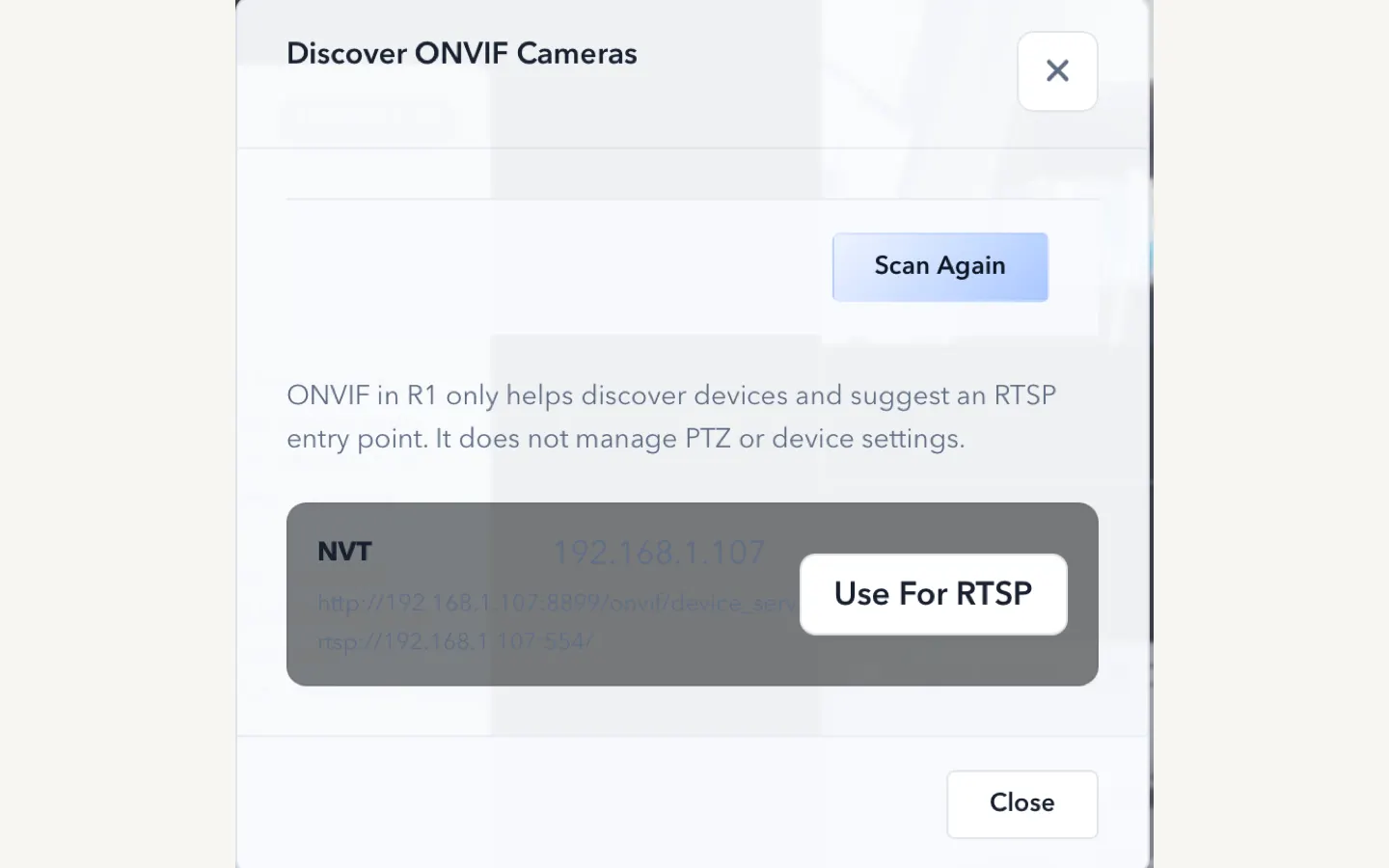
ScopeDock keeps camera preview, snapshots, and short recordings in a focused Mac workspace.
ScopeDock 1.1.0 improves RTSP network camera and recording workflows for local-first inspection and capture work on macOS.
This release is most relevant if your workflow depends on local IP camera sources. ScopeDock remains a lightweight inspection workspace, not a surveillance wall, so the update is focused on practical preview, capture, recording, and troubleshooting clarity.
Network camera compatibility can still vary by device implementation. If an RTSP or ONVIF path behaves differently from the expected flow, start with local network reachability, credentials, supported stream profiles, and device-specific RTSP behavior.
ScopeDock remains local-first. It does not automatically upload videos, images, full RTSP URLs, LAN IP addresses, or media paths. Product feedback and anonymous usage measurement remain separate systems.
ScopeDock 1.1.0 is available by direct download and on the Mac App Store.
Use the download and compatibility page if you want to compare platform support, requirements, and known limits before installing.
Choose the product, support, compatibility, or privacy path that matches what you need next.
Compare Apple Silicon and Intel downloads, macOS requirements, and USB, RTSP, or ONVIF source support.
Follow permission, USB camera, RTSP URL, authentication, and timeout checks before sending feedback.
Review the product workflow, real screenshots, local capture behavior, and current product boundaries.
More NgSense release notes, setup guides, and local-first workflow articles.
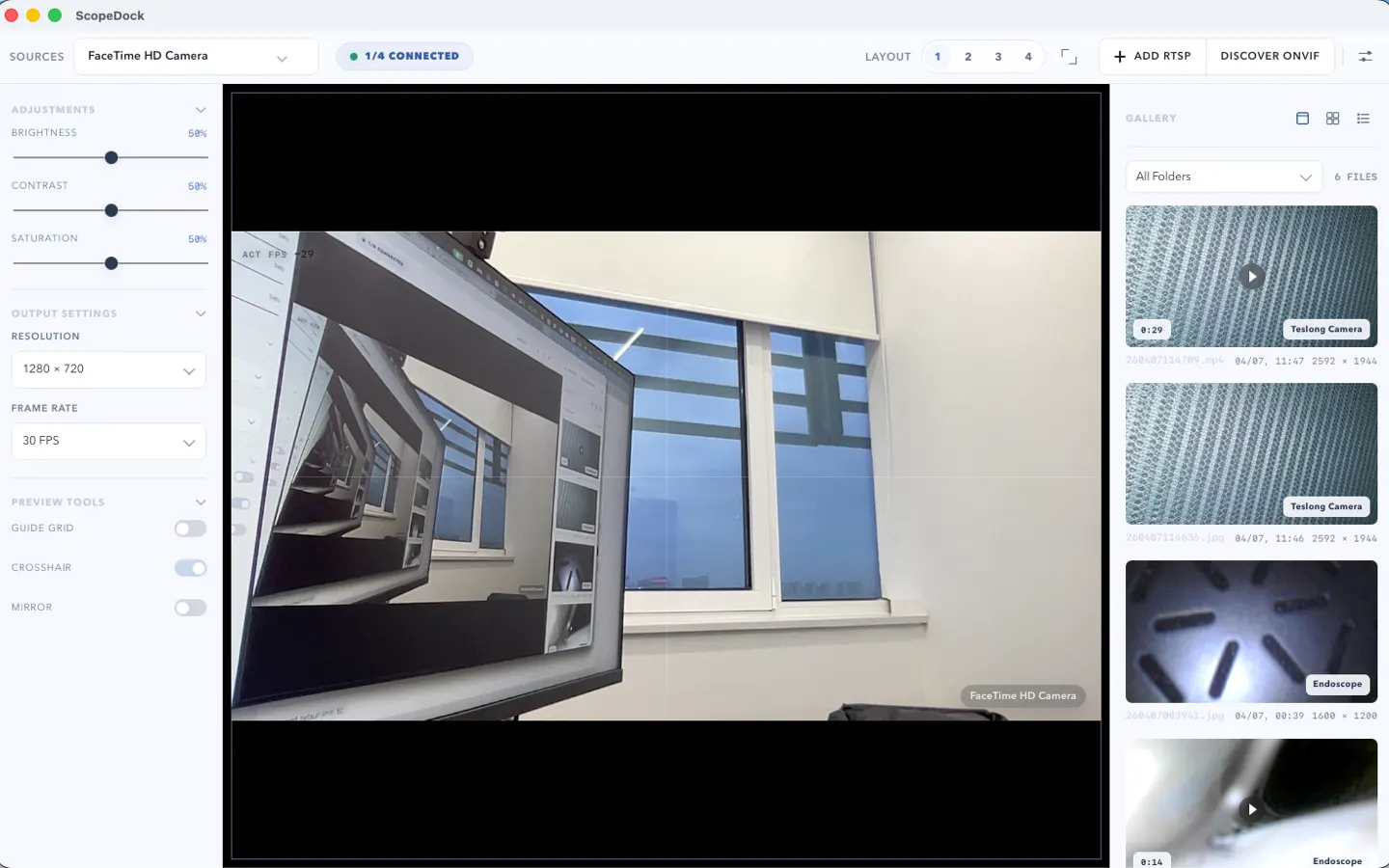
ScopeDock 1.1.1 provides separate direct-download builds for Apple Silicon and Intel Macs while keeping the 1.1 series RTSP preview, snapshot, and recording improvements.
Read article Looking for an RTSP viewer for macOS or a Mac RTSP viewer? ScopeDock fits lightweight local preview, snapshots, and short inspection recordings when you do not need an NVR, surveillance wall, or livestreaming studio.
Read article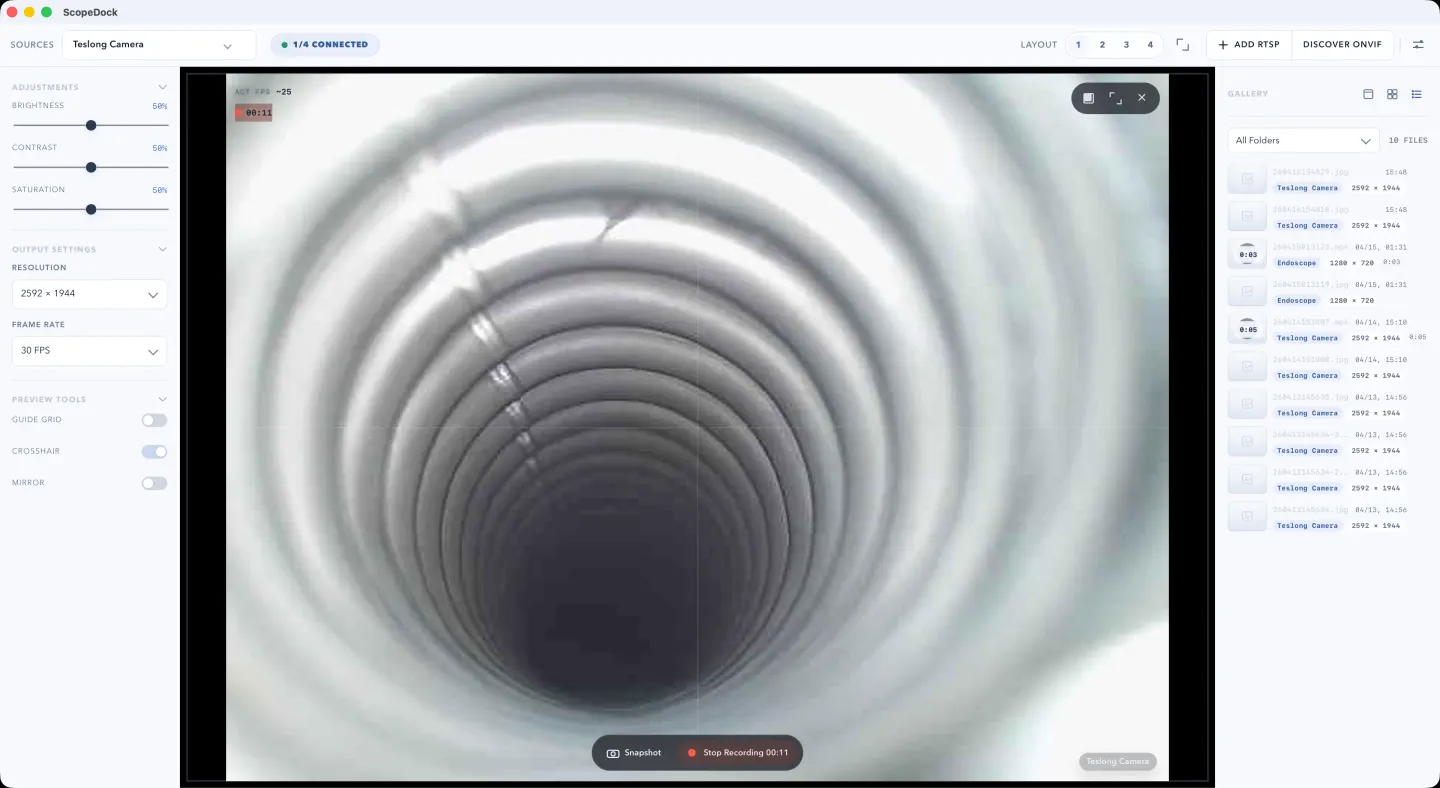
If you only need local preview, snapshots, and lightweight recording for a USB camera on Mac, you may not need OBS. This guide explains when a simpler workflow fits better.
Read articleChoose the correct direct download for your Mac, use the Mac App Store, or check compatibility first.