
Check your Mac and camera
Compare Apple Silicon and Intel downloads, macOS requirements, and USB, RTSP, or ONVIF source support.
ScopeDock 1.1.1 provides separate direct-download builds for Apple Silicon and Intel Macs while keeping the 1.1 series RTSP preview, snapshot, and recording improvements.
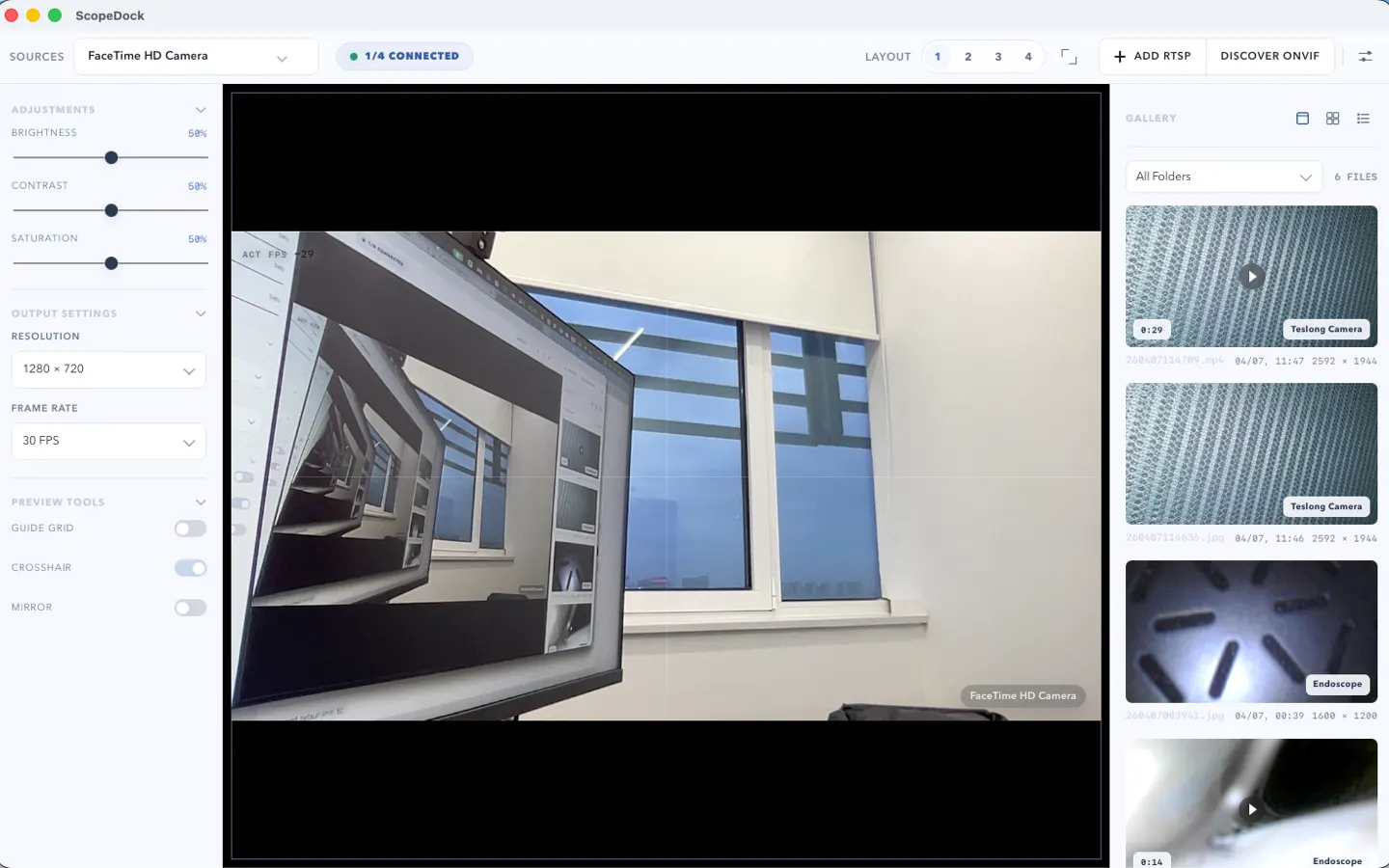
ScopeDock keeps camera preview, snapshots, and short recordings in a focused Mac workspace.
ScopeDock 1.1.1 provides two separate direct-download builds for macOS:
Choose the Apple Silicon version for M-series Macs. Choose the Intel version for older Intel-based Macs.
This release does not update the Mac App Store build. The App Store path remains available for users who prefer Apple’s store distribution flow, but the 1.1.1 change is focused on the website direct-download channel.
ScopeDock 1.1.1 continues to include the 1.1 series improvements for RTSP preview, snapshots, and recording stability. That means the direct-download builds retain the RTSP continuous preview path, capture workflow improvements, and practical local-first inspection behavior introduced in the 1.1 series.
The privacy boundary is unchanged. ScopeDock does not automatically upload videos, images, full RTSP URLs, LAN IP addresses, or media paths.
If you are unsure which build to choose, open the Download and Compatibility page. It lists the current platform status, direct-download choices, App Store note, system requirements, known limits, and checksum references.
Choose the product, support, compatibility, or privacy path that matches what you need next.
Compare Apple Silicon and Intel downloads, macOS requirements, and USB, RTSP, or ONVIF source support.
Follow permission, USB camera, RTSP URL, authentication, and timeout checks before sending feedback.
Review the product workflow, real screenshots, local capture behavior, and current product boundaries.
More NgSense release notes, setup guides, and local-first workflow articles.
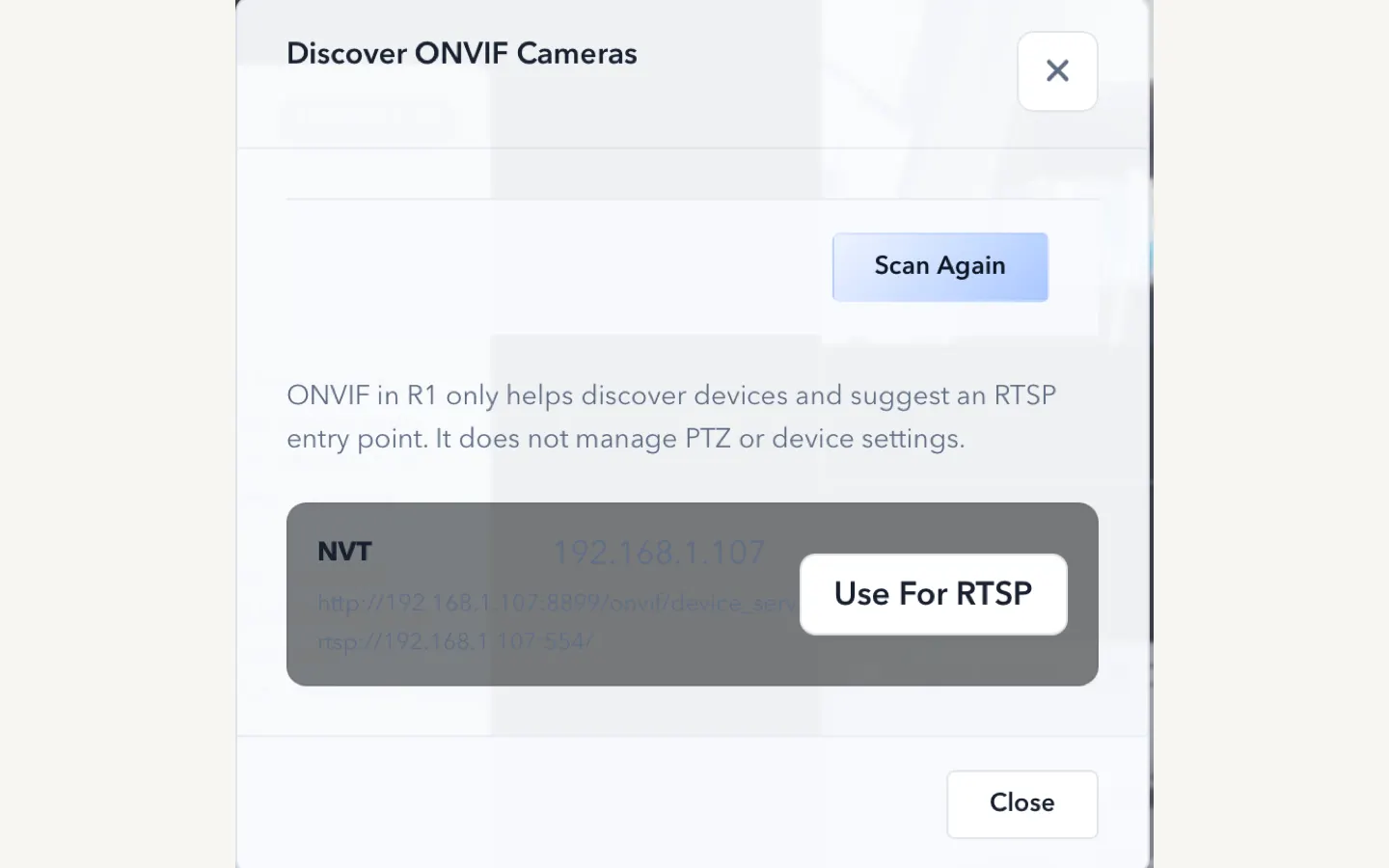
ScopeDock 1.1.0 improves RTSP continuous preview, preview resolution and frame rate choices, recording save reliability, thumbnails, and connection error messages.
Read article Looking for an RTSP viewer for macOS or a Mac RTSP viewer? ScopeDock fits lightweight local preview, snapshots, and short inspection recordings when you do not need an NVR, surveillance wall, or livestreaming studio.
Read article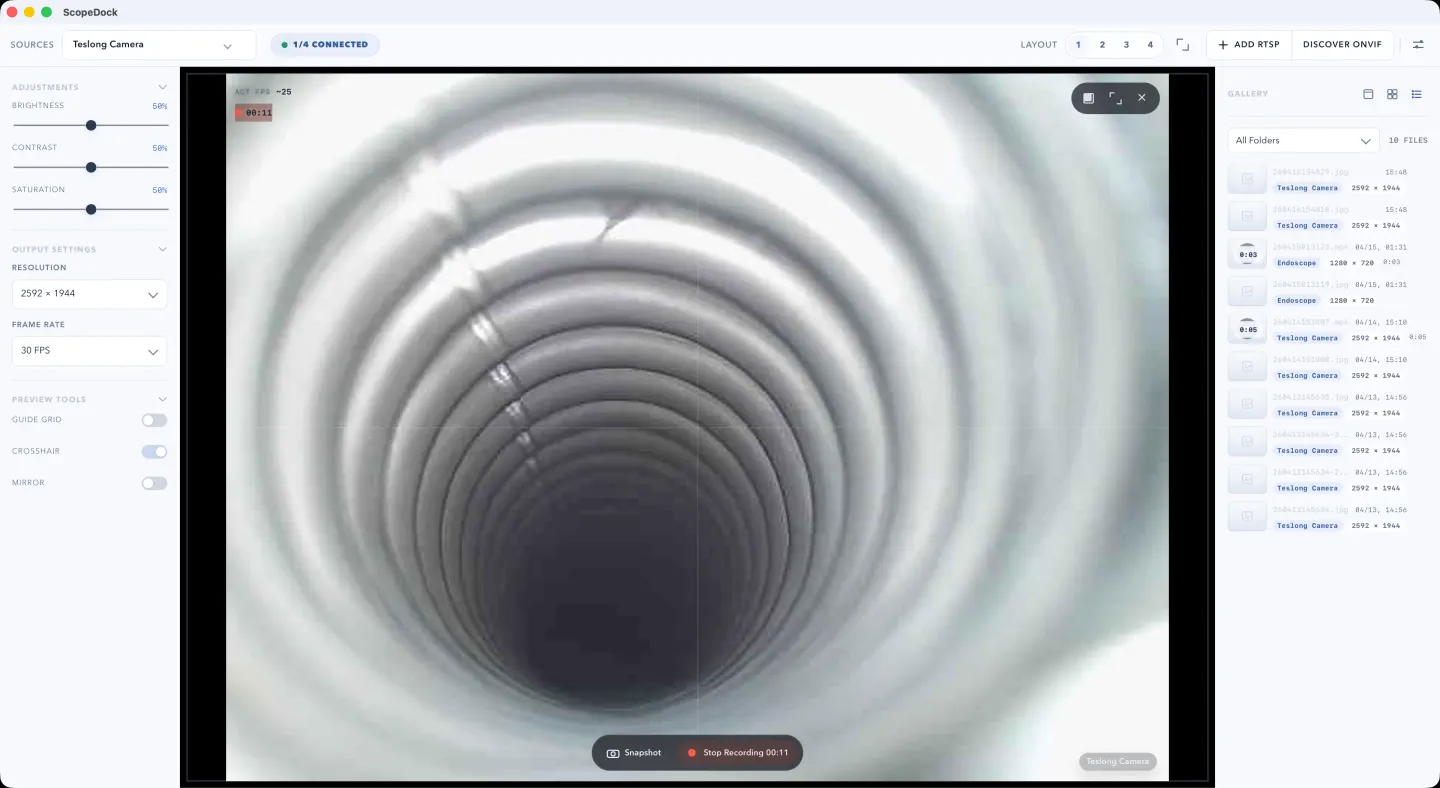
If you only need local preview, snapshots, and lightweight recording for a USB camera on Mac, you may not need OBS. This guide explains when a simpler workflow fits better.
Read articleChoose the correct direct download for your Mac, use the Mac App Store, or check compatibility first.