
ScopeDock · ScopeDock 1.1.5 Direct
ScopeDock 1.1.5 Direct: segmented recording and a compact workspace
ScopeDock 1.1.5 Direct adds 5- or 10-minute recording segments, USB recording fixes and independently collapsible panels. The App Store update is waiting for review.
On this page
ScopeDock 1.1.5 is available as separate Direct downloads for Apple Silicon and Intel Macs. The App Store update has been submitted and is waiting for review, not publicly released. Its current public version remains 1.1.1.
What changed
- Record in 5- or 10-minute segments, with a 30-minute session limit.
- Fix USB camera selection and recording duration issues, with clearer RTSP disconnect and reconnect handling.
- Improved file names, thumbnails, duration details and disk-space protection.
- Independently collapse the tools and Gallery panels, with remembered preferences and a compact macOS title bar.
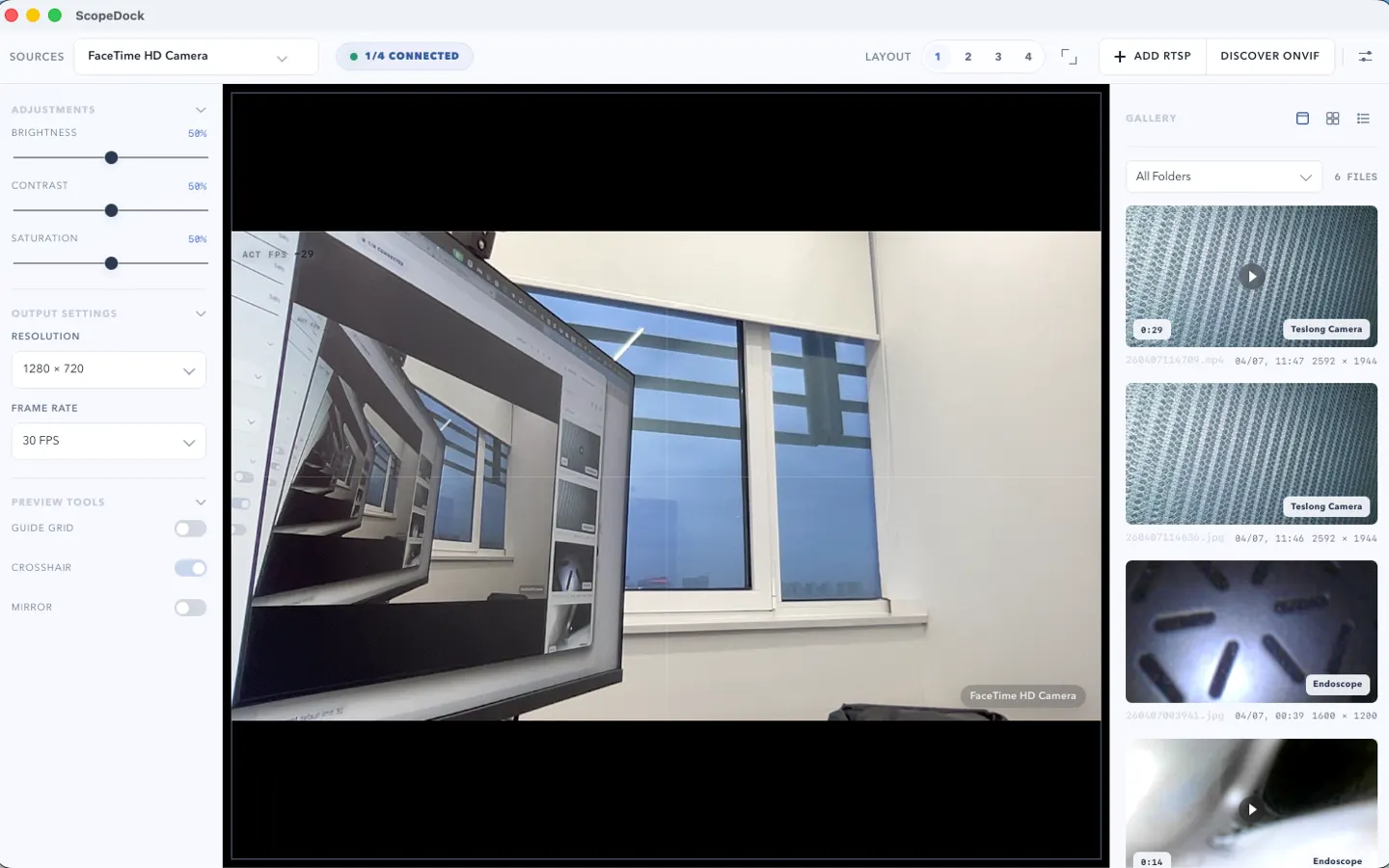
The header image is an earlier product screenshot, not a new 1.1.5 capture or a recording benchmark.
Before updating
Choose your chip on the ScopeDock download page, unzip the package and move ScopeDock to Applications. Both Direct packages require macOS 12 or later. App Store users should wait for the reviewed update through Apple; do not replace a Store installation with a Direct package to update it.
RTSP credentials and URL query parameters are not saved, so some cameras need those details entered again when reconnecting. A custom media folder may need to be selected again after updating.
Segments are not gapless. Completed files help limit losses, but an unfinished segment may not survive a forced quit, power loss or disk failure. Identical-name USB cameras may be rejected when their browser identities are ambiguous. The complete update installation and restart path from older Direct versions has not been validated; manual download remains available.
Scope and privacy
This update does not add CLI, MCP, Windows support or more than four sources. ScopeDock does not automatically upload videos, images, full RTSP URLs, LAN IP addresses or media paths. See ScopeDock privacy and camera compatibility support before relying on a new device.
ScopeDock includes FFmpeg under LGPL-2.1-or-later. Its corresponding source, license and build instructions are available alongside the downloads and inside the app. Package hashes are listed on the download page.
Next with ScopeDock
- Check your Mac and camera
Compare Apple Silicon and Intel downloads, macOS requirements, and USB, RTSP, or ONVIF source support.
- Troubleshoot a connection
Follow permission, USB camera, RTSP URL, authentication, and timeout checks before sending feedback.
- Explore ScopeDock
Review the product workflow, real screenshots, local capture behavior, and current product boundaries.
Keep exploring
More ScopeDock guides and update history.
Does an endoscope camera need a driver on Mac?
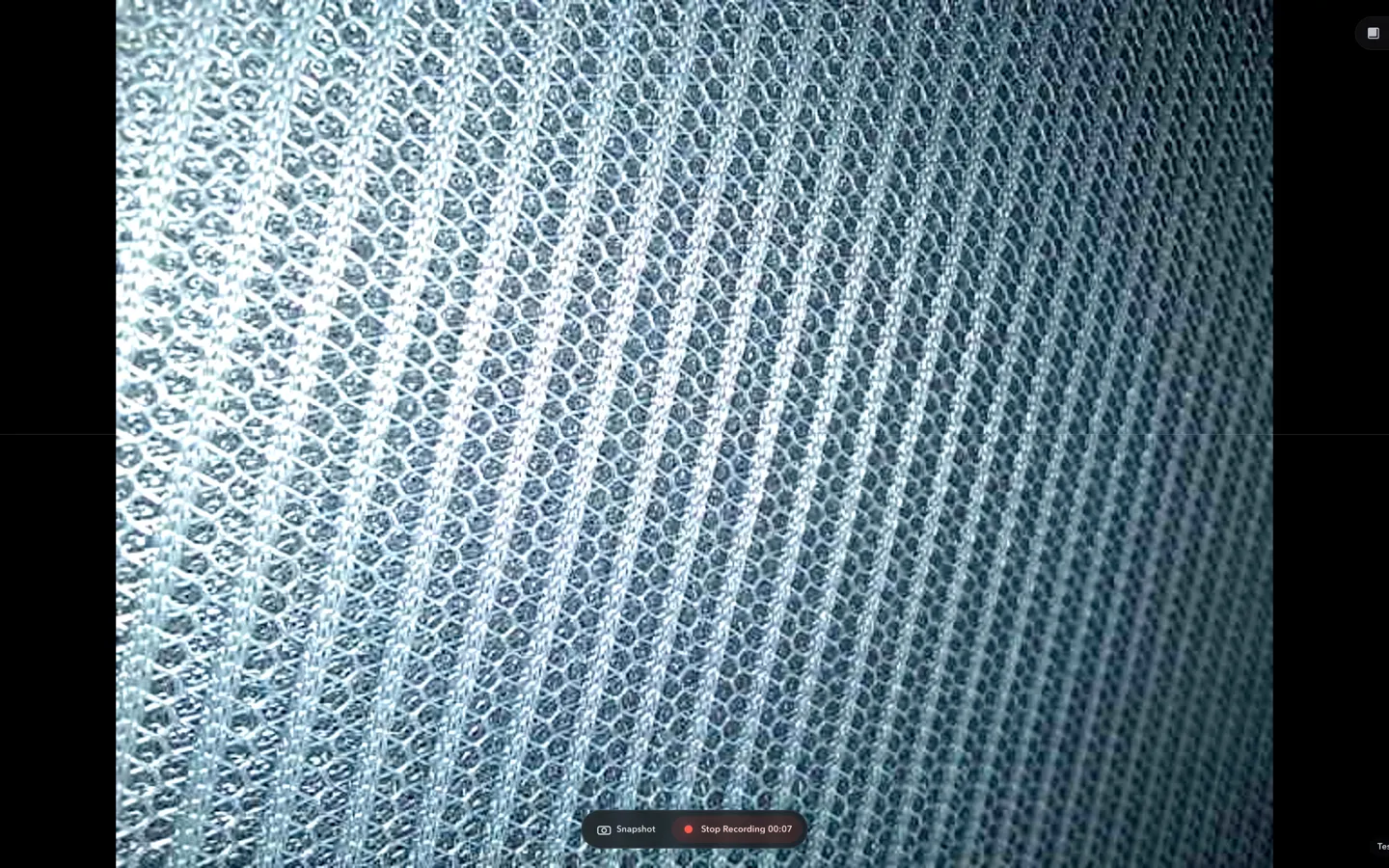
Check whether a USB endoscope exposes standard UVC video to macOS, depends on a vendor-only driver, or is limited to a phone app before choosing Mac camera software.
Read article ScopeDock 1.1.1 adds Apple Silicon and Intel direct downloads
ScopeDock 1.1.1 provides separate direct-download builds for Apple Silicon and Intel Macs while keeping the 1.1 series RTSP preview, snapshot, and recording improvements.
Read article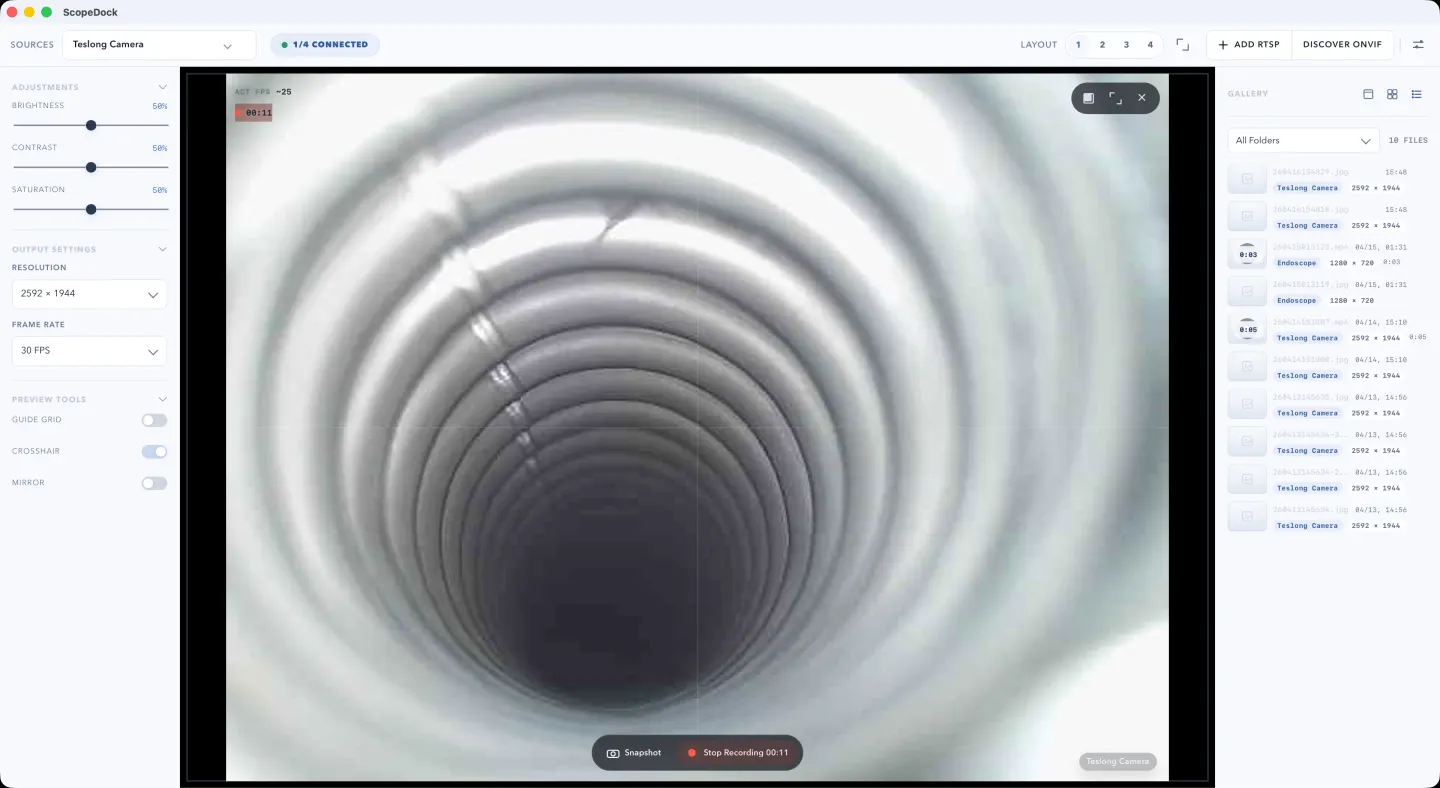
ScopeDock 1.1.0 improves RTSP preview and recording
ScopeDock 1.1.0 improves RTSP continuous preview, preview resolution and frame rate choices, recording save reliability, thumbnails, and connection error messages.
Read article