
05
Your evidence card appears here.
It will contain only the controlled observations selected in this Lab and a fact-safe next step.
A Mac camera path is ready for ScopeDock only when macOS exposes a standard USB UVC source or you have a usable RTSP/ONVIF network path. This browser-only lab turns fixed observations into a next-step evidence card; it does not detect a device or guarantee model compatibility.
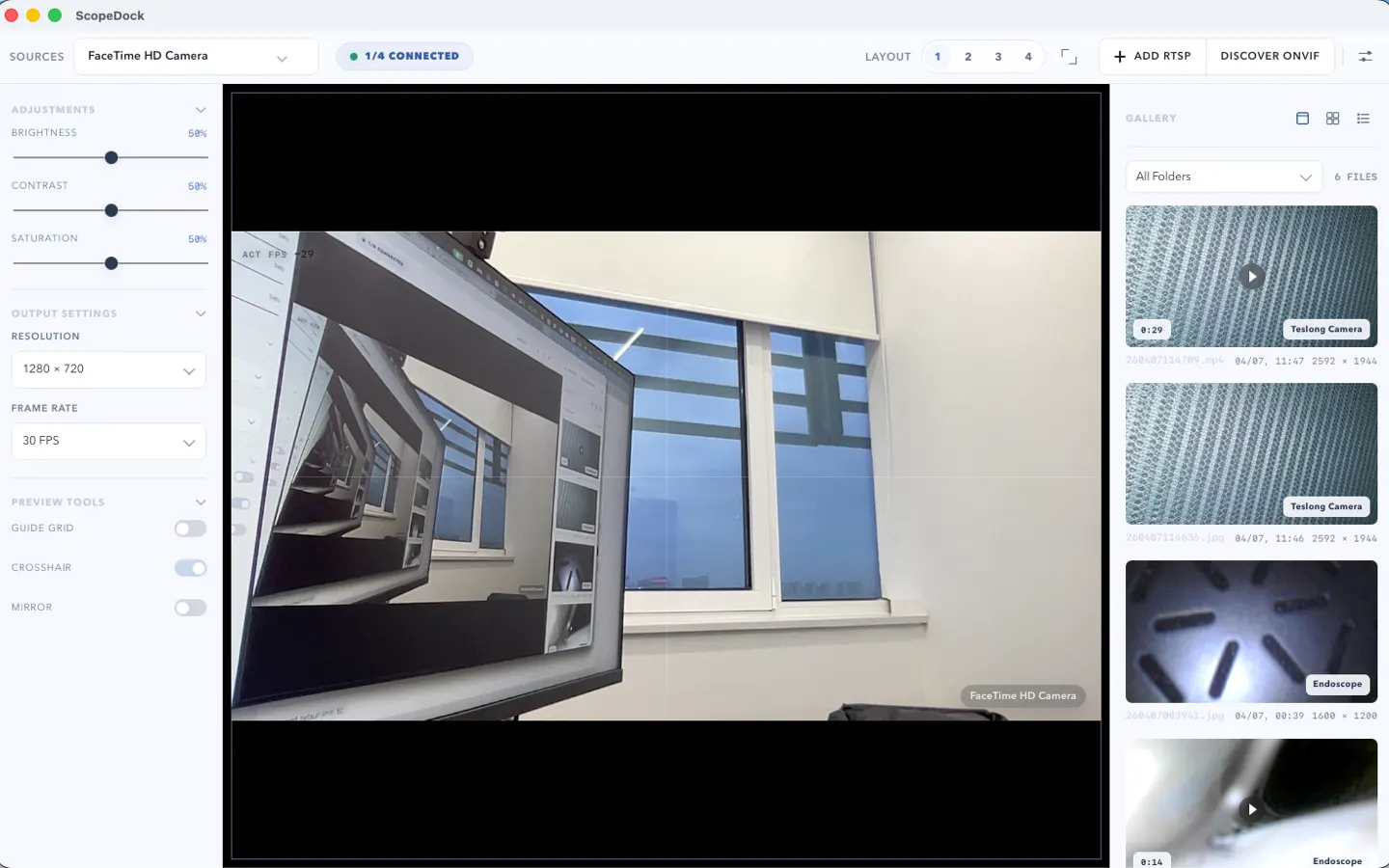
Choose fixed observations only. The browser creates a support-ready card without detecting a camera, reading system data, or asking for an endpoint or identifier.
It will contain only the controlled observations selected in this Lab and a fact-safe next step.
The result describes the selected observations, not a camera model.
Preview + capture work
The selected standard path produced both observations. Continue to the ScopeDock download decision.
USB path unclear
Confirm macOS visibility and Camera permission before treating the problem as an app failure.
USB not listed
The device may depend on a vendor driver, protocol, or phone app rather than standard USB UVC.
RTSP or ONVIF incomplete
Check the trusted endpoint, authentication, format, and local network without sending those private values to this site.
ScopeDock 1.1.1 runs on macOS 12 or later and works with compatible USB UVC, manual RTSP, and ONVIF paths. Device implementation, stream format, authentication, adapters, and local network conditions may still differ.
The Lab does not read hardware data, camera media, URLs, IP addresses, credentials, identifiers, or local paths. Copy and download operate locally in your browser; analytics receives only fixed result buckets.
No. It does not inspect hardware, scan a network, read system information, or validate a camera model. It only maps fixed observations you choose to a next-step card.
No. It records that preview and capture worked for the selected standard path. Device firmware, stream formats, authentication, adapters, and local network conditions can still vary.
Do not include a camera name, serial number, RTSP URL, IP address, credential, local media path, or captured content. The interactive card has no free-text field.
ScopeDock 1.1.1 supports compatible USB UVC sources, manual RTSP streams, and ONVIF discovery on macOS 12 or later. The Lab does not promise support for a specific camera model.