
Local camera
USB UVC
Start here when macOS exposes the microscope, endoscope, or camera as a standard video source.
Get an ordered first-connection plan for USB UVC, manual RTSP, or ONVIF discovery before you download ScopeDock.
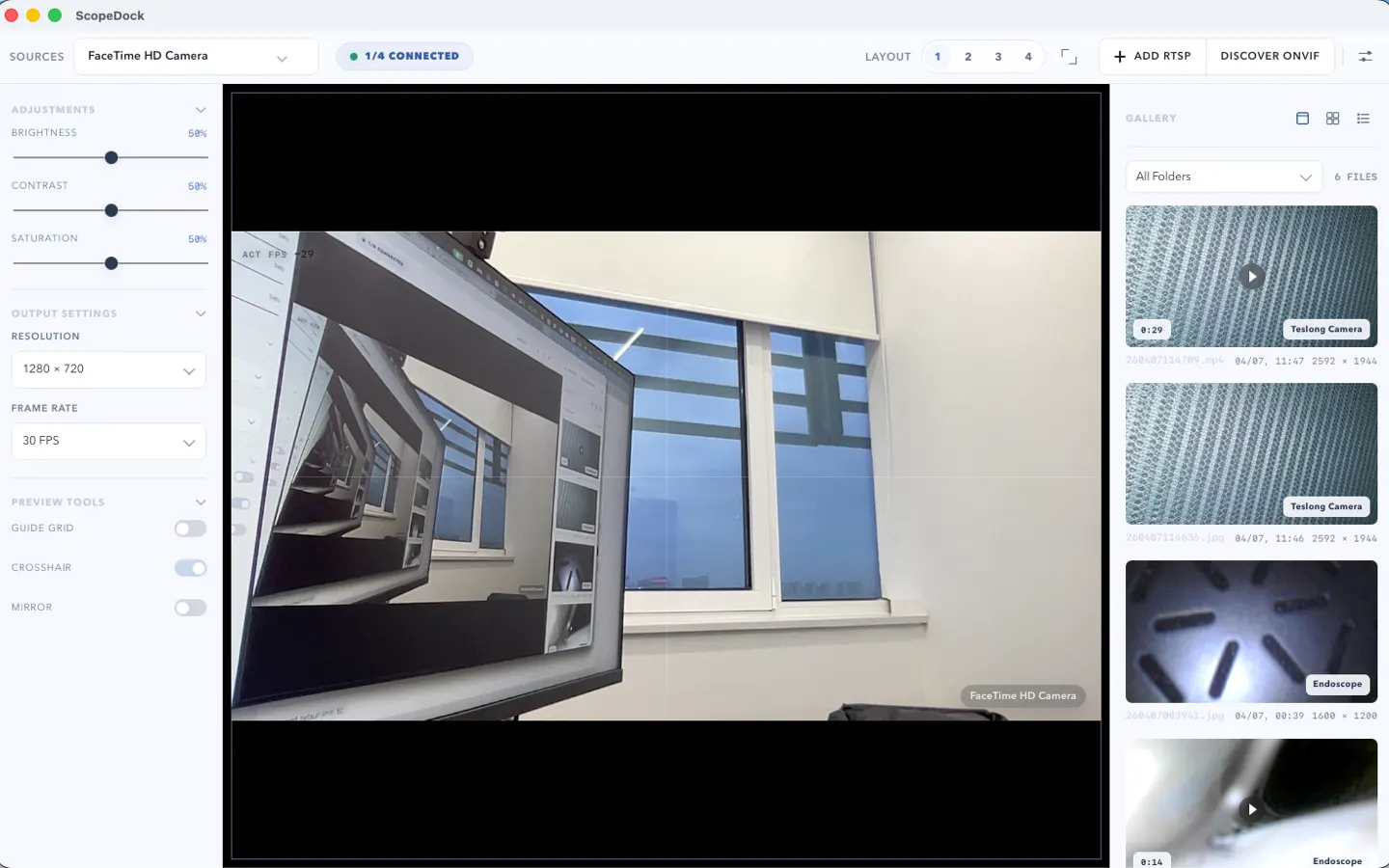
Answer one fixed-choice setup question. The planner returns a local checklist without asking for an address, camera name, credential, serial number, or file path.
The planner helps you identify the next check. It does not make a device-specific compatibility promise.
Local camera
Start here when macOS exposes the microscope, endoscope, or camera as a standard video source.
Known endpoint
Use this route when you already have the stream endpoint and required authentication details from a trusted source.
Local discovery
Try standards-based discovery on the same LAN, then fall back to manual RTSP when you already know the stream endpoint.
What this browser tool can and cannot establish before download.
No. It does not probe your network, discover devices, or validate a stream. It only maps two fixed choices to a documented setup checklist in your browser.
No. It has no field for an endpoint, IP address, credential, serial number, device name, or file path. Keep those details inside your trusted local setup.
No. ScopeDock works with compatible USB UVC, manual RTSP, and ONVIF discovery paths, but behavior may vary by device implementation, stream format, authentication, and local network.
ONVIF discovery can assist with finding standards-based devices on the local network. Manual RTSP is the direct path when you already have a valid stream endpoint. Discovery failure does not prove that manual RTSP cannot work.