
LoveMarkDown 1.2.2: Set a Default Markdown Editor on Mac
Release notes for LoveMarkDown 1.2.2: user-controlled default-editor setup for .md, .markdown, .mdown and .mkd files, Finder Open With registration, and current download guidance.
- LoveMarkDown
- September 5, 2026
- default Markdown editor Mac
- open md files Mac
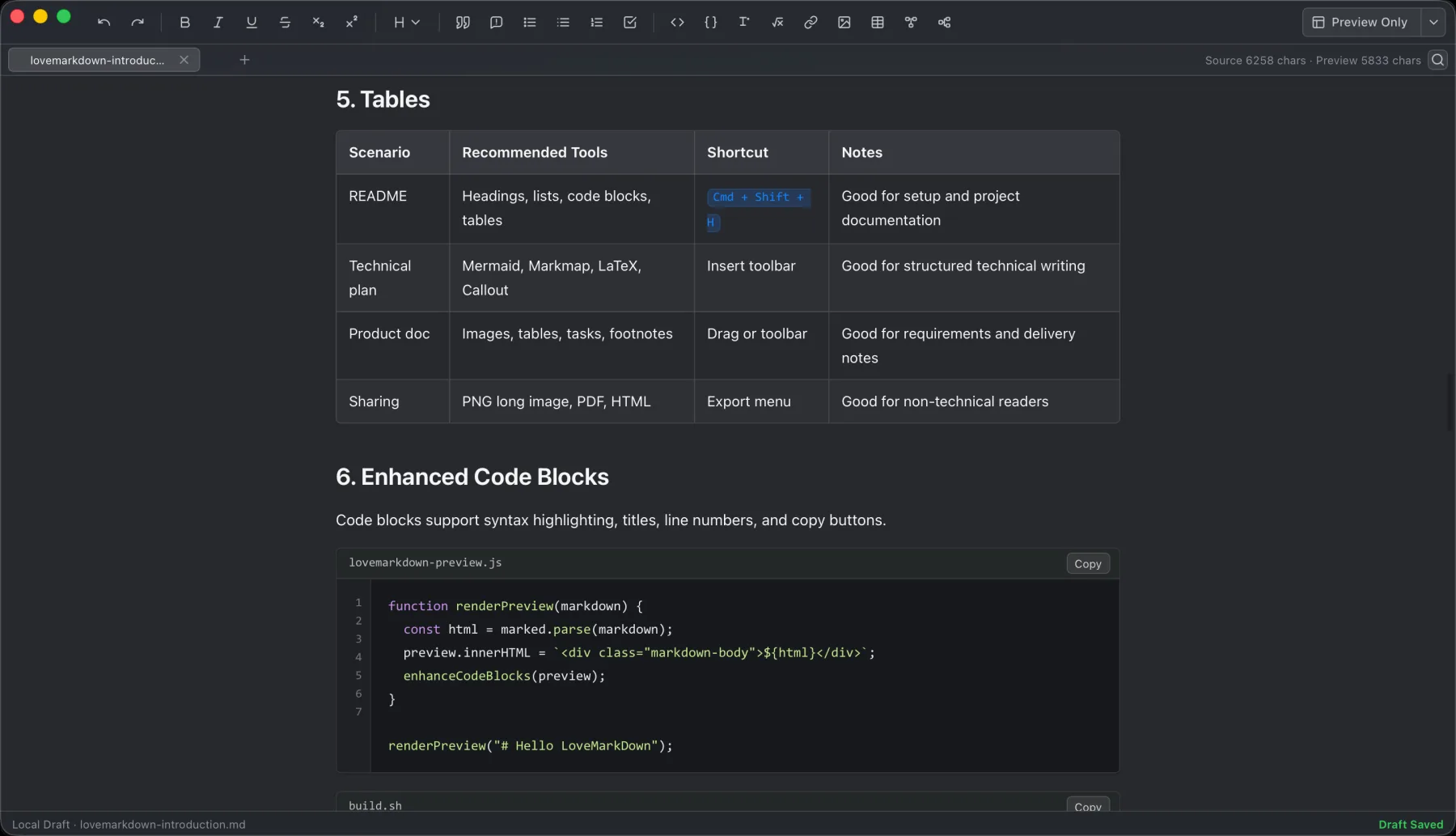
LoveMarkDown combines local Markdown editing with live preview, technical rendering, and portable export.
Jump to a section
LoveMarkDown 1.2.2 was released on the Mac App Store. That update added an
explicit way to ask macOS to use LoveMarkDown as the default editor for common
Markdown files. It also makes LoveMarkDown appear more reliably in Finder’s
Open With menu for .md, .markdown, .mdown, and .mkd files.
The choice remains under your control. LoveMarkDown does not silently change a system default: you start the request from the app, macOS shows its confirmation, and you decide whether to proceed.
For the current one-file Finder path and default-app steps, use the Open Markdown Files on Mac guide.
What changed in 1.2.2
The release focuses on the handoff between Finder, macOS, and LoveMarkDown:
- Start a default-editor request from the App menu or Settings.
- Confirm the change through the macOS system prompt.
- Find LoveMarkDown more reliably in Finder’s Open With menu.
- Use the same path with
.md,.markdown,.mdown, and.mkdfiles.
This does not add a cloud account, automatic upload, or a background file scan. The app works with the local documents you choose to open.
Set LoveMarkDown as your default Markdown editor
- Install or update to the current LoveMarkDown release from the Mac App Store. This option was introduced in 1.2.2.
- Open LoveMarkDown and choose the default-editor action from the App menu or Settings.
- Review the macOS confirmation dialog.
- Confirm only if you want supported Markdown files to open in LoveMarkDown by default.
- Double-click a Markdown file in Finder to verify the result.
If you do not confirm the macOS dialog, the existing default remains unchanged. You can still open individual files with Finder’s Open With command.
Use Finder Open With for one file
You do not need to change the default app to open a single document. In Finder, Control-click a supported Markdown file, choose Open With, then select LoveMarkDown. This is useful when you want to keep another editor as the default but use LoveMarkDown’s Source, Split, or Visual workflow for a specific file.
If LoveMarkDown is missing from Open With, confirm that App Store 1.2.2 or later is
installed, open the app once, and check the file extension. Version 1.2.2
improves registration for .md, .markdown, .mdown, and .mkd.
App Store and Direct versions at the 1.2.2 release
Current availability (September 22, 2026): Direct 1.2.5 is available as one universal installer for Apple Silicon and Intel, and App Store 1.2.5 is public with Apple-managed updates. The table below records the channel status when this 1.2.2 article was published.
At the original 1.2.2 release, the public Mac App Store version was 1.2.2 and signed, Apple-notarized Direct downloads remained at 1.2.1.
| Channel | Public version | Default-editor request | Updates |
|---|---|---|---|
| Mac App Store | 1.2.2 | Included | Managed by Apple |
| Direct download | 1.2.1 | Not included in this public build | Signed NgSense updater after confirmation |
The 1.2.2 App Store release did not change the Direct download URLs, package checksums, or signed updater feed.
The local Markdown workflow stays the same
Default-editor setup changes how macOS opens a file, not how LoveMarkDown stores the document. After opening a file, you can still:
- Work in Source, Split, or editable Visual Markdown.
- Lock the Visual pane for a read-only Preview.
- Navigate long documents from the H1-H6 outline.
- Preview nearby images, math, Mermaid, and Markmap.
- Save back to the selected local file.
- Export Markdown, HTML, Word, PDF, or PNG copies.
Ordinary opening, editing, preview, saving, and export do not automatically upload Markdown content, file names, or full local paths.
Frequently asked questions
Does LoveMarkDown change my default editor automatically?
No. You start the request from LoveMarkDown, and macOS asks you to confirm the change. Without that explicit confirmation, the current default remains in place.
Which extensions are registered in version 1.2.2?
The default-editor and Finder registration work covers .md, .markdown,
.mdown, and .mkd files.
Can I open one Markdown file without changing the default?
Yes. Use Finder’s Open With command and choose LoveMarkDown for that file.
Did the Direct 1.2.1 build include this setup?
No. At the time of this article, Direct 1.2.1 did not include the request. Current Direct 1.2.5 does include it; see the current download page.
Where can I get help?
Use LoveMarkDown Support for file opening, saving, images, export, Finder, and update questions. You can also use Help -> Send Feedback inside the app when you want to report a product issue.