
LoveMarkDown · Write simply. Share completely.
LoveMarkDown: One Mac Editor, Multiple MDZ Formats
Keep Markdown writing simple and deliver complete documents with images. LoveMarkDown brings MDZip, wflixu/mdz and AME 7z workflows into one Mac editor, with Word, PDF and HTML export.
On this page
A Markdown document is easy to write. A complete Markdown document can be harder to send: the text is in one file, screenshots are in another folder, and the reader needs both to understand the instructions.
LoveMarkDown combines straightforward Markdown writing with portable MDZ document packages. Open a supported archive, read its included images, revise a single-document package, and deliver the result in the format the next person needs. You do not have to choose between keeping Markdown source and sharing a complete illustrated document.
One editor for three MDZ families
Not every .mdz uses the same container or metadata. LoveMarkDown brings
three supported families into the same Mac workspace:
| MDZ family | Container | What LoveMarkDown offers |
|---|---|---|
| MDZip | ZIP | Open supported document packages, including a simple Markdown file with local images and no manifest; browse multi-document projects read-only. |
| wflixu/mdz | ZIP | Open supported packages using its document and asset conventions; choose this compatibility profile explicitly for supported single-document exports. |
| AME | 7z | Open supported 7z-based Markdown documents and use the AME profile for supported 7z output. |
ZIP/MDZip is the default for a new MDZ export. ZIP compatibility choices and 7z output are explicit, so choosing how to share a copy is separate from saving the document you opened. Ordinary supported Markdown ZIP packages can also be opened explicitly, without taking over all ZIP files on your Mac.
This is cross-format support, not a claim that every archive, future format version or encryption method will work. For the underlying definitions, see the MDZip specification, wflixu/mdz project and Archive Markdown Editor.
Lightweight Markdown writing, complete document delivery
The familiar appeal of DOCX is that the text and images can travel together. MDZ brings that packaging idea to Markdown: keep the editable Markdown source and included local resources in one document package.
LoveMarkDown makes this useful without requiring an account, a vault or a repository just to open a file. Choose the writing surface that suits the job:
- Source: work directly with Markdown syntax.
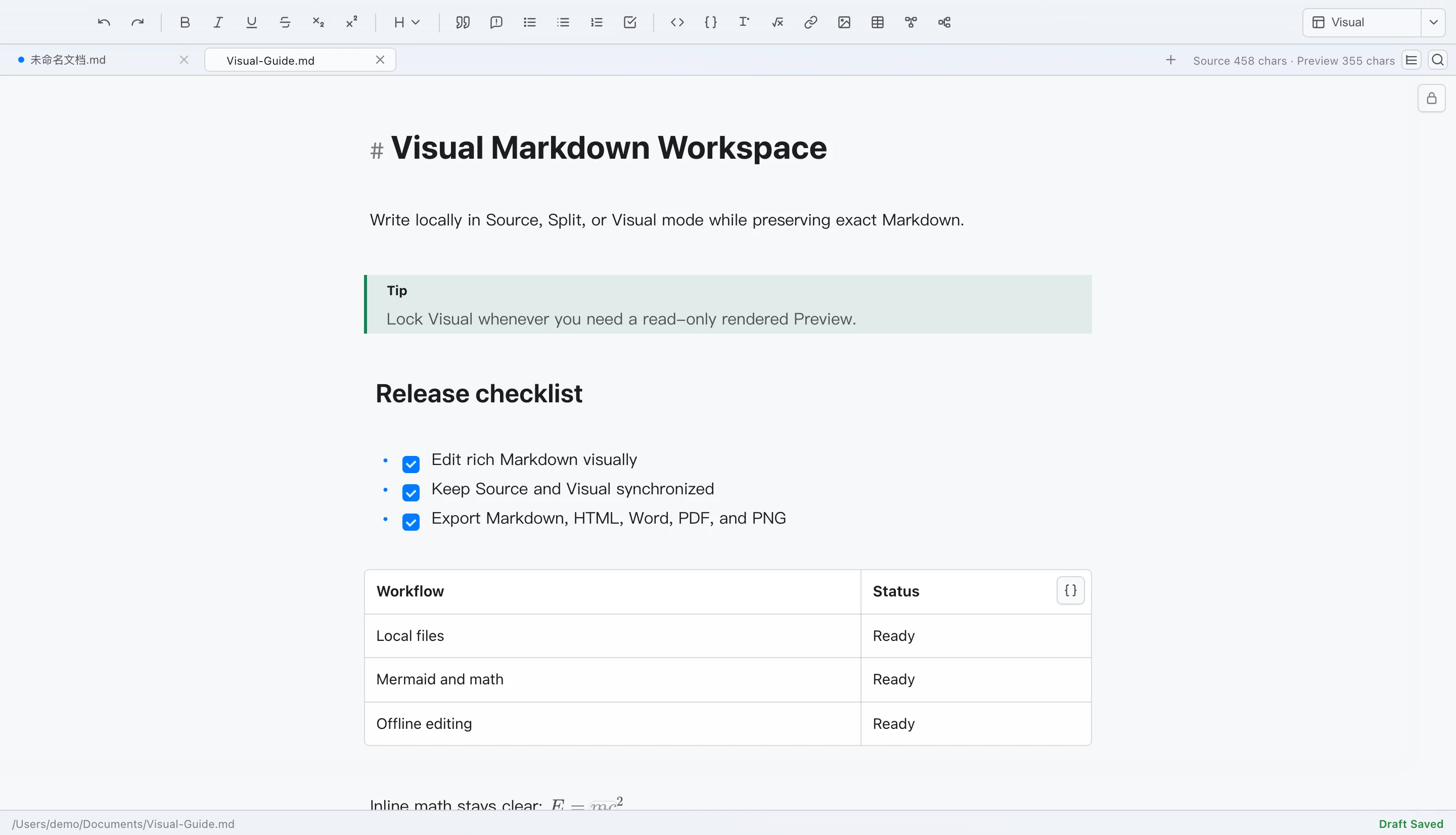
- Split: keep source on the left and the editable Visual workspace on the right, or lock the right side for read-only Preview.
- Visual: focus on the rendered editing surface; lock it when you only want to read.
Here, lightweight means a straightforward, local-file workflow, not a file-size or memory benchmark. MDZ complements a Word-based delivery workflow; it does not replace Word’s publishing features.
Keep the document and its images together
Imagine handing over a setup manual with instructions, a connection diagram
and a settings screenshot. Sending only the .md file leaves the local
images behind. Sending a supported MDZ copy keeps the included resources
with the writing.
Open that copy through File Open, drag and drop, or Finder. LoveMarkDown recognizes supported formats automatically, and its tabs and path bar identify the archive itself rather than a temporary extraction folder. A single-document package can be edited and saved back to its archive; multi-document MDZip projects provide read-only navigation.
The packaging benefit comes from including the resources, not merely changing the filename. LoveMarkDown reports missing or inaccessible local resources when packaging supported content. Remote image URLs are not automatically downloaded into the package, so check those dependencies before an offline handoff.
Send an editable package or a finished reading copy
Different recipients need different things. A teammate updating the manual may want the Markdown source and images. A customer reading the final instructions may prefer PDF. A reviewer may need Word, and a website handoff may call for HTML.
LoveMarkDown supports both sides of that workflow:
- MDZ: share a portable document package using a supported ZIP or7z profile.
- Markdown ZIP or directory: deliver supported local documents, images and attachments in an inspectable layout.
- Word, PDF or HTML: create a rendered copy with the embedded images.
Save As preserves the current archive format by default. Converting a copy is an explicit choice, and conversions that would discard other project documents are unavailable rather than silently flattening the package.
A good fit for technical writing and practical handoffs
LoveMarkDown is particularly useful when the document already exists and you need to turn it into a complete deliverable:
- A setup guide that needs its screenshots to make sense.
- A README or technical note that a colleague needs to revise.
- Training material that should keep its local illustrations attached.
- A collection of Markdown project documents to browse as a portable snapshot.
- A source package to keep alongside a PDF, Word or HTML delivery copy.
Keep ordinary Markdown for everyday source work when that is enough. Reach for MDZ when the document’s local assets need to travel with it. Use Git for change history and merging; an archive is a handoff snapshot, not a replacement for version control.
Optional passwords, with clear compatibility choices
Supported exports can use optional password protection. Standard MDZip does not allow encryption, so password-protected ZIP output is a compatibility extension, not standard MDZip. Supported encrypted 7z output has its own receiving-tool requirements. Check the recipient’s format support before sending a protected copy.
Passwords are not automatically remembered, and password recovery is unavailable. Packaging does not automatically upload your Markdown content to NgSense; see the LoveMarkDown privacy policy for local-document, feedback and network behavior. Large image-heavy archives can use substantial memory, so prefer smaller packages on low-memory Macs.
Try one complete document
As of October 13, 2026, the archive features described here are available in LoveMarkDown Direct 1.3.0, with a signed, Apple-notarized Universal installer for Apple Silicon and Intel Macs. The US Mac App Store also lists 1.3.0 as of October 15, 2026; other storefront availability may differ. The archive instructions here describe Direct, not a cross-channel feature-parity test.
Start with one Markdown document and a couple of local images. Open it in LoveMarkDown, check the images, export a ZIP/MDZip copy, then reopen that copy. Try a Word, PDF or HTML export when you need a reading or review version.
Download LoveMarkDown for Mac, check the MDZ support notes, or read what an MDZ file contains. The 1.3.0 release article provides the version-specific details.
One editor. Multiple MDZ formats. Markdown and images, together.