
FocusHop · FocusHop 1.0.6 / Release history
FocusHop 1.0.6: App Finder and Direct Update Fixes
Release notes for FocusHop 1.0.6: App Finder refinements in the Mac App Store edition and update-session fixes in Direct, with current installation and support links.
On this page
FocusHop was previously called CursorHop. These are the historical 1.0.6 release notes under the earlier name, not an announcement of a new release today.
FocusHop 1.0.6 has separate update notes for its two installation channels: the Mac App Store release refines App Finder and everyday navigation, while Direct fixes update-related access to an existing sign-in session and valid Pro entitlement. It does not turn the channels into different products or add a new Pro-only navigation feature.
This article was prepared on September 29, 2026 from the Mac App Store listing and Direct update feed. It describes the September 1.0.6 releases, not a new release today. Use the download page for current installation choices.
Mac App Store: finding the right app
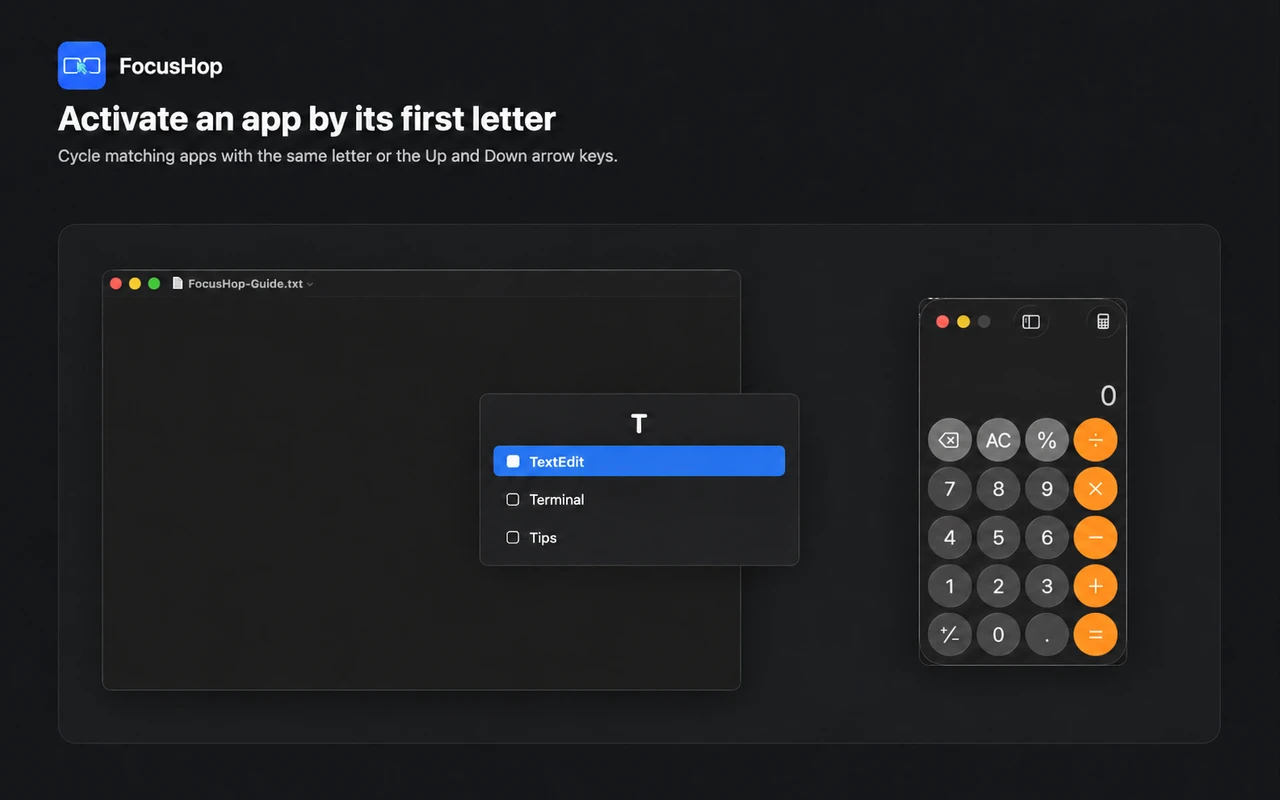
The App Store update improves candidate cycling, Chinese pinyin-initial matching, App Finder visibility above Settings, display overlays, cursor feedback, shortcut settings and Launch at Login behavior.
To check the workflow, open two familiar apps, invoke App Finder, and select an initial. Repeat that initial to cycle matching candidates, then confirm the intended app comes forward. Window restoration and cursor placement still depend on the edition and available window information; this is not a promise that every minimized window or focus target behaves identically.
Direct: preserving access after an update
Direct 1.0.6 preserves the app’s signing identity during update packaging so an existing Keychain-backed session remains accessible. If a credential lookup temporarily fails, an unexpired, valid signed Pro entitlement can remain available instead of immediately appearing as Free.
This does not extend an expired subscription, guarantee indefinite offline access, or establish cross-channel purchase transfer. If the plan still looks wrong after updating, follow FocusHop Support and send only the edition, app version and general symptom, not account credentials.
Update through the channel you installed
- Confirm whether you installed the Mac App Store or Direct edition. Keep one edition rather than running both together.
- Use Apple-managed updates for the App Store edition. Direct 1.0.4 and later include the Sparkle update flow; earlier Direct installations need a manual installation of a current version from the download page.
- Check your normal display jump and App Finder workflow, then review the displayed plan if you use Pro.
FocusHop requires macOS 14 or later. Free manages up to two displays; Pro raises the limit to eight, with the same feature set within the installed channel. A Free feature tier does not establish the channel’s installation price.
Permissions and window movement are still edition-specific
The App Store edition does not request Accessibility; window movement uses configured native macOS App Shortcuts. Direct can request Accessibility for direct window movement and layout controls. Neither update makes App Store directly control other apps’ windows.
Read the quick start, compare installation channels, or send feedback. Remove private app/window titles and account details from messages or screenshots. The FocusHop privacy policy explains permission and data boundaries.
Next with FocusHop
- Choose a FocusHop edition
Compare App Store installation with the optional Accessibility-powered Direct window controls.
- Explore FocusHop
See the workflow illustrations, Free and Pro display limits, and current Mac requirements.
- Set up shortcuts and displays
Find help for screen numbering, App Finder, permissions, native window shortcuts, and shortcut conflicts.
Keep exploring
More FocusHop guides and update history.
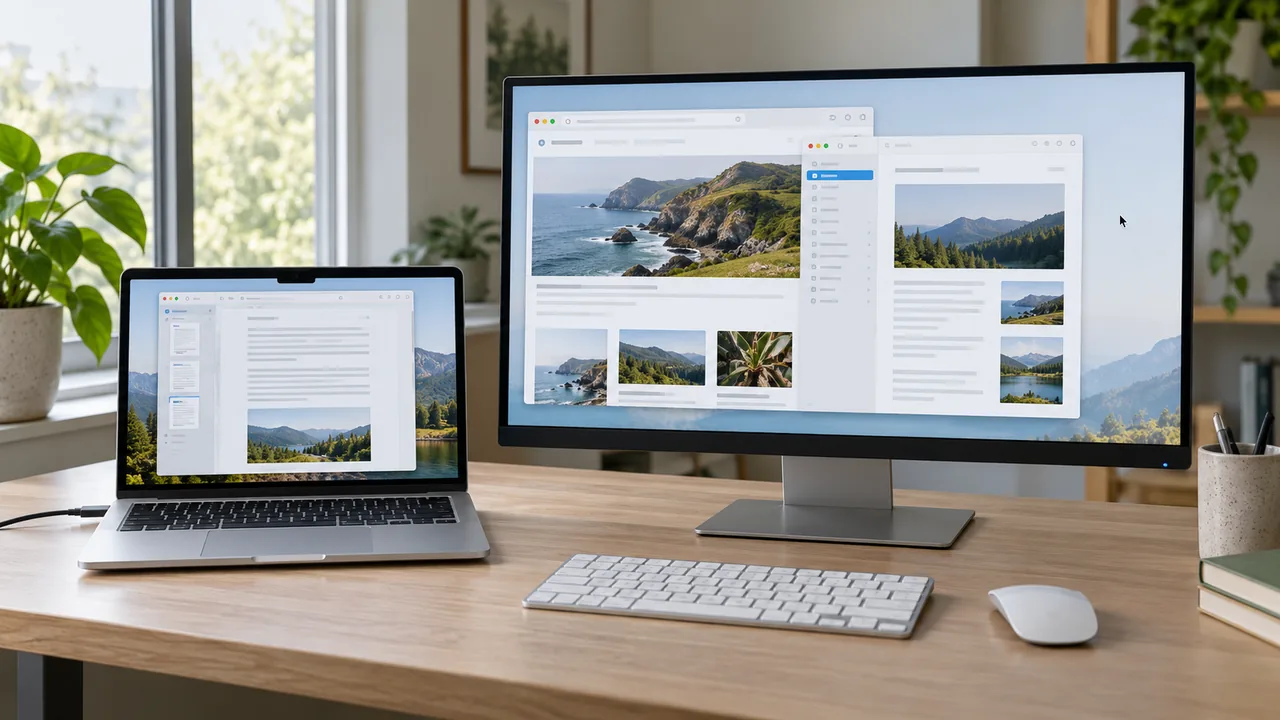
Can't Find Your Cursor Across Multiple Mac Displays?
Stop sweeping the mouse across your desk to find the pointer. Reveal it where it is, or jump to a chosen display and follow the locator pulse with FocusHop.
Read article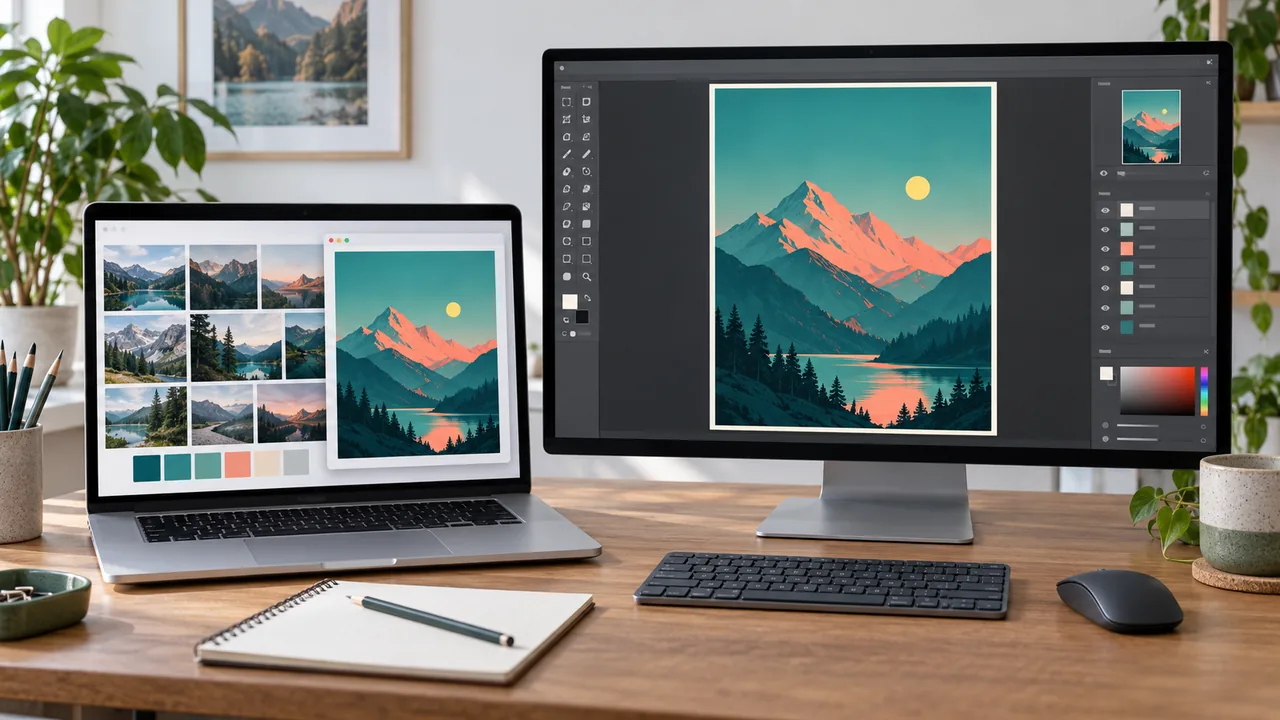
Move Between Canvas, References, and Preview on Mac
Keep your canvas in view while checking reference material and a saved export. Follow one two-display creative loop with FocusHop, with optional Direct window movement when a comparison needs it.
Read article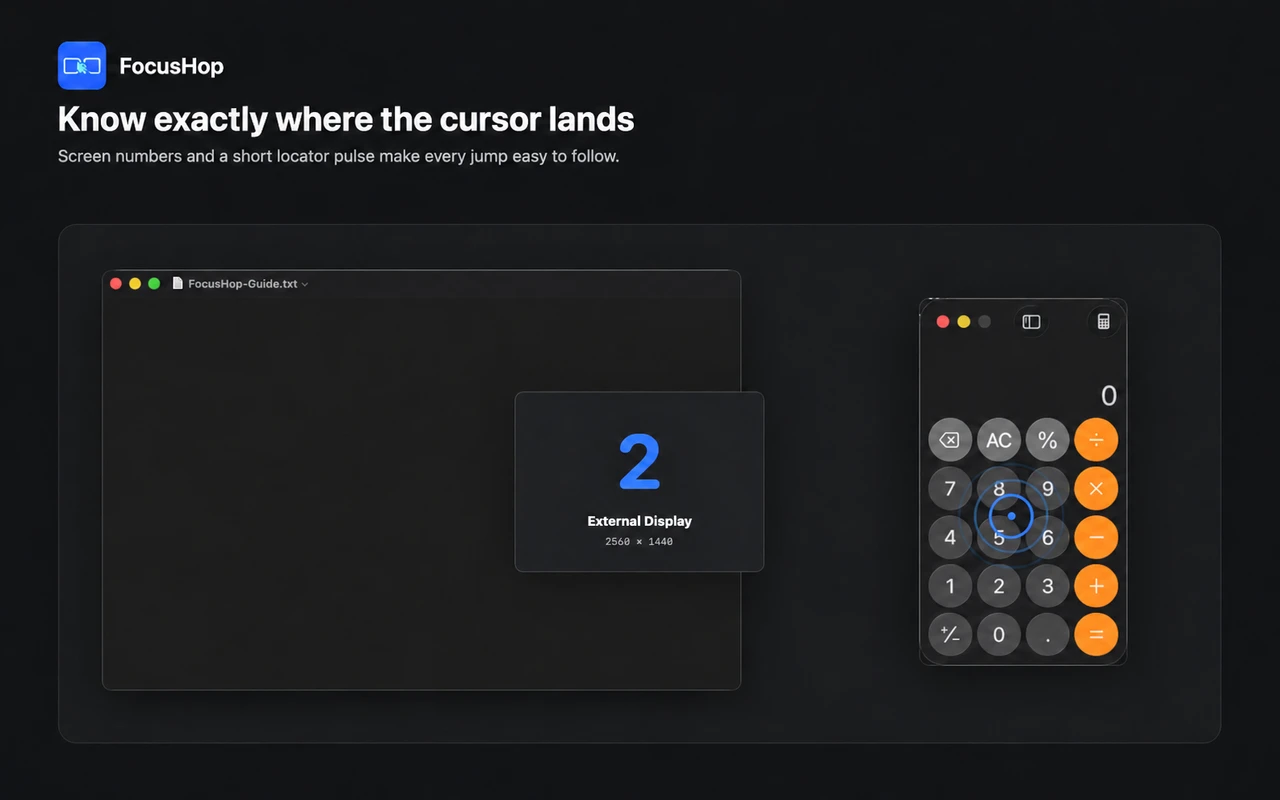
A Multi-Monitor Mac Workflow for Developers
Keep one debugging loop moving between your editor, browser, and terminal. Use FocusHop to jump the pointer, find the right app, and move a supported window only when needed.
Read article