
LoveMarkDown 1.2.5: Browse Nearby Markdown from the Path Bar
LoveMarkDown 1.2.5 adds a compact path bar, nearby Markdown browsing, and clearer file actions. Choose the universal Direct download or the public Mac App Store release.
- LoveMarkDown
- September 17, 2026
- Markdown editor for Mac
- local Markdown files
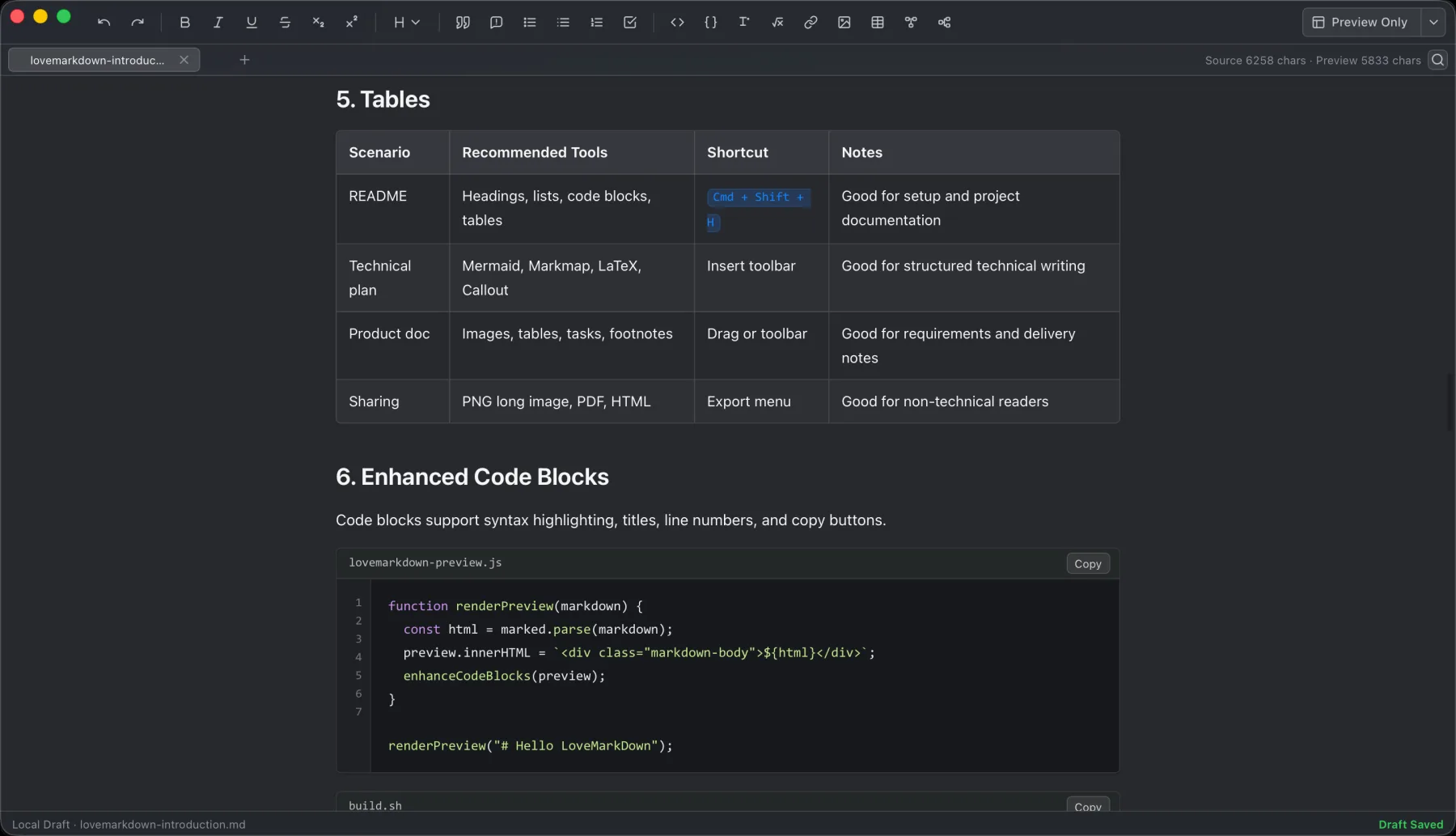
LoveMarkDown combines local Markdown editing with live preview, technical rendering, and portable export.
Jump to a section
LoveMarkDown 1.2.5 is available through the Mac App Store and as a signed, notarized Direct download for Apple Silicon and Intel Macs. It adds a compact path bar below your document tabs: move to an ancestor folder, see nearby Markdown files, and open the next file in a tab without setting up a workspace or cloud account.
The two channels use different installation and update paths: Apple manages App Store updates, while Direct updates use the signed NgSense feed after you confirm.
Follow your local files
Open a Markdown document as before, then use the path bar when you need the folder around it. Click an ancestor to navigate and choose an adjacent Markdown file. You can show or hide the bar from the toolbar; that preference is remembered, and the tab bar keeps its height.
Readable folders list immediately. If macOS denies access, LoveMarkDown asks you to select the folder. Protected or revoked locations still follow macOS permissions; this release does not bypass them.
Take action without losing your place
Right-click a path item to copy its path or name or reveal it in Finder. Rename a saved file from the app with validation and a clear conflict message if the new name cannot be used. Right-clicking tabs and path items opens their menus without selecting the label text.
Source, Split, editable Visual Markdown, read-only Preview, local images, diagrams, math, search, save, and Markdown/HTML/Word/PDF/PNG export remain part of the same file-first workflow.
Choose the current release channel
| Channel | Public version | Installation and updates |
|---|---|---|
| Direct | 1.2.5 | One universal DMG for Apple Silicon and Intel; signed updates after you confirm. |
| Mac App Store | 1.2.5 | Apple-managed installation and updates. |
Both current public channels can start a user-controlled request to make LoveMarkDown the default Markdown editor. macOS asks you to confirm; the app never changes the default silently. Both public 1.2.5 channels include the path bar and file actions.
Choose the LoveMarkDown download or read LoveMarkDown Support for folder permissions, default editor setup, file actions, and feedback. Ordinary local editing does not automatically upload your Markdown content, file names, or full local paths.