
Reach the screen. Activate the app. Find your place.
Shortcuts reduce pointer travel and app hunting across your connected displays. Cursor navigation and moving a window are different operations, with different channel permissions.
Navigate the displays you have connected
Jump by the current display number or follow the physical left, right, up, or down arrangement reported by macOS. Screen Overlay shows the connected display numbers; Find Cursor adds a pulse so you can locate the pointer after a jump or without making another move.
Display numbers can change after docking, disconnecting, or rearranging monitors. Recheck the overlay instead of memorizing the number in an illustration. Core modifier layers are configurable, and shortcut conflicts depend on your Mac and other apps.
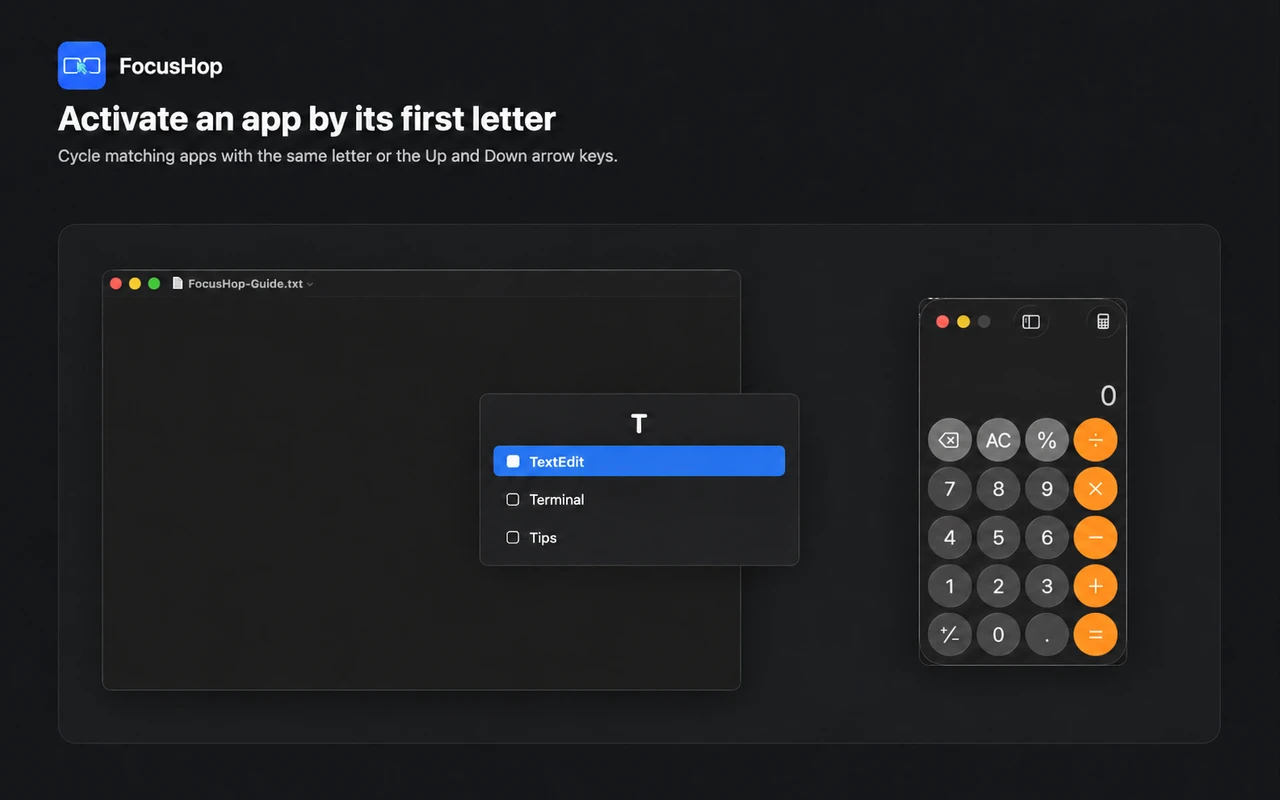
Find a running app by its initial
Use App Finder to bring a matching running app forward. Chinese app names support pinyin initials; repeat an initial or use candidate controls when several targets match. Activating an app does not promise to move its window to another screen.
Move a window through the correct channel path
| Installation channel | Window workflow | Permission boundary |
|---|---|---|
| Mac App Store | Follow the guide to configure native macOS App Shortcuts for window movement. | Does not request Accessibility. App Finder uses the visible window center when available. |
| Direct | Use supported active-window movement and layout controls. | Requires Accessibility for window controls; it can try the default focus or restore a minimized window, otherwise falling back to the window center. |
Focus placement is best effort. Do not expect every app to expose a default input target or every window to support layout controls. Read window-control setup before treating a pointer jump as window movement.
Keep the plan separate from installation
The Free plan includes the features of the selected channel and manages up to 2 displays. Pro keeps the same channel features, raises the managed display limit to 8, and includes a one-month free trial. App Finder and Direct window controls are not Pro-only features. The installation channel may have its own price.
Do not assume a purchase or entitlement automatically transfers between channels. Use current installation information and the terms shown in the app.
Be ready without becoming a monitoring tool
Enable Launch at Login if this is your regular desk. Cursor and layout operations are processed locally; FocusHop does not record typing, take screen captures, read the clipboard or user files, or upload pointer paths and display layouts. See the privacy policy for the channel-specific permission explanation.
Choose how you install, then test one jump.
Installation prices and display plans are separate. Check the current channel facts, permissions, and regional Store pricing before choosing.