
Check your Mac and camera
Compare Apple Silicon and Intel downloads, macOS requirements, and USB, RTSP, or ONVIF source support.
If you only need local preview, snapshots, and lightweight recording for a USB camera on Mac, you may not need OBS. This guide explains when a simpler workflow fits better.
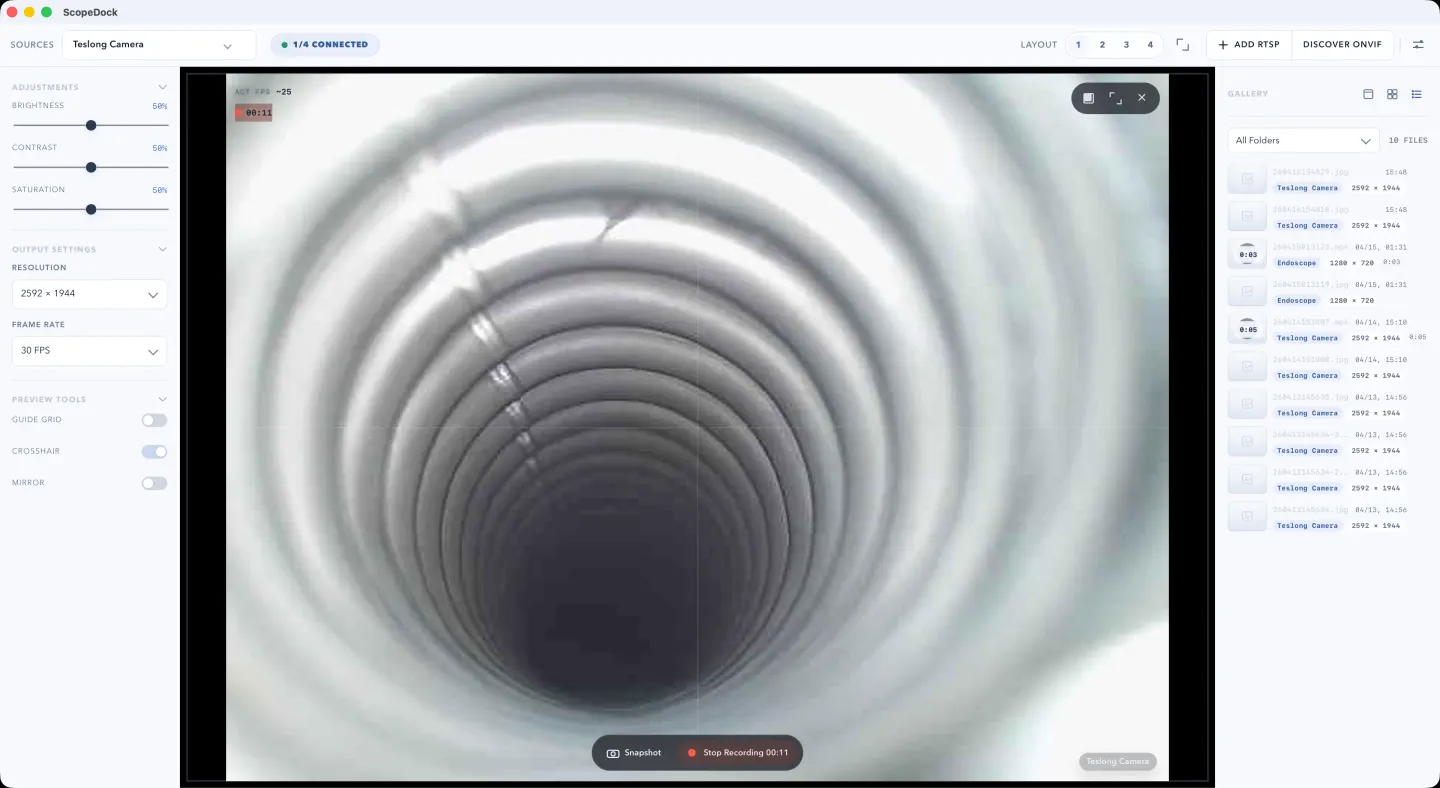
ScopeDock keeps camera preview, snapshots, and short recordings in a focused Mac workspace.
If your real goal is to preview a USB camera on Mac, capture a few stills, and record short local clips, you probably do not need OBS. OBS is powerful, but it is built for scene composition, live production, and stream-oriented workflows. When your work is closer to microscope review, endoscope checks, bench inspection, or simple camera documentation, a lighter local-first tool is usually the faster path.
OBS solves a larger problem than many small-camera users actually have. It is a strong tool when you need:
That is not the same as “I need to see a USB camera and save a recording.”
For many inspection-style workflows, the main questions are simpler:
If those are the real questions, a dedicated camera workspace is often a better fit than a streaming tool.
For USB microscopes, endoscopes, otoscopes, and similar small cameras, the software should reduce friction instead of adding more routing choices than the task needs.
The practical checklist is short:
That is the workflow ScopeDock is designed around. It focuses on local preview, capture, recording, and lightweight multi-source inspection instead of production switching or livestream setup.
ScopeDock usually fits better when:
The important distinction is not “simple” versus “professional.” It is “inspection and capture” versus “live production.”
Many technical users do not need a bigger tool. They need a narrower tool that wastes less time.
The shortest path usually looks like this:
If your workflow is short, repetitive, and evidence-oriented, that path matters more than advanced broadcast features. The fewer steps between “camera connected” and “recording saved,” the better the software usually feels in day-to-day work.
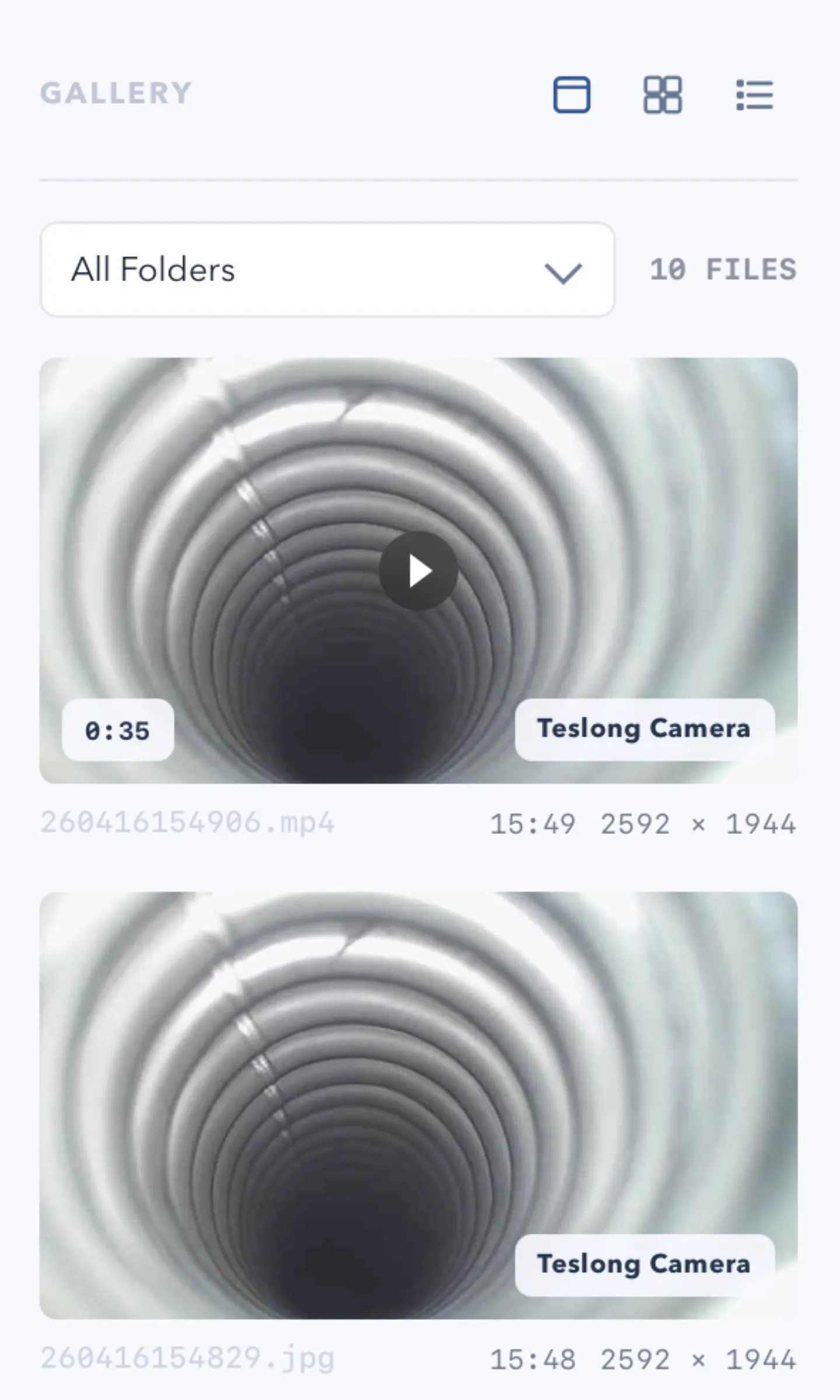
One reason users end up frustrated is that recording is treated as a technical checkbox instead of a file workflow.
For many real users, the recording question is immediately followed by:
That is especially true for microscope, repair, and inspection work, where the recording is often evidence, documentation, or a quick handoff rather than long-form media production.
If local file behavior matters to you, treat it as part of the evaluation, not as a minor detail.
If you want to compare that workflow against ScopeDock directly, go to the ScopeDock product page. If you want to check platform scope and setup expectations first, use the download and compatibility page.
OBS is still the better fit when you need:
In other words, the choice is not “Is OBS good?” The better question is “Is OBS solving the same problem I actually have?”
If your task is inspection and local recording, the answer is often no.
Use OBS when your camera workflow is really part of media production. Use a lighter camera workspace when your workflow is really about inspection, review, and local capture.
For many USB camera users on Mac, that second category is the real one.
The practical next step is simple:
Yes, if the microscope behaves like a standard USB UVC camera and your goal is local preview and recording rather than streaming.
Not always. OBS is useful for streaming and scene production, but it can be more than you need for inspection-style recording.
ScopeDock is best for local-first preview, snapshots, and recordings for microscopes, endoscopes, otoscopes, repair benches, and similar small-camera workflows.
No. It is positioned as a lightweight local-first camera tool, not as a broadcast suite or a large monitoring platform.
If you want to check fit first, go to the product page. If you want platform and setup guidance, go to the download and compatibility page. If your device behavior is still unclear, use the support page before you install.
Choose the product, support, compatibility, or privacy path that matches what you need next.
Compare Apple Silicon and Intel downloads, macOS requirements, and USB, RTSP, or ONVIF source support.
Follow permission, USB camera, RTSP URL, authentication, and timeout checks before sending feedback.
Review the product workflow, real screenshots, local capture behavior, and current product boundaries.
More NgSense release notes, setup guides, and local-first workflow articles.
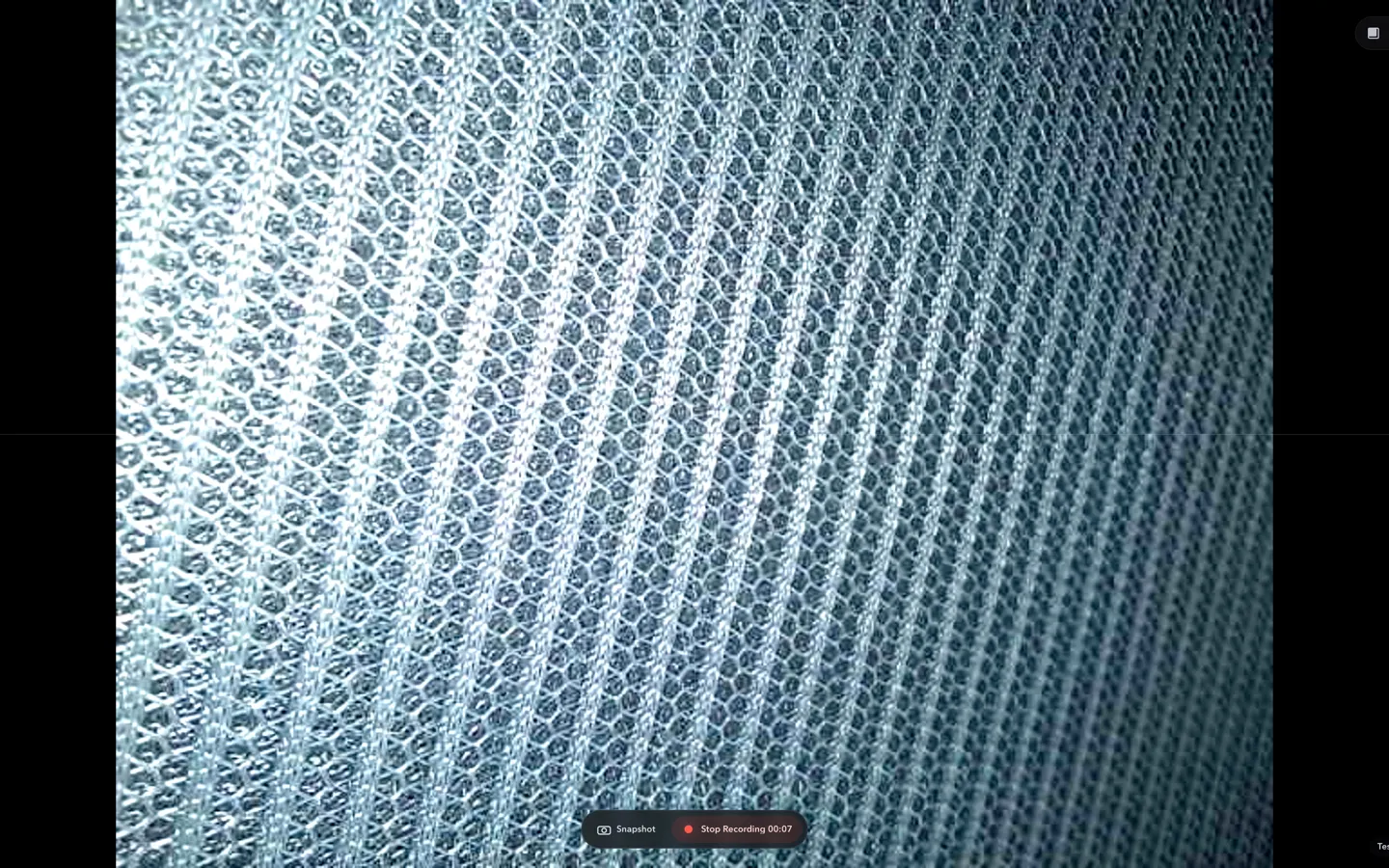
Check whether a USB endoscope exposes standard UVC video to macOS, depends on a vendor-only driver, or is limited to a phone app before choosing Mac camera software.
Read article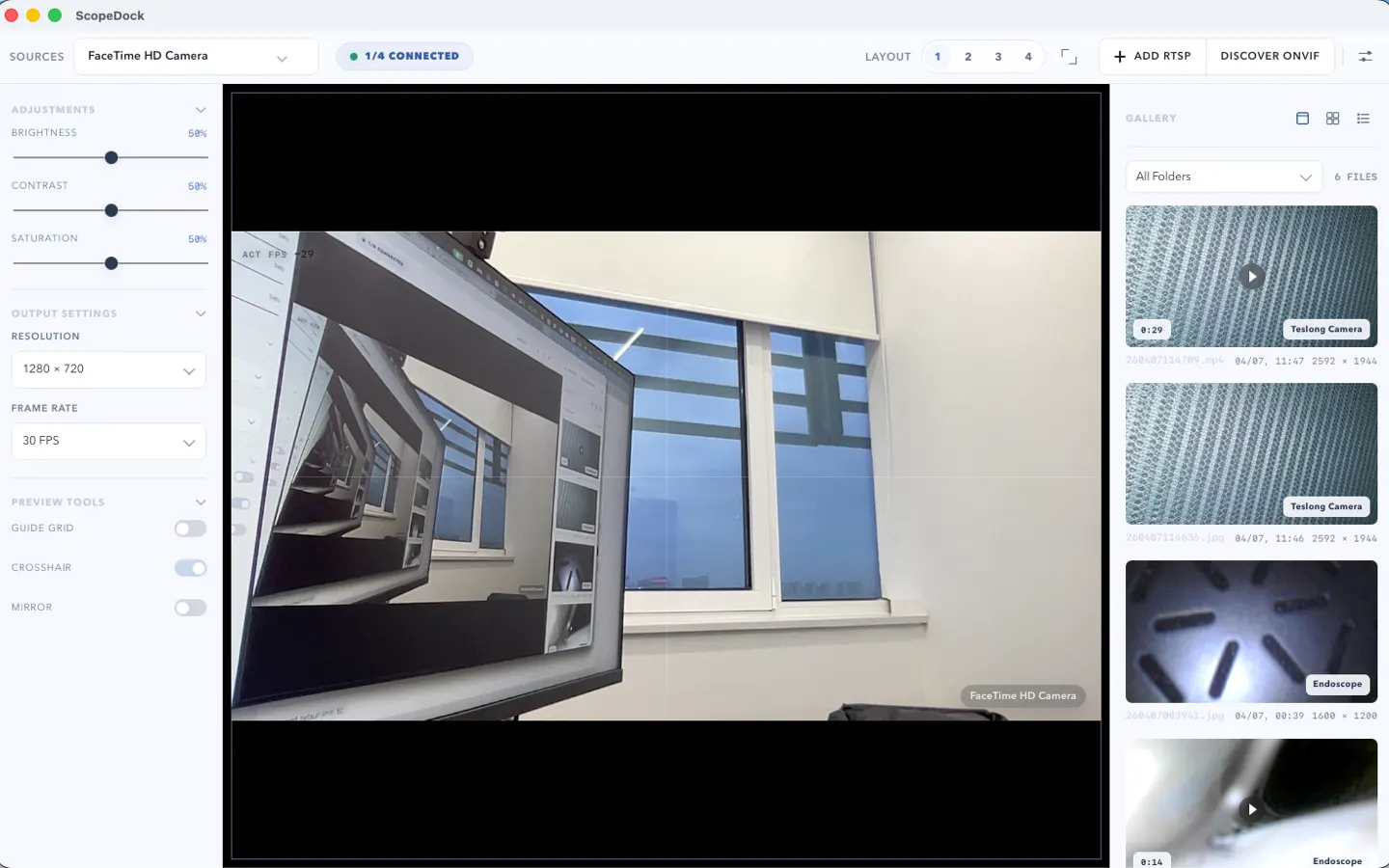
ScopeDock 1.1.1 provides separate direct-download builds for Apple Silicon and Intel Macs while keeping the 1.1 series RTSP preview, snapshot, and recording improvements.
Read article
ScopeDock 1.1.0 improves RTSP continuous preview, preview resolution and frame rate choices, recording save reliability, thumbnails, and connection error messages.
Read articleChoose the correct direct download for your Mac, use the Mac App Store, or check compatibility first.