
Check your Mac and camera
Compare Apple Silicon and Intel downloads, macOS requirements, and USB, RTSP, or ONVIF source support.
You can use an otoscope camera on Mac if it exposes a standard USB UVC or RTSP video source. This guide explains compatibility checks, setup steps, local capture, and the medical boundary.
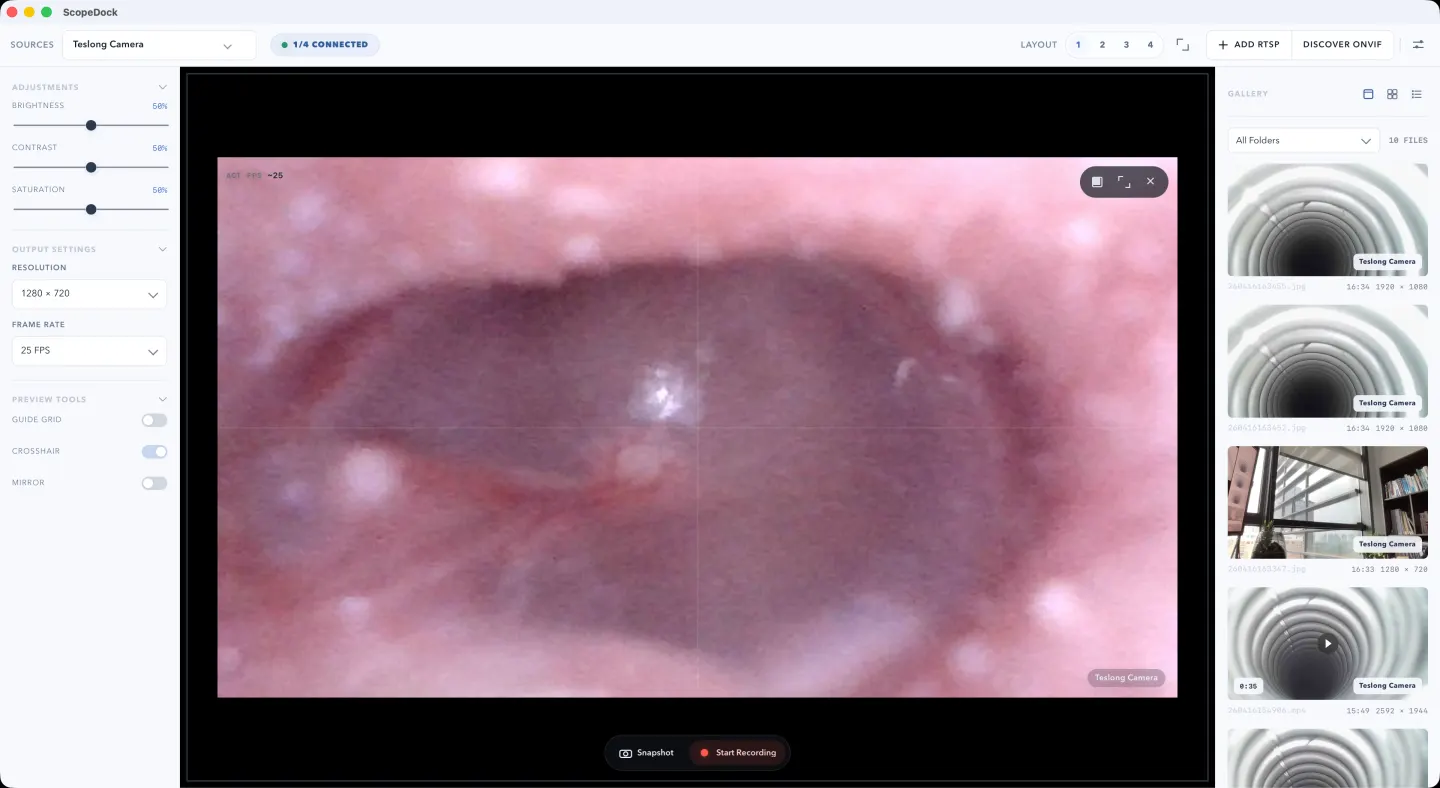
ScopeDock keeps camera preview, snapshots, and short recordings in a focused Mac workspace.
You can use an otoscope camera on Mac if the device exposes a standard USB UVC camera feed or a supported RTSP stream. In that case, ScopeDock can act as a local preview and capture workspace for viewing, snapshots, and short recordings.
The important boundary is simple: this is a viewing and documentation workflow, not a medical diagnosis workflow. ScopeDock does not diagnose, interpret, or provide clinical decision support.
| Device behavior | Mac workflow fit | What to do next |
|---|---|---|
| USB UVC otoscope | Good fit if macOS can see it as a camera source | Check camera permission and open the source in ScopeDock |
| RTSP-based otoscope or bridge | Possible fit if you know the stream URL and credentials | Check local network reachability and RTSP setup |
| Proprietary phone-app-only device | Usually poor fit for a direct Mac workflow | Check whether the vendor exposes a standard USB or RTSP path |
| Medical diagnosis expectation | Not a ScopeDock fit | Use appropriate clinical tools and professional guidance |
The most useful first question is not “Is this an otoscope?” It is “How does this device present video?”
In practice, the answer usually falls into one of these paths:
The first two categories are the relevant ones for ScopeDock. The third usually means the problem is not Mac support in general, but a vendor workflow that was not designed for standard desktop video handling.
For many otoscope users, the useful task is straightforward:
That is where a local-first desktop workflow helps. The experience is often calmer than relying on a phone app when the real goal is simply to view and document.
ScopeDock is useful when the otoscope behaves like a supported video source and the workflow is local preview plus capture.
That usually means:
This is especially useful when the session is short, technical, and evidence-oriented.
If you want to check whether that workflow matches your device and use case, start with the ScopeDock product page and keep the download page nearby for compatibility questions. If the device is not detected or the source path is unclear, use Support before assuming the device cannot work on Mac.
For a standard USB-style workflow, the path is usually:
If the device is RTSP-based, the setup path changes slightly, but the same principle applies: preview first, capture second, keep the workflow local and simple.
Before recommending a Mac workflow, it is worth checking four things:
If the device presents as USB UVC or RTSP, the answer is usually yes. If it only works through a vendor mobile app, Mac support may not be realistic without a workaround.
ScopeDock fits best when the goal is preview, snapshots, and recordings. It is not meant to be a diagnostic or medical decision platform.
For many users, the reason to move to Mac is better control over screenshots and recordings. If local file handling matters, treat that as part of the evaluation.
Some devices are tightly coupled to mobile app features rather than standard video output. In those cases, the issue is often device design, not missing desktop software.
ScopeDock is not a medical diagnosis tool, and the website should not imply otherwise.
It helps with:
It does not provide:
That boundary is important. A good product page should make the workflow clear without making claims the software is not meant to support.
Using an otoscope on Mac is a good fit when:
This may not be the right fit when:
If you are evaluating an otoscope workflow on Mac, use the product page to decide fit, the download page to check compatibility, and the support page if the device path is still unclear.
If snapshots are part of the workflow, a captured still is often the most useful result. It gives you a stable reference you can review later without turning the workflow into something heavier than it needs to be.
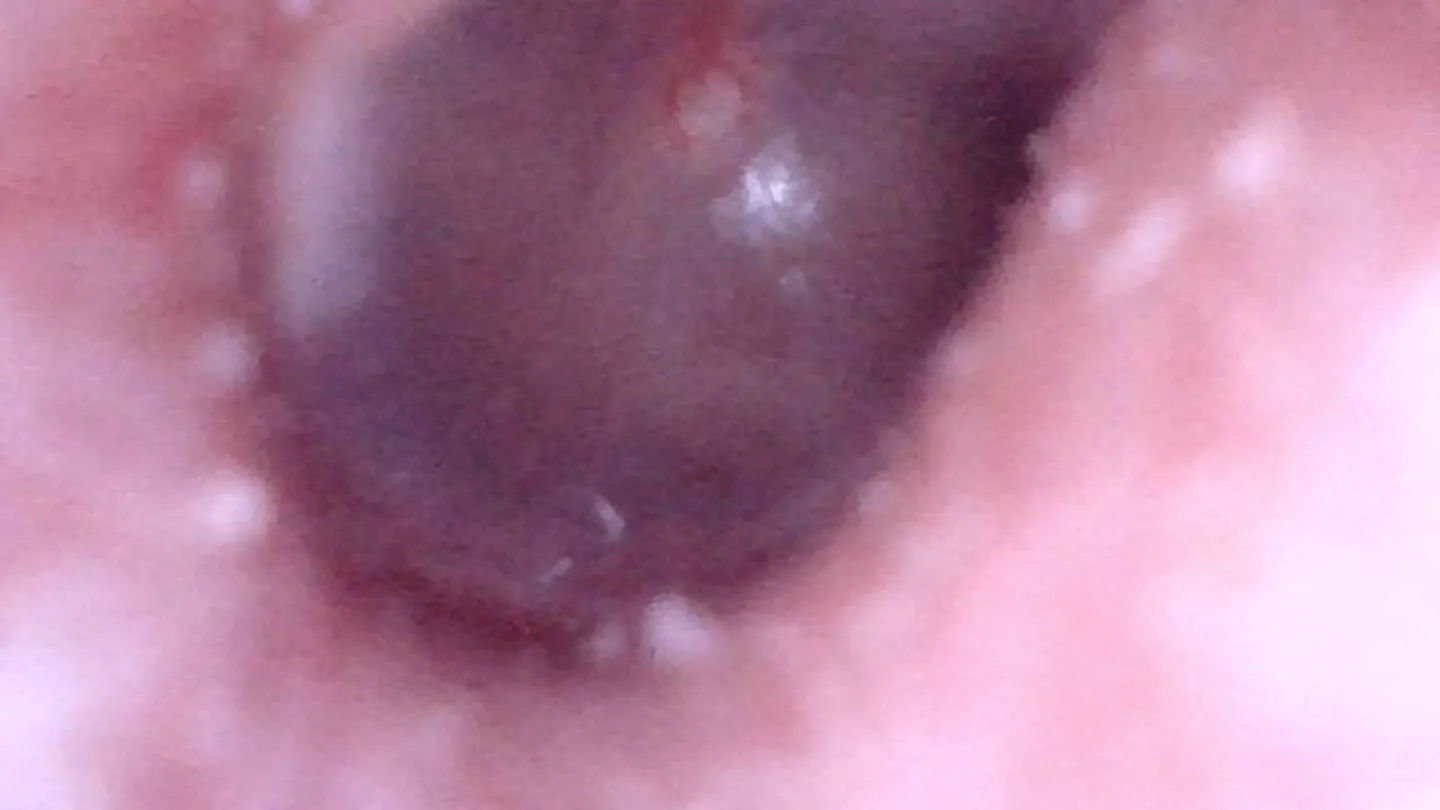
Yes, if the device behaves like a standard USB UVC camera or supported RTSP video source. If the otoscope only works through a proprietary phone app, it may not expose the standard video path a Mac app needs.
Check whether the device is USB UVC or RTSP-based, whether macOS can grant camera permission, and whether your workflow is local viewing, snapshots, or short recordings rather than diagnosis.
No. ScopeDock is for local preview, capture, and recording. It does not provide diagnosis or medical interpretation.
Yes. ScopeDock is positioned as a local-first workflow, so snapshots and recordings are intended to stay on your Mac unless you choose to export them.
In that case, the limitation is usually the device’s workflow, not just the Mac app. The first thing to check is whether the camera exposes a standard USB or RTSP path.
No. ScopeDock is positioned as a local-first workflow. It does not automatically upload videos, images, full RTSP URLs, LAN IP addresses, or media paths.
If you want to evaluate fit, start with the product page. If you want to check setup and compatibility, use the download page and support page together.
Choose the product, support, compatibility, or privacy path that matches what you need next.
Compare Apple Silicon and Intel downloads, macOS requirements, and USB, RTSP, or ONVIF source support.
Follow permission, USB camera, RTSP URL, authentication, and timeout checks before sending feedback.
Review the product workflow, real screenshots, local capture behavior, and current product boundaries.
More NgSense release notes, setup guides, and local-first workflow articles.
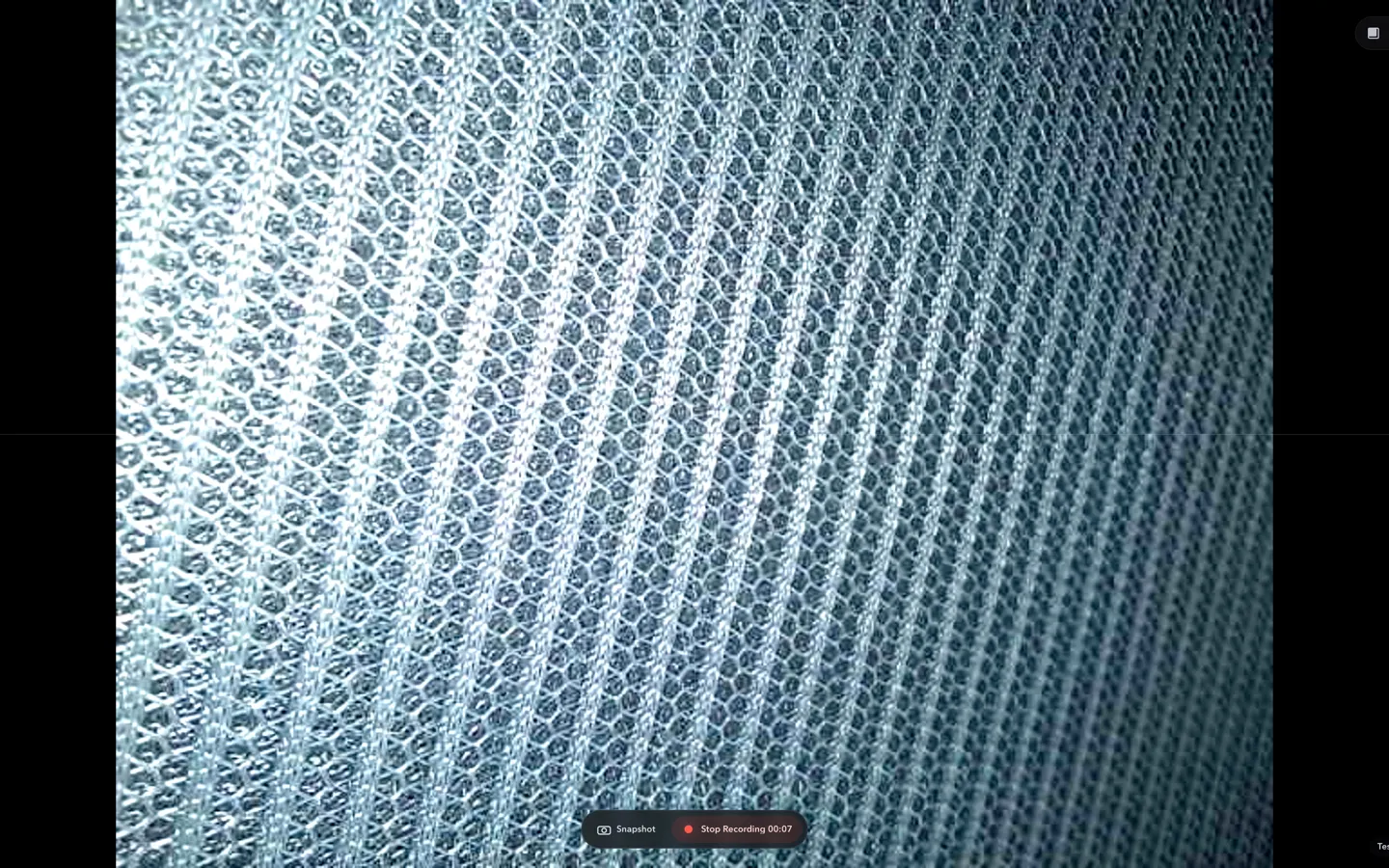
Check whether a USB endoscope exposes standard UVC video to macOS, depends on a vendor-only driver, or is limited to a phone app before choosing Mac camera software.
Read article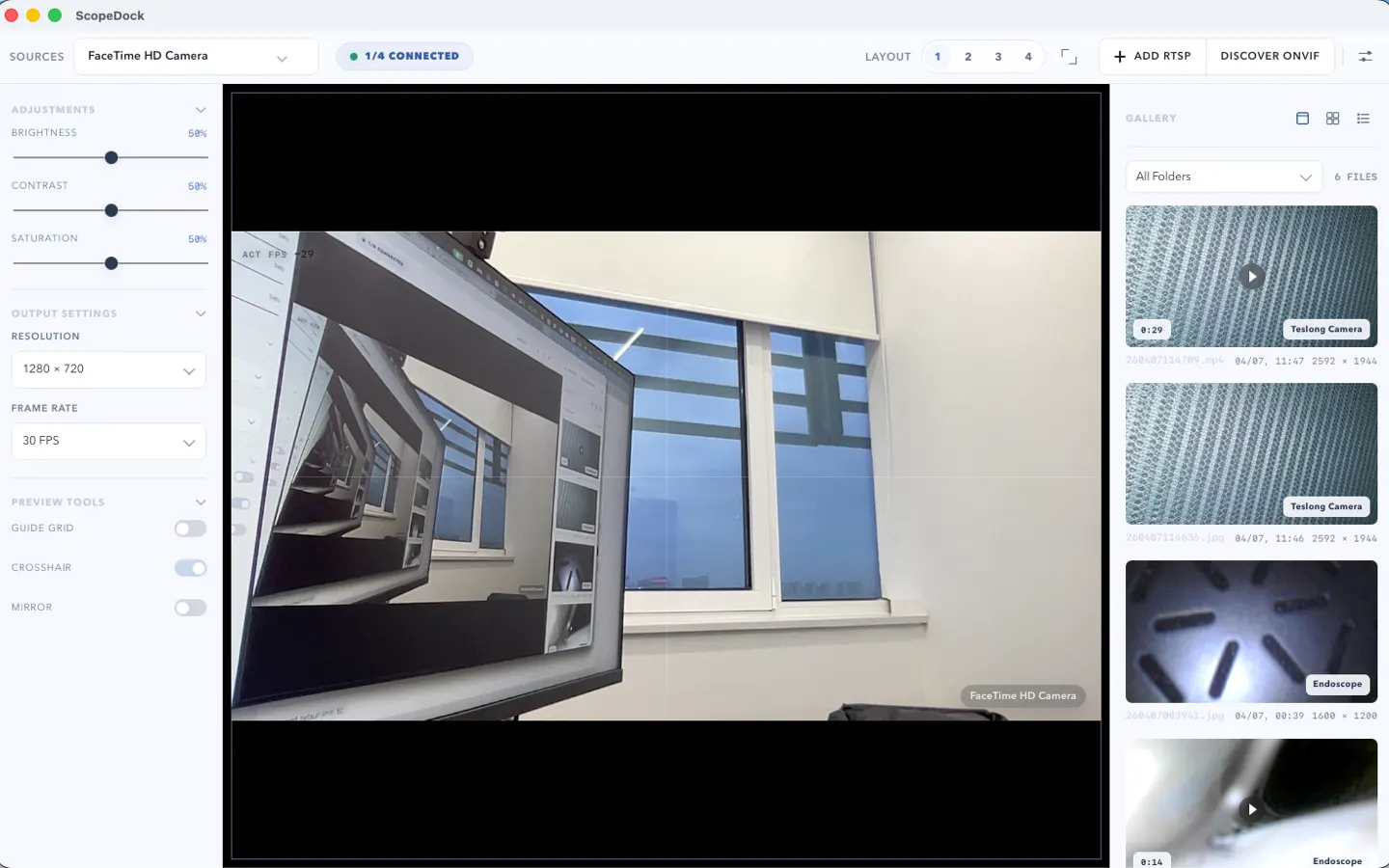
ScopeDock 1.1.1 provides separate direct-download builds for Apple Silicon and Intel Macs while keeping the 1.1 series RTSP preview, snapshot, and recording improvements.
Read article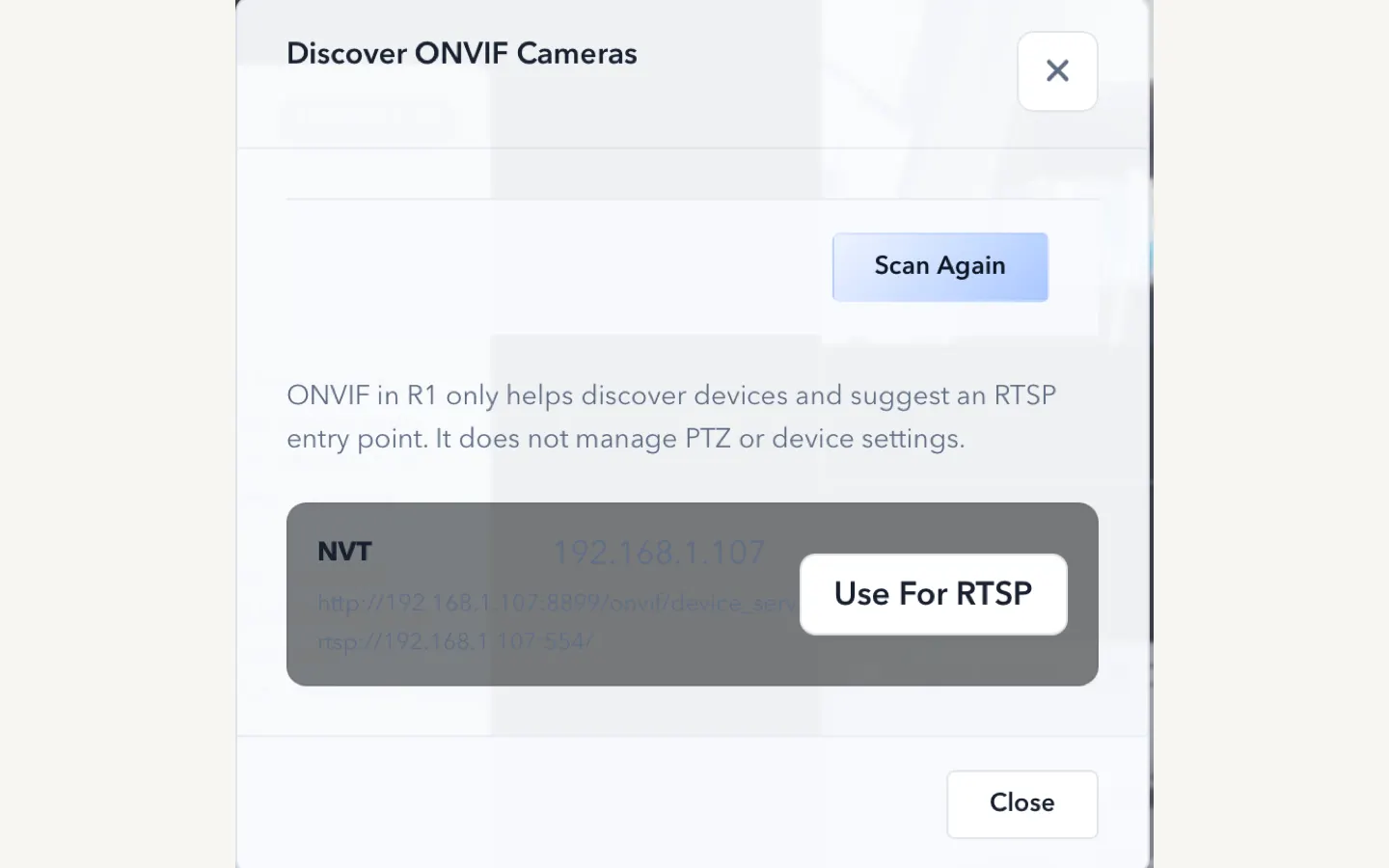
ScopeDock 1.1.0 improves RTSP continuous preview, preview resolution and frame rate choices, recording save reliability, thumbnails, and connection error messages.
Read articleChoose the correct direct download for your Mac, use the Mac App Store, or check compatibility first.