
Web Launcher · Web Launcher 1.5.1
Web Launcher 1.5.1: Webpages and Local Media on Android
The current Google Play version is 1.5.1. See how its on-device playlist handles webpages, local images and compatible MP4 video, and what to check before unattended use.
On this page
The US Google Play listing reports Web Launcher 1.5.1, updated September 24, 2026. We checked that public listing on October 10, 2026. This article describes the current 1.5-series workflow; it does not claim every display, website or video file has passed compatibility testing.
One on-device playlist for three source types
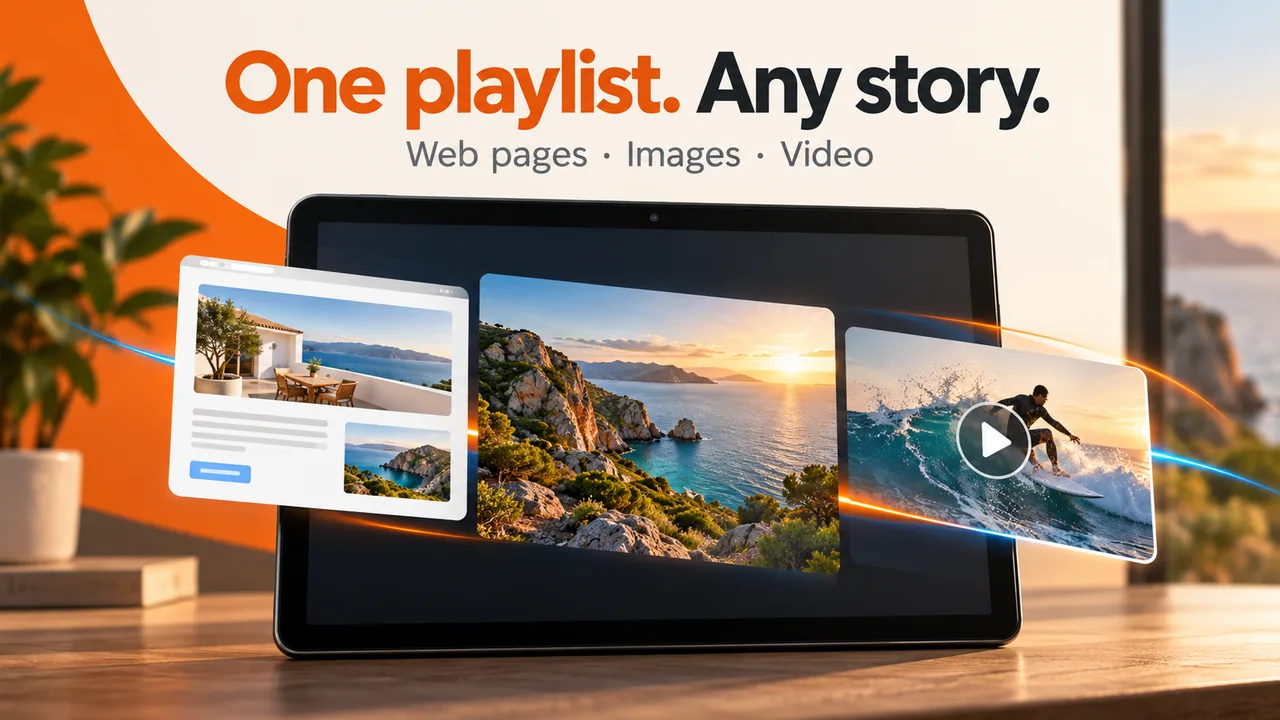
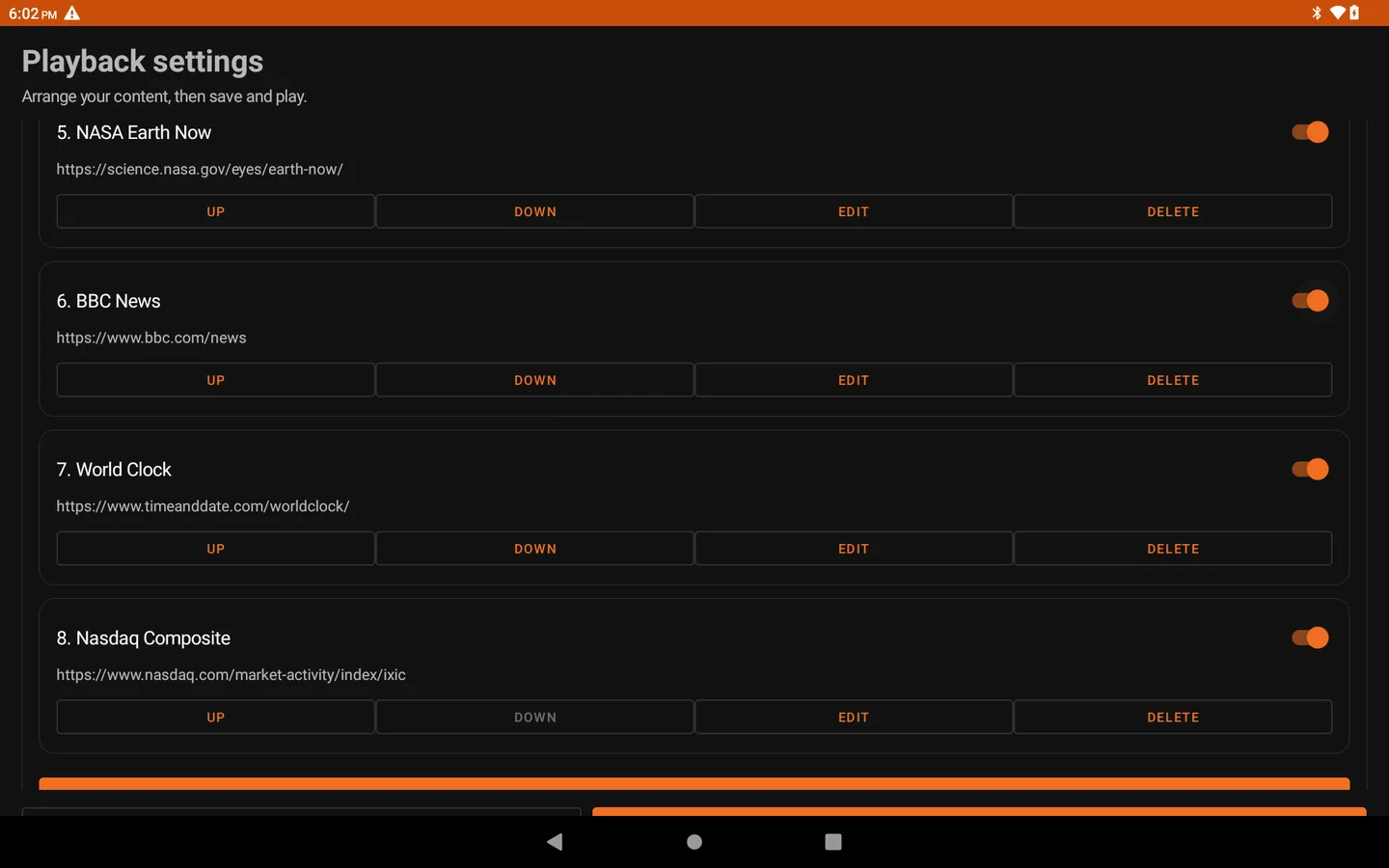
Web Launcher can combine trusted HTTP or HTTPS webpages, local JPEG/PNG/WebP images, and compatible MP4 videos in an ordered playlist. Add webpage addresses in settings or import local files through Android’s picker. Imported media is copied into the app’s private library, so removing an original file does not by itself remove the imported copy.
Set an item’s duration, reorder or pause it, preview it, then save and play. Webpages and images start at 30 seconds per item; compatible video can advance when playback ends. A single enabled item stays on screen. The next item is prepared before the display switches, but a third-party webpage can still load slowly or show its own error state.
What changed in 1.5.1
The 1.5.1 Google Play update improves Android home-screen launch and app exit behavior: you can launch Web Launcher from the system home screen, and exiting returns to the system launcher. The mixed web/image/video playlist belongs to the broader 1.5 series; do not read this update as a claim that 1.5.1 first introduced local media.
Check the target screen before leaving it unattended
- Start with one trusted page or local file and preview it on the actual Android device.
- Add the other items, choose their order and timing, then watch a complete rotation in the intended orientation.
- Check the target network, website sign-in state, storage and MP4 decoding. Video compatibility depends on the device and codec; imported media does not make webpages available offline.
The app’s settings password is not a substitute for Android device-management or kiosk controls. Use the product overview for the workflow, Web Launcher support for setup and troubleshooting, and the Google Play listing for regional price and device availability. If something fails, send feedback with a general symptom, not private URLs, local paths, passwords or screen content. Review the official privacy policy before using a shared display.
Next with Web Launcher
- See the Web Launcher workflow
Check real tablet screenshots, supported sources, and the limits of an on-device playlist before installing.
- Set up and check your first screen
Add a trusted webpage or local file, then test the full playlist on your Android device.
Keep exploring
More Web Launcher guides and update history.
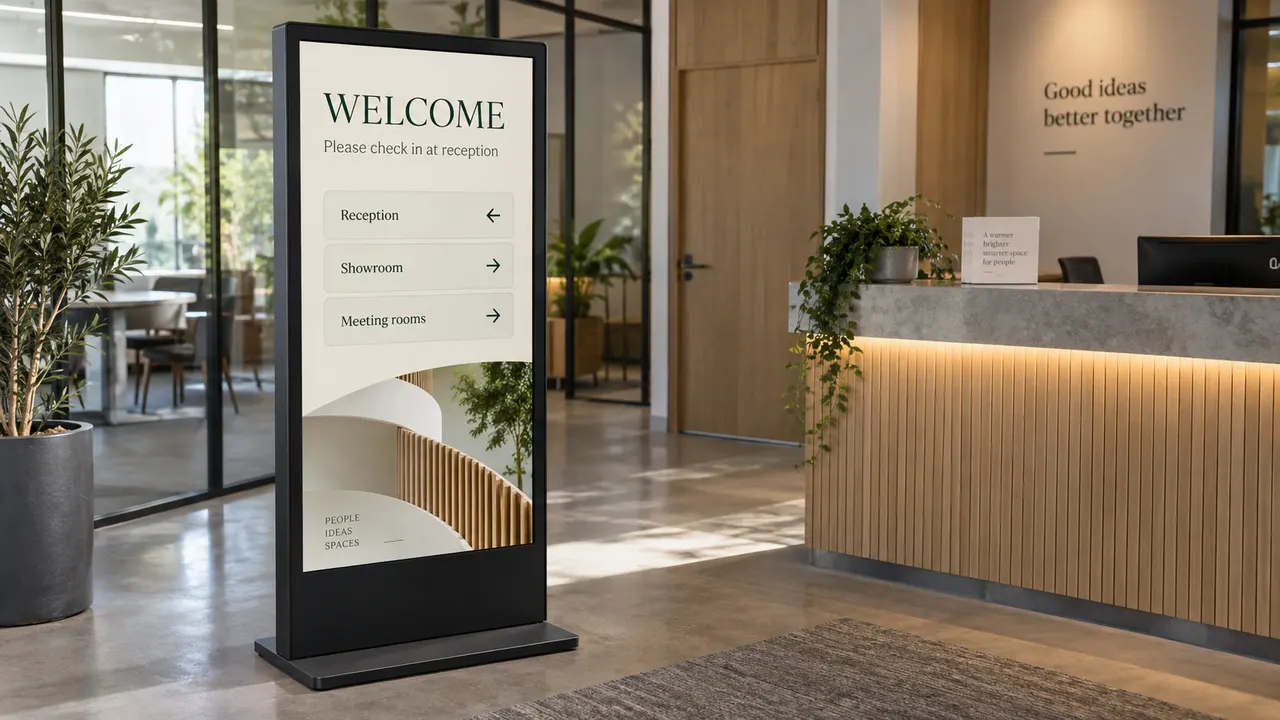
A School Noticeboard on Android: One Screen or a Signage CMS?
Plan a routine school noticeboard around content approval, local ownership, notice retirement and screen checks. Decide when a publishing or management system is needed.
Read article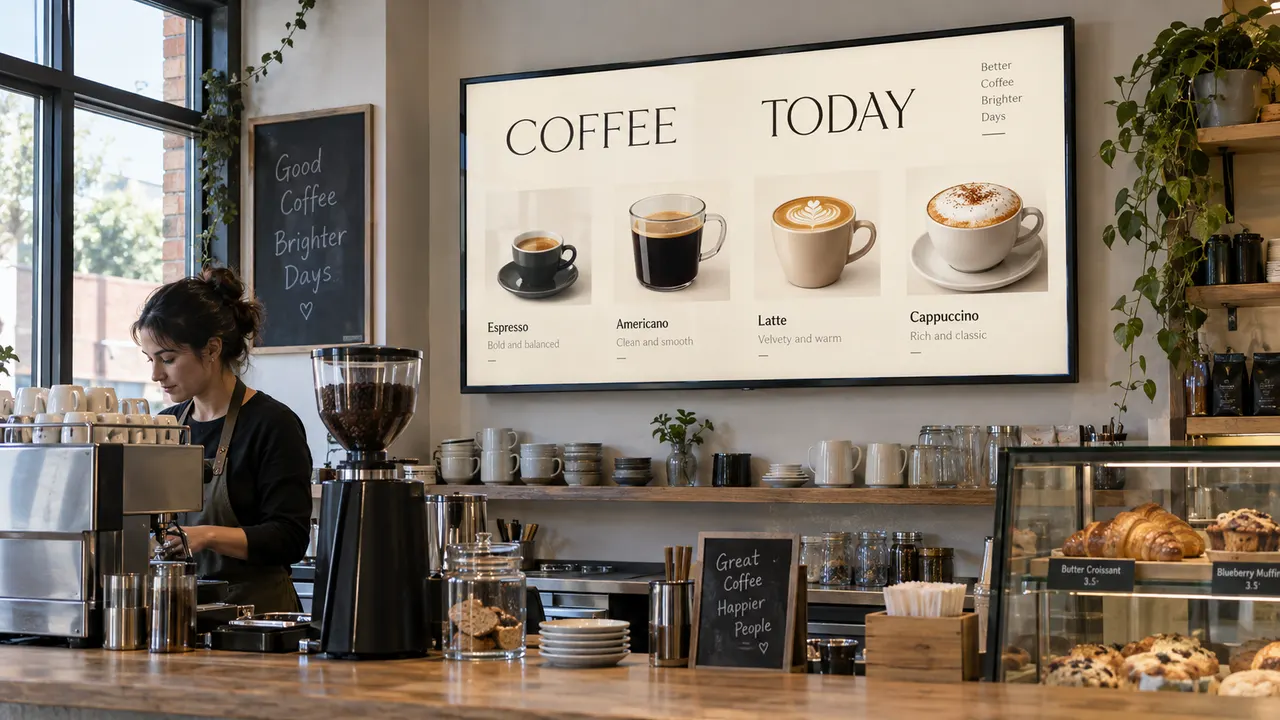
A Shop Menu and Local Promotions on One Android Screen
Plan a menu webpage and local promotions on one Android display. Decide when the menu can be hidden, replace imported offers, and check prices and playback before opening.
Read article Show a Webpage on an Android Display with Web Launcher
Start with one trusted webpage, preview it on your Android display, then arrange a playlist. Check layout, network and shared-screen privacy before unattended use.
Read article