
Choose the correct LoveMarkDown download
Compare signed Apple Silicon and Intel Direct installers with the current public Mac App Store release.
Choose a Markdown editor for Mac by the work you need to finish: direct local files, visual editing, a linked knowledge base, focused writing, academic publishing, or a developer workspace.
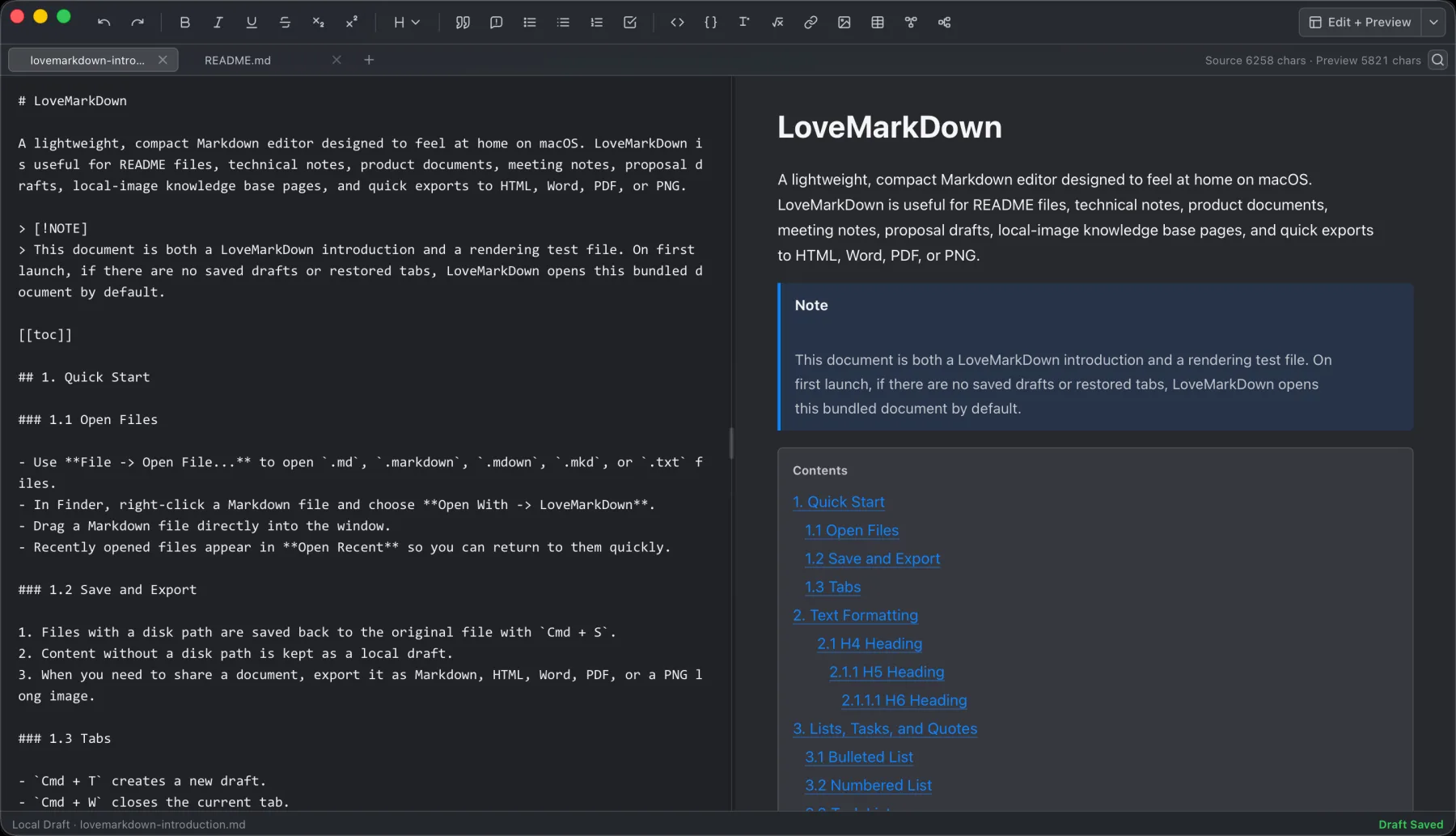
LoveMarkDown combines local Markdown editing with live preview, technical rendering, and portable export.
There is no single best Markdown editor for every Mac user. The right choice depends on whether the unit of work is one file, a visually edited document, a linked collection of notes, a long-form writing library, an academic project, or a software repository.
Choose the workflow first. A small app that opens one local file directly can be better for a README or technical manual, while a vault-based tool is better when the relationships among hundreds of notes matter more than the document in front of you.
| Workflow | Best when | Typical products |
|---|---|---|
| File-first local editing | You need to open, edit, preview, save, or export one existing file | LoveMarkDown, MarkEdit |
| Visual Markdown editing | You want formatting to appear in place while Markdown syntax stays out of the way | Typora, LoveMarkDown 1.2 |
| Linked knowledge base | You organize many notes with backlinks, tags, plugins, and graph navigation | Obsidian |
| Focused writing | You care most about drafting, concentration, style, and writing across devices | iA Writer |
| Writing library and publishing | You manage long-form work, reusable export styles, and publishing destinations | Ulysses, MWeb |
| Academic and research writing | You need citations, bibliographies, projects, and publication templates | Zettlr |
| Repository documentation | Markdown changes belong beside code, Git, extensions, and project search | Visual Studio Code |
These categories overlap. The useful question is not which app has the longest feature list. It is which model adds the least friction to the work you perform most often.
A file-first editor treats the Markdown file as the starting point. You open a
local .md or .markdown file from Finder or the File menu, make a change, and
save it back without importing its folder into an app-managed collection.
This model works well for:
MarkEdit follows a deliberately small, native, TextEdit-like model and emphasizes speed, standard GFM, and extensibility. LoveMarkDown adds a more explicit technical-document workflow: Source, Split, and editable Visual modes work from the same Markdown, relative local images and rich structures can be checked before delivery, and the document can be exported to Markdown, HTML, Word, PDF, or PNG.
Choose this category when the file itself is the unit of work. If the real task is organizing a large collection, a file-first editor may be too small.
Typora renders Markdown structures in the editing surface so the document feels closer to a word processor. This is a strong fit when you understand Markdown but do not want punctuation to dominate the page.
Its visual model is especially useful for prose, tables, lists, and documents where the rendered appearance matters more than seeing the raw source at every moment. Typora also supports broad export workflows; some formats such as Word use Pandoc according to its official export documentation.
LoveMarkDown 1.2 adds editable Visual Markdown alongside Source and Split modes. It remains Markdown-first rather than hiding the file format completely: Source stays available, complex structures can reveal their exact Markdown, and locking Visual switches the same workspace to a read-only rendered Preview.
Obsidian stores Markdown notes inside a Vault, which is a local folder with Obsidian-specific configuration. Its backlinks, metadata, graph, core plugins, community plugins, and cross-note navigation are valuable when the relationships among notes are the product.
Use a knowledge-base editor when you need:
Do not choose LoveMarkDown as an Obsidian replacement. LoveMarkDown deliberately avoids requiring a Vault, but that also means it does not provide Obsidian’s collection-level structure.
iA Writer is built around focused writing, typography, and a restrained interface across Mac and mobile devices. Ulysses combines a writing library with export styles and publishing workflows. MWeb combines Markdown editing, notes, asset handling, export, and publishing in a mature Mac product.
These products are better fits when you need:
The tradeoff is that the app’s library or publishing model becomes part of the workflow. A direct file editor is usually faster when someone only needs one existing document changed and returned.
Zettlr is designed for writers and researchers who need first-class citation support, projects, templates, and broad Pandoc-compatible publishing.
That is a materially different requirement from previewing one README or exporting one product manual. Choose Zettlr when bibliographies, citation styles, research libraries, and multi-document publication are central. Choose a smaller editor when those systems would become setup overhead.
Visual Studio Code includes Markdown editing and Preview, and its extension system can add syntax, styles, linting, diagrams, and repository-aware automation.
It is the natural choice when:
It can be unnecessary overhead for a non-developer who only wants to open a document, correct it, and export a readable copy.
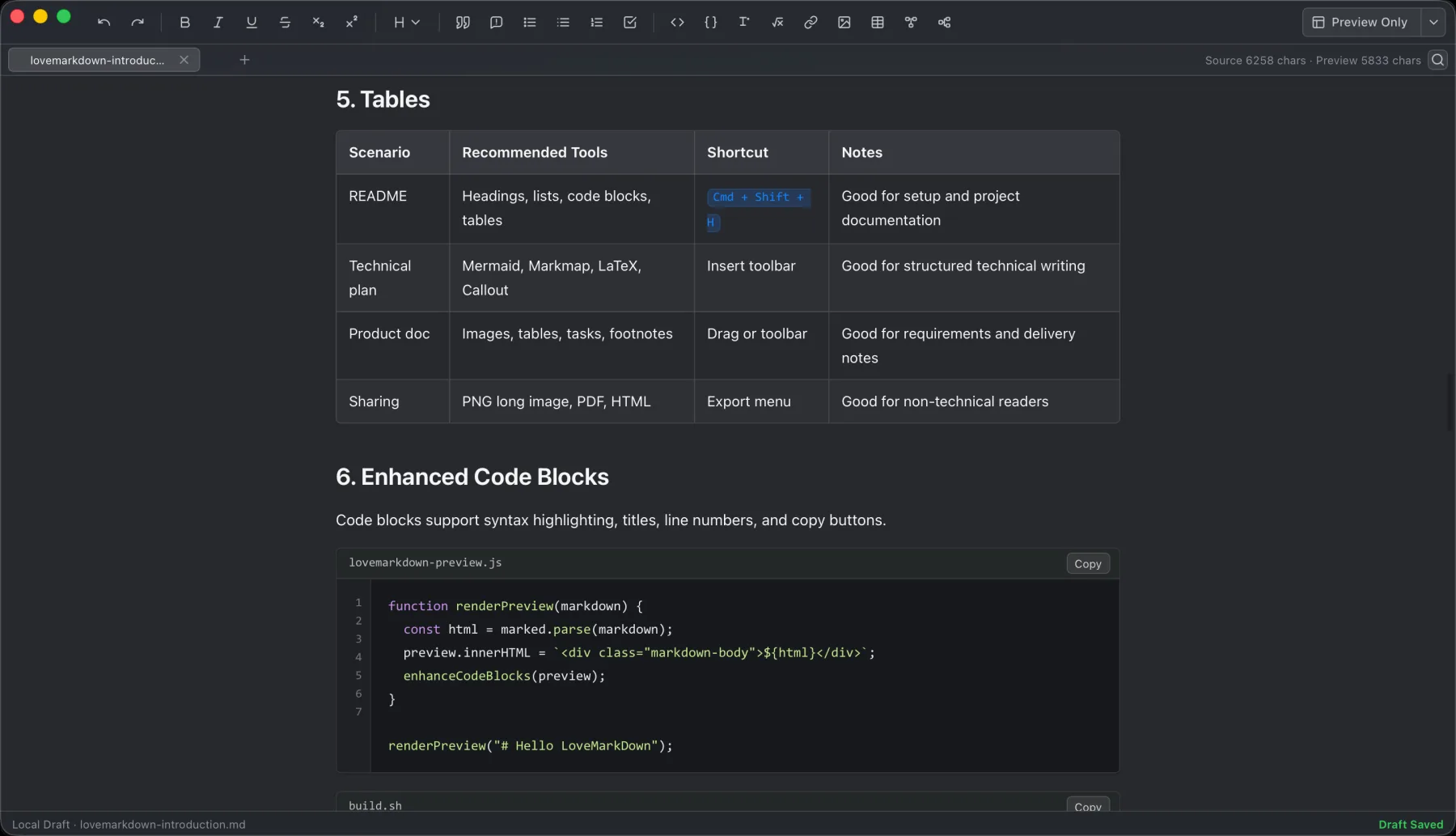
LoveMarkDown is designed for the point between a plain text editor and a full knowledge or publishing system.
The current release focuses on:
This combination is useful for technical notes, README files, product documentation, study material, and manuals that must remain Markdown but also need a reader-friendly delivery format.
Choose another tool if your primary requirement is:
The current release supports Apple Silicon and Intel Macs running macOS 12 or later. It should be evaluated as a focused local document tool, not as a claim to replace every Markdown workflow.
Ask these questions before installing another editor:
The answers usually narrow the category before individual feature comparisons begin.
If the document itself is the task, download LoveMarkDown from the Mac App Store or review the LoveMarkDown product page.
For a deeper walkthrough, read LoveMarkDown for Mac: Local Markdown Writing, Preview, and Export and why a lightweight Markdown editor does not always need a workspace or vault.
There is no universal best editor. Typora is strong for visual editing, Obsidian for linked knowledge bases, iA Writer and Ulysses for focused writing, Zettlr for academic projects, VS Code for repository documentation, and LoveMarkDown or MarkEdit for direct local-file workflows.
File-first editors such as LoveMarkDown and MarkEdit can open individual local Markdown files without requiring an app-managed knowledge base. The products still differ in preview, export, performance, extensibility, and privacy behavior, so compare the complete workflow.
Several Mac Markdown editors provide document export, but the supported formats, dependencies, styling controls, and fidelity differ. LoveMarkDown includes Markdown, HTML, editable DOCX, PDF, and PNG export. Test the formats with your own images, diagrams, tables, and page lengths before selecting an editor for a production documentation workflow.
No. It does not provide Obsidian’s knowledge graph and plugin ecosystem. LoveMarkDown 1.2 has editable Visual Markdown, but its model remains source-accessible and file-first rather than duplicating Typora’s complete writing experience. It is best evaluated as a direct local-file editor with technical rendering and multi-format delivery.
Choose the product, support, compatibility, or privacy path that matches what you need next.
Compare signed Apple Silicon and Intel Direct installers with the current public Mac App Store release.
See the local file workflow, live preview features, real screenshots, export formats, and platform requirements.
Find help for opening files, relative images, export, Web-to-Markdown, and sending feedback.
More NgSense release notes, setup guides, and local-first workflow articles.
LoveMarkDown 1.2.5 adds a compact path bar, nearby Markdown browsing, and clearer file actions. Choose the universal Direct download or the public Mac App Store release.
Read article To open one Markdown file on Mac, Control-click it in Finder, choose Open With, and select a Markdown editor. You can also choose a default app for supported Markdown extensions.
Read article LoveMarkDown 1.2.2 adds an explicit way to ask macOS to use LoveMarkDown as the default editor for common Markdown file extensions, plus more reliable Finder Open With registration.
Read articleDownload Direct 1.2.5 in one universal package for Apple Silicon and Intel, or choose public App Store 1.2.5 with Apple-managed updates.