
Check your Mac and camera
Compare Apple Silicon and Intel downloads, macOS requirements, and USB, RTSP, or ONVIF source support.
Before downloading ScopeDock on macOS, check platform scope, source type, permissions, storage expectations, and whether your workflow matches a lightweight local-first inspection tool.
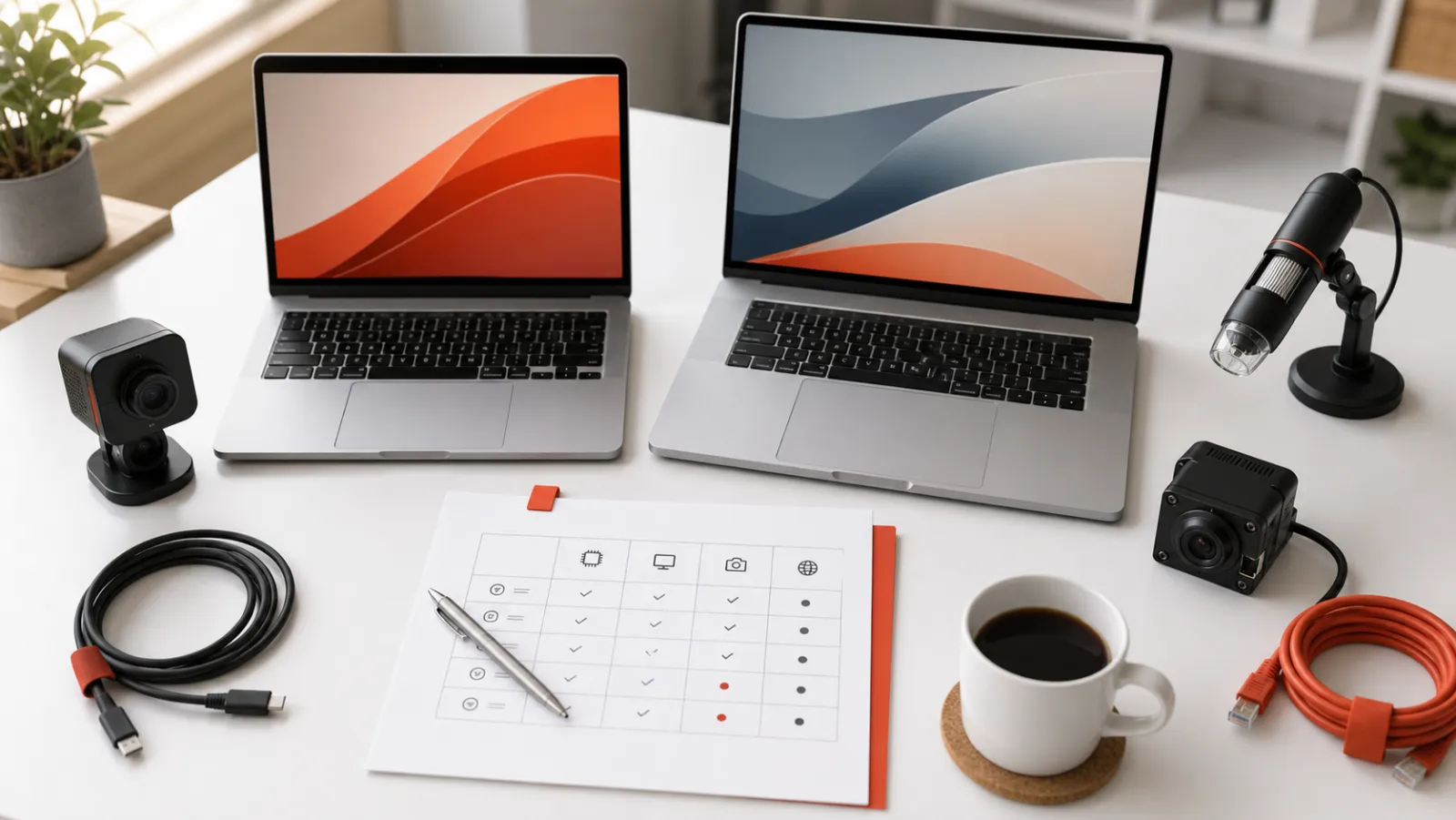
ScopeDock keeps camera preview, snapshots, and short recordings in a focused Mac workspace.
Before downloading ScopeDock on macOS, check five things: whether macOS is the current supported platform for your evaluation, what kind of camera path you need, whether permissions and network access are likely to matter, how local files fit your workflow, and whether the product boundary matches your real use case. That is usually a better first decision than downloading first and discovering a mismatch later.
ScopeDock is currently available on macOS. That matters because a compatibility page should help you reject the wrong assumption early instead of implying that every future platform is already available.
The setup path is different depending on whether your workflow uses:
If you do not know which one applies, the download step is not your next best step yet. The better move is to clarify the workflow first.
On macOS, camera permission state can block a local device workflow before the product itself gets a fair evaluation. For network sources, local reachability and device behavior matter just as much as the app.
If your workflow depends on snapshots, recordings, and predictable local file handling, treat that as part of the evaluation, not as a post-install detail. Inspection users often care about saved media paths before they care about cosmetic UI polish.
ScopeDock is framed as a lightweight local-first inspection tool. It is better suited to microscopes, endoscopes, repair benches, and short technical review sessions than to a large surveillance wall or a livestream production stack.
If your real requirement is persistent remote monitoring, large camera-wall management, or broadcast-style scene control, the problem may be a category mismatch rather than a missing checkbox.
Use the download page for compatibility facts, the product page for fit, and support when your device or workflow still has unanswered questions after those two checks.
Choose the product, support, compatibility, or privacy path that matches what you need next.
Compare Apple Silicon and Intel downloads, macOS requirements, and USB, RTSP, or ONVIF source support.
Follow permission, USB camera, RTSP URL, authentication, and timeout checks before sending feedback.
Review the product workflow, real screenshots, local capture behavior, and current product boundaries.
More NgSense release notes, setup guides, and local-first workflow articles.
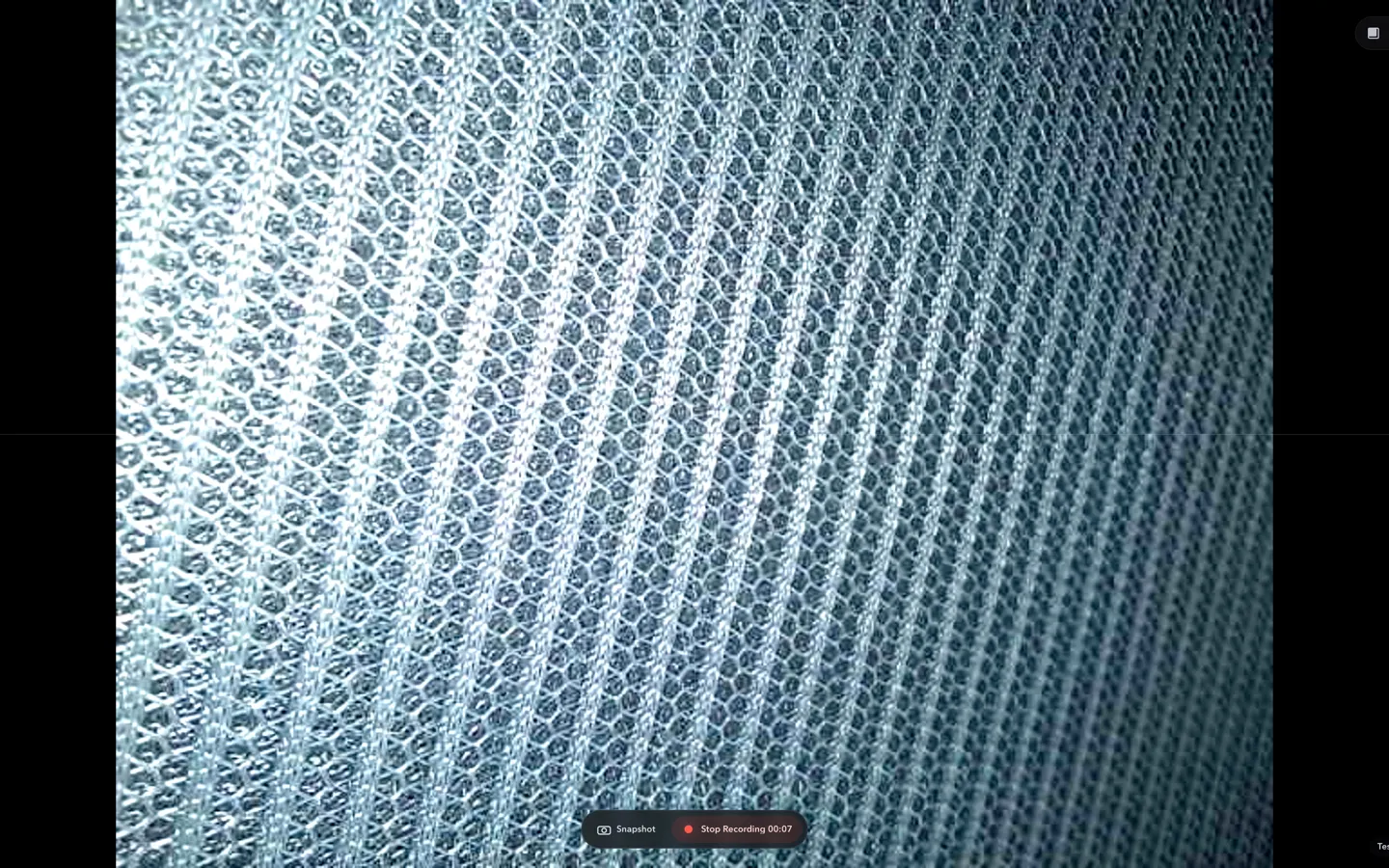
Check whether a USB endoscope exposes standard UVC video to macOS, depends on a vendor-only driver, or is limited to a phone app before choosing Mac camera software.
Read article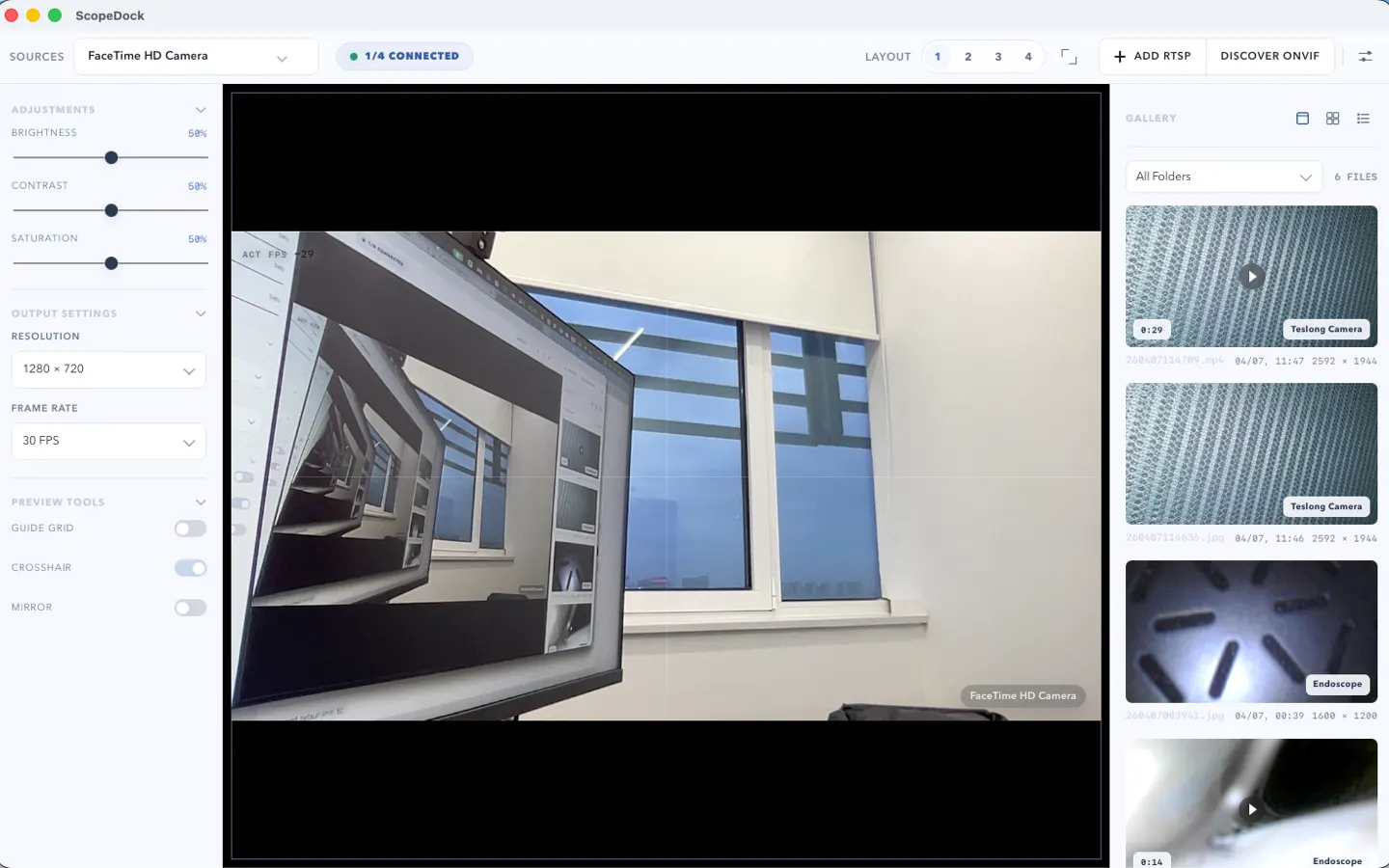
ScopeDock 1.1.1 provides separate direct-download builds for Apple Silicon and Intel Macs while keeping the 1.1 series RTSP preview, snapshot, and recording improvements.
Read article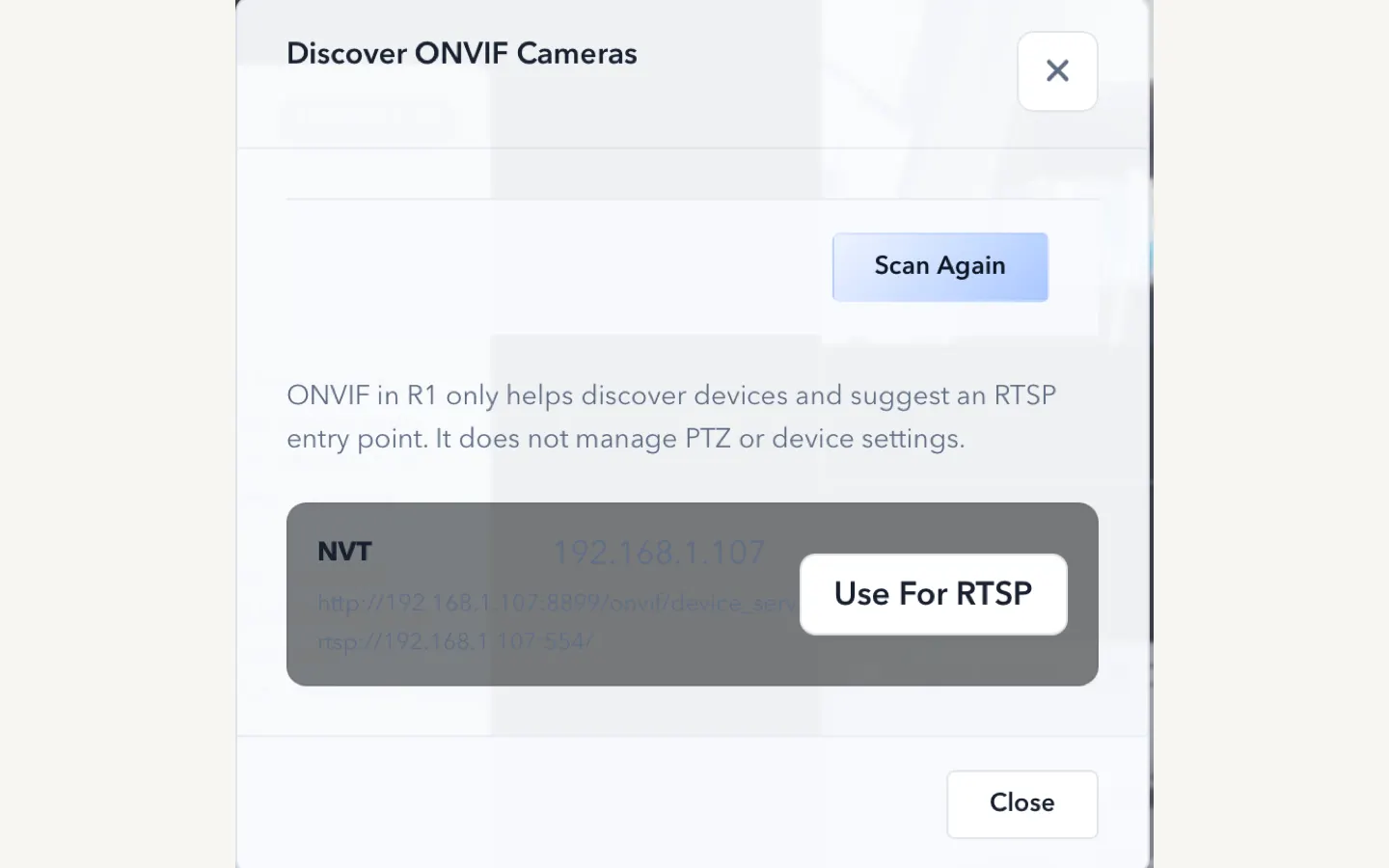
ScopeDock 1.1.0 improves RTSP continuous preview, preview resolution and frame rate choices, recording save reliability, thumbnails, and connection error messages.
Read articleChoose the correct direct download for your Mac, use the Mac App Store, or check compatibility first.