
Check your Mac and camera
Compare Apple Silicon and Intel downloads, macOS requirements, and USB, RTSP, or ONVIF source support.
A multi-source camera layout helps when comparison matters, but many inspection tasks still work better in a calmer single-source view. The best fit depends on the object, the task, and the speed of the review loop.
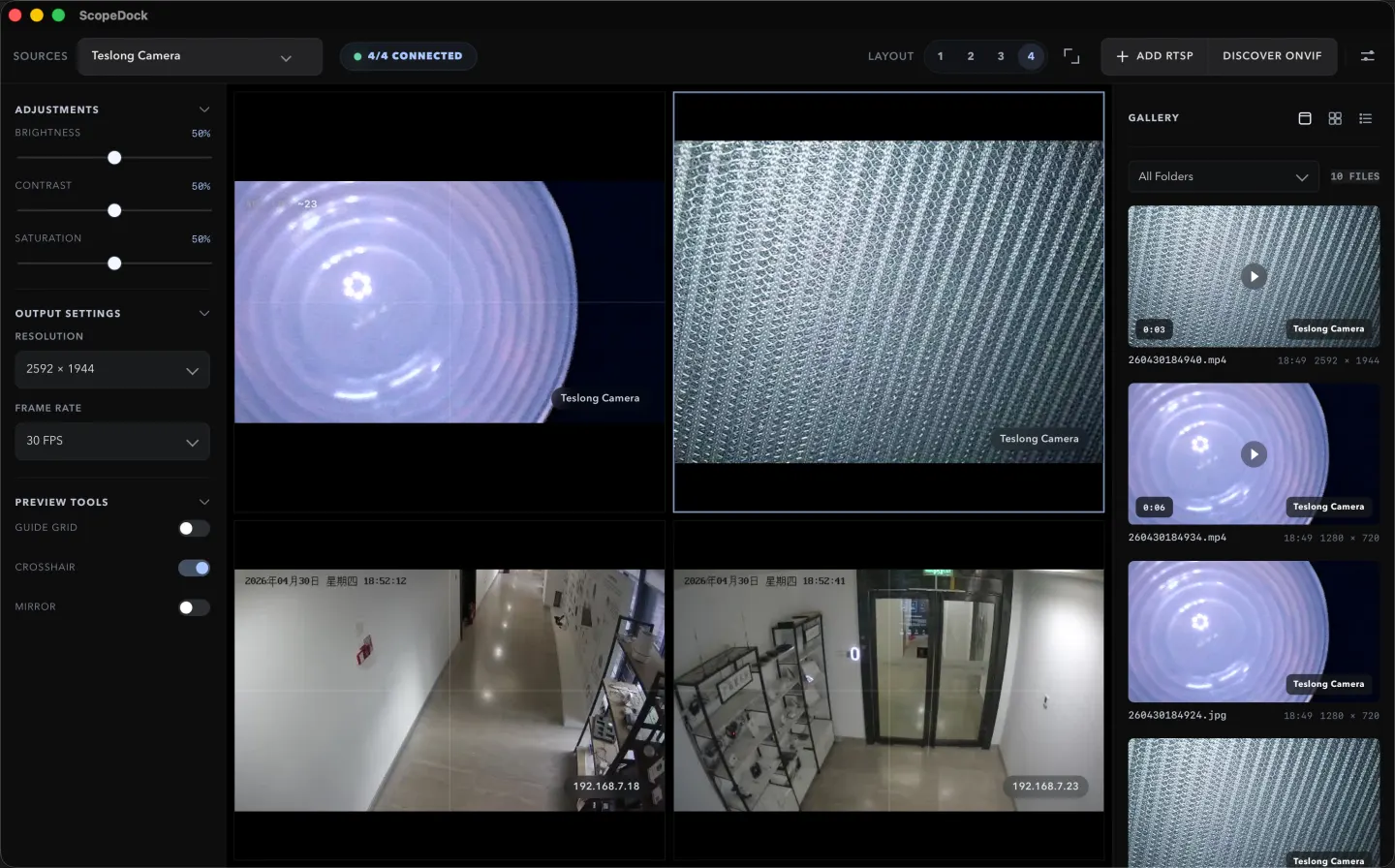
ScopeDock keeps camera preview, snapshots, and short recordings in a focused Mac workspace.
A multi-source camera layout helps when comparison matters, but many inspection tasks still work better in a calmer single-source view. The best fit depends on the object, the task, and the speed of the review loop. In other words, more windows are useful only when they reduce decision time instead of adding visual noise.
Multi-source layouts help most when you need side-by-side comparison, reference views, or a quick relationship between two to four camera inputs. Typical examples include comparing angles, keeping a context camera beside a detail camera, or reviewing one live source against another during a short technical session.
Many microscope and endoscope tasks are really single-focus tasks. If the work depends on inspecting one small area carefully, a clean single-source view may beat a dense wall of simultaneous windows.
ScopeDock is described as supporting up to four sources because the goal is a manageable inspection workspace, not an always-on monitoring wall. That limit is part of the product story, not a missing ambition.
If the task depends on watching many feeds continuously, responding to alerts, or running a large operational dashboard, the better answer may be a different product category rather than a higher source count inside ScopeDock.
Use the product and download pages together if your workflow depends on multiple sources. The question is not only whether the feature exists, but whether the product category still matches the way your team works.
Choose the product, support, compatibility, or privacy path that matches what you need next.
Compare Apple Silicon and Intel downloads, macOS requirements, and USB, RTSP, or ONVIF source support.
Follow permission, USB camera, RTSP URL, authentication, and timeout checks before sending feedback.
Review the product workflow, real screenshots, local capture behavior, and current product boundaries.
More NgSense release notes, setup guides, and local-first workflow articles.
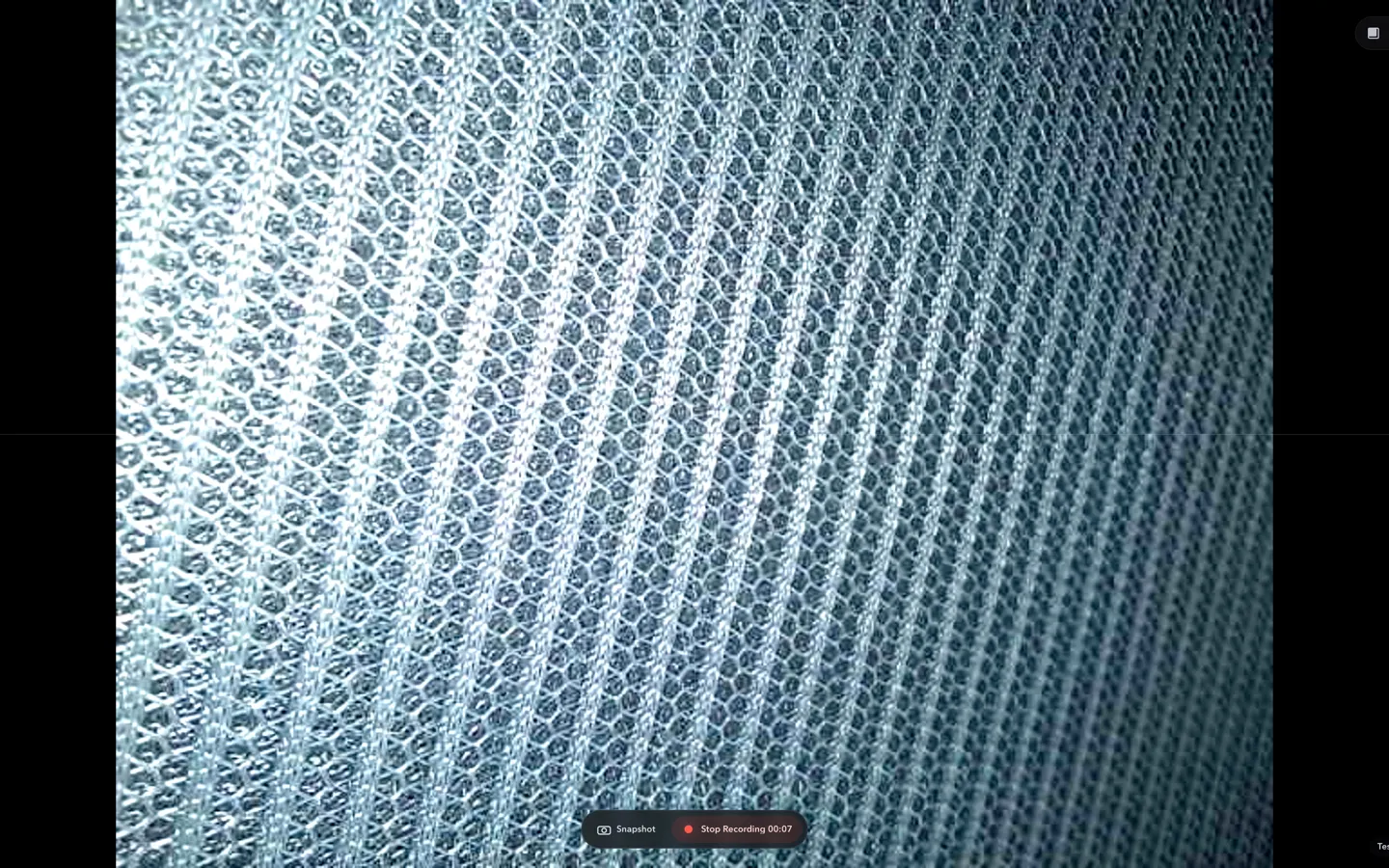
Check whether a USB endoscope exposes standard UVC video to macOS, depends on a vendor-only driver, or is limited to a phone app before choosing Mac camera software.
Read article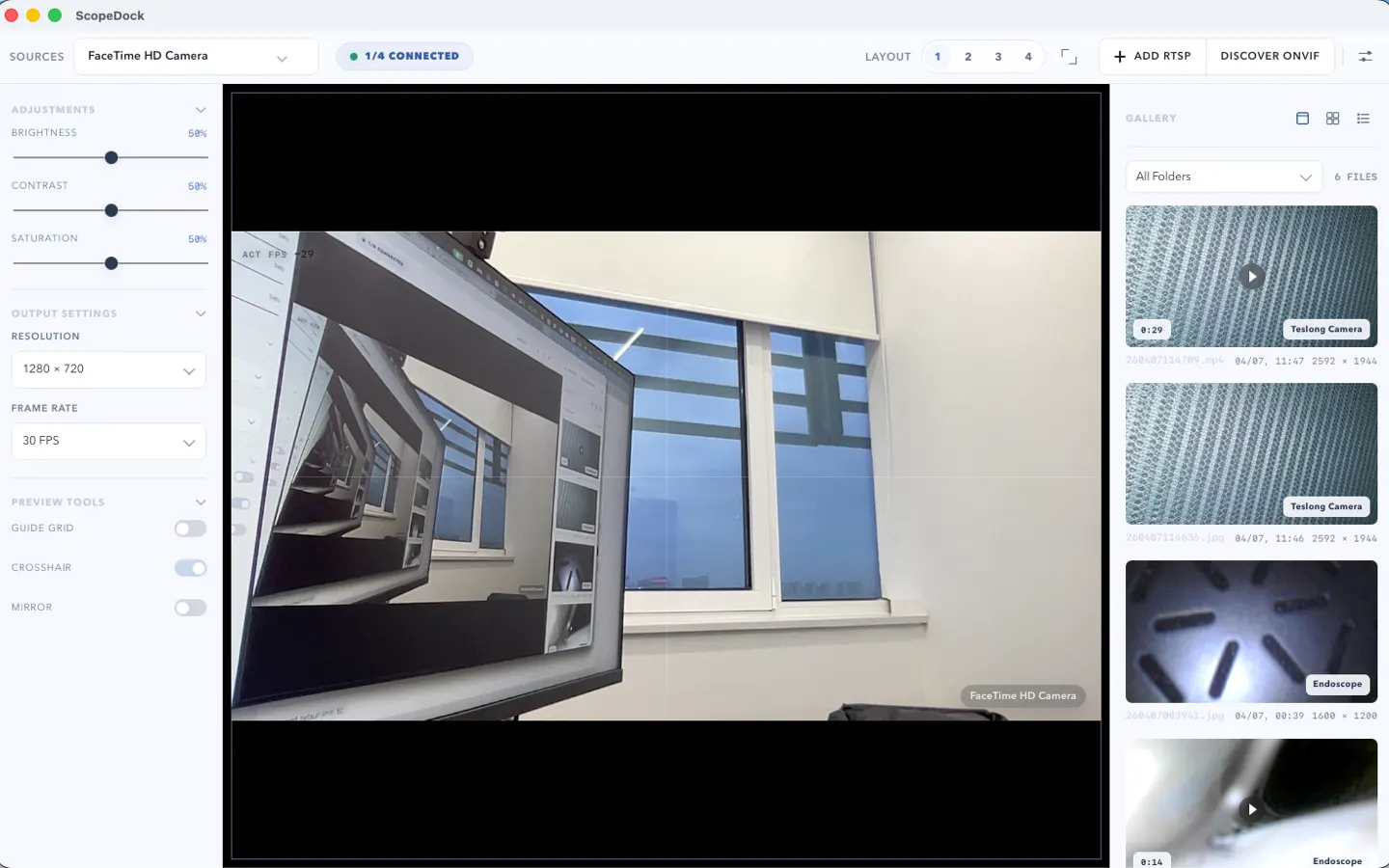
ScopeDock 1.1.1 provides separate direct-download builds for Apple Silicon and Intel Macs while keeping the 1.1 series RTSP preview, snapshot, and recording improvements.
Read article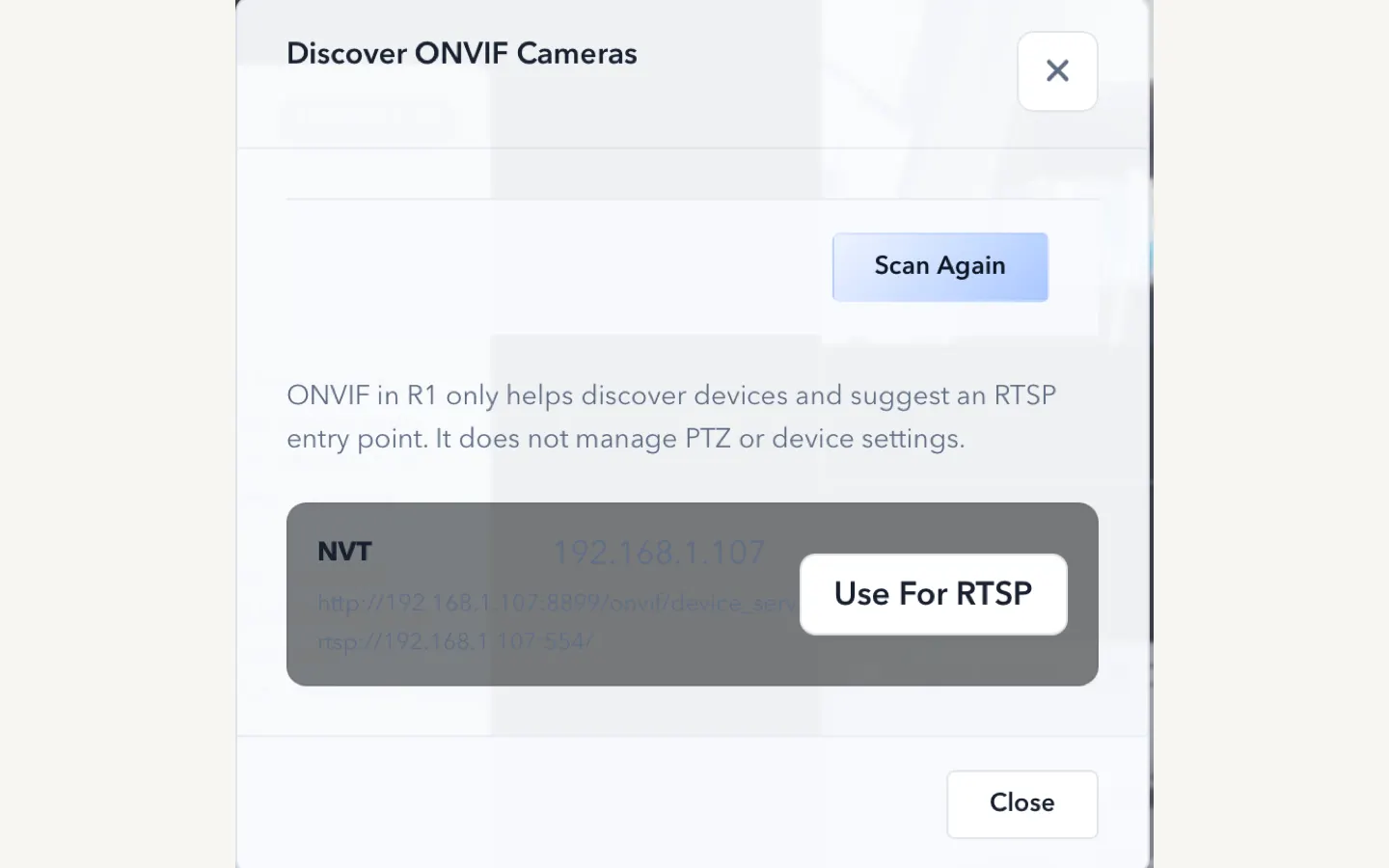
ScopeDock 1.1.0 improves RTSP continuous preview, preview resolution and frame rate choices, recording save reliability, thumbnails, and connection error messages.
Read articleChoose the correct direct download for your Mac, use the Mac App Store, or check compatibility first.