
Choose a CursorHop edition
Compare App Store installation with the optional Accessibility-powered Direct window controls.
CursorHop is now available for macOS with display jumps, Screen Overlay, Find Cursor, App Finder, and App Store or Direct installation choices.
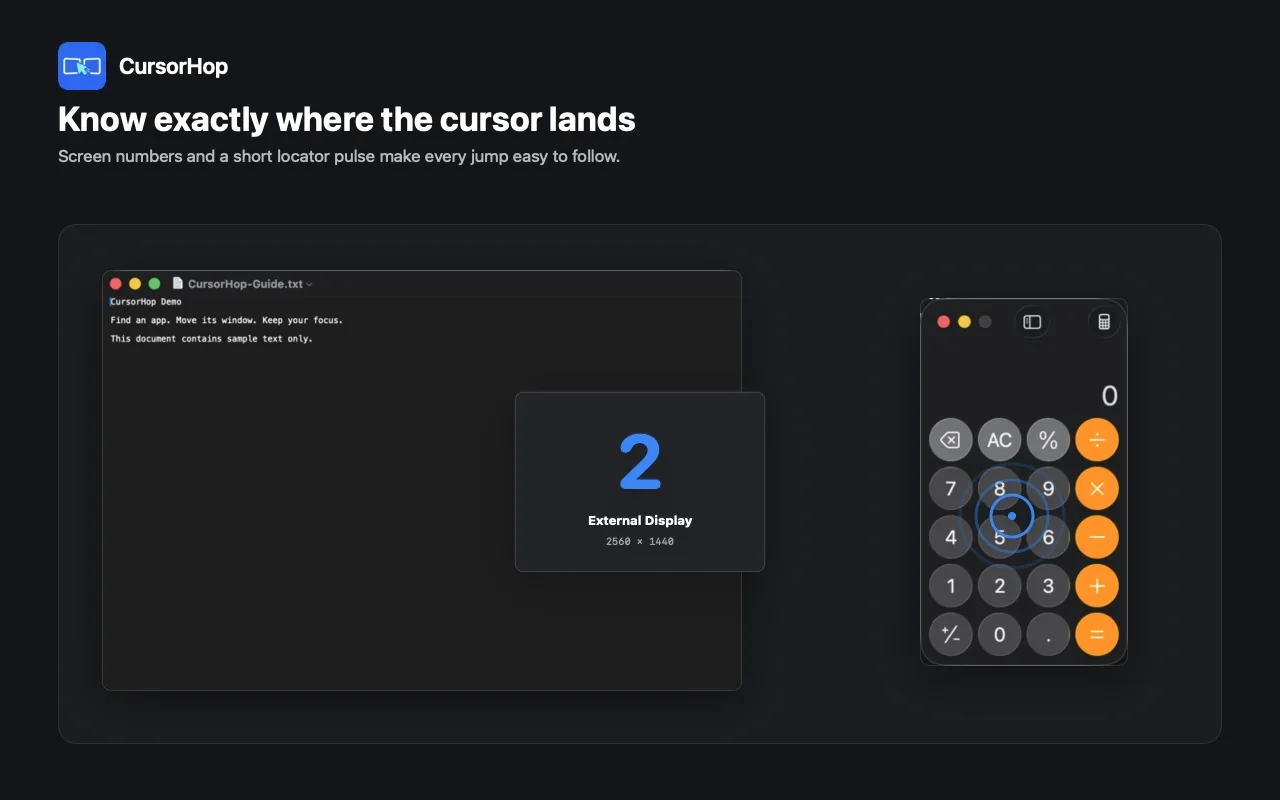
CursorHop shortens multi-display navigation with screen jumps, App Finder, and a clear pointer destination.
CursorHop is now available for macOS. It is a focused menu-bar utility for people who move between several displays, repeatedly search for the pointer, or need to bring the right running app forward without dragging across a large desktop.
The core workflow is simple: jump to a display, find or activate an app, and continue with the cursor beside the active work. CursorHop is available from the Mac App Store and as a Direct download.
Use configurable global shortcuts to jump to Screen 1-N or move left, right, up, or down according to the physical display layout. This replaces long pointer travel with an intentional destination.
Screen Overlay shows the current display numbers. Find Cursor adds a short visual pulse so the destination is easy to locate after a jump.
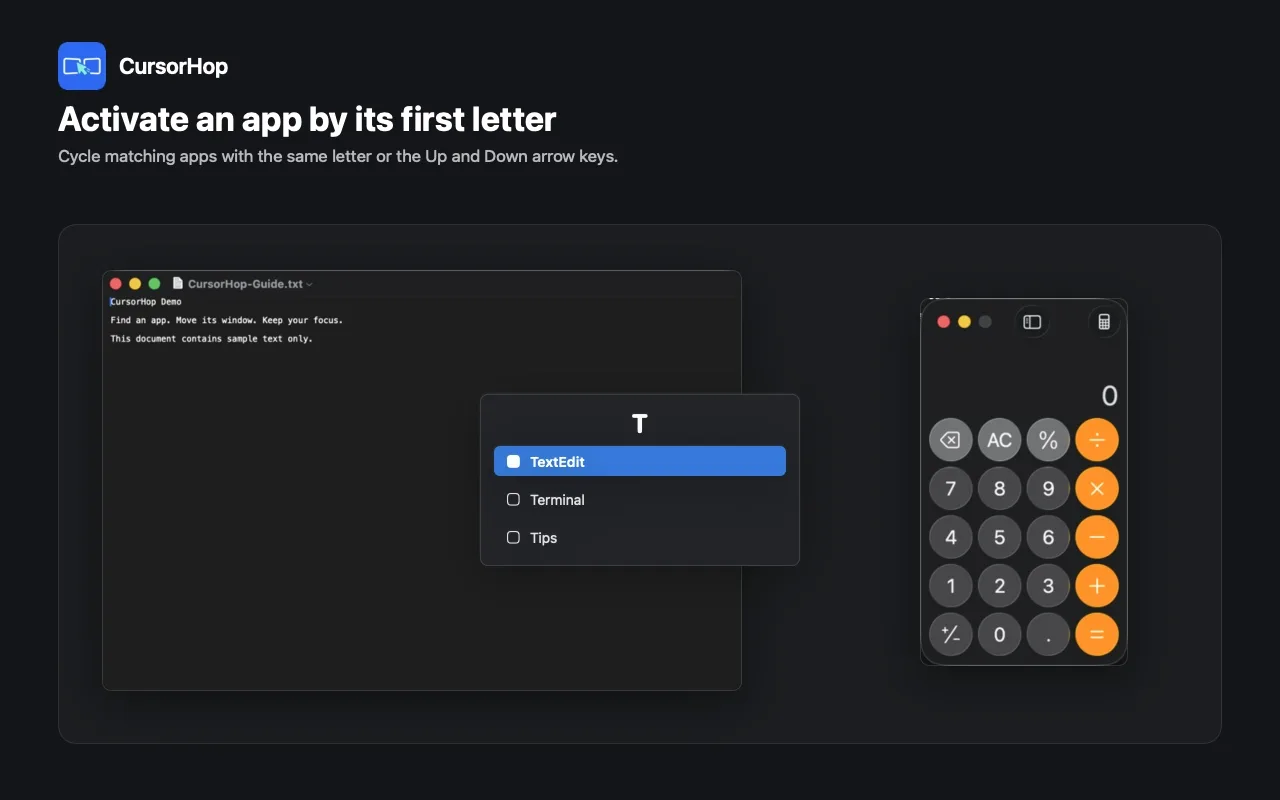
App Finder activates a running app by its initial letter. Chinese app names can also be matched by pinyin initial. When several apps share the same initial, repeat the key or move through the candidates; minimized windows can be brought back into the workflow.
CursorHop Free remains available permanently and manages up to two displays. Pro keeps the same feature set, includes a one-month free trial, and raises the managed display limit to eight.
Free and Pro are plans inside the same CursorHop app. They are not separate downloads, and App Finder is not restricted to Pro.
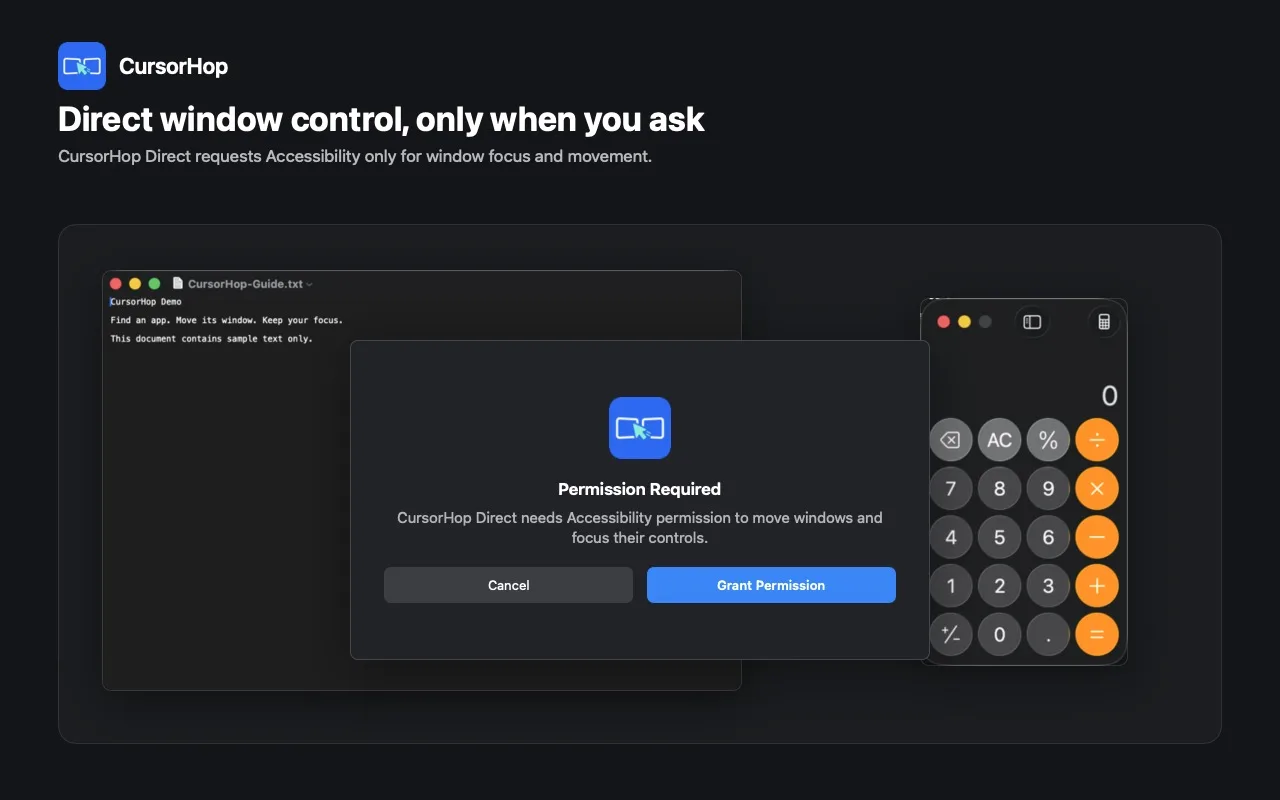
The App Store edition does not request Accessibility permission. For window movement, it guides users through native macOS App Shortcuts.
The Direct edition can request Accessibility when the user chooses direct active-window movement, focus, or layout controls. Cursor and display navigation remain local, and CursorHop does not upload pointer trajectories or screen layouts.
Open the CursorHop product page for the complete workflow, real screenshots, Free and Pro comparison, edition guidance, and FAQ.
Use the CursorHop download page to compare installation channels, or open CursorHop Support for shortcuts, displays, App Finder, and permission setup.
CursorHop requires macOS 14 or later and supports Apple Silicon and Intel Macs.
The App Store edition does not request Accessibility. Direct requests it only when direct active-window movement or layout controls need it.
No. Free includes the current feature set for up to two managed displays. Pro raises the managed display limit to eight.
Choose the product, support, compatibility, or privacy path that matches what you need next.
Compare App Store installation with the optional Accessibility-powered Direct window controls.
See the three-step workflow, real screenshots, Free and Pro display limits, and current Mac requirements.
Find help for screen numbering, App Finder, permissions, native window shortcuts, and shortcut conflicts.
More NgSense release notes, setup guides, and local-first workflow articles.
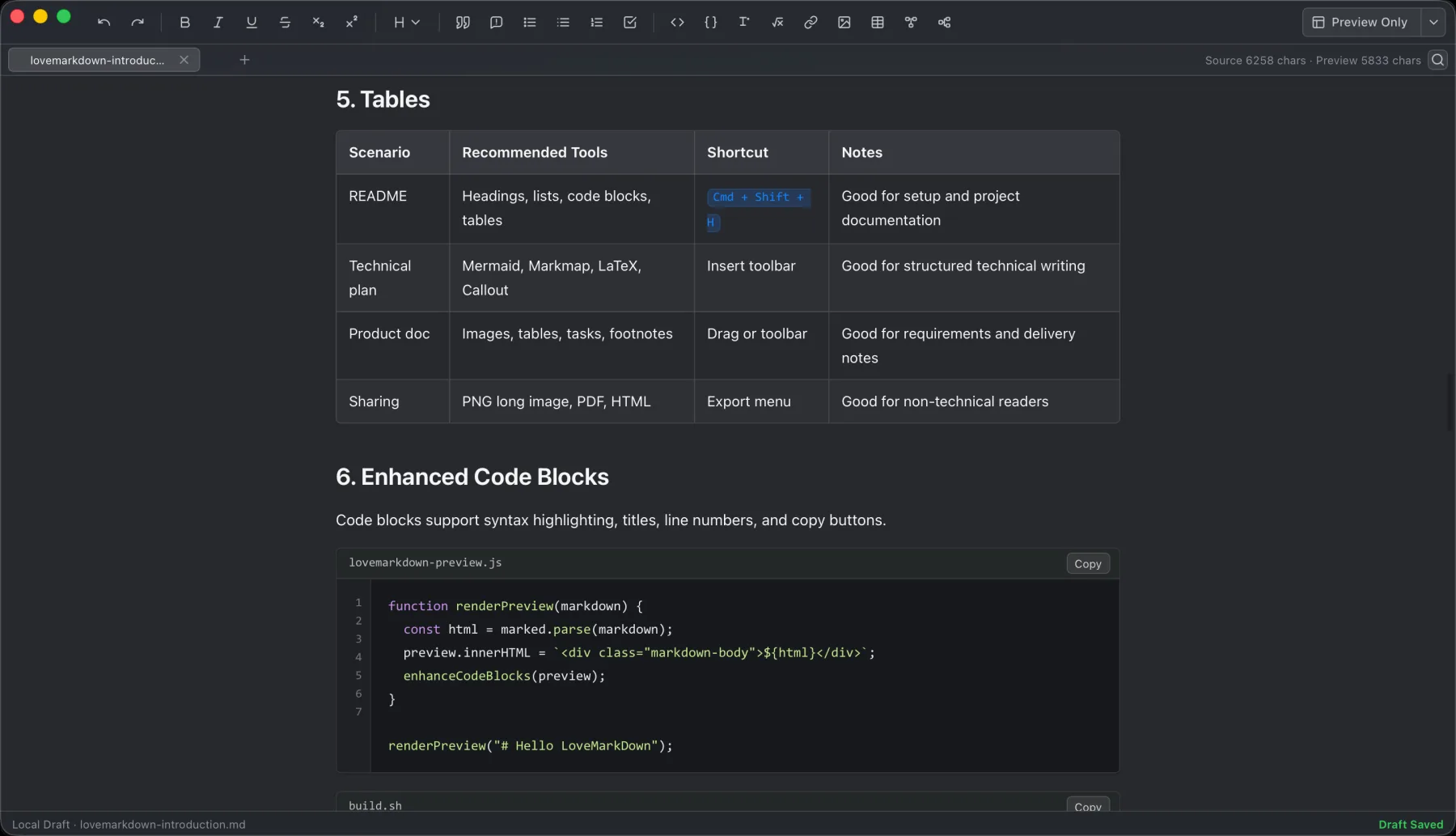
LoveMarkDown 1.2.5 adds a compact path bar, nearby Markdown browsing, and clearer file actions. Choose the universal Direct download or the public Mac App Store release.
Read article LoveMarkDown 1.2.2 adds an explicit way to ask macOS to use LoveMarkDown as the default editor for common Markdown file extensions, plus more reliable Finder Open With registration.
Read article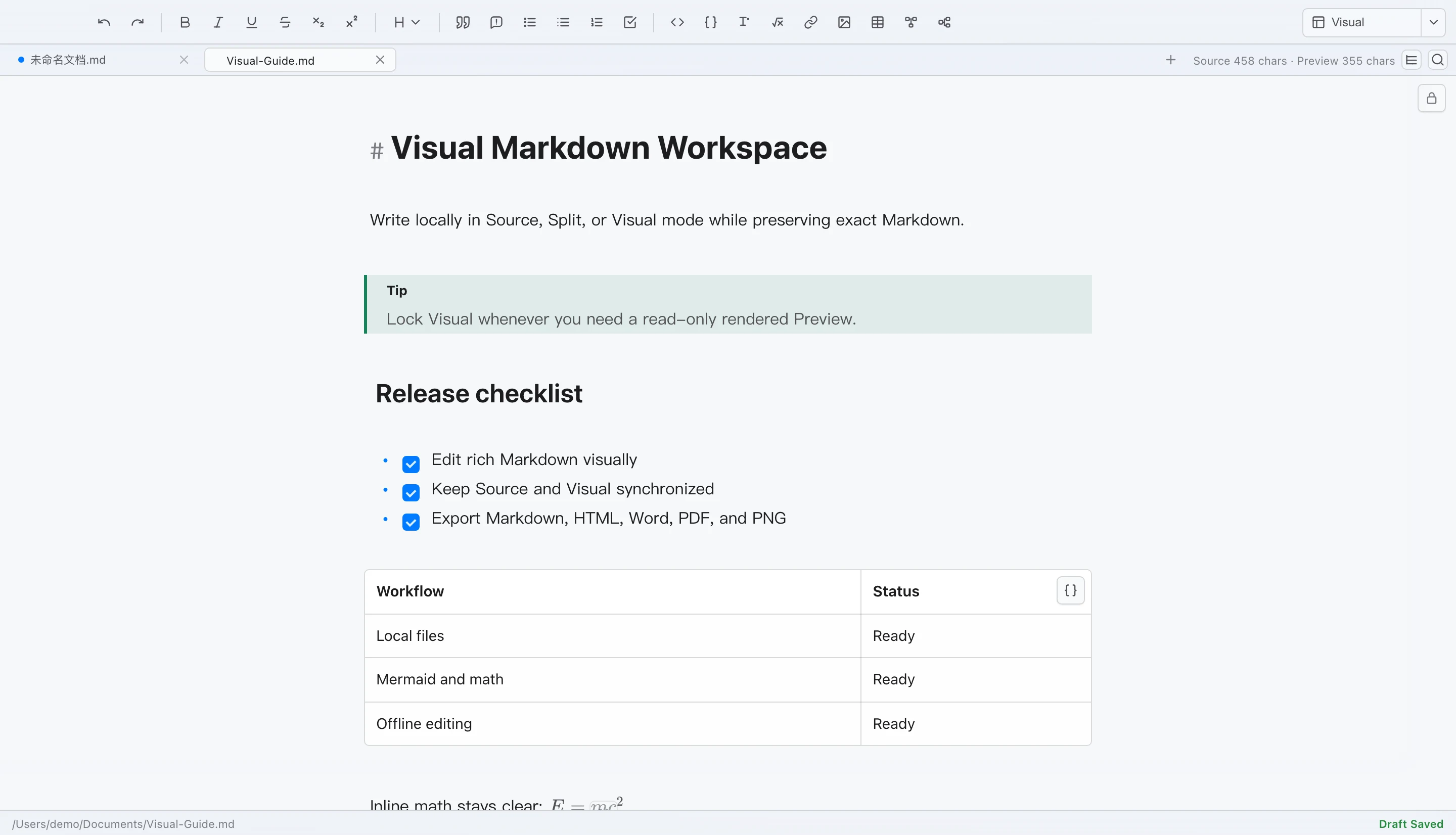
LoveMarkDown 1.2 adds editable Visual Markdown, Source and Split modes, rich technical content, synchronized workflows, and safer local file saving on Mac.
Read articleChoose the Mac App Store for installation without Accessibility, or Direct for optional active-window controls.