
Check your Mac and camera
Compare Apple Silicon and Intel downloads, macOS requirements, and USB, RTSP, or ONVIF source support.
Endoscope workflows often benefit from local-first tools when the job is short, technical, and device-adjacent. Fast setup, clear capture, and plain file handling usually matter more than cloud-heavy operational layers.
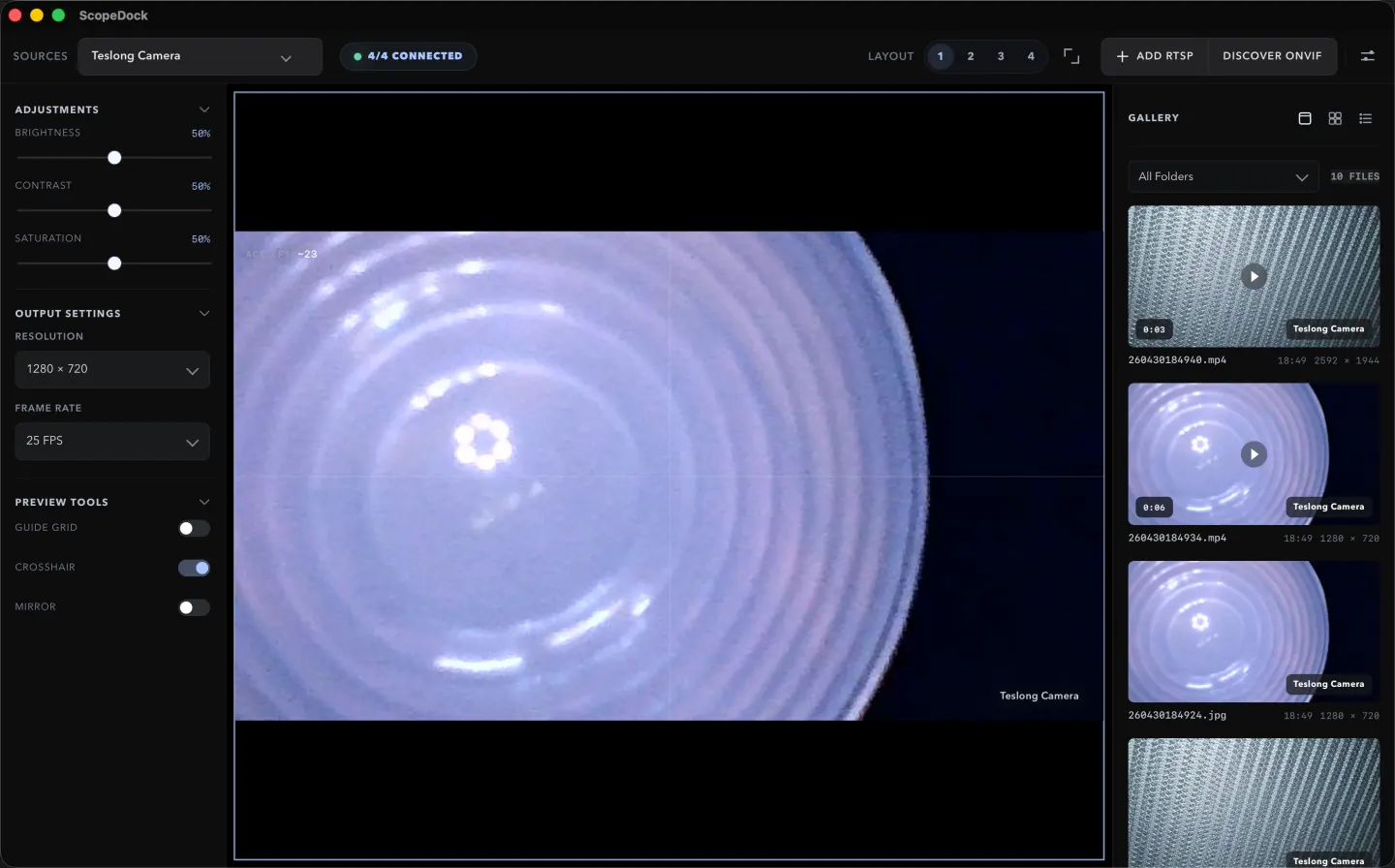
ScopeDock keeps camera preview, snapshots, and short recordings in a focused Mac workspace.
Endoscope workflows often benefit from local-first tools when the job is short, technical, and device-adjacent. Fast setup, clear capture, and plain file handling usually matter more than cloud-heavy operational layers. That makes endoscope work a strong fit for a calmer inspection-oriented product category.
Endoscope sessions are often narrow, practical, and time-sensitive. Someone needs to inspect an internal area, verify a condition, capture evidence, and move on. That is different from a workflow built around continuous viewing, remote coordination, or a large live-operations dashboard.
For many endoscope workflows, the most valuable software traits are:
Local-first tooling fits well when the device and the operator are in the same place and the decision loop is short. It reduces unnecessary dependency chains and makes the product easier to understand during setup.
If the main requirement is centralized remote monitoring, distributed access, or a cloud-heavy operations layer, a local-first inspection tool may not be the best category fit even if it can preview the camera.
If your workflow is endoscope-heavy, evaluate ScopeDock through the product page, compatibility page, and support articles together. The right decision depends on the source path, the capture expectations, and whether the task is really local inspection work.
Choose the product, support, compatibility, or privacy path that matches what you need next.
Compare Apple Silicon and Intel downloads, macOS requirements, and USB, RTSP, or ONVIF source support.
Follow permission, USB camera, RTSP URL, authentication, and timeout checks before sending feedback.
Review the product workflow, real screenshots, local capture behavior, and current product boundaries.
More NgSense release notes, setup guides, and local-first workflow articles.
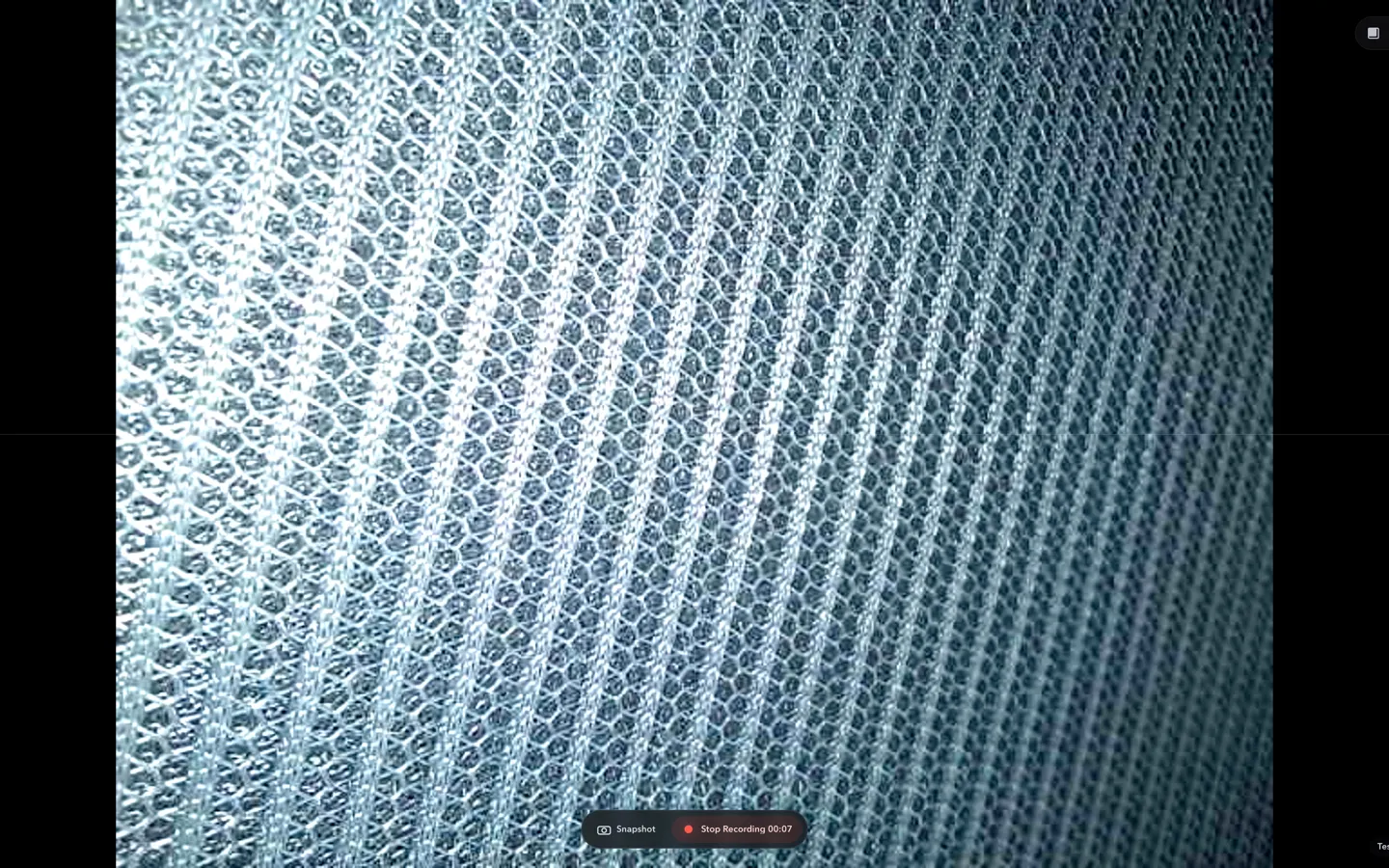
Check whether a USB endoscope exposes standard UVC video to macOS, depends on a vendor-only driver, or is limited to a phone app before choosing Mac camera software.
Read article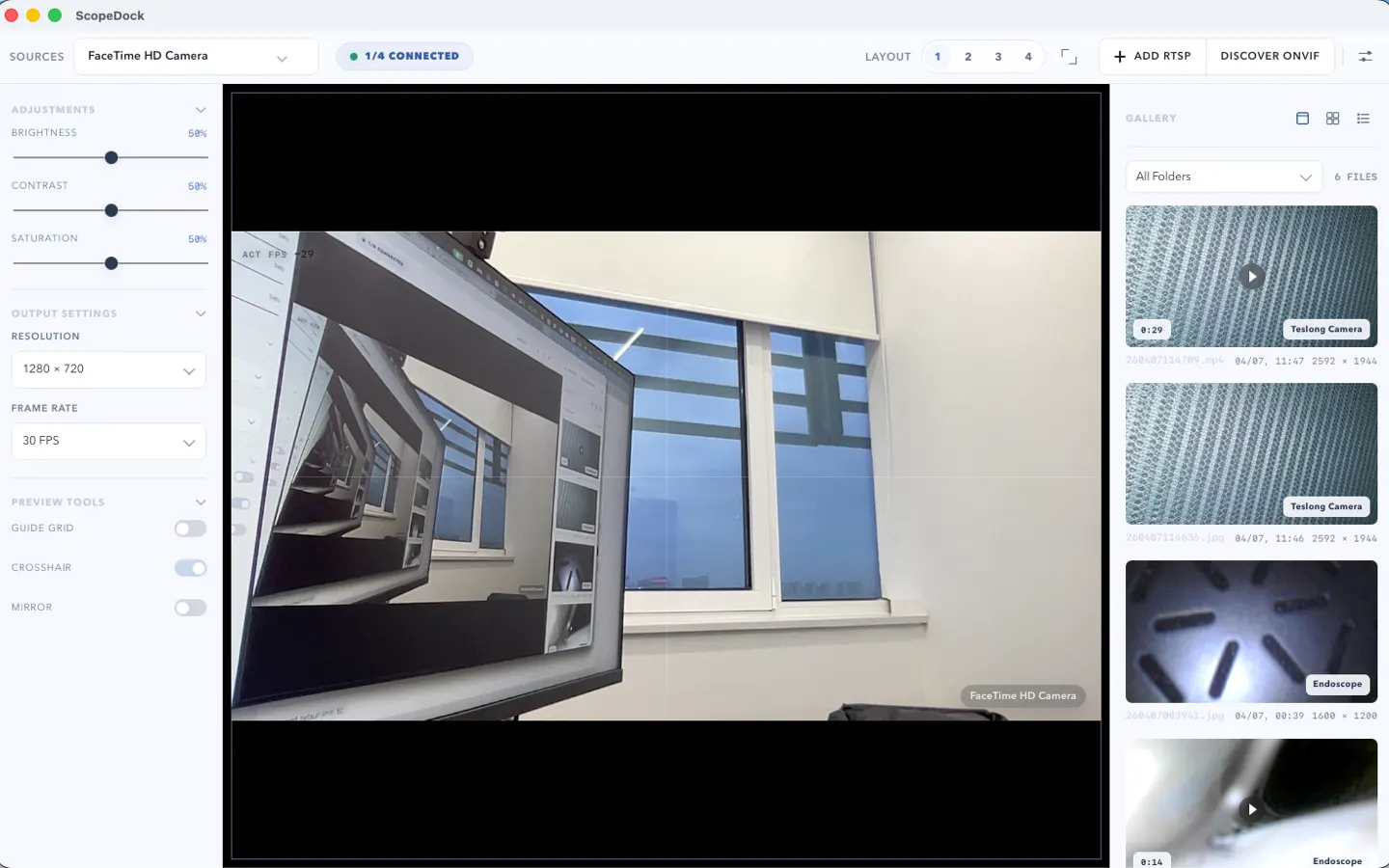
ScopeDock 1.1.1 provides separate direct-download builds for Apple Silicon and Intel Macs while keeping the 1.1 series RTSP preview, snapshot, and recording improvements.
Read article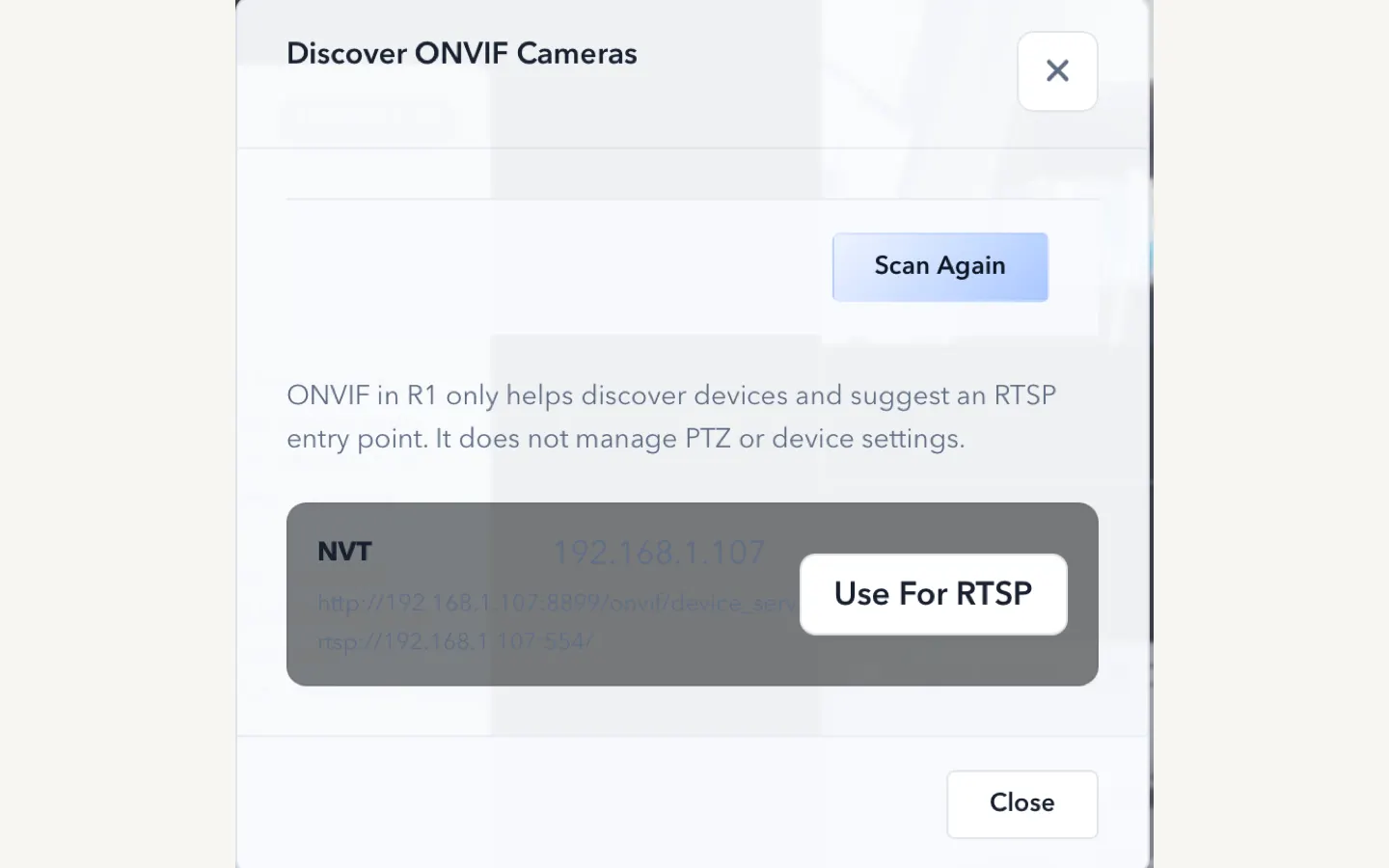
ScopeDock 1.1.0 improves RTSP continuous preview, preview resolution and frame rate choices, recording save reliability, thumbnails, and connection error messages.
Read articleChoose the correct direct download for your Mac, use the Mac App Store, or check compatibility first.