
Check your Mac and camera
Compare Apple Silicon and Intel downloads, macOS requirements, and USB, RTSP, or ONVIF source support.
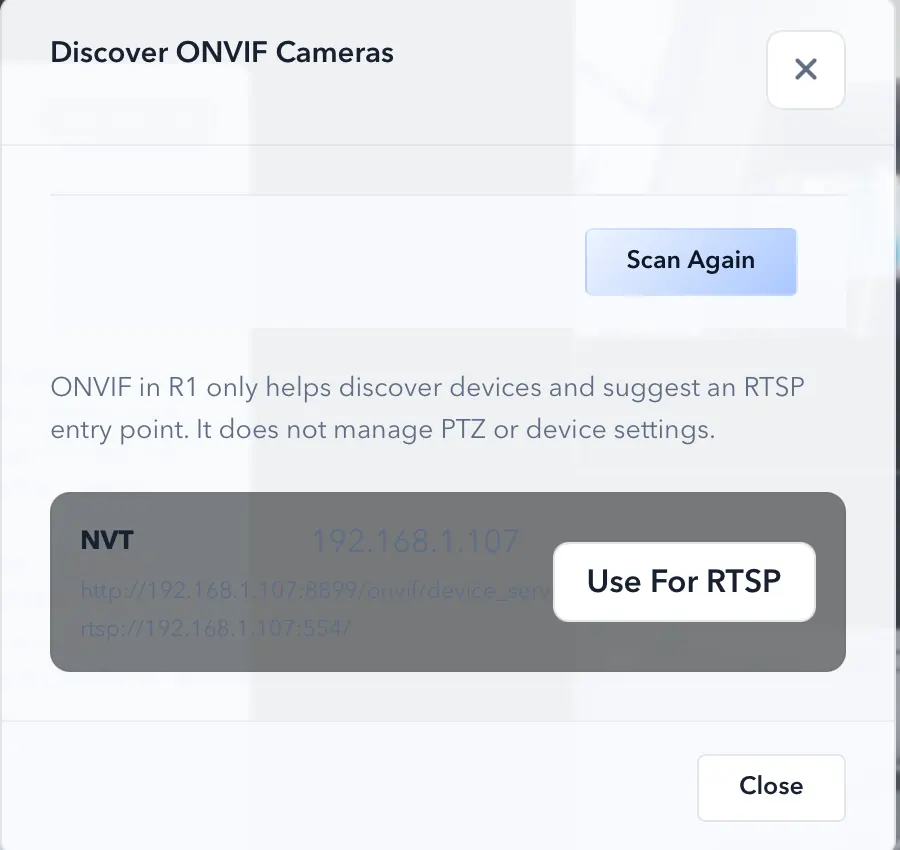
ONVIF discovery and manual RTSP solve different setup problems. ONVIF can make camera onboarding lighter, while RTSP is the direct path when you already know the stream endpoint.
ScopeDock keeps camera preview, snapshots, and short recordings in a focused Mac workspace.
ONVIF discovery and manual RTSP solve different setup problems. ONVIF can make camera onboarding lighter when the device supports standards-based discovery, while RTSP is the direct path when you already know the stream endpoint and only need to add the source. Treating them as the same thing usually makes troubleshooting slower.
ONVIF discovery helps when the device exposes discovery capabilities that reduce setup friction. In a lightweight local-first tool, that is valuable because it keeps the workflow practical without pretending to be a full surveillance platform.
Manual RTSP input is the more literal path. It matters when you already know the source details and want direct access to a network camera stream without waiting for discovery behavior to cooperate.
Many compatibility questions are really setup-path questions. A device can support RTSP and still offer a weak or nonexistent ONVIF experience. A discovery problem does not automatically mean the RTSP path is impossible, and a working stream does not automatically mean discovery will be elegant.
Use the Mac Camera Setup Planner to turn that decision into an ordered checklist. It only records fixed RTSP or ONVIF result buckets in analytics; it never asks for or stores your endpoint, IP address, credentials, device name, or serial number.
Some network devices technically expose a stream but still behave inconsistently in discovery, authentication, or endpoint handling. That is why the site keeps compatibility, support, and troubleshooting close to RTSP and ONVIF messaging.
If your workflow depends on network cameras, compare the download page, support page, and product page together instead of expecting one sentence to answer every device-specific case.
Choose the product, support, compatibility, or privacy path that matches what you need next.
Compare Apple Silicon and Intel downloads, macOS requirements, and USB, RTSP, or ONVIF source support.
Follow permission, USB camera, RTSP URL, authentication, and timeout checks before sending feedback.
Review the product workflow, real screenshots, local capture behavior, and current product boundaries.
More NgSense release notes, setup guides, and local-first workflow articles.
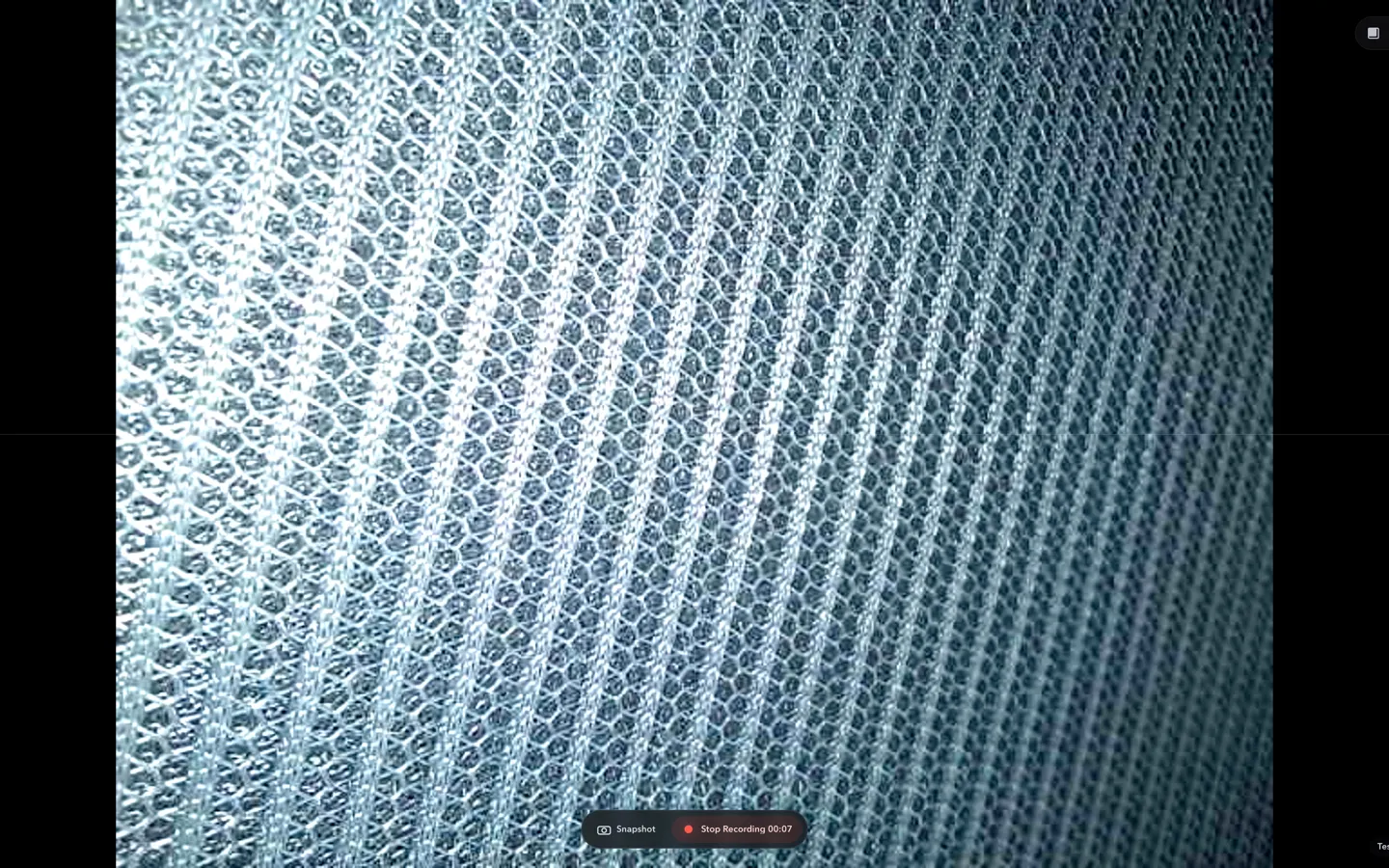
Check whether a USB endoscope exposes standard UVC video to macOS, depends on a vendor-only driver, or is limited to a phone app before choosing Mac camera software.
Read article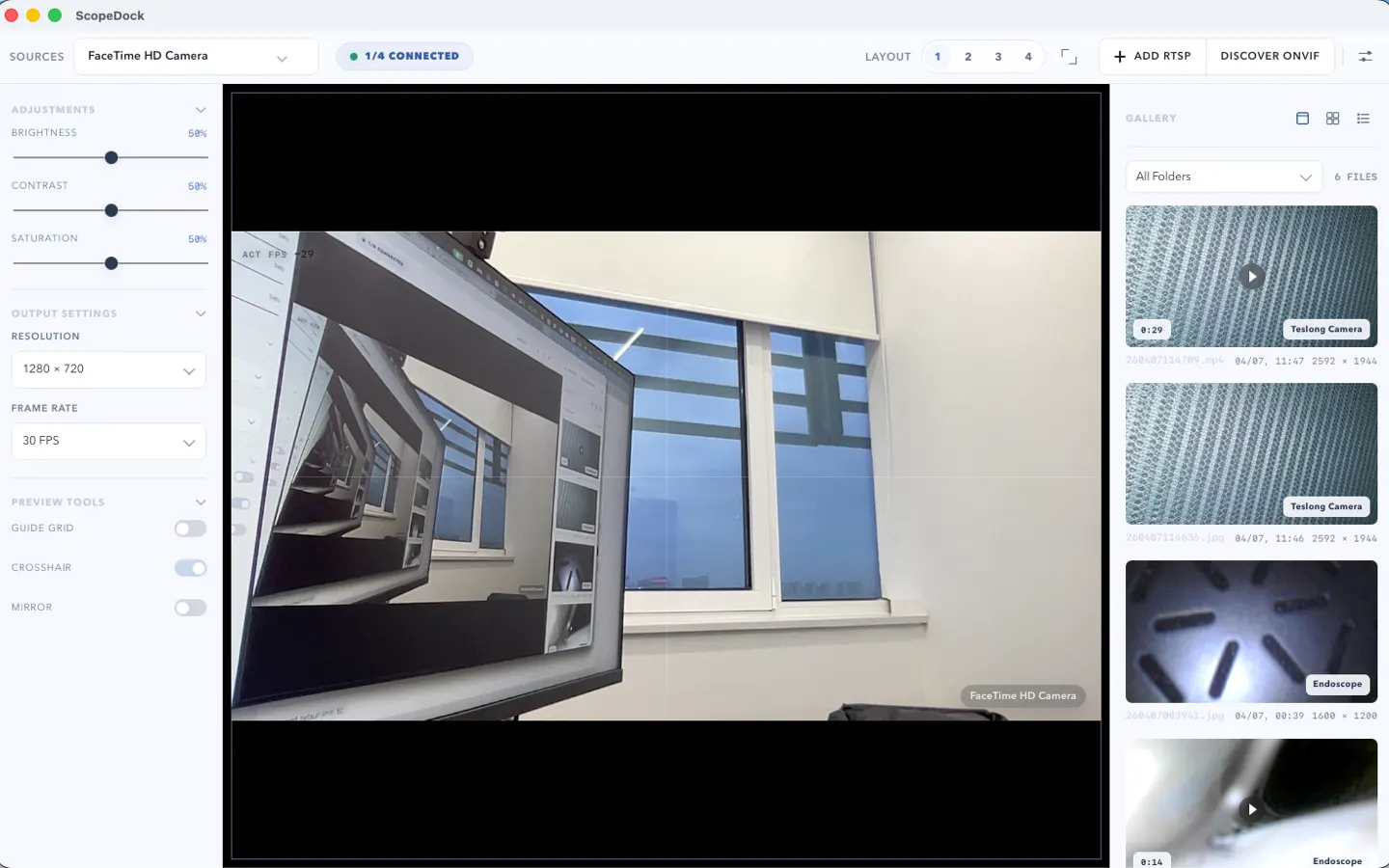
ScopeDock 1.1.1 provides separate direct-download builds for Apple Silicon and Intel Macs while keeping the 1.1 series RTSP preview, snapshot, and recording improvements.
Read article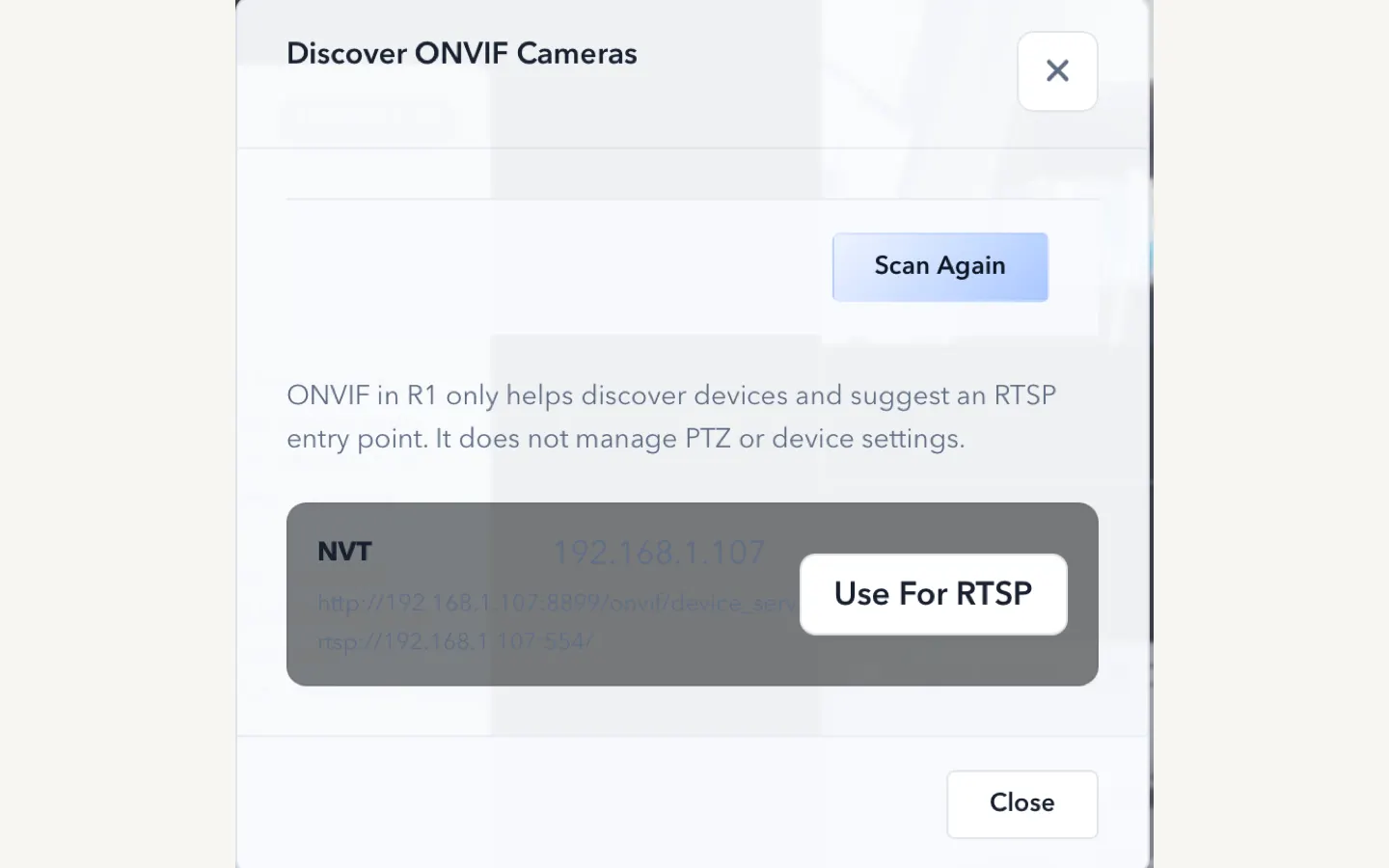
ScopeDock 1.1.0 improves RTSP continuous preview, preview resolution and frame rate choices, recording save reliability, thumbnails, and connection error messages.
Read articleChoose the correct direct download for your Mac, use the Mac App Store, or check compatibility first.